New Trade Zone
Trade Zone is now live
Use the new Trade Zone for auctions and instant-price trades so Pokemon and item offers are easy to find.

Chaoswsad
Registered User
-
Joined
-
Last visited
Everything posted by Chaoswsad
-
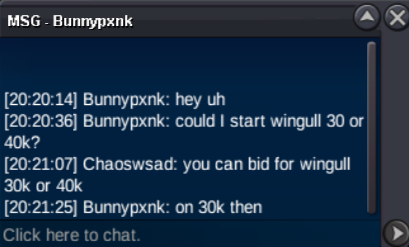
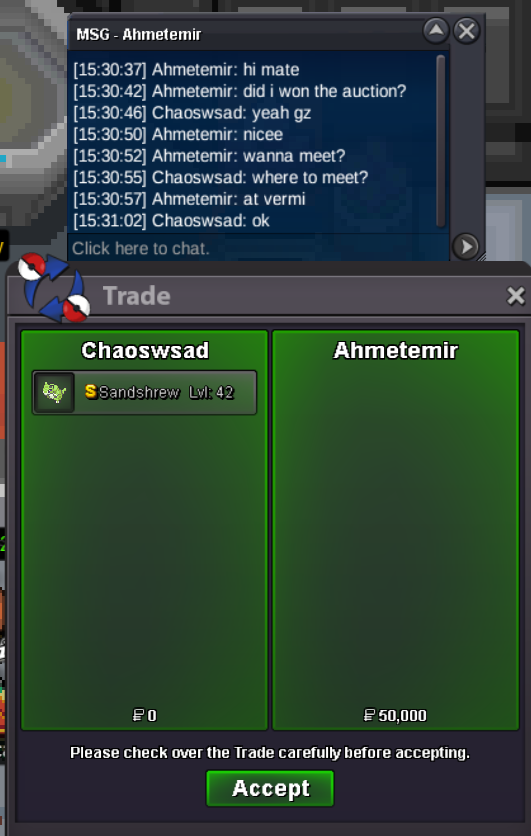
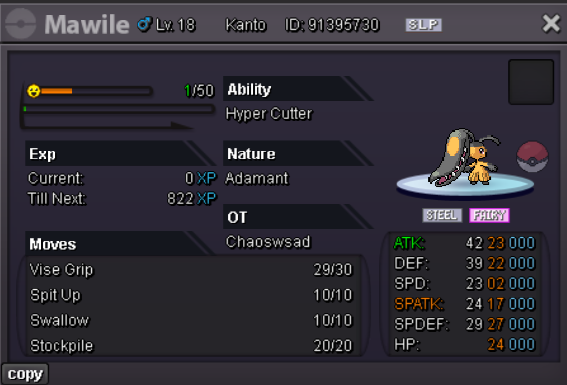
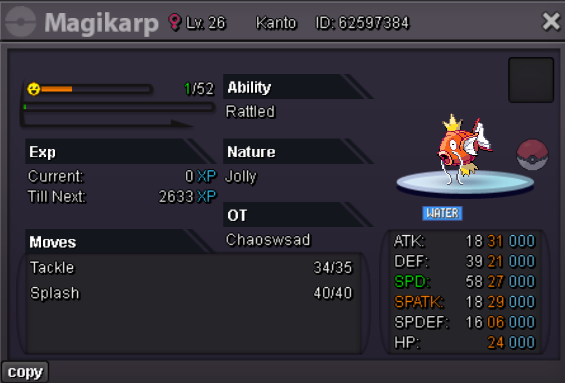
Oops! Something went wrong but I'd like to auction 5 pokemons. No Insta No Bundle Payment: Pokedollars, CC = 500k, IV RR = 700k Duration: 48hrs after first bid on any pokemon (end 1 July 2026 01:05pm UTC+2) C.O. - 50k by Pop3opkl S.O - 50k Min. Bid - 30k C.O. - 100k by Tdat07 S.O. - 20k Min. Bid - 20k C.O. - 50k by Woutje12 S.O. - 20k Min. Bid - 20k C.O. - 20k by Jemin88 S.O. - 20k Min. Bid - 20k C.O. - 40k by Minhnhat09 S.O. - 20k Min. Bid - 20k GL HF
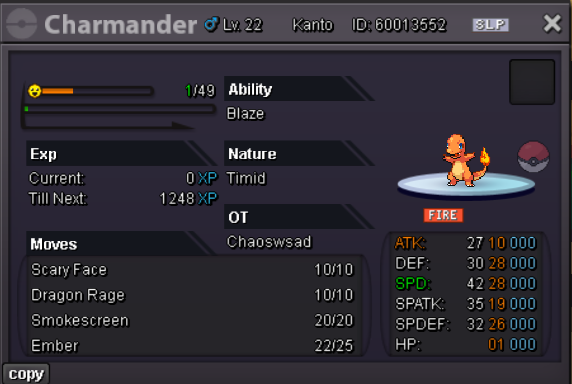
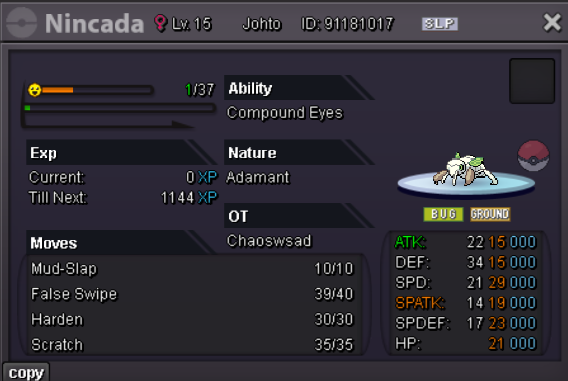
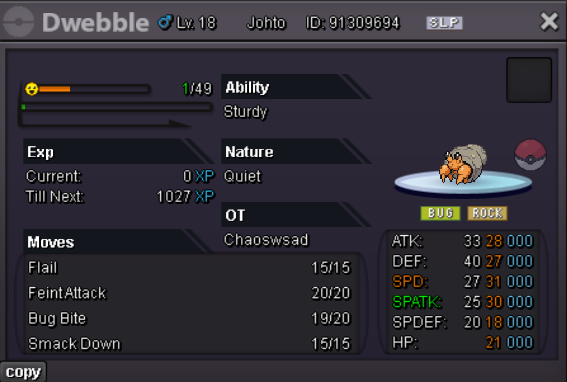
-
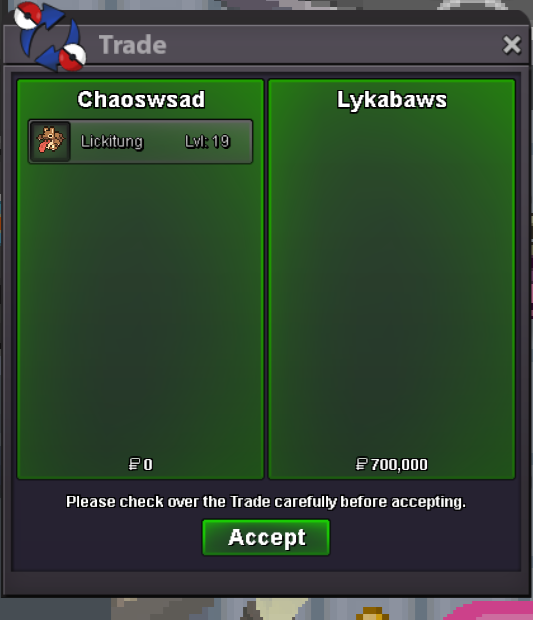
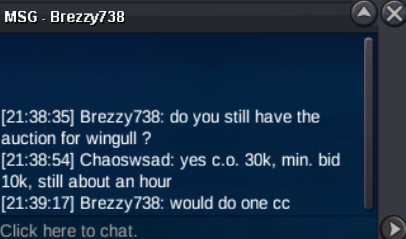
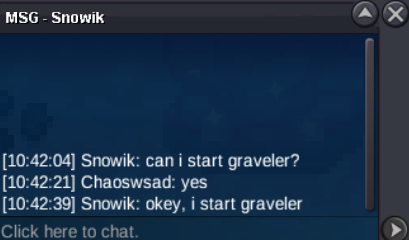
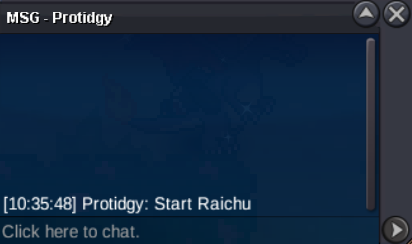
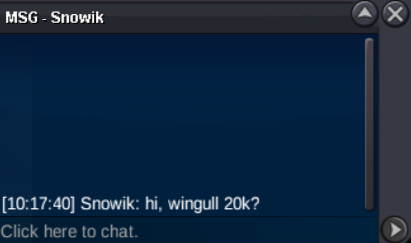
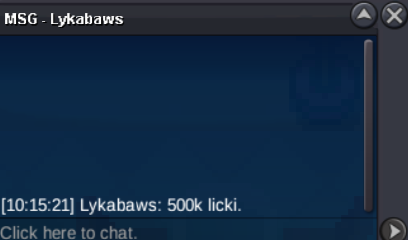
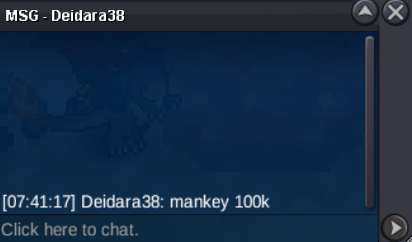
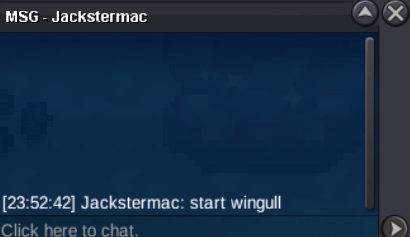
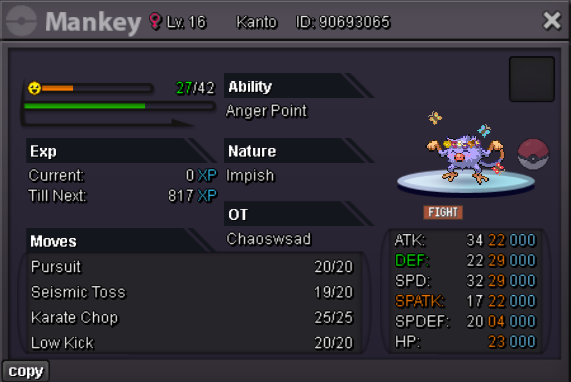
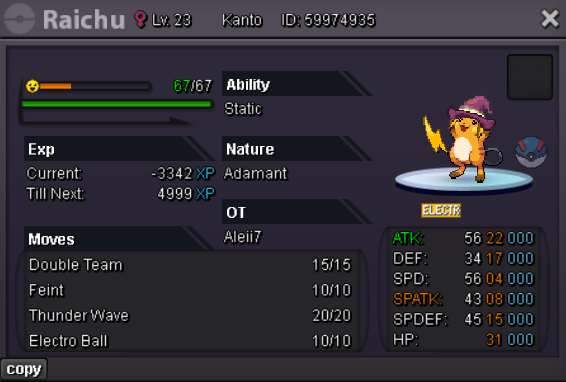
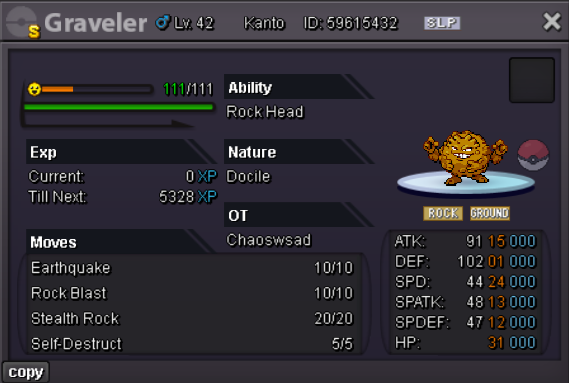
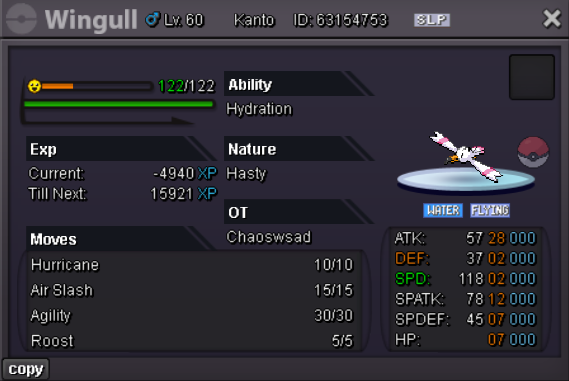
Winners: @Lykabaws - 700k for Easter Lickitung @Deidara38 - 100k for Easter Mankey @Protidgy - 50k for Halloween Raichu @Snowik - 50k for Shiny Graveler (not sure if you are @Snowik45 or @Snowika) @Brezzy738 - 500k (1 CC) for Pink Wingull (same here @Brezzy not sure)Hi I'd like to auction 5 pokemons with special forms. No Insta No Bundle Payment: Pokedollars, CC = 500k, IV RR = 700k Duration: 48hrs after first bid on any pokemon (end 28 June 2026 10:33pm UTC+2) C.O. - 700k by Lykabaws S.O. - 50k Min. Bid - 50k C.O. - 100k by Deidara38 S.O. - 50k Min. Bid - 50k C.O. - 50k by Protidgy S.O. - 50k Min. Bid - 50k C.O. - 50k by Snowik S.O. - 50k Min. Bid - 50k C.O. - 500k by Brezzy738 S.O. - 10k Min. Bid - 10k GL HF
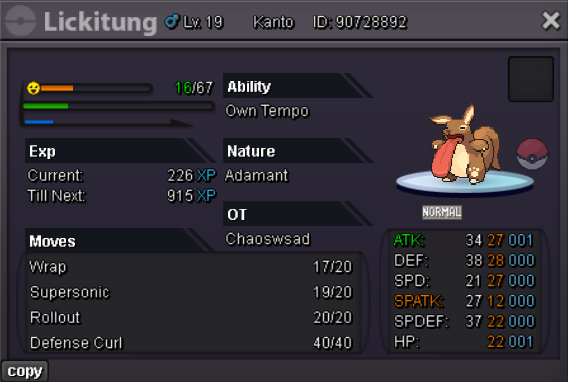
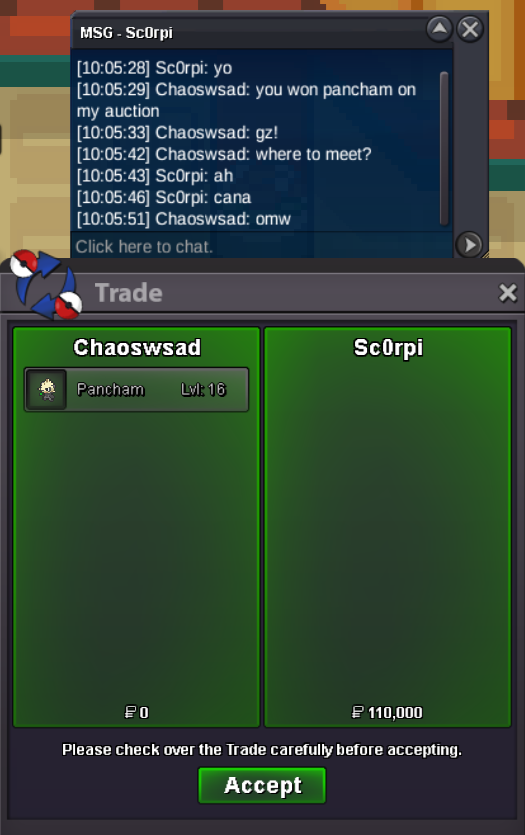
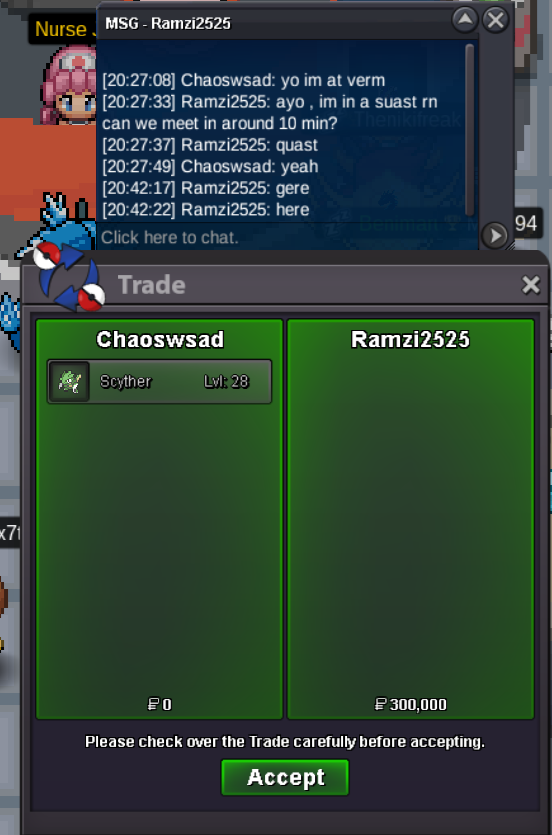
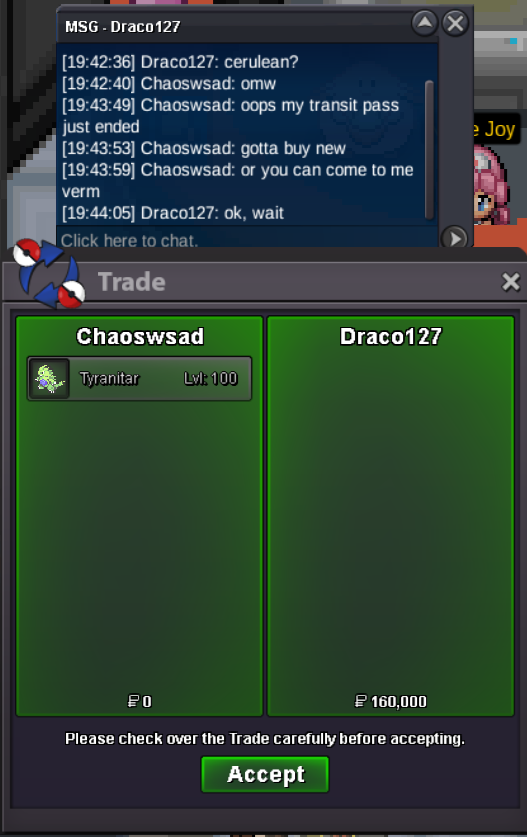
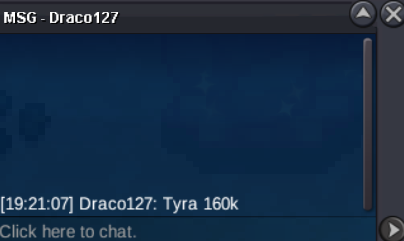
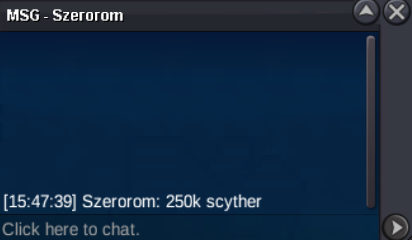
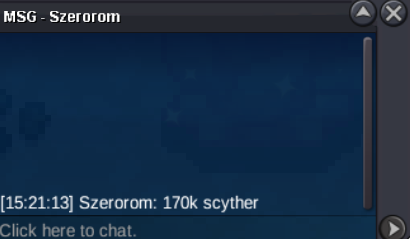
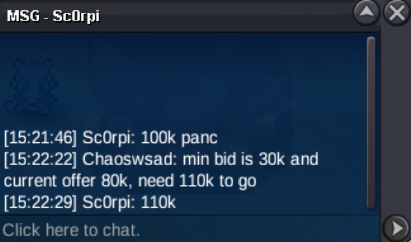
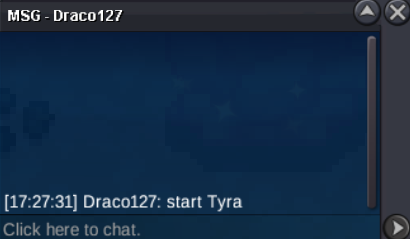
 Winners: @Draco127 - 160k for Tyranitar @Ramzi2525 - 300k for Scyther @Sc0rpi - 110k for Pancham
Account
Navigation
Search
Configure browser push notifications
Chrome (Android)
- Tap the lock icon next to the address bar.
- Tap Permissions → Notifications.
- Adjust your preference.
Chrome (Desktop)
- Click the padlock icon in the address bar.
- Select Site settings.
- Find Notifications and adjust your preference.
Safari (iOS 16.4+)
- Ensure the site is installed via Add to Home Screen.
- Open Settings App → Notifications.
- Find your app name and adjust your preference.
Safari (macOS)
- Go to Safari → Preferences.
- Click the Websites tab.
- Select Notifications in the sidebar.
- Find this website and adjust your preference.
Edge (Android)
- Tap the lock icon next to the address bar.
- Tap Permissions.
- Find Notifications and adjust your preference.
Edge (Desktop)
- Click the padlock icon in the address bar.
- Click Permissions for this site.
- Find Notifications and adjust your preference.
Firefox (Android)
- Go to Settings → Site permissions.
- Tap Notifications.
- Find this site in the list and adjust your preference.
Firefox (Desktop)
- Open Firefox Settings.
- Search for Notifications.
- Find this site in the list and adjust your preference.