New Trade Zone
Trade Zone is now live
Use the new Trade Zone for auctions and instant-price trades so Pokemon and item offers are easy to find.

Chaoswsad
Registered User
-
Joined
-
Last visited
Everything posted by Chaoswsad
-
@Xaltherian when can we meet? you liked my post but didn't give a clue 😛
-
can you answer pm and trade?

-
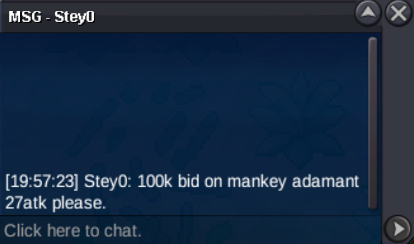
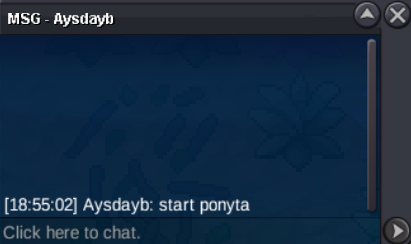
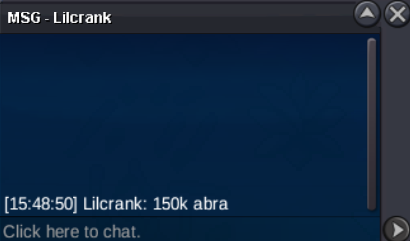
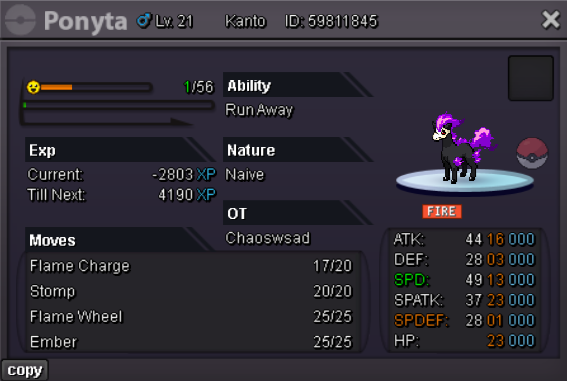
Winners: @Stey0 - 100k for Easter Mankey @Lilcrank - 150k for Shiny Abra @Magikarpsh - 150k for Pink Rhyhorn @Jamesdxc - 100k for Easter Weedle @Aysdayb - 50k for Halloween Ponyta
-
Yes, that will be in around 6 hours here. See ya!
-
i messaged you my online hours. please check them out. if it doesnt suit you lets meet during weekend somehow!Hi I'd like to auction 5 pokemons with special forms. No Insta No Bundle Payment: Pokedollars, CC = 500k, IV RR = 700k Duration: 48hrs after first bid on any pokemon (end 20 June 2026 01:15pm UTC+2) Winner - 100k by Stey0 S.O. - 100k Min. Bid - 50k Winner - 150k by Lilcrank S.O. - 50k Min. Bid - 50k Winner - 150k by Magikarpsh S.O. - 50k Min. Bid - 50k Winner - 100k by Jamesdxc S.O. - 50k Min. Bid - 50k Winner - 50k by Aysdayb S.O. - 50k Min. Bid - 50k GL HF
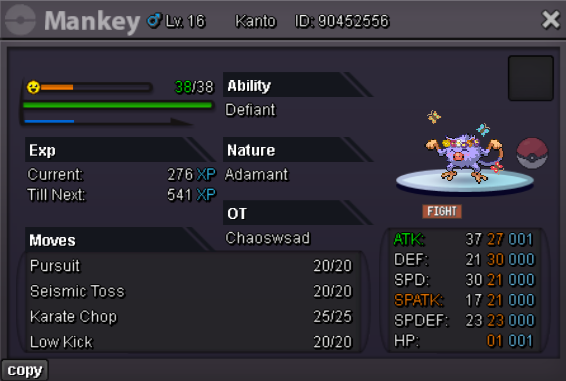
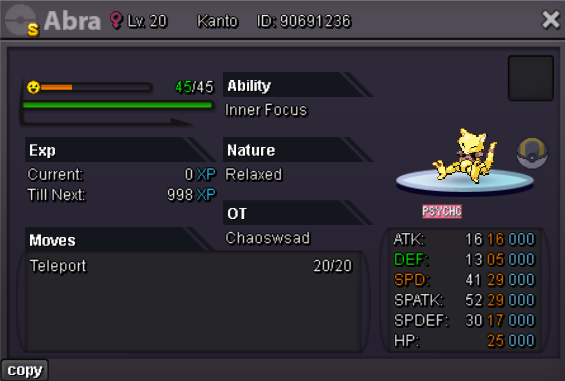
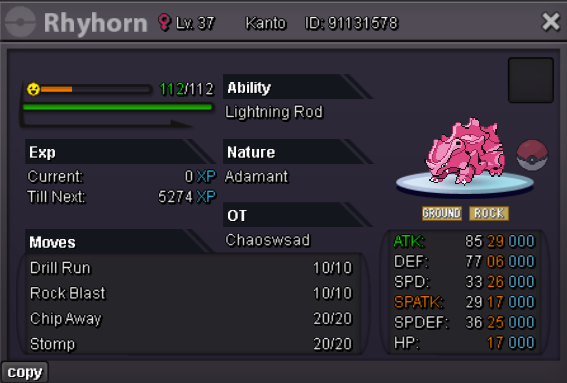
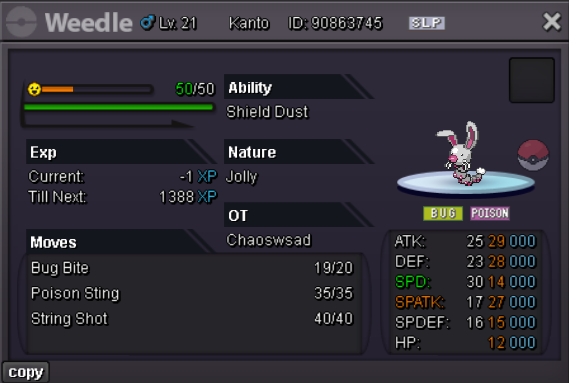
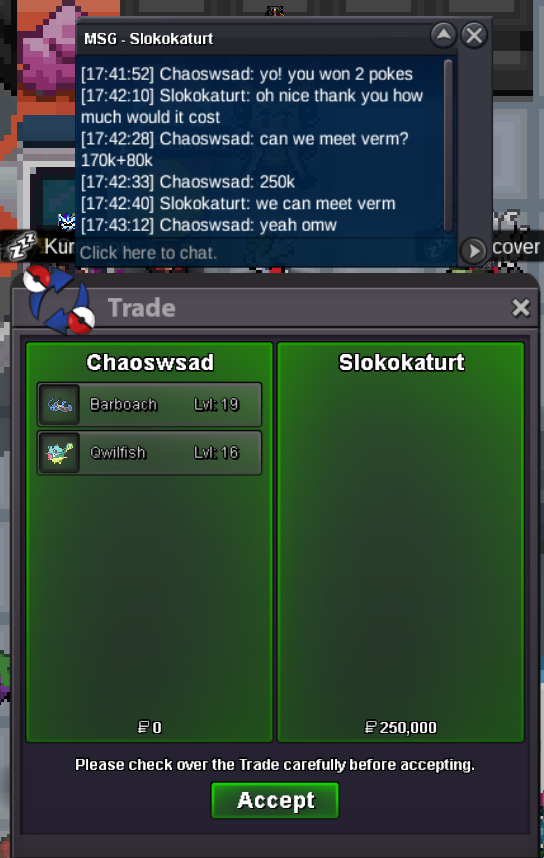
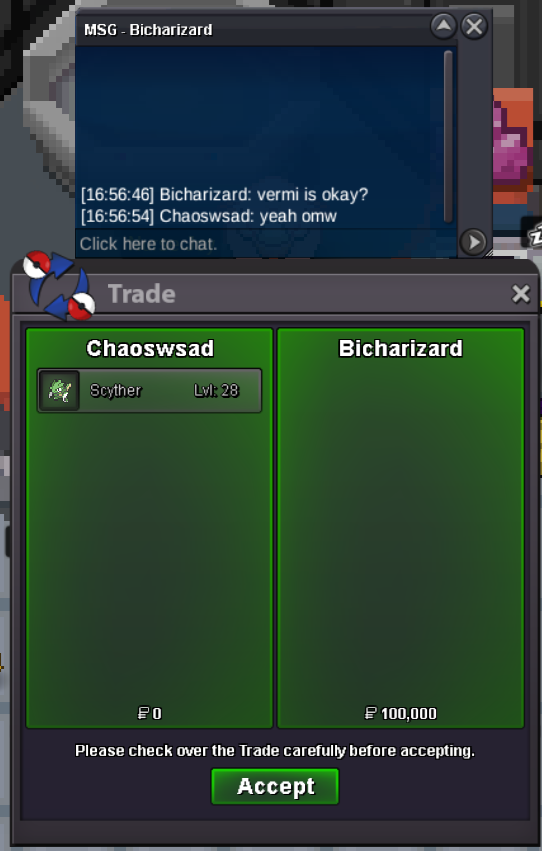
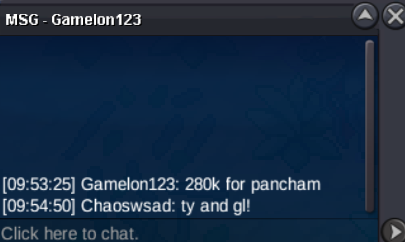
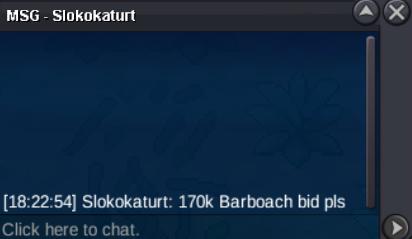
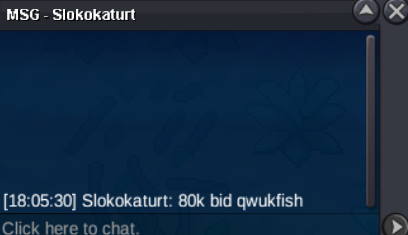
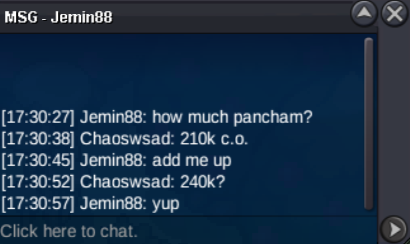
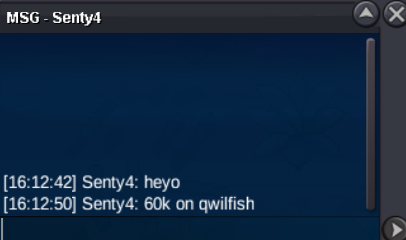
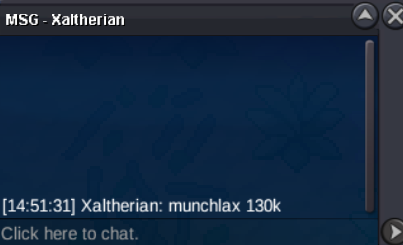
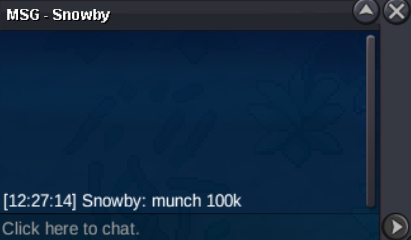
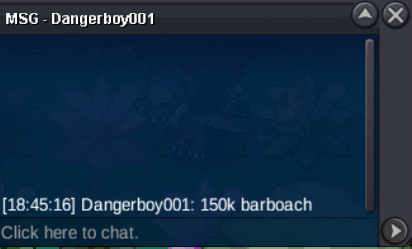
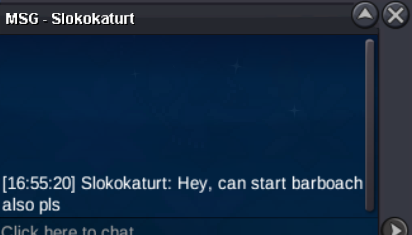
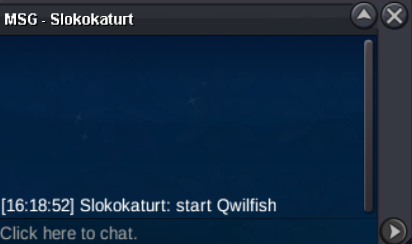
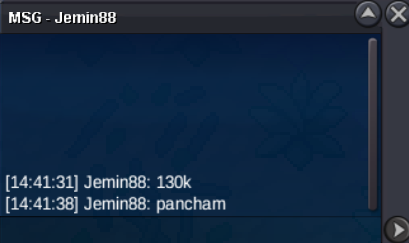
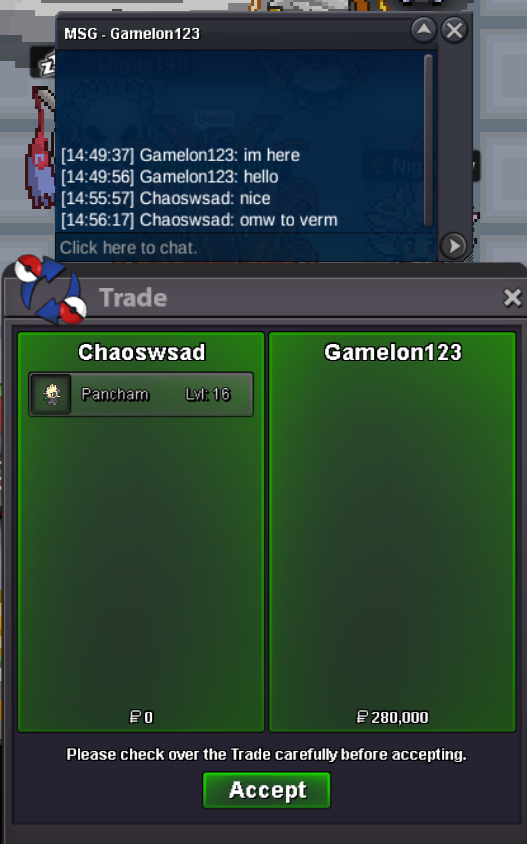
 Winners: @Gamelon123 - 280k for Pancham @Xaltherian - 130k for Munchlax @Bicharizard - 100k for Scyther @Slokokaturt - 170k for Barboach, 80k for Qwilfish
Account
Navigation
Search
Configure browser push notifications
Chrome (Android)
- Tap the lock icon next to the address bar.
- Tap Permissions → Notifications.
- Adjust your preference.
Chrome (Desktop)
- Click the padlock icon in the address bar.
- Select Site settings.
- Find Notifications and adjust your preference.
Safari (iOS 16.4+)
- Ensure the site is installed via Add to Home Screen.
- Open Settings App → Notifications.
- Find your app name and adjust your preference.
Safari (macOS)
- Go to Safari → Preferences.
- Click the Websites tab.
- Select Notifications in the sidebar.
- Find this website and adjust your preference.
Edge (Android)
- Tap the lock icon next to the address bar.
- Tap Permissions.
- Find Notifications and adjust your preference.
Edge (Desktop)
- Click the padlock icon in the address bar.
- Click Permissions for this site.
- Find Notifications and adjust your preference.
Firefox (Android)
- Go to Settings → Site permissions.
- Tap Notifications.
- Find this site in the list and adjust your preference.
Firefox (Desktop)
- Open Firefox Settings.
- Search for Notifications.
- Find this site in the list and adjust your preference.