




New Trade Zone
Trade Zone is now live
Use the new Trade Zone for auctions and instant-price trades so Pokemon and item offers are easy to find.


Keabu
Registered User
-
Joined
-
Last visited
Everything posted by Keabu
-
-
bump ! 10 hours and 17 minutes left.
-
-
@tejkkapadia123 Ok c.o 500k by Tejkkapadia123. 47 hours and 43 minutes remaining. COUNTDOWN
-
bump! lowered S.O
-
SOLD TO @I3oa for 800k 100k minimum bid The auction will last 48h after the first bid. Fake bids will be reported. (if you're coming from Silver you must transfer to the Gold server)

-
bump (added 3 swinubs, 1 sandile and 1 skrelp)
-
I'm afraid not, I only sell pokemons here.
-
-
bumpbump !bumpSorry for the inconvenience, all pics should be fixed now.original artwork by asteroid_ill Hello and welcome to my shop ! - ACCEPTED CURRENCIES - Pokedollars Reroll Ticket - 550k Nature Reroll - 275k Coin Capsule - 400k Masterball - 60k Rare Candy - 7k - CONTACT - IGN - Keabu [SILVER] Discord - keeb99 - RULES - 1 - Any fake offer will be reported. 2 - Be careful! You can't cancel your offer. 3 - Buyers from the Gold server are welcome but they must transfer themselves to the Silver server. 4 - No auctions here, only fixed insta prices. 5 - Items displayed are not included in the purchases. - UNTRAINED POKEMONS - - TRAINED POKEMONS - - CHANGELOG -


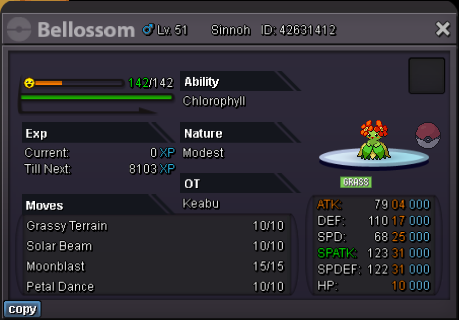
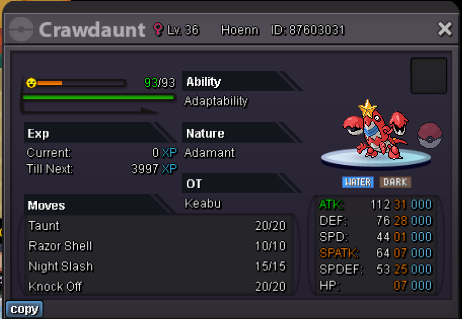
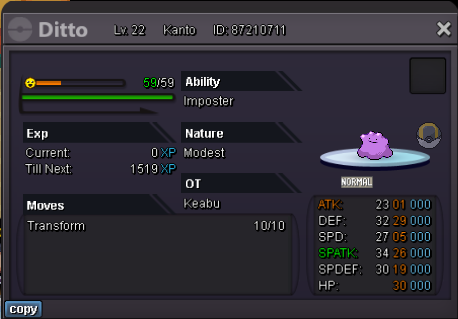
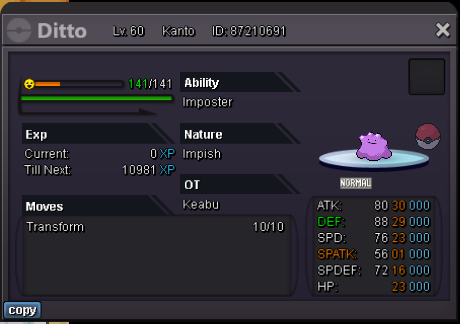
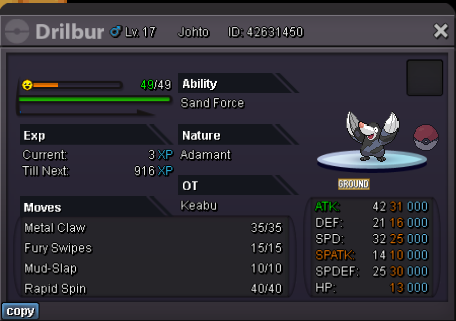
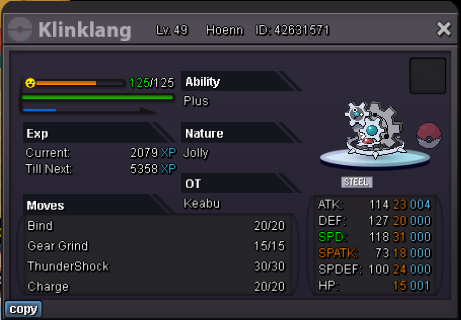
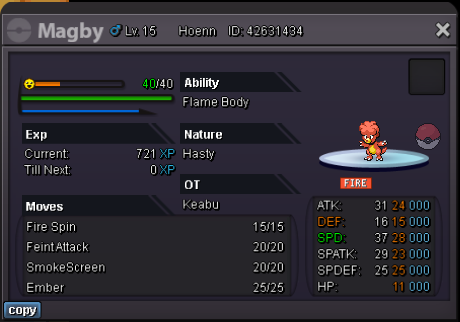
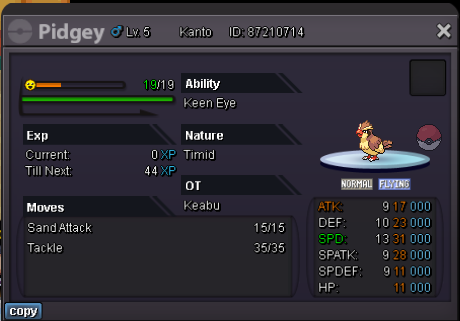
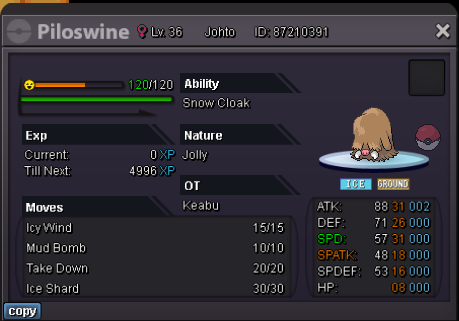
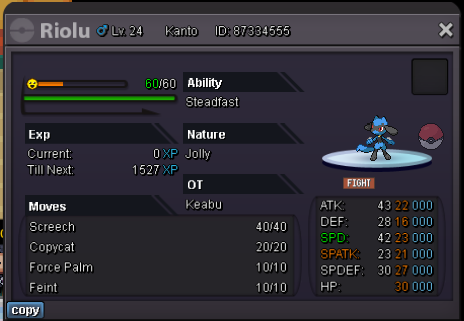
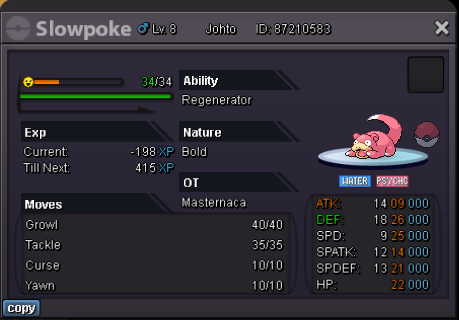
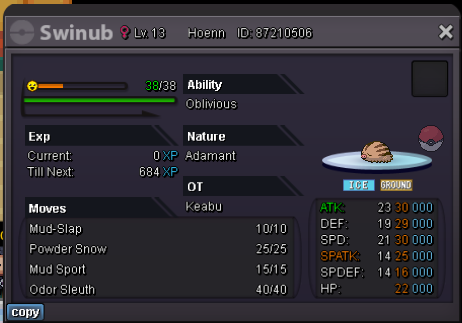
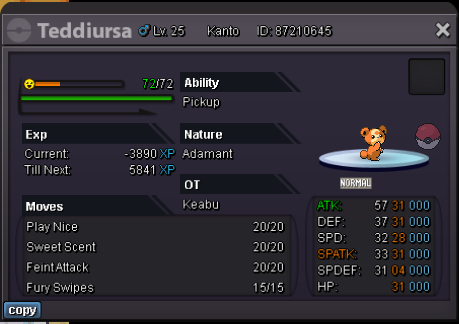
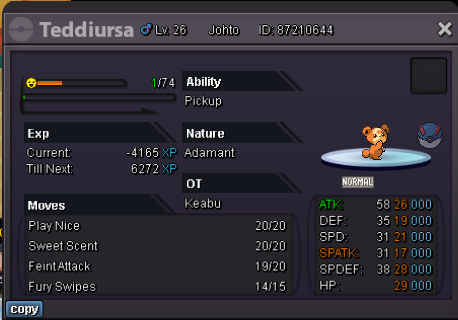
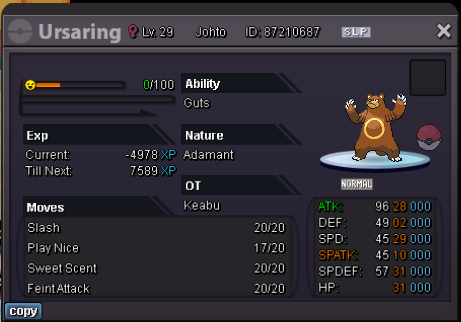
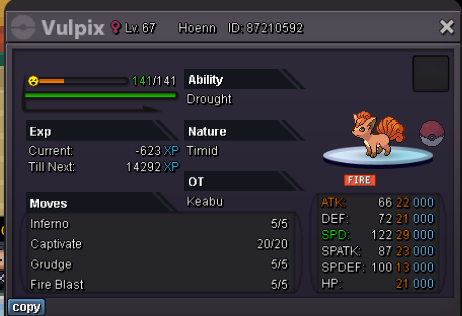
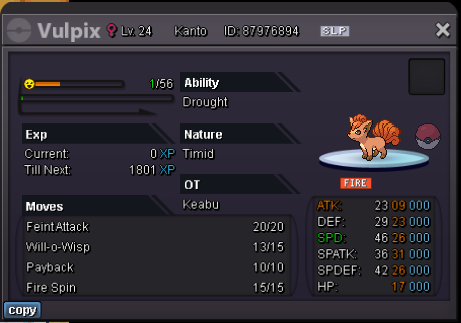
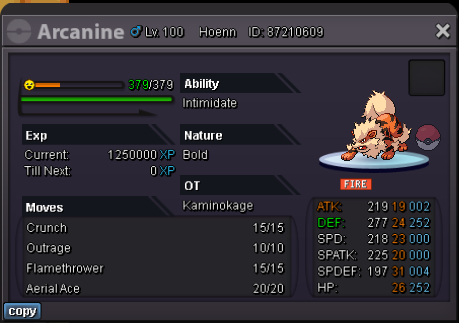

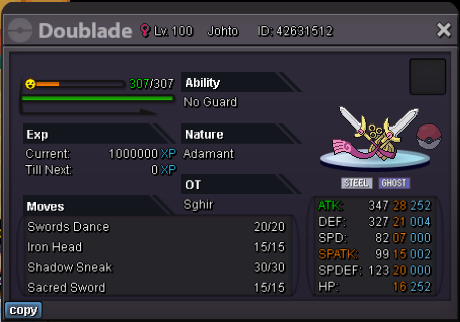
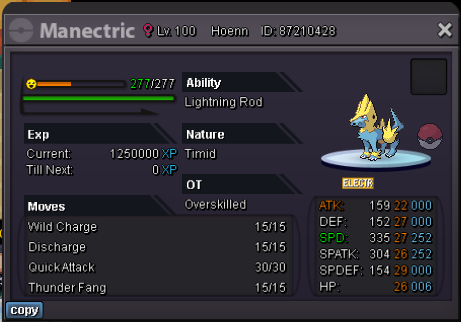
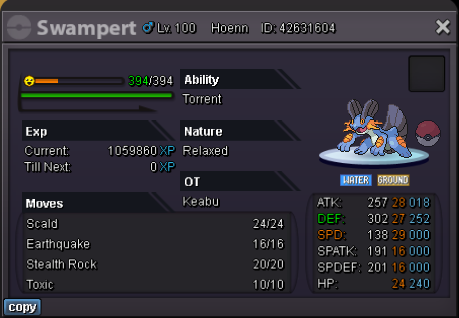 Hi, Looking for an adamant 25+ atk/speed 20+ other stats pawniard / bisharp. (DEFIANT IS MANDATORY) Feel free to pm me on discord (or here) Keeb#9315

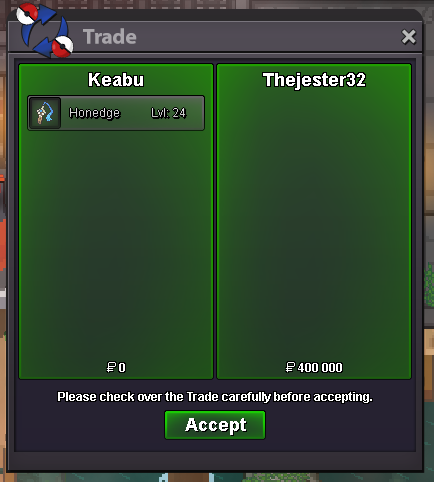

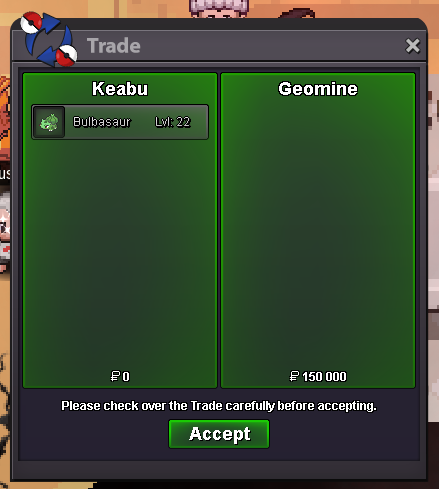
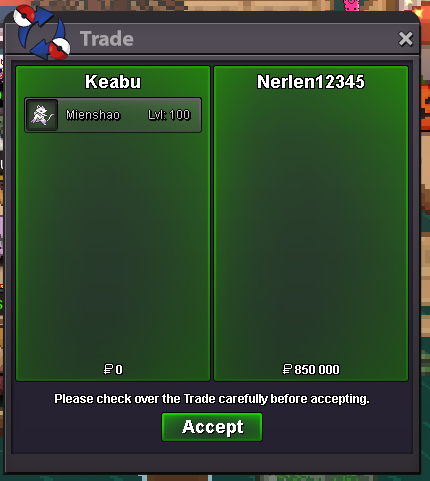
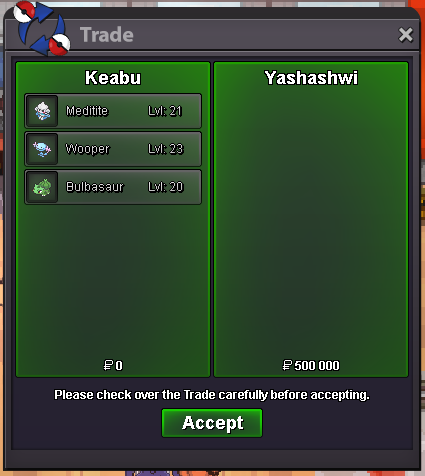
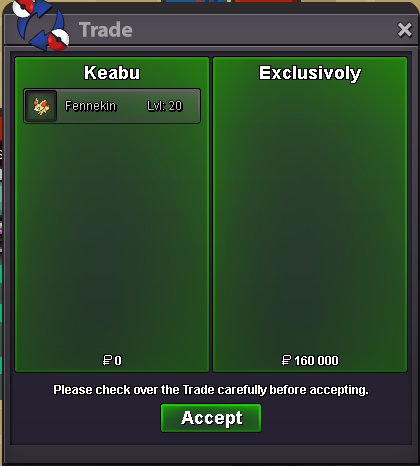
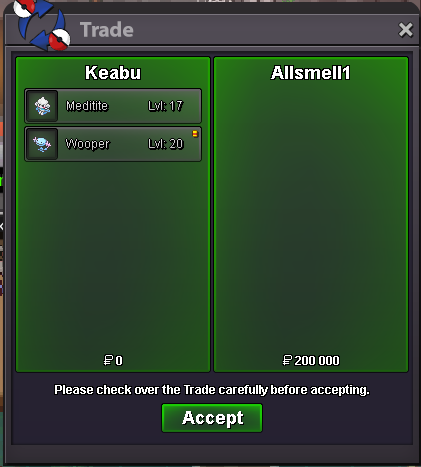


Account
Navigation
Search
Configure browser push notifications
Chrome (Android)
- Tap the lock icon next to the address bar.
- Tap Permissions → Notifications.
- Adjust your preference.
Chrome (Desktop)
- Click the padlock icon in the address bar.
- Select Site settings.
- Find Notifications and adjust your preference.
Safari (iOS 16.4+)
- Ensure the site is installed via Add to Home Screen.
- Open Settings App → Notifications.
- Find your app name and adjust your preference.
Safari (macOS)
- Go to Safari → Preferences.
- Click the Websites tab.
- Select Notifications in the sidebar.
- Find this website and adjust your preference.
Edge (Android)
- Tap the lock icon next to the address bar.
- Tap Permissions.
- Find Notifications and adjust your preference.
Edge (Desktop)
- Click the padlock icon in the address bar.
- Click Permissions for this site.
- Find Notifications and adjust your preference.
Firefox (Android)
- Go to Settings → Site permissions.
- Tap Notifications.
- Find this site in the list and adjust your preference.
Firefox (Desktop)
- Open Firefox Settings.
- Search for Notifications.
- Find this site in the list and adjust your preference.