New Trade Zone
Trade Zone is now live
Use the new Trade Zone for auctions and instant-price trades so Pokemon and item offers are easy to find.

R3ap3r350x
Registered User
-
Joined
-
Last visited
Everything posted by R3ap3r350x
-
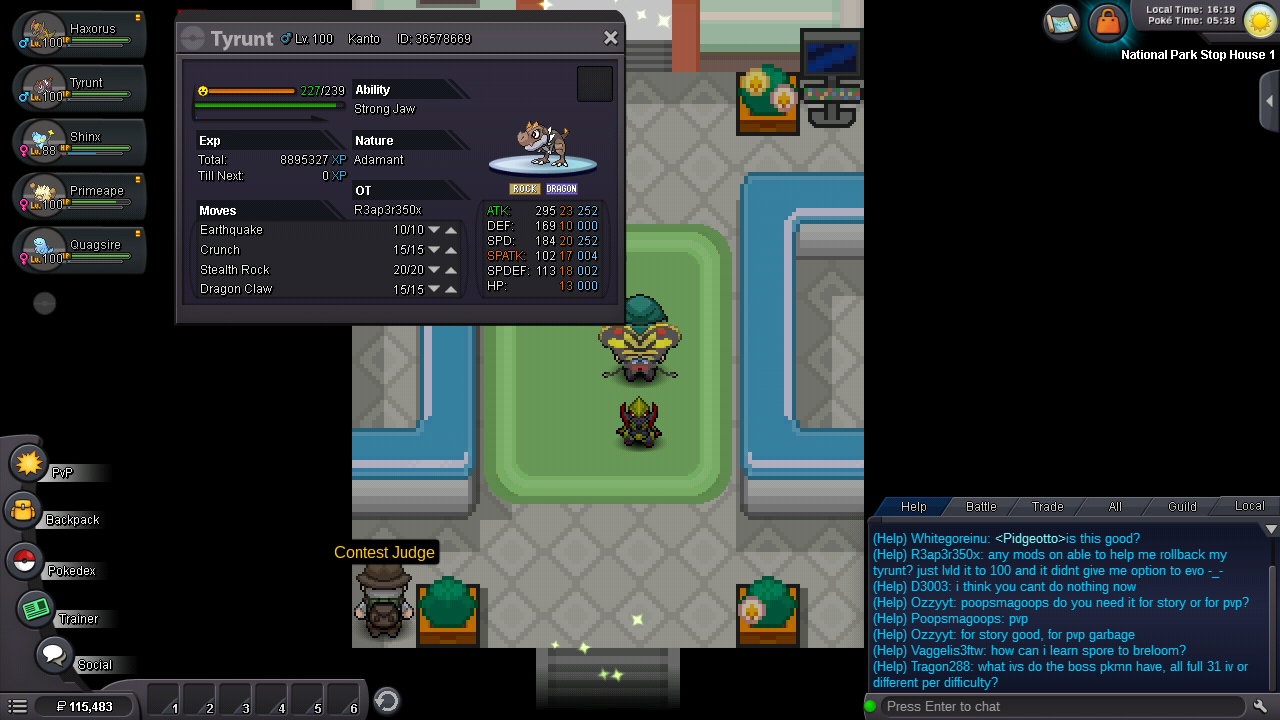
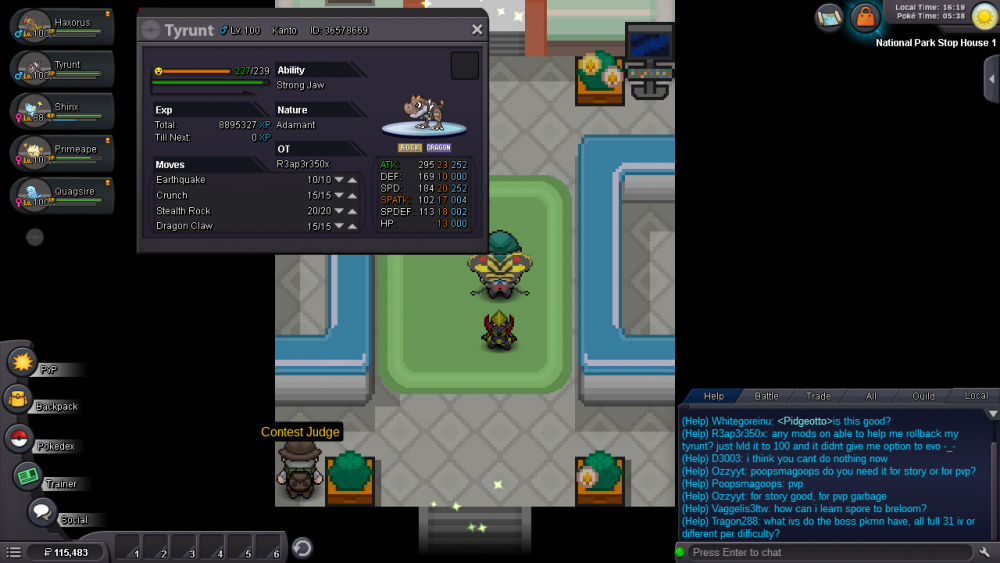
Server: silver Ign: R3AP3R350X Just lvled this guy up to 100 figured the suns out should be good, didn't get the notification to evo it :/
-
Kinda puts me at a standstill though because I don't want to overload the bug and actually lose anything
-
Should say pics attached on forum post my bad
-
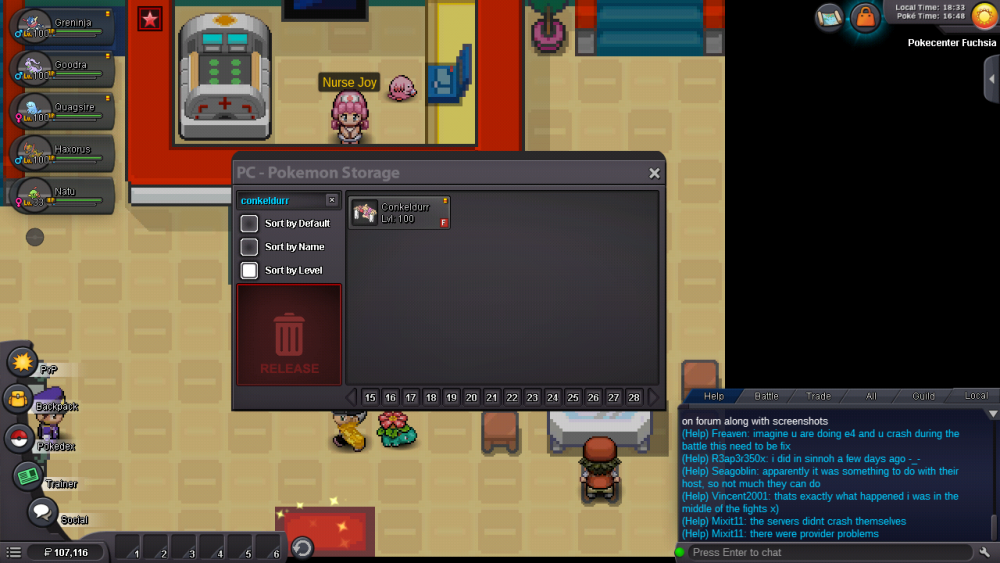
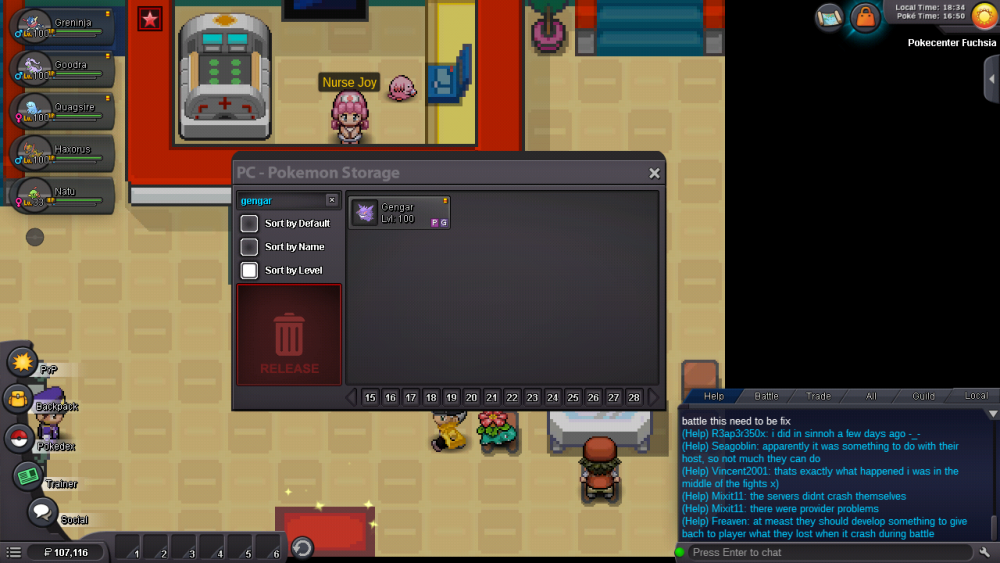
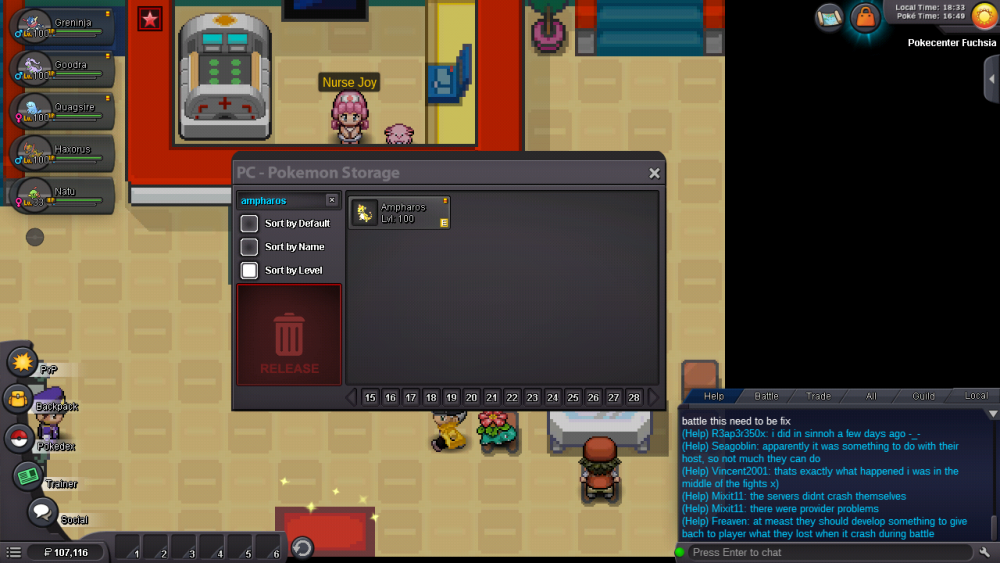
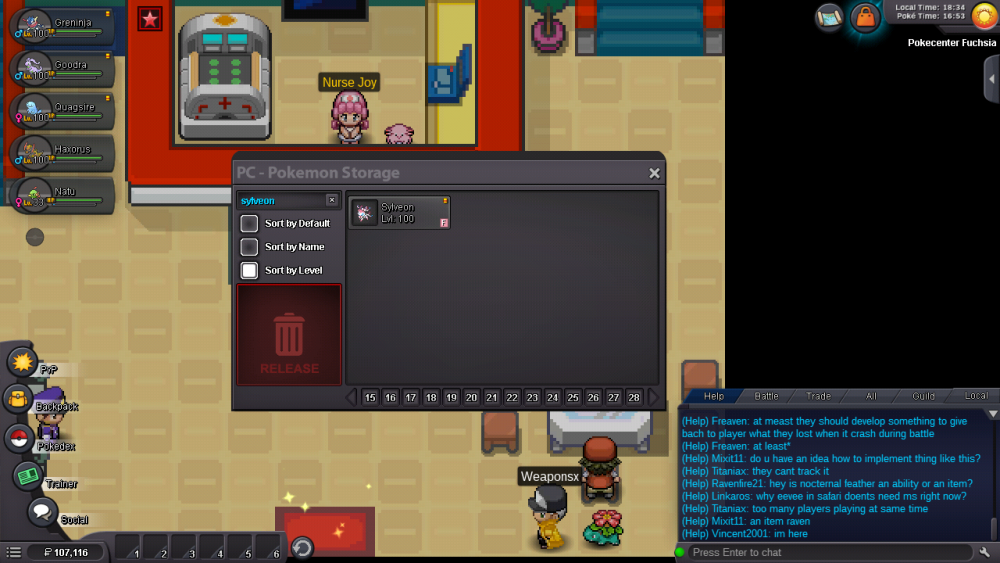
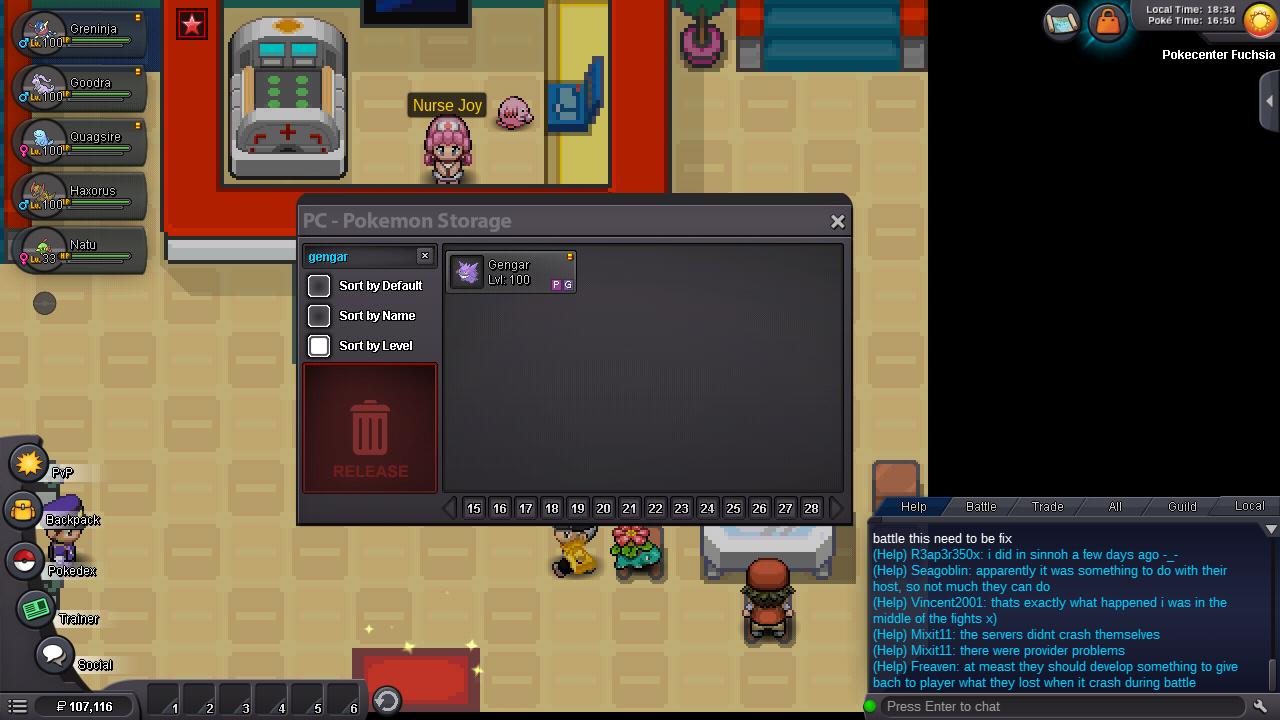
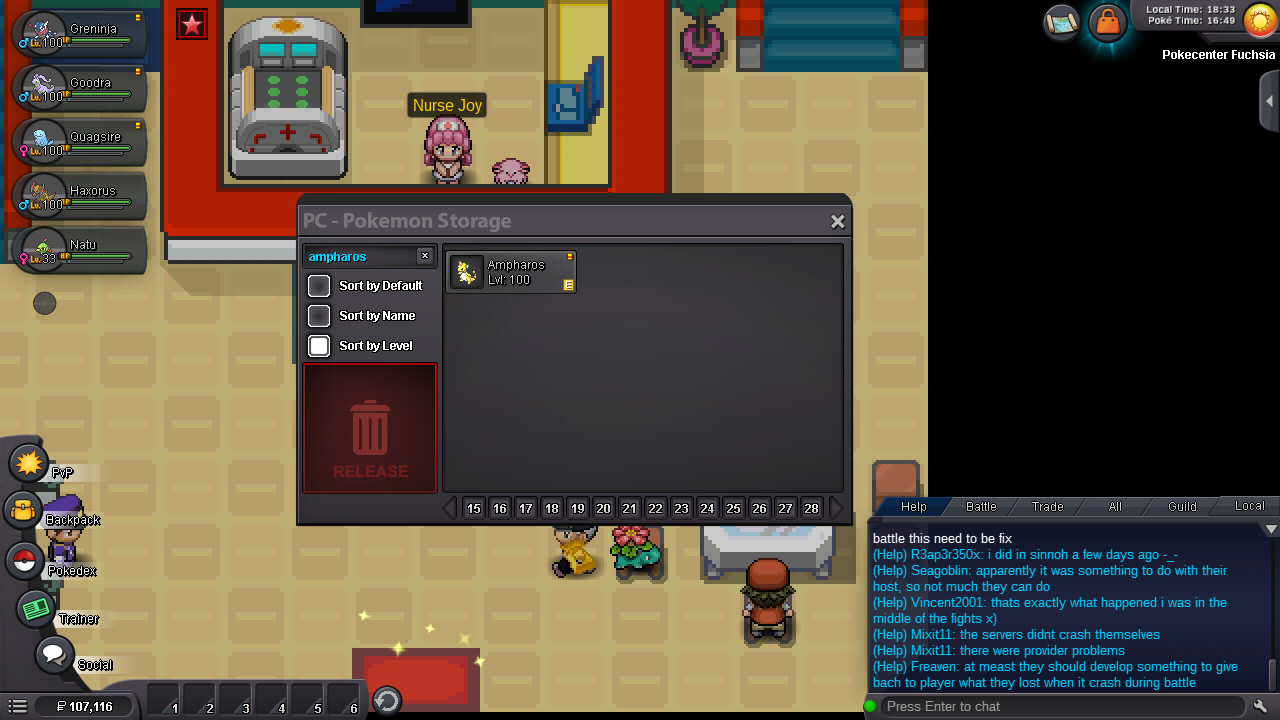
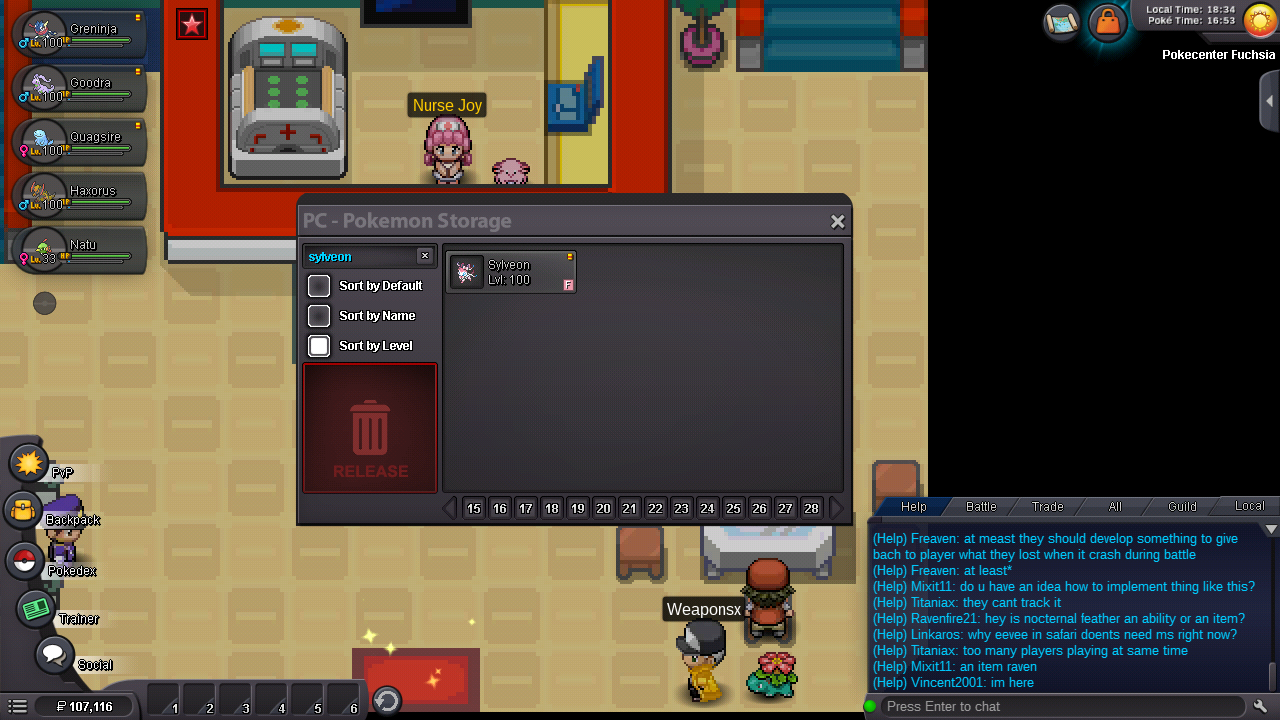
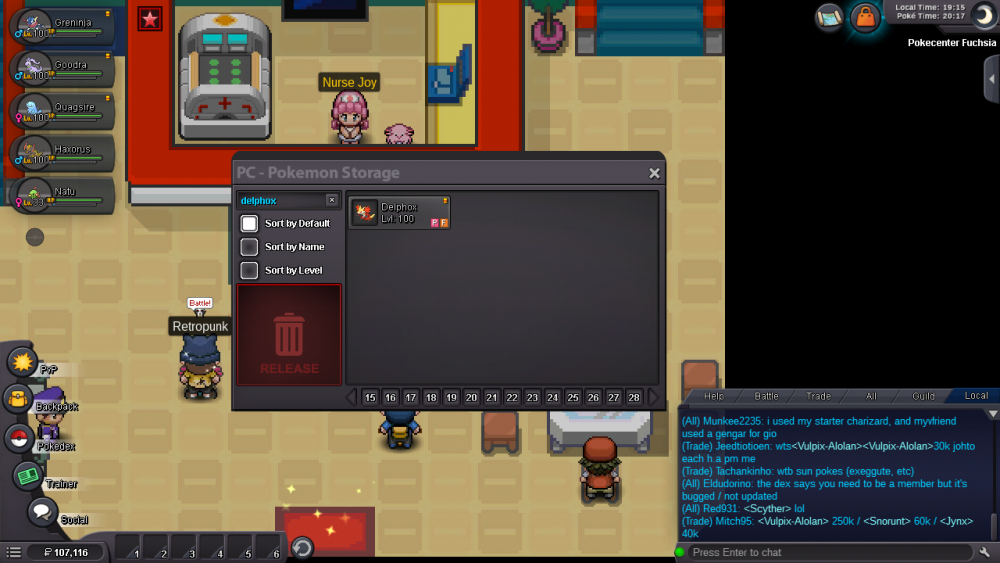
Having same issue with my main on silver pictures attached, poke are there if you search however
-
I just caught an eevee hunting for the marowak and I can search find it but it's not popping up as it should
-
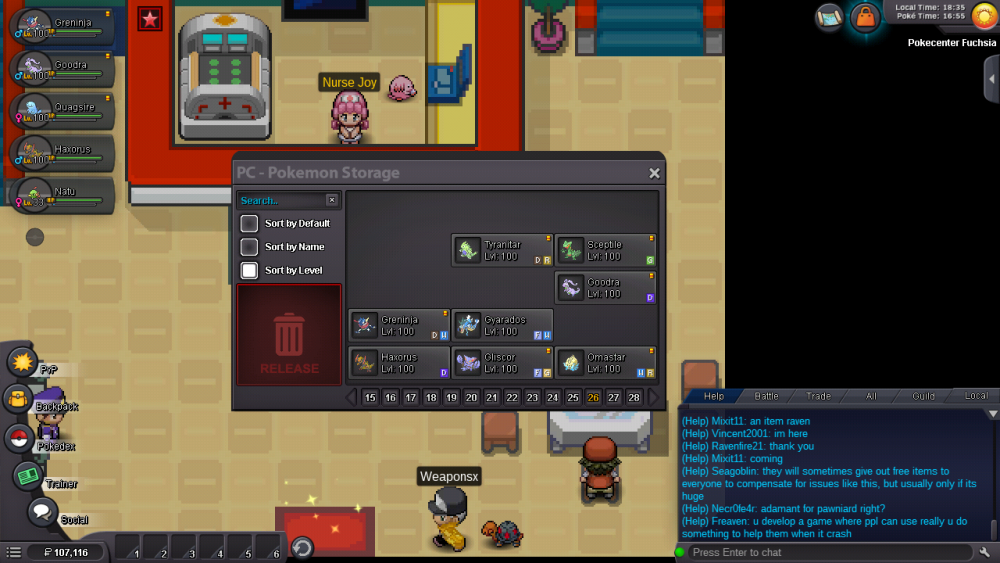
Update I remember 5 out of the missing 7 regardless, if I can get a hand sorting this so my box works as it should will be appreciated
-
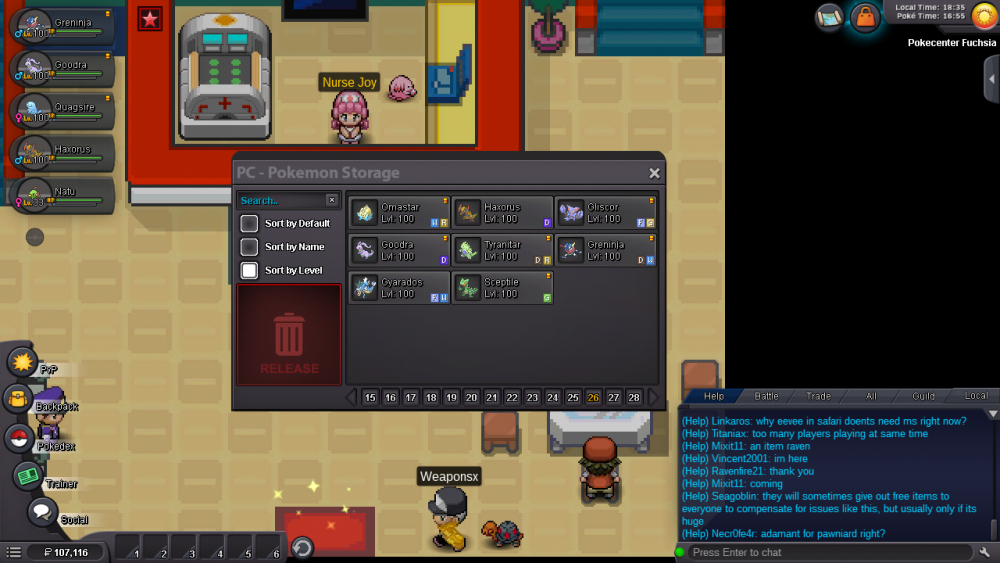
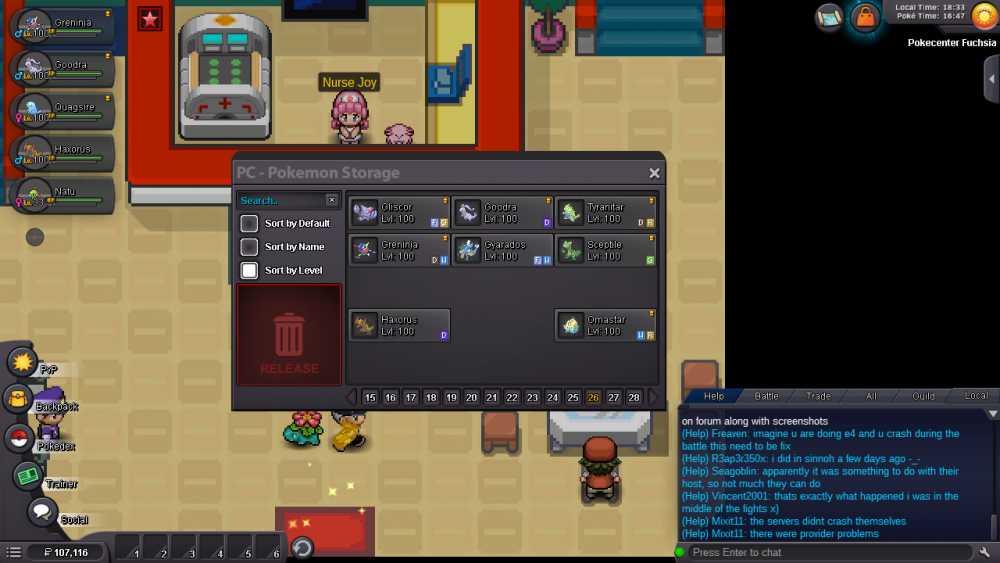
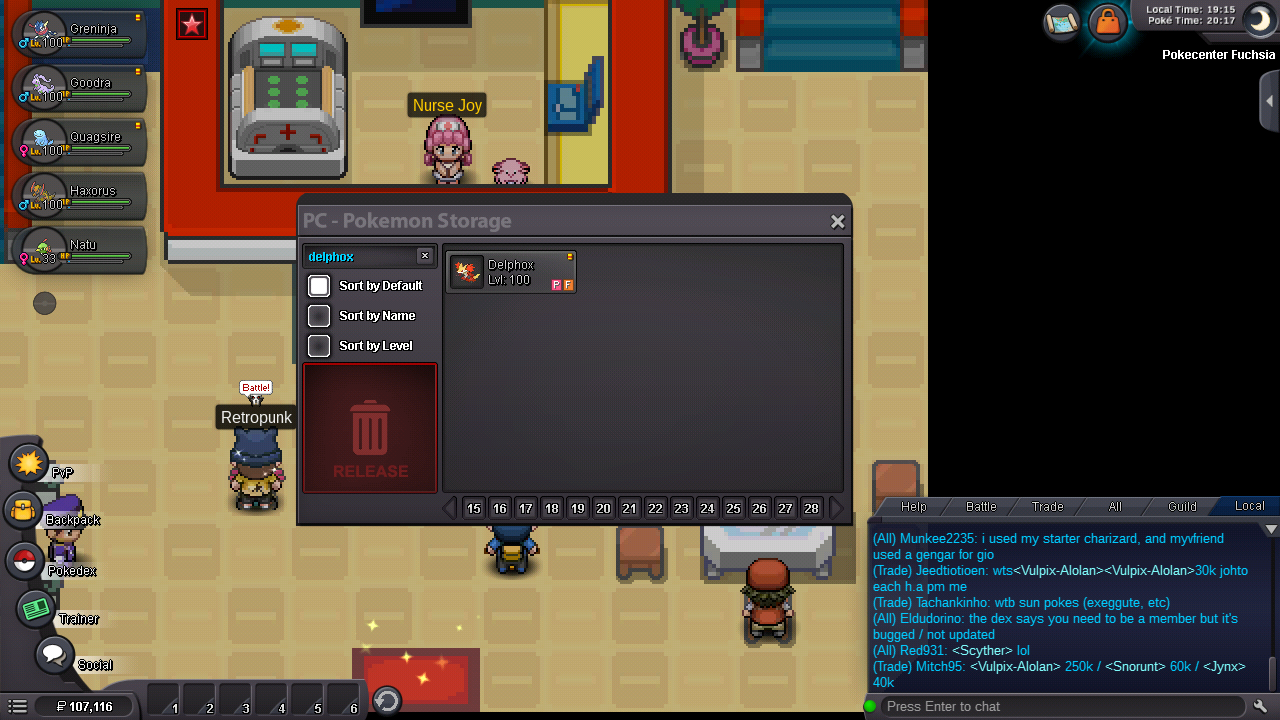
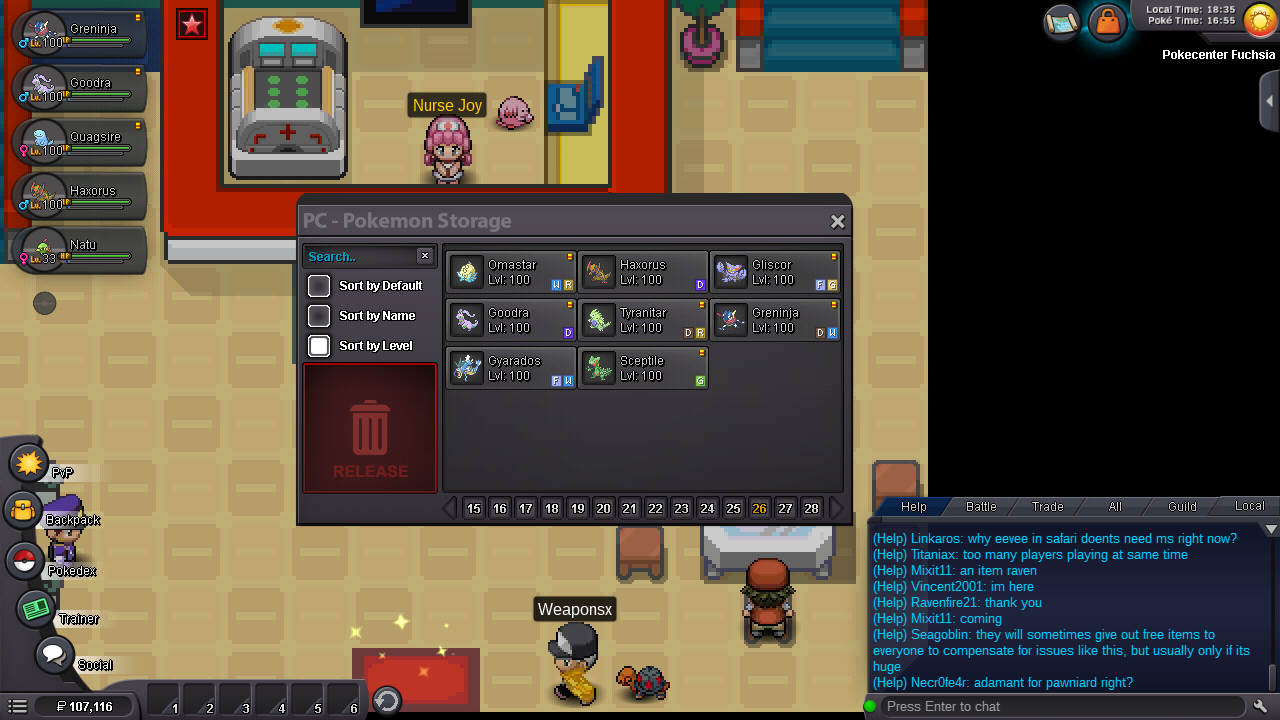
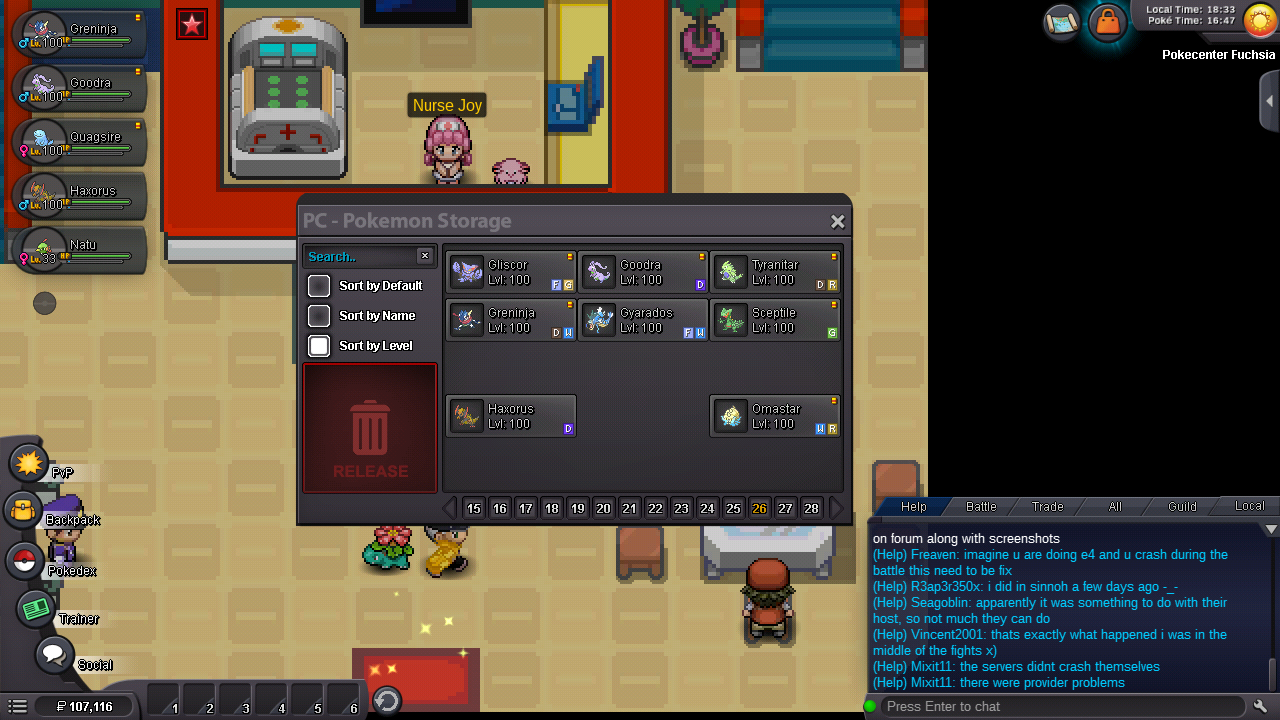
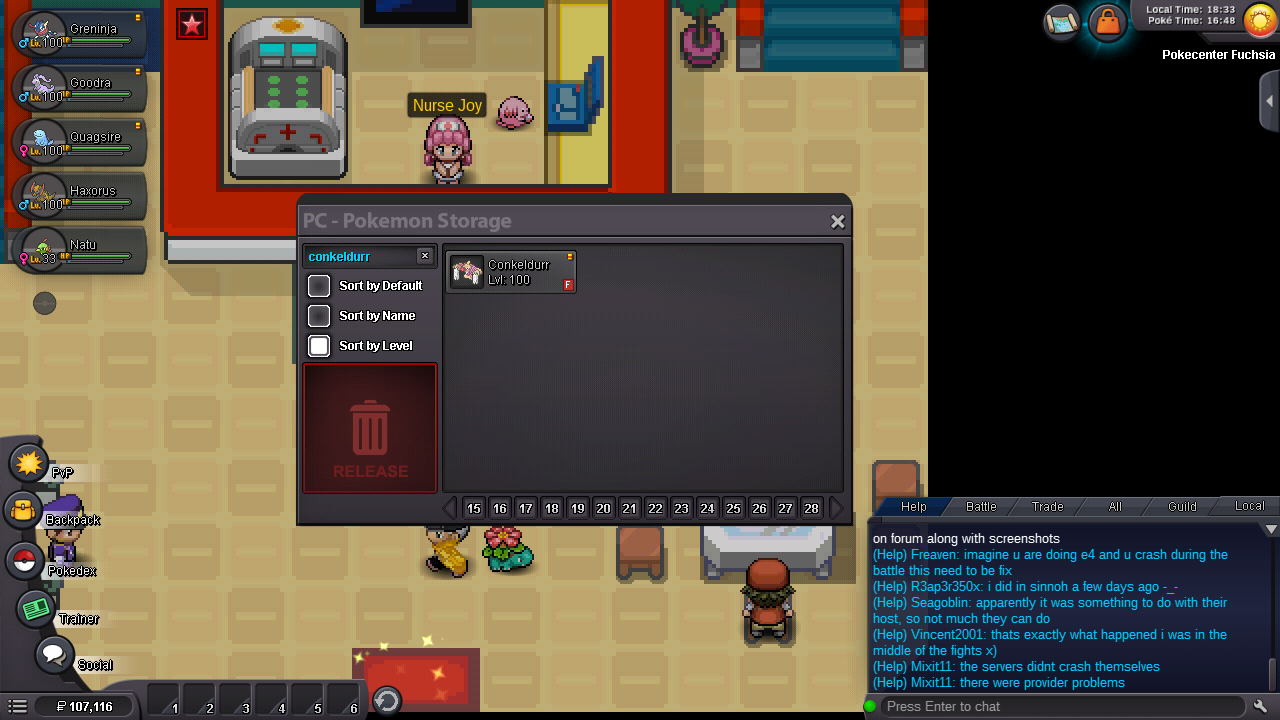
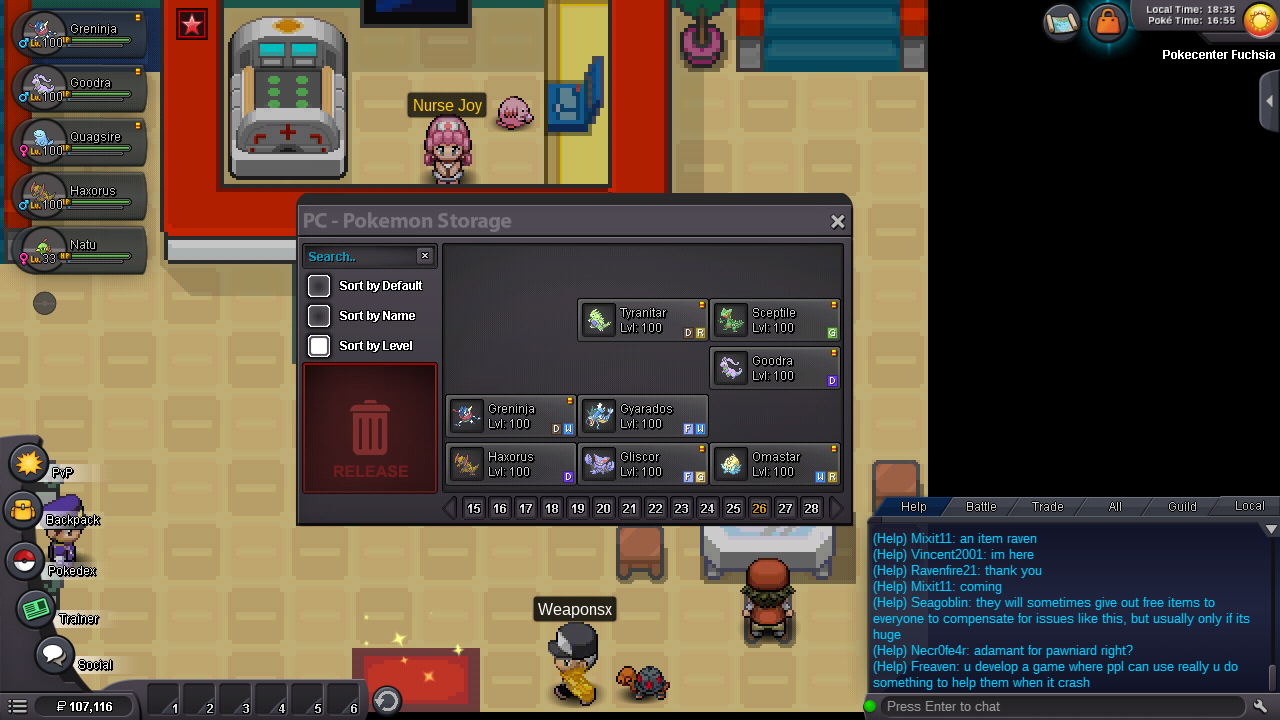
I have pokes that arent popping up in PC unless I search for them, not sure why or how to go about fixing this issue How it looks when I pull it up at first Thought some were missing so I hit the sort tab and noticed this The four I know are missing..... (sort of clearly I can still find and use them but they arent popping up as they should) But I hit the other sort button and noticed this, apparently I have 2 more in this box and idr what they were if someone from the staff could help it would be appreciated (same ign and discord)