New Trade Zone
Trade Zone is now live
Use the new Trade Zone for auctions and instant-price trades so Pokemon and item offers are easy to find.

95cello
Registered User
-
Joined
-
Last visited
Everything posted by 95cello
-
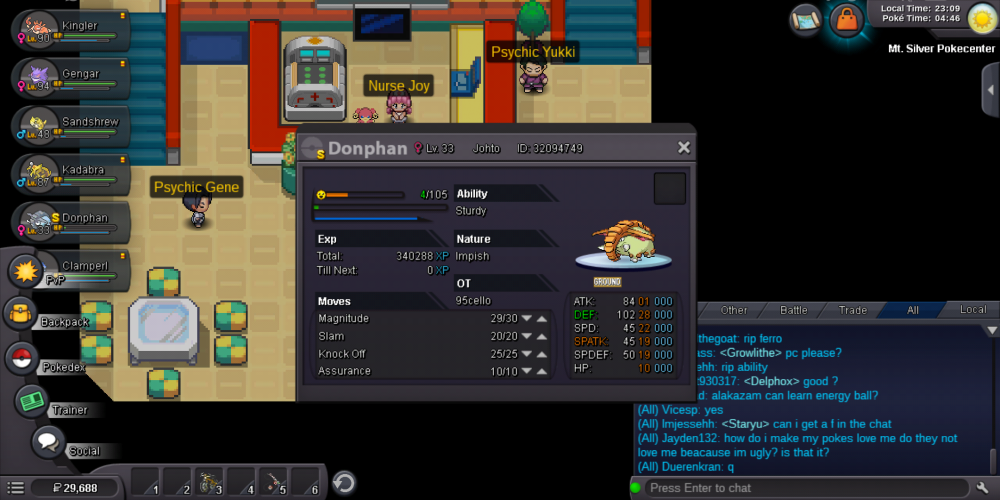
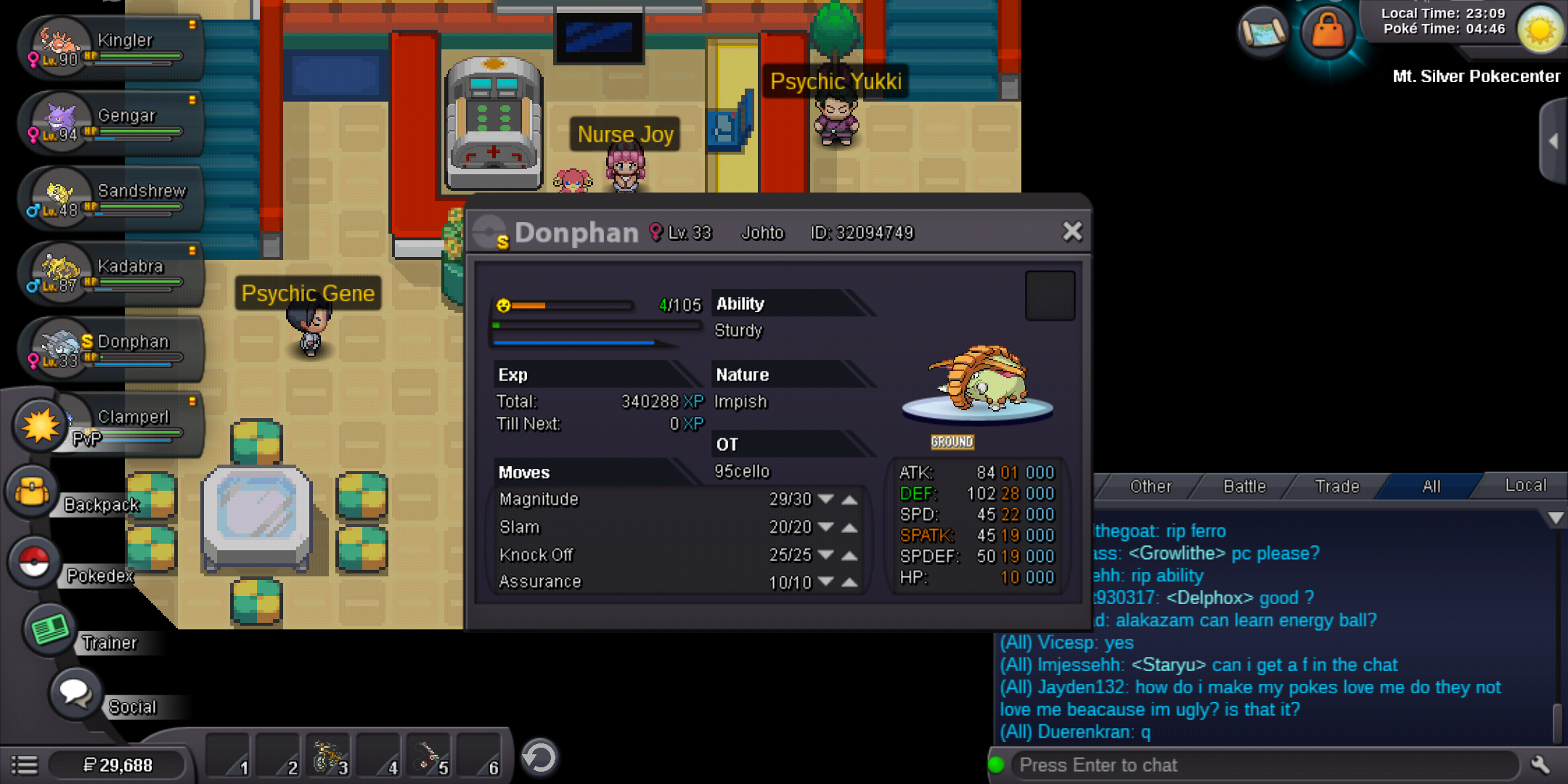
Hello, i was lend two pokes to my friend about one week ago but they don't turn back to my pc. Can you help me about this situation?
-
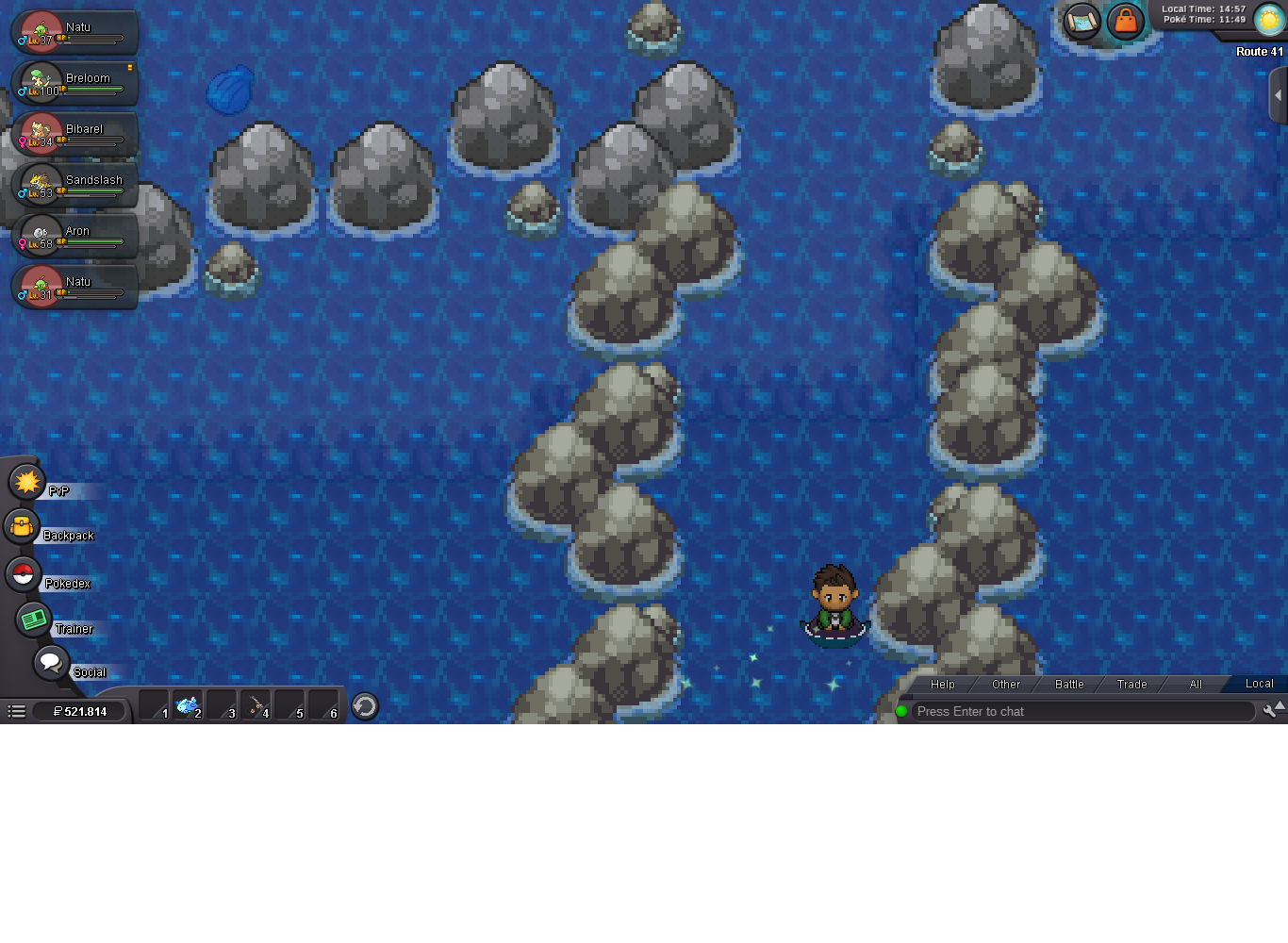
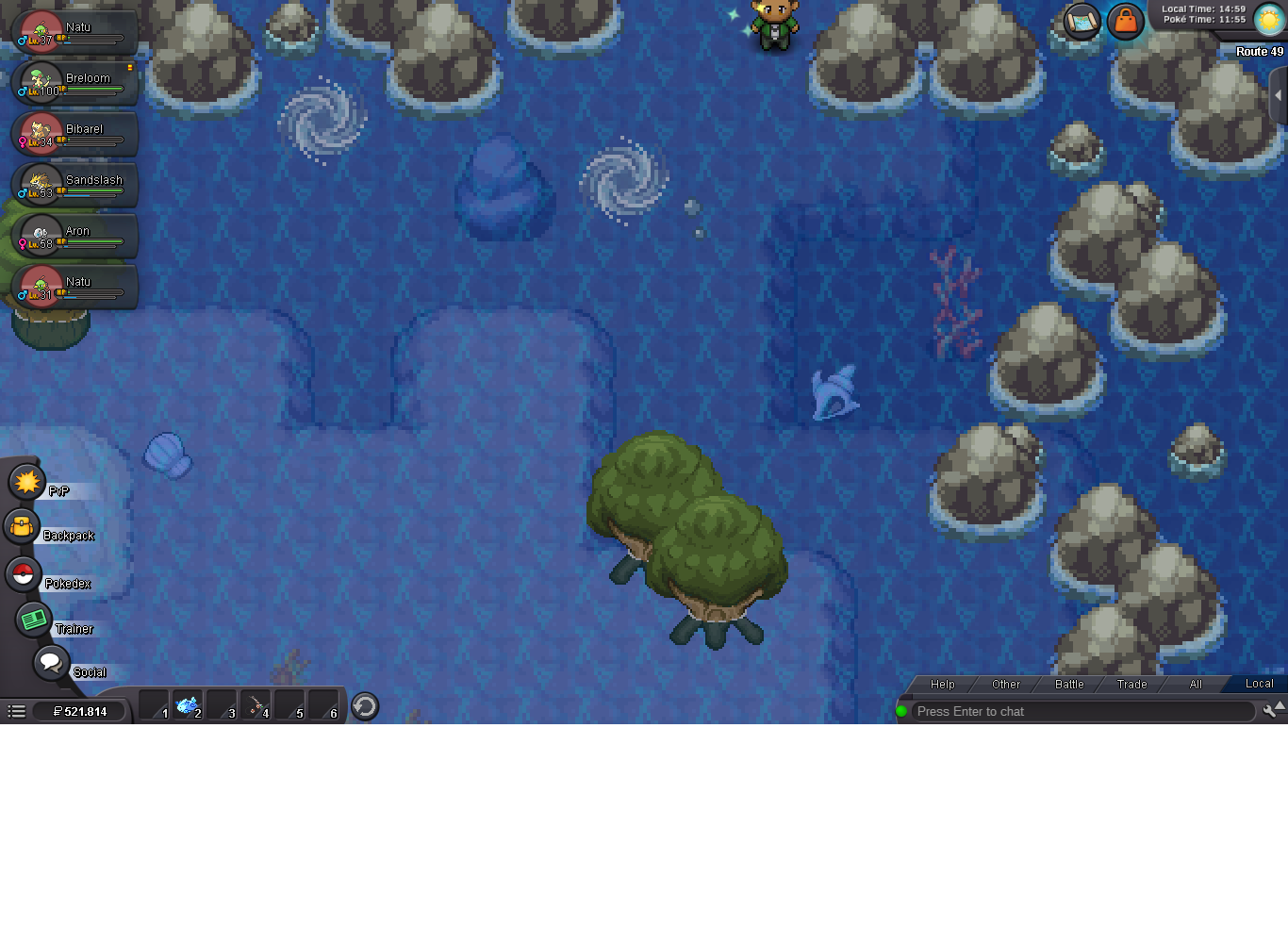
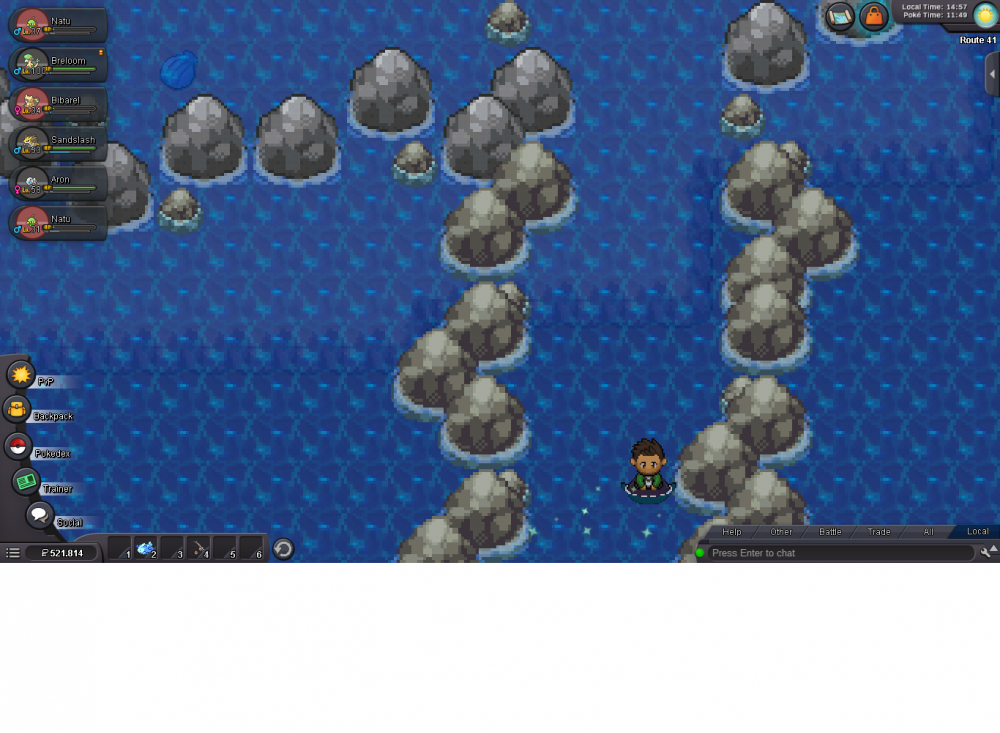
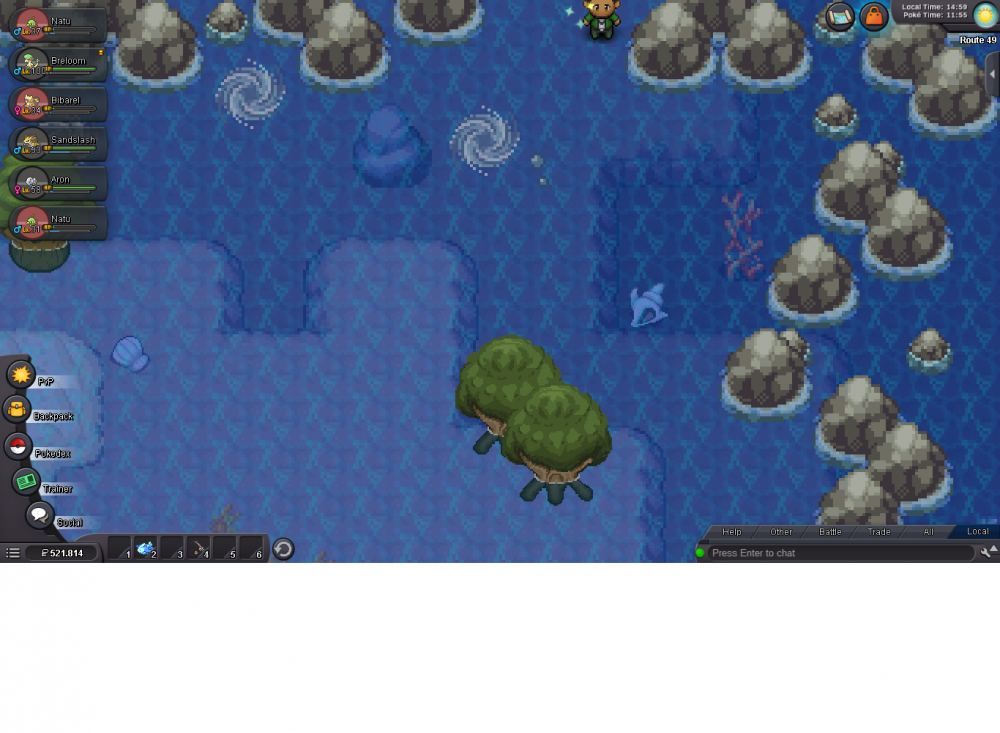
when you pass from route 41 to route 49 this bug happens. your character stop surfing and walk you must surf again for be able move.
-
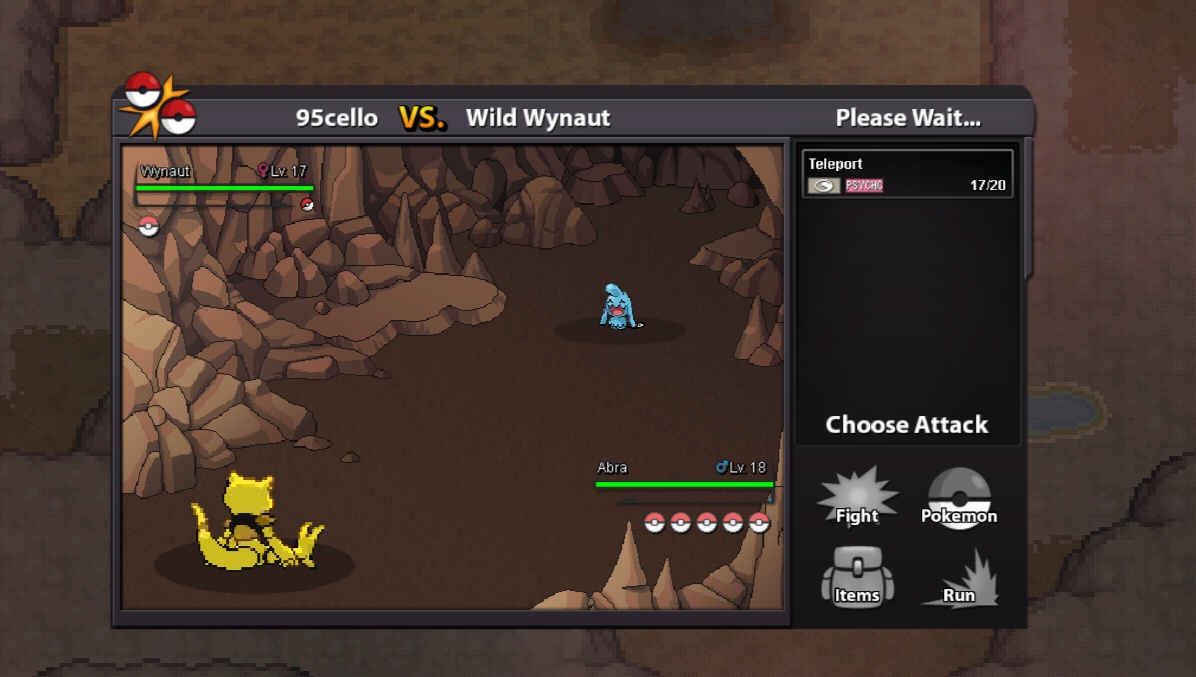
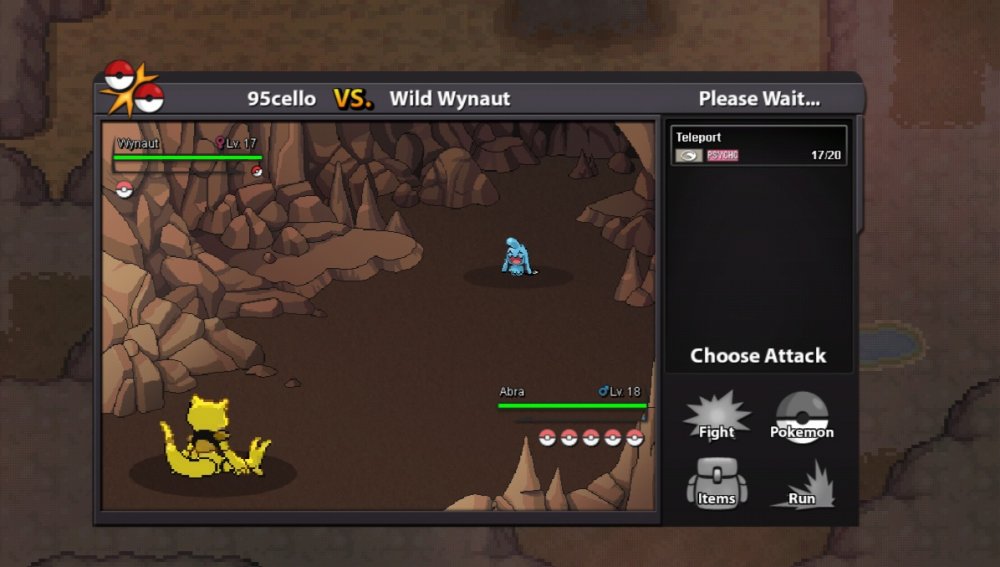
I was collect crystals in breezy cave and in my slot 1 was an abra , then a wild wynaut came my abra's only move teleport and wynaut don't let me to go . I logged out for escape from wild wynaut. I know it is not a bug , but it is have no solution only log out. Abra vs wynaut = endless battle..
-
IGN: 95cello Discord Name: celalaltunay#1467 Pokemon Name: Mitosium(Normal/Fairy) Mitosium2 (Fairy/Flying) Pokemon Descryption: Mitosium has an ability named : Cytokinesis( when the pokemon fainted borns mitosis2 and hp fell to 1/4x all other stats raises 1.8x) Mitosium2 ability: Lightning Rod Mitosum's Stats; Hp:280 Atk:40 Def:70 Spd:40 SpA:80 SpD:60(all hits effect supereffective) When it faint and born mitosium2 stats changed to=Hp:70 Atk:72 Def:126 Spd:72 SpA:144 SpD:108. It is a cell-like poke and liquidal form when it is mitosium. Mitosium2 is like a baby fairy whit colorfull beautifull wings.
-
-
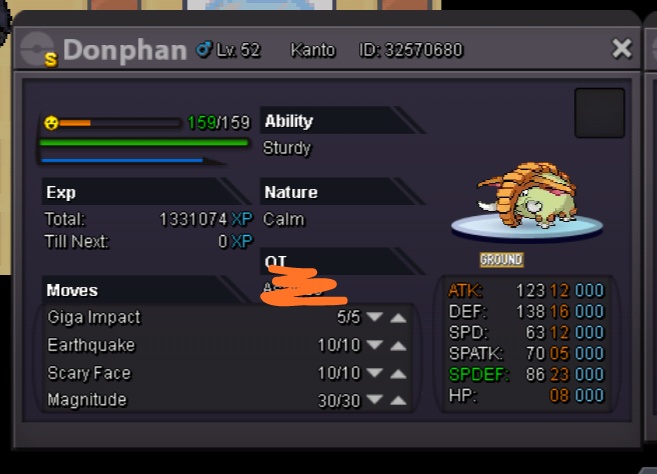
Starting offer: 150k Min. Bid :50k Insta: 1.5m Duration : 1 day from first offer
-
Can you help me about this price