Skip to content
View in the app

A better way to browse. Learn more.

Pokemon Revolution Online

A full-screen app on your home screen with push notifications, badges and more.

To install this app on iOS and iPadOS
  1. Tap the Share icon in Safari
  2. Scroll the menu and tap Add to Home Screen.
  3. Tap Add in the top-right corner.
To install this app on Android
  1. Tap the 3-dot menu (⋮) in the top-right corner of the browser.
  2. Tap Add to Home screen or Install app.
  3. Confirm by tapping Install.
New Trade Zone
Trade Zone is now live
Use the new Trade Zone for auctions and instant-price trades so Pokemon and item offers are easy to find.
Open Trade Zone

Ashtar1990

Registered User
  1. get fixed alone... dont know why
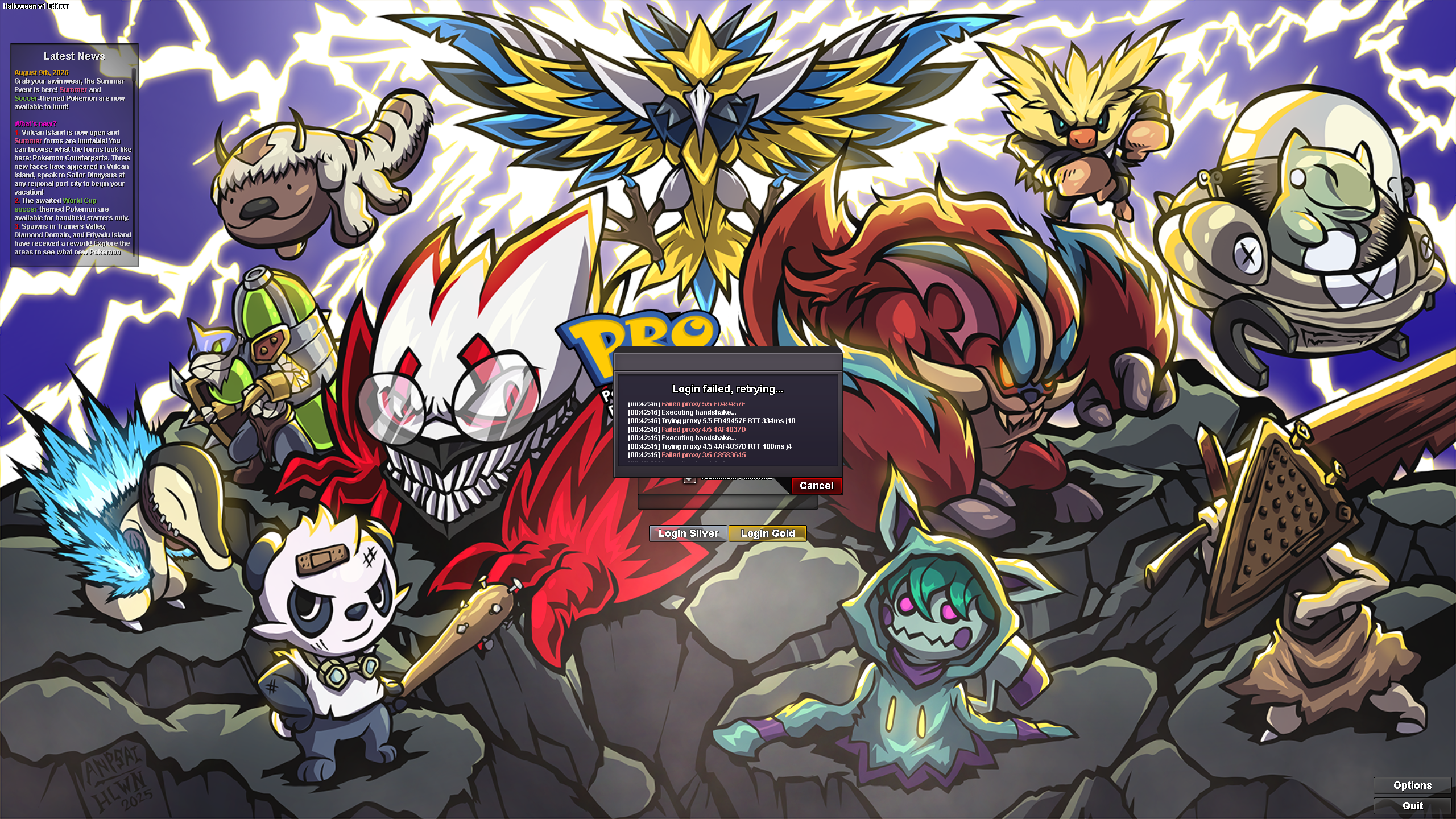
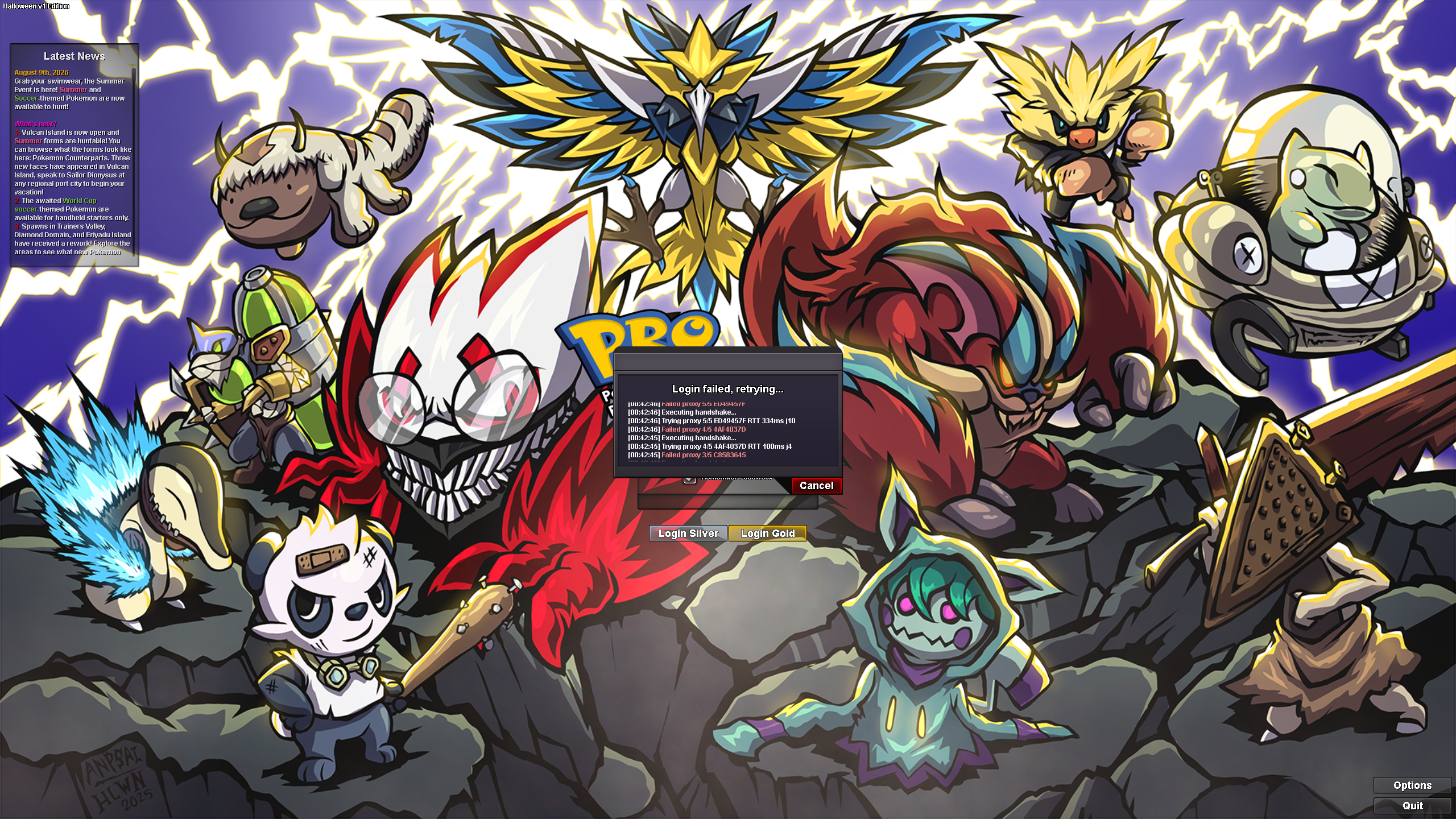
  2. I start the game from my pc and the game freeze and crash the moment i log in, no usefull information by screen so immages arent useful. The only thing i seen once is the difficult to search for new updates and it say i am logged in even if i am not. From my phone i can play normally, the issue is with the pc version.
  3. Ashtar1990 started following Log issue (?)
  4. Thank you Hallowglow, i dont have anything to add to it, for me the post can be close as solved cause is not an issue but an update.
  5. Any way to know when the maintenance and client update end? thank you for the quick answer ^^
  6. I cant login in the server

Account

Navigation

Search

Search

Configure browser push notifications

Chrome (Android)
  1. Tap the lock icon next to the address bar.
  2. Tap Permissions → Notifications.
  3. Adjust your preference.
Chrome (Desktop)
  1. Click the padlock icon in the address bar.
  2. Select Site settings.
  3. Find Notifications and adjust your preference.