Skip to content
View in the app

A better way to browse. Learn more.

Pokemon Revolution Online

A full-screen app on your home screen with push notifications, badges and more.

To install this app on iOS and iPadOS
  1. Tap the Share icon in Safari
  2. Scroll the menu and tap Add to Home Screen.
  3. Tap Add in the top-right corner.
To install this app on Android
  1. Tap the 3-dot menu (⋮) in the top-right corner of the browser.
  2. Tap Add to Home screen or Install app.
  3. Confirm by tapping Install.
New Trade Zone
Trade Zone is now live
Use the new Trade Zone for auctions and instant-price trades so Pokemon and item offers are easy to find.
Open Trade Zone

Oldiwisewizard

Registered User
  • Joined

  • Last visited

Everything posted by Oldiwisewizard

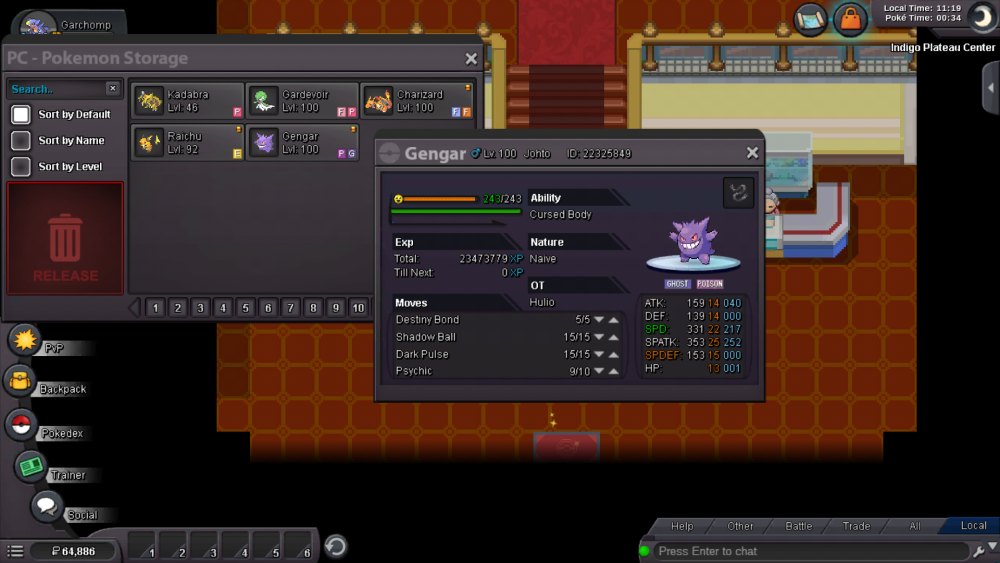
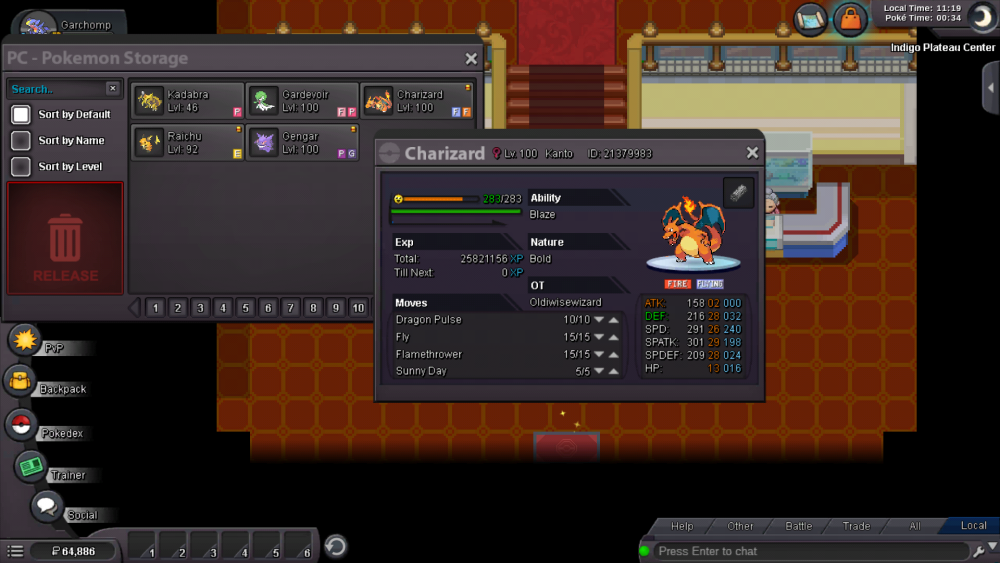
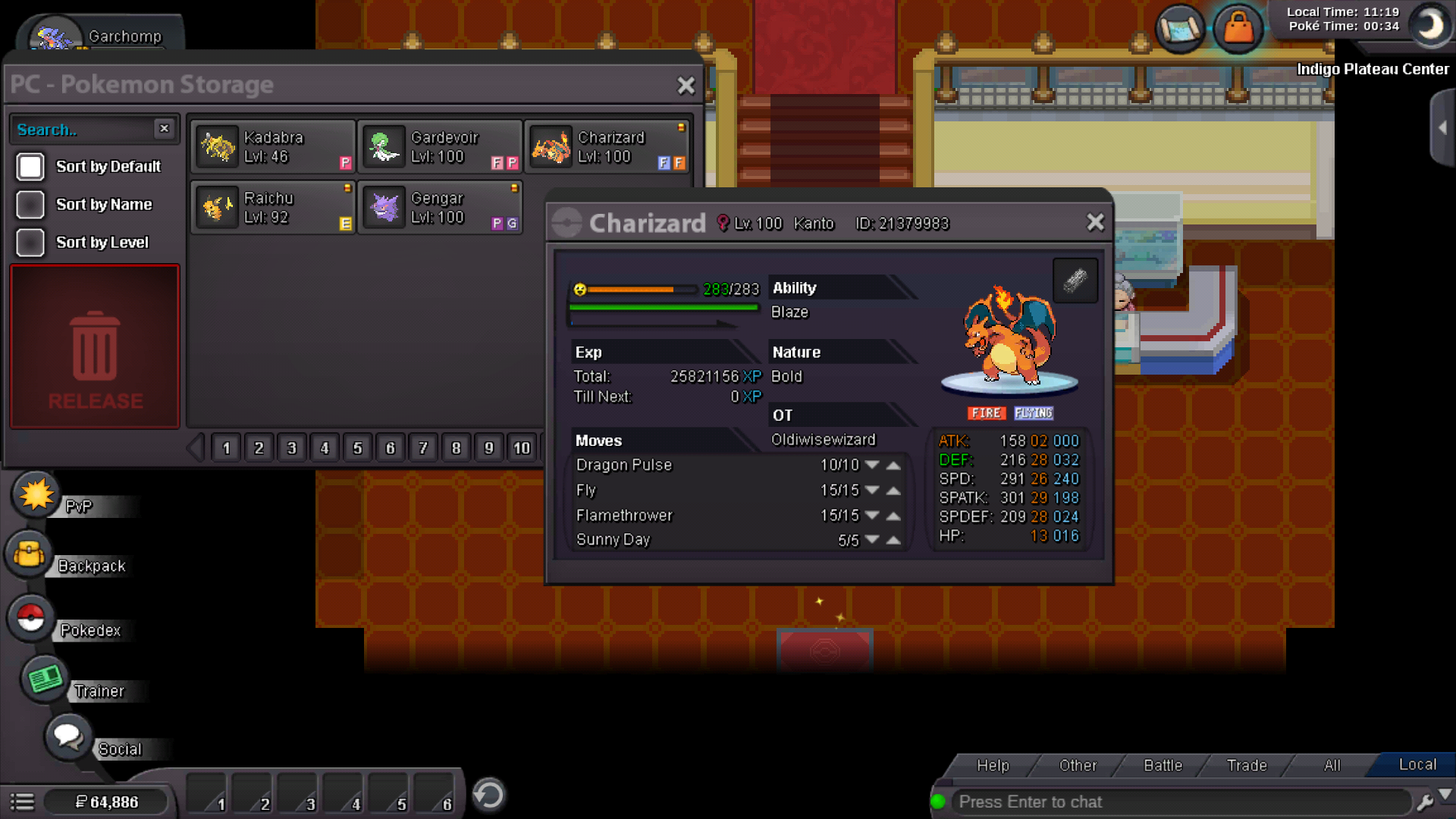
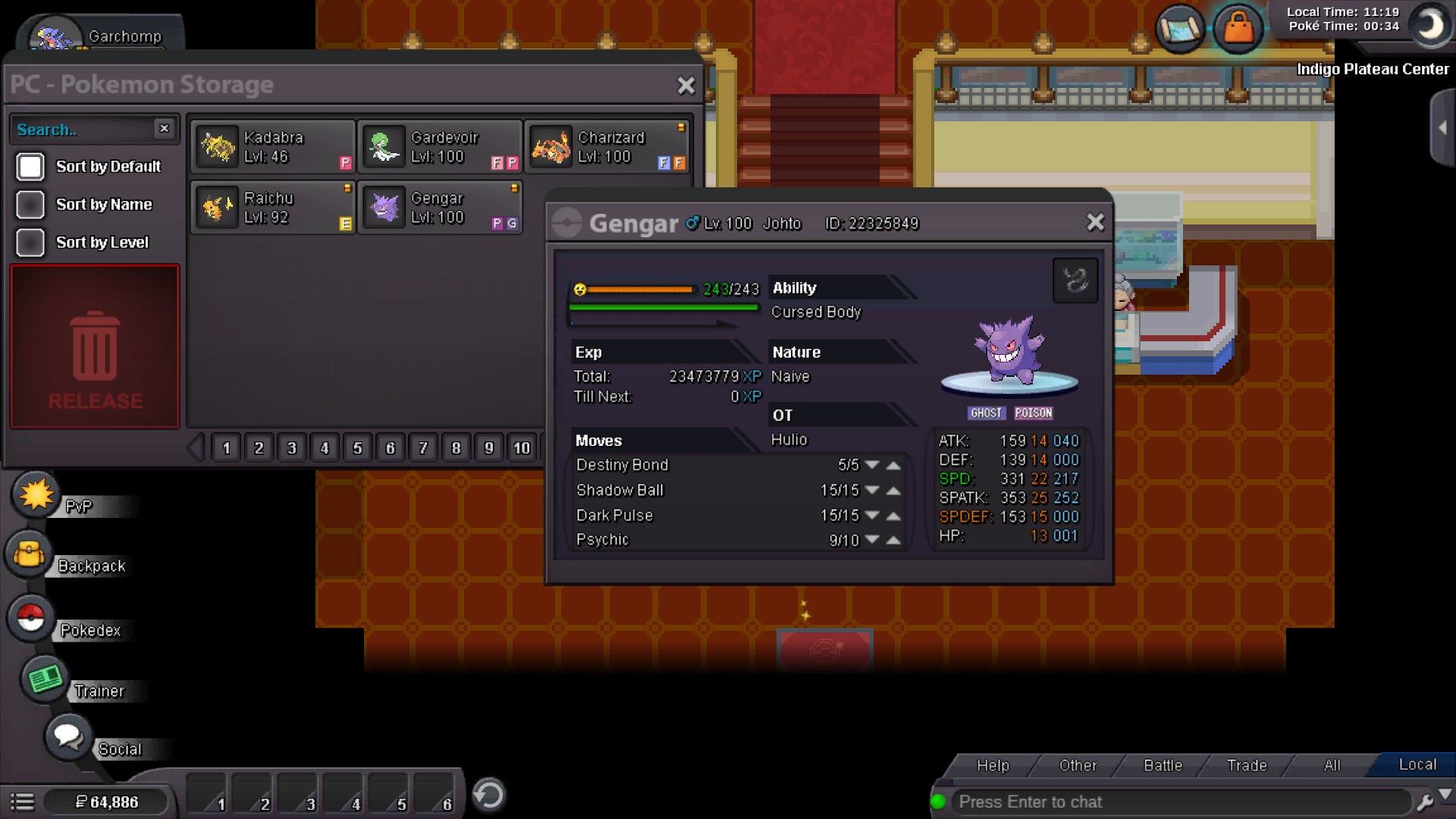
  1. Hello, if I could have these back among with a lvl 100 garchomp,a lvl 100 raichu and a lvl 100 bronzing it would be great. No evidence of these 3 but they were in total the only lvl 100 in my acc. Thanks
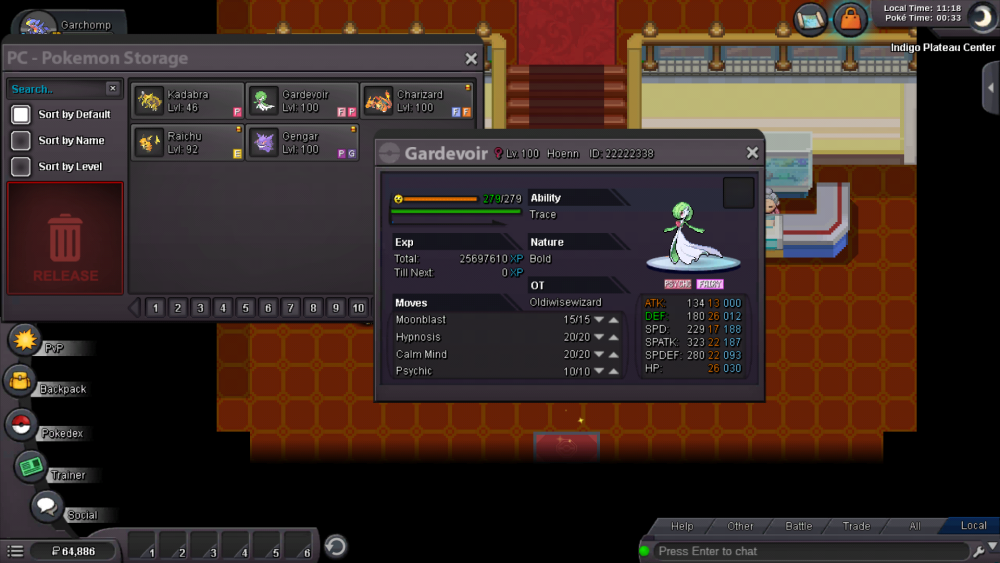
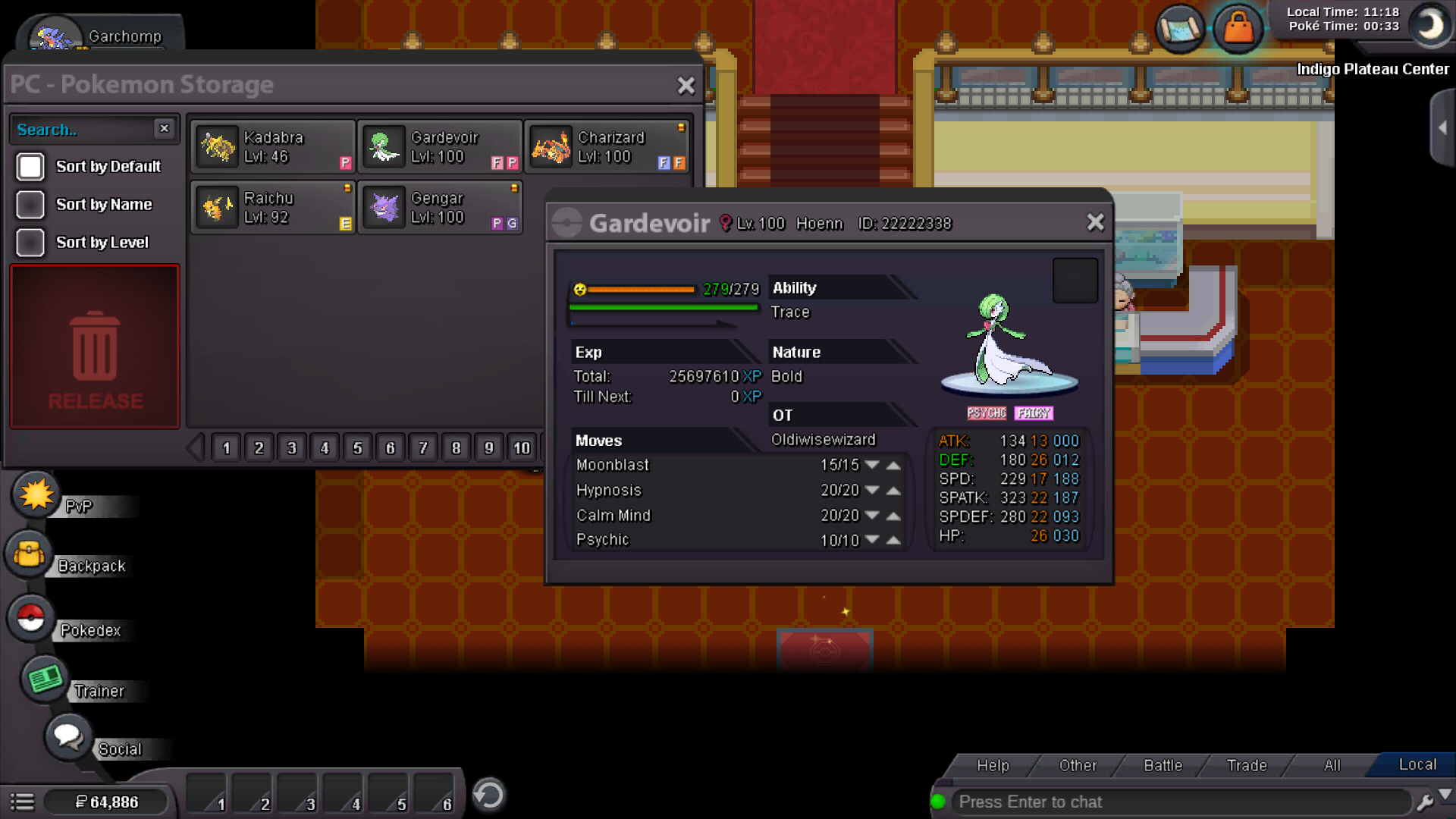
  2. duck this, draining kiss wont work, stored power wont work, i might as well shove my gardervoir up my bottom, i want pokedollars to buy or relearn psychic which i deleeted to learn stored power. its the game's fault
  3. fiiiix ittttttttttttttttttt
  4. how do i use waterfall out of battle? i have a seaking iwth waterfall and nothing happens. i have 16 badges does pokemon happiness count? thanks
Account

Navigation

Search

Search

Configure browser push notifications

Chrome (Android)
  1. Tap the lock icon next to the address bar.
  2. Tap Permissions → Notifications.
  3. Adjust your preference.
Chrome (Desktop)
  1. Click the padlock icon in the address bar.
  2. Select Site settings.
  3. Find Notifications and adjust your preference.