




New Trade Zone
Trade Zone is now live
Use the new Trade Zone for auctions and instant-price trades so Pokemon and item offers are easy to find.

Kymy
Registered User
-
Joined
-
Last visited
-
Hello admin. I had a mistake release mons, can you please help me to bring back my mons? I play at silver server with nick Kymy. This is my mons i want back yanma (67) ID 44042848 and i have the screenshoot Thanks for your attention
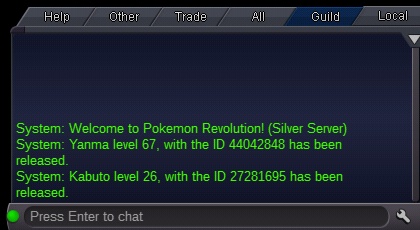
-
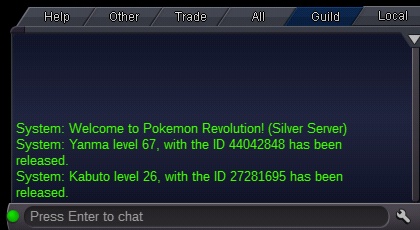
Sorry admin, I had a mistake release mons, can you please help me to bring back? I am Kymy from silver server My mons is yanma(67), id 44042848 Thanks for your attention
-
Thanks sir, i can move now. Verry well thank you
-
Yes i am at hoen. So, why i cant open the gym room sir. Where i must go? And i am looking from youtube, steven gone f f om the cave, then he can beating the gym leader.
-
I am looking at youtube, he is gon after talking with him, but he is still at the cave sir
-
Why steven wont to beat me? He wont to come back his gym, he is still studying at granite cave.