New Trade Zone
Trade Zone is now live
Use the new Trade Zone for auctions and instant-price trades so Pokemon and item offers are easy to find.

Badhon001
Suspended
-
Joined
-
Last visited
-
Thank you sir
-
I am in pro world. Now help me sir
-
Sir now I am in pro world
-
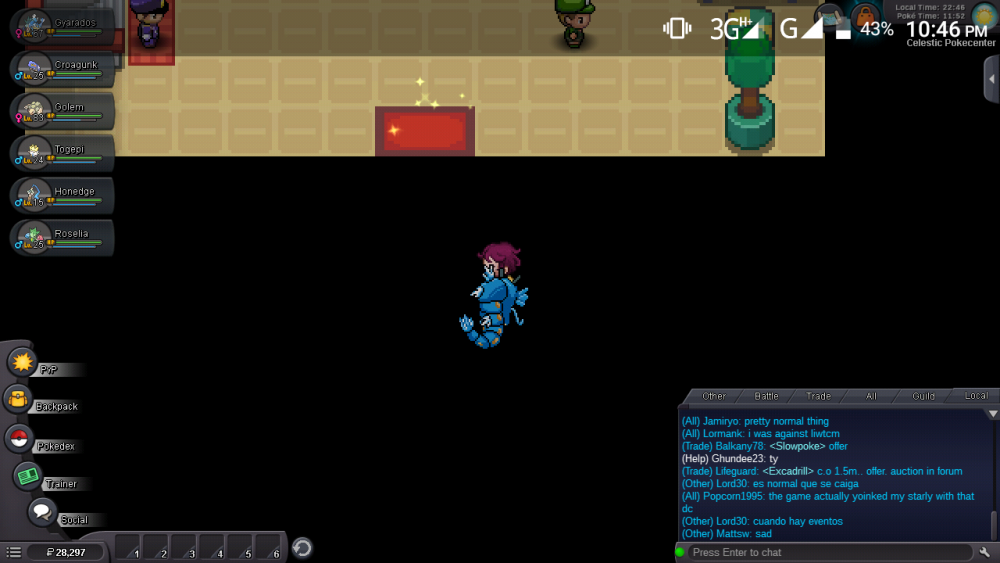
Sir I am active now but whare are you sir ?
-
I am active sir but whare are you sir.
-
Sir I am now active in pro world . You active now sir. Plaese sir now recover my I'd sir
-
Sir today I will be active at night 10 to 30 pm .
-
Yesterday at night 7pm
-
are you there? tell me if you are online
-
are you staff guys kidding with me?? it been 3 days and no reply??
-
Bump
-
oh sorry my bad in 1st time to answer. Can you tell me your discord tag? there i can tell you when i can in online.
-
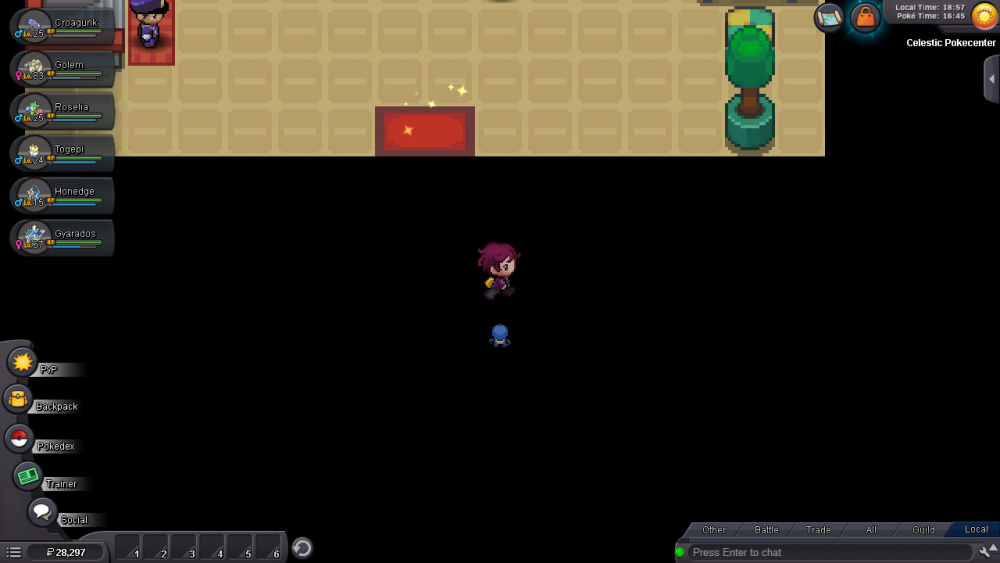
"i am still in celestic pokemon center And my last visited pokemon center is celestic pokemon center. I asked for transfer me to eltrna city pokemon center, since i left the quest there so i stuck at celestic"
-
sir plaese answer me?
-
etrna city pokemon center Sir