New Trade Zone
Trade Zone is now live
Use the new Trade Zone for auctions and instant-price trades so Pokemon and item offers are easy to find.

Kimstarz
Registered User
-
Joined
-
Last visited
Everything posted by Kimstarz
-
Yey XD thanks, when can we meet up
-
its the bug that haunts misty for free lmao
-
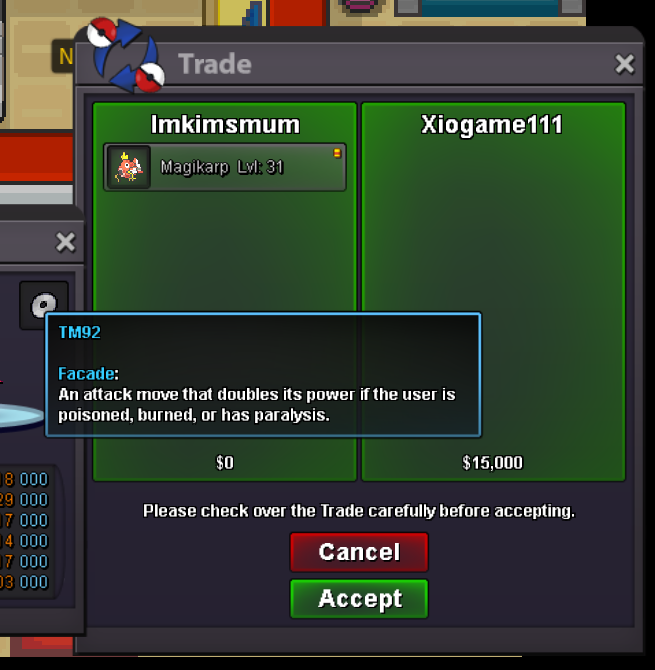
Sold facade to xiogame111
-
Sold 2 roost to Exoforce

-
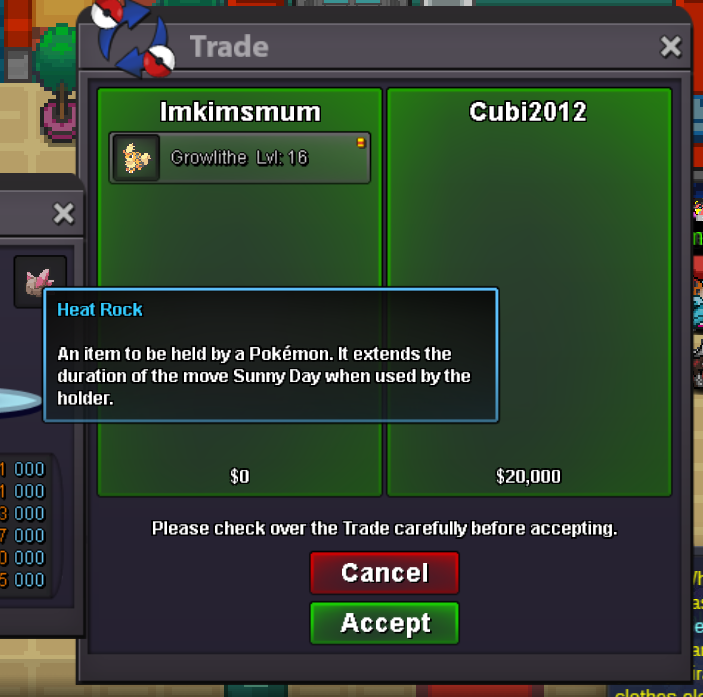
Sold Heatrock to Cubi2012
-
sold 5rcs to Shanu99

-
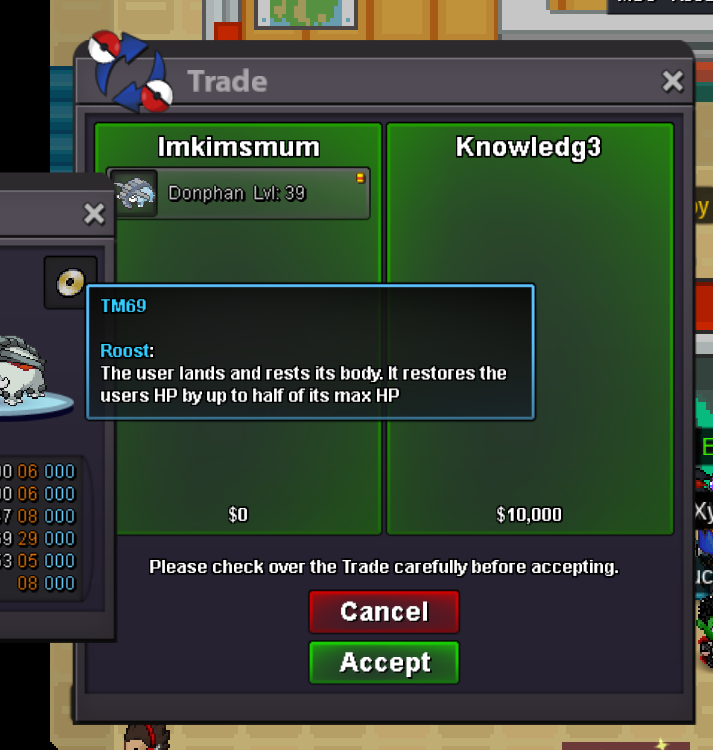
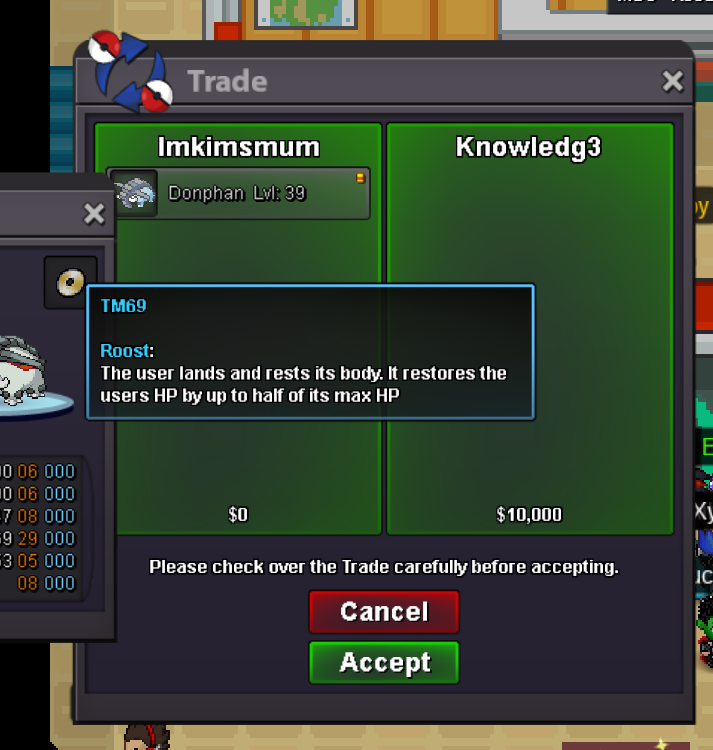
sold roost to knowledg3
-
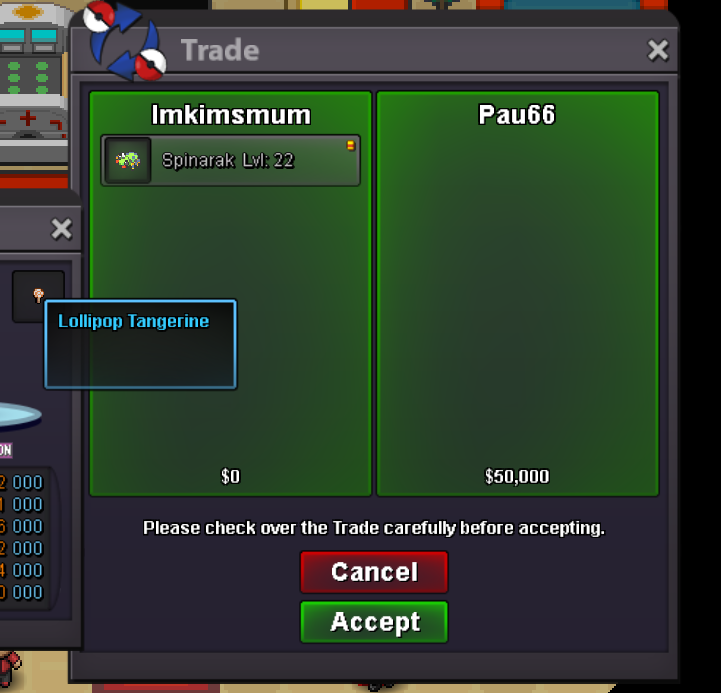
Sold Lollipop to Pau66
-
I have a lollipop
-
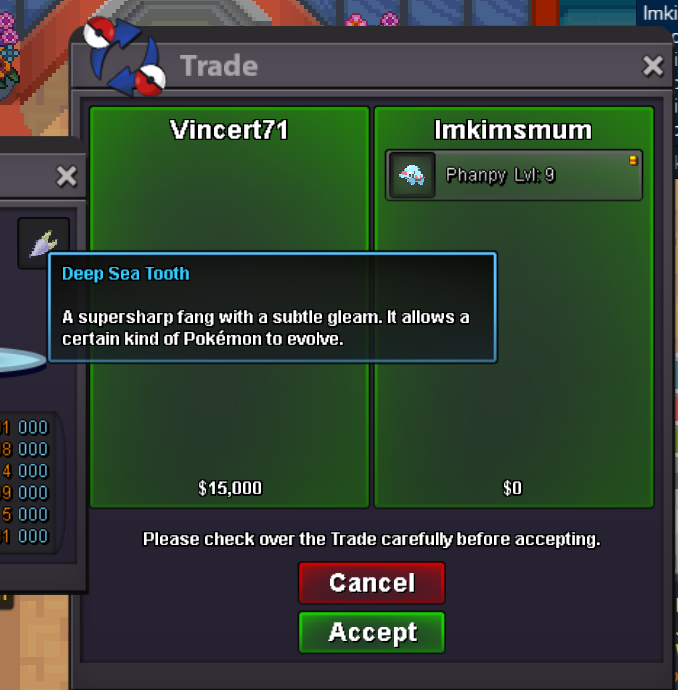
Sold Deepseatooth to Powerofchicken & Vincert71

-
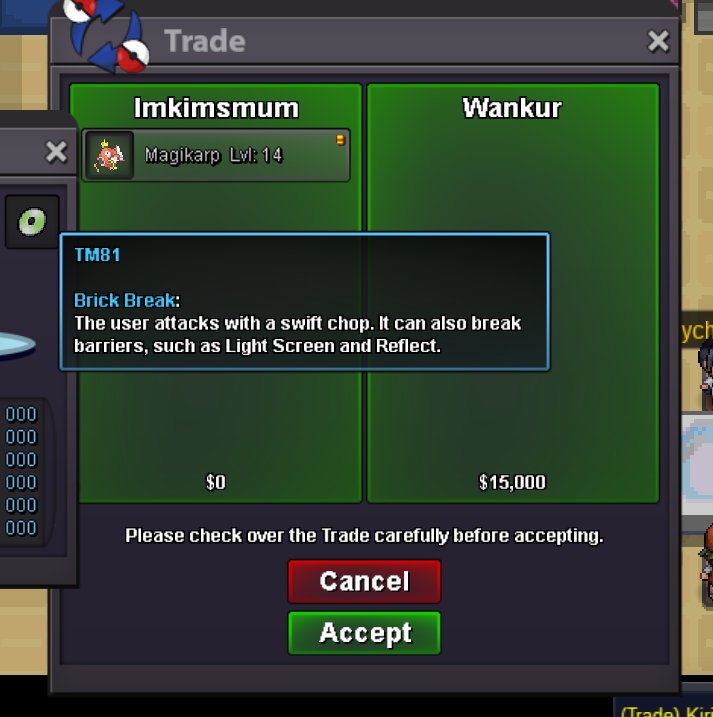
Sold brickbreak to Wan-kur
-
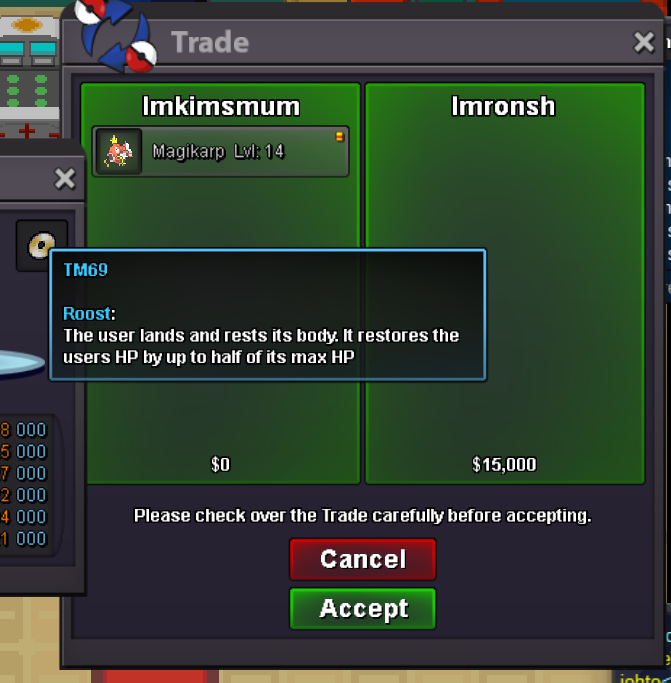
Sold Roost to Imronsh
-
Update = Blue clothes sold out, Pumpkin head and Green party hat Added
-
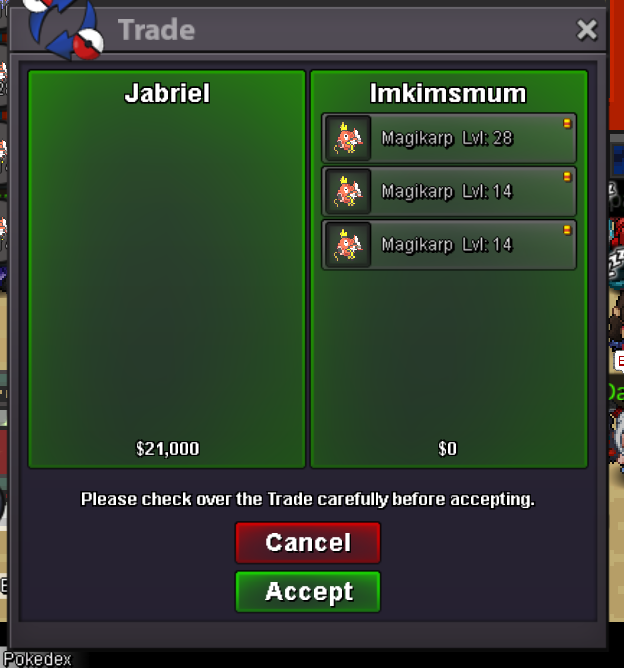
Sold 3 rcs to Jabriel
-
Sold Blue clothes to Yhunkubr for 4rc+2k

-
update = santa hat+eviolite sold out
-
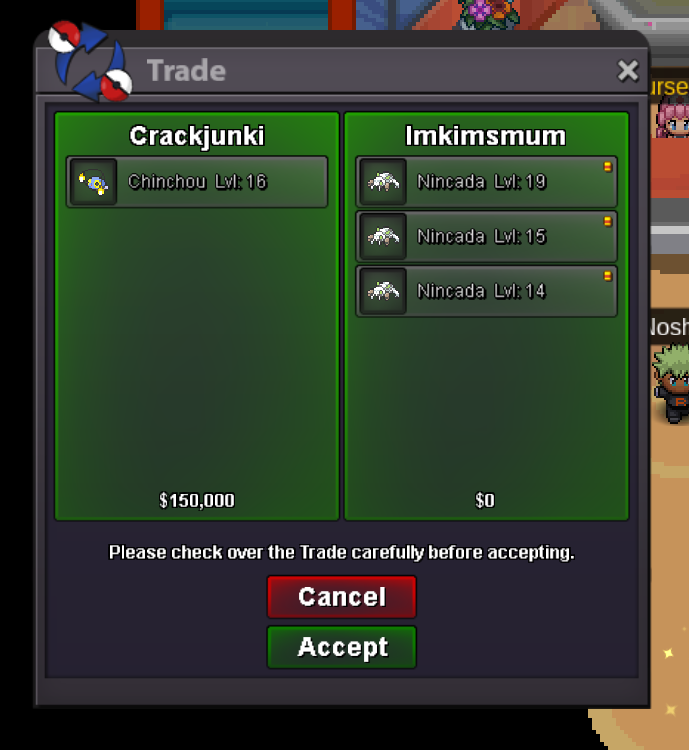
Sold 2 eviolites+ 2 santa hats to Crankjunki

-
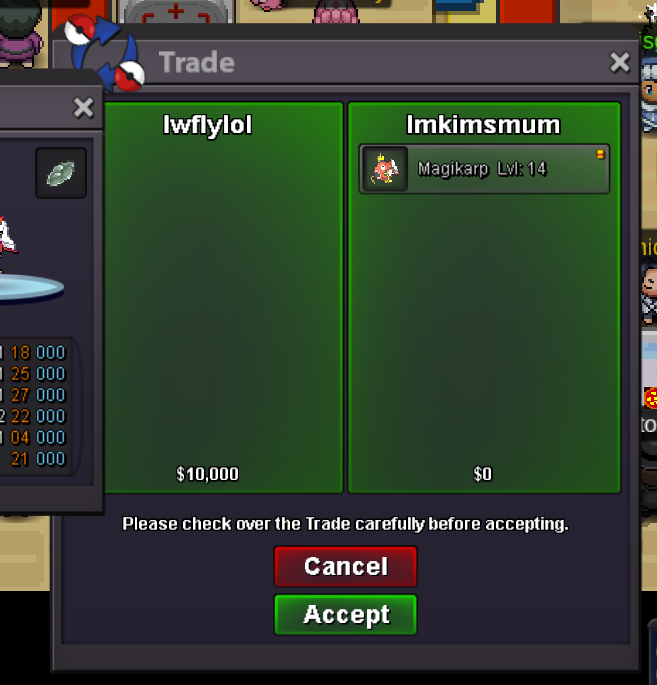
Sold Moonstone to Iwflylol
-
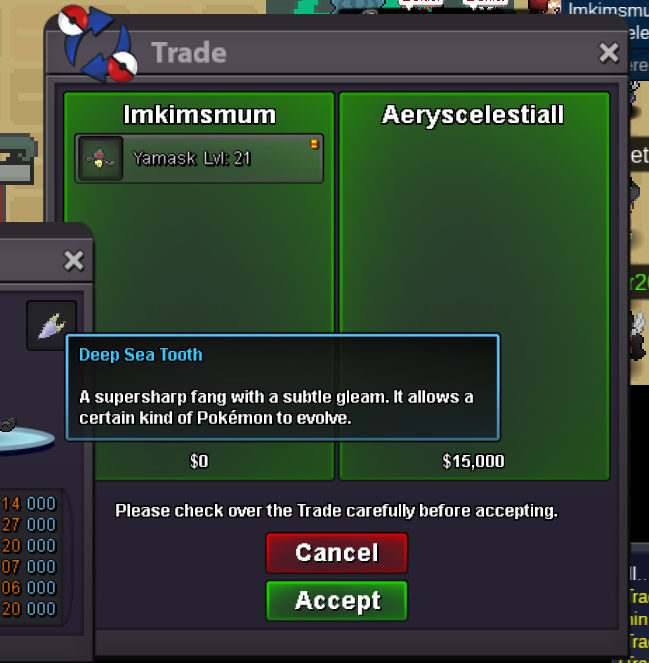
Deepseatooth sold to Aeryscelestiall
-
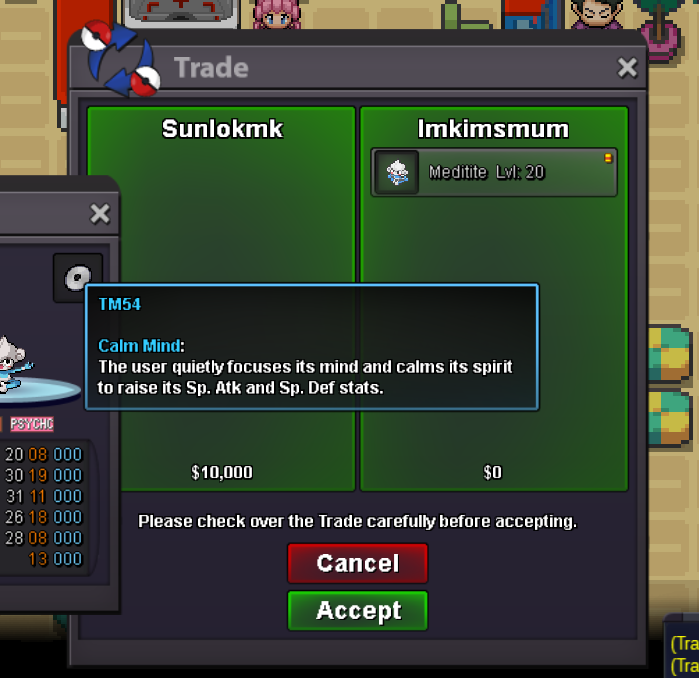
Sold 2 Calmmind (separate transaction) to Sunlokmk
-
bump
-
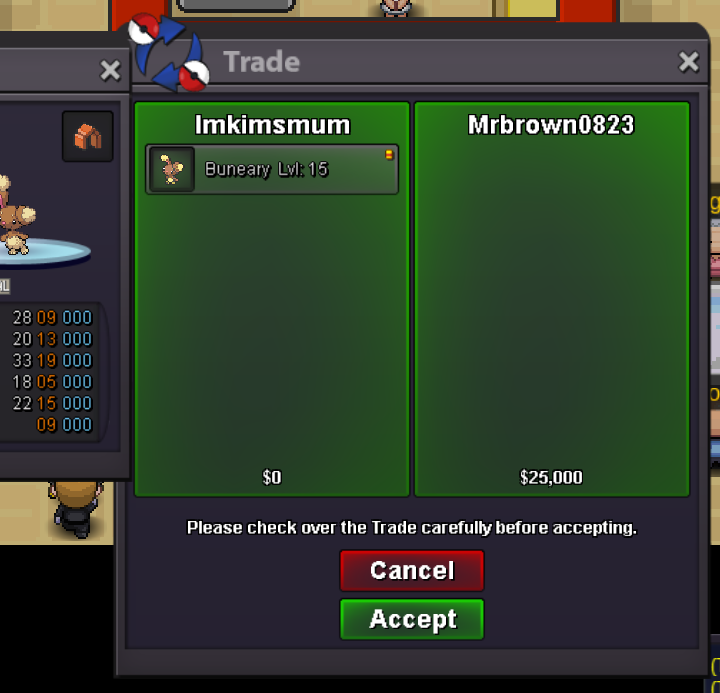
Sold Protector to MrBrown0823
-
Sold Solarbeam to Refranda

-
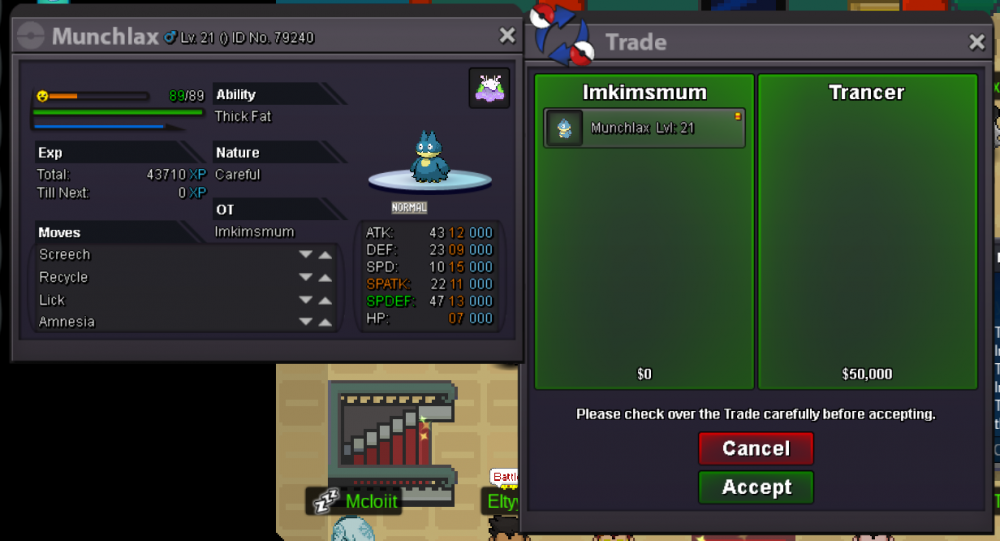
Goomy hat sold to Trancer
-
bump,