New Trade Zone
Trade Zone is now live
Use the new Trade Zone for auctions and instant-price trades so Pokemon and item offers are easy to find.

J123b
Registered User
-
Joined
-
Last visited
Everything posted by J123b
-
Lerence noted
-
rash ralts sold as per agreed price in game!

-
Please, when you are close to maxing out your storage, after catching a pokemon add this message in the chat: Warning: your poke center storage is about to fill up, you can catch 5 more pokemon before its full! start with 10
-
@Allsmell
-
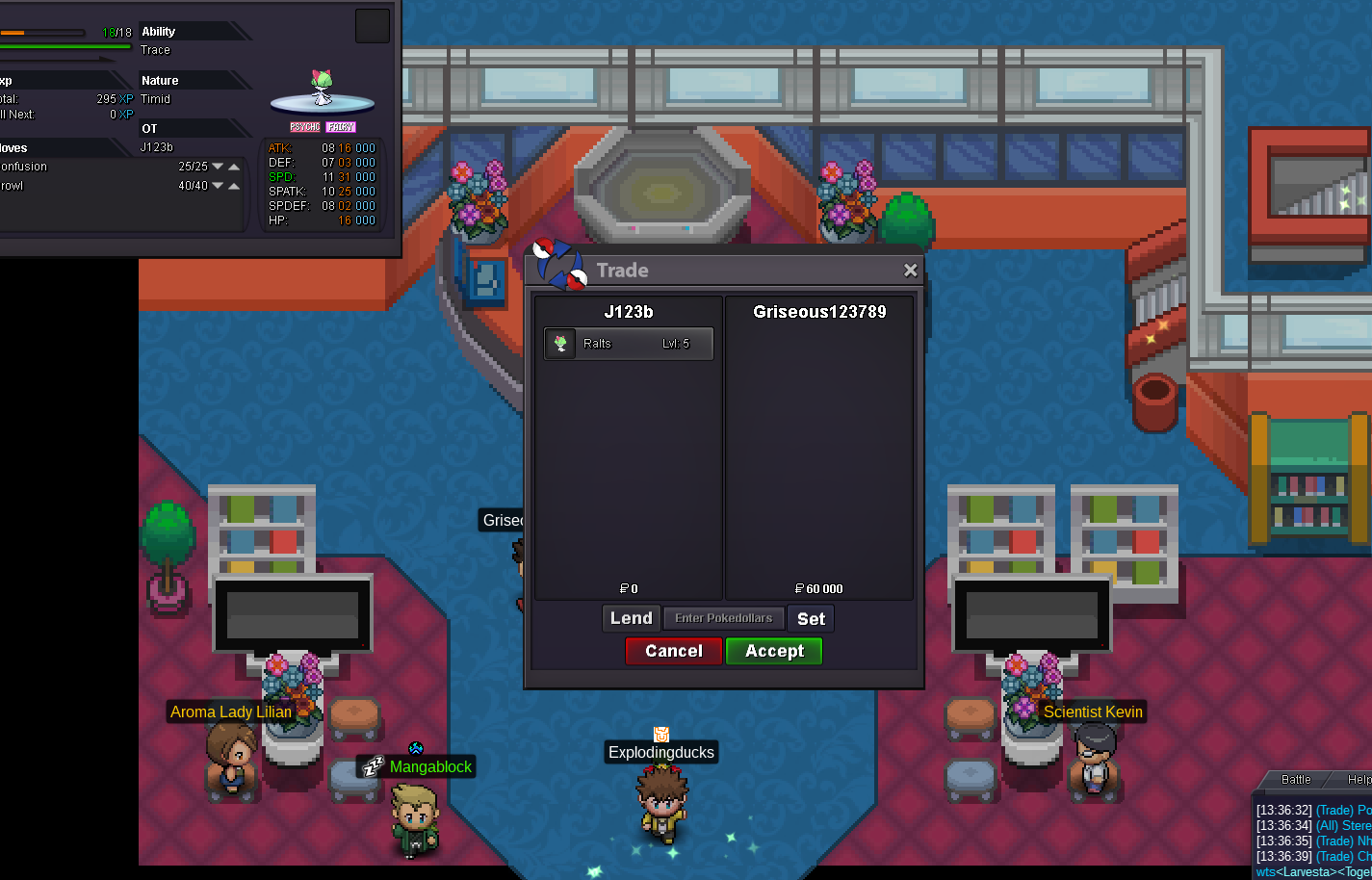
3 ralts sold to hayme

-
Hayme noted
-
Another ralts sold

-
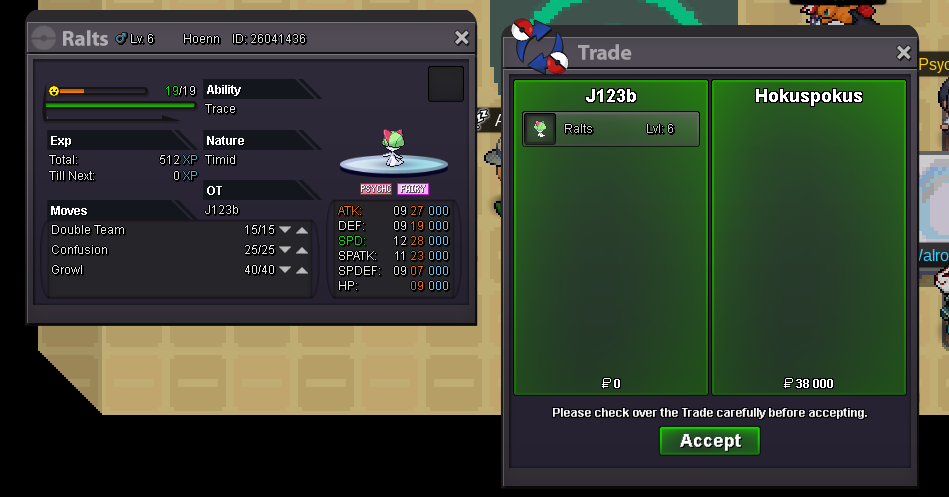
Ralts sold to hokus pokus :)
-
added 2 more really high speed/spatk ralts in timid trace section!
-
send me pm here in forum and i will reply asap! i pay well :)
-
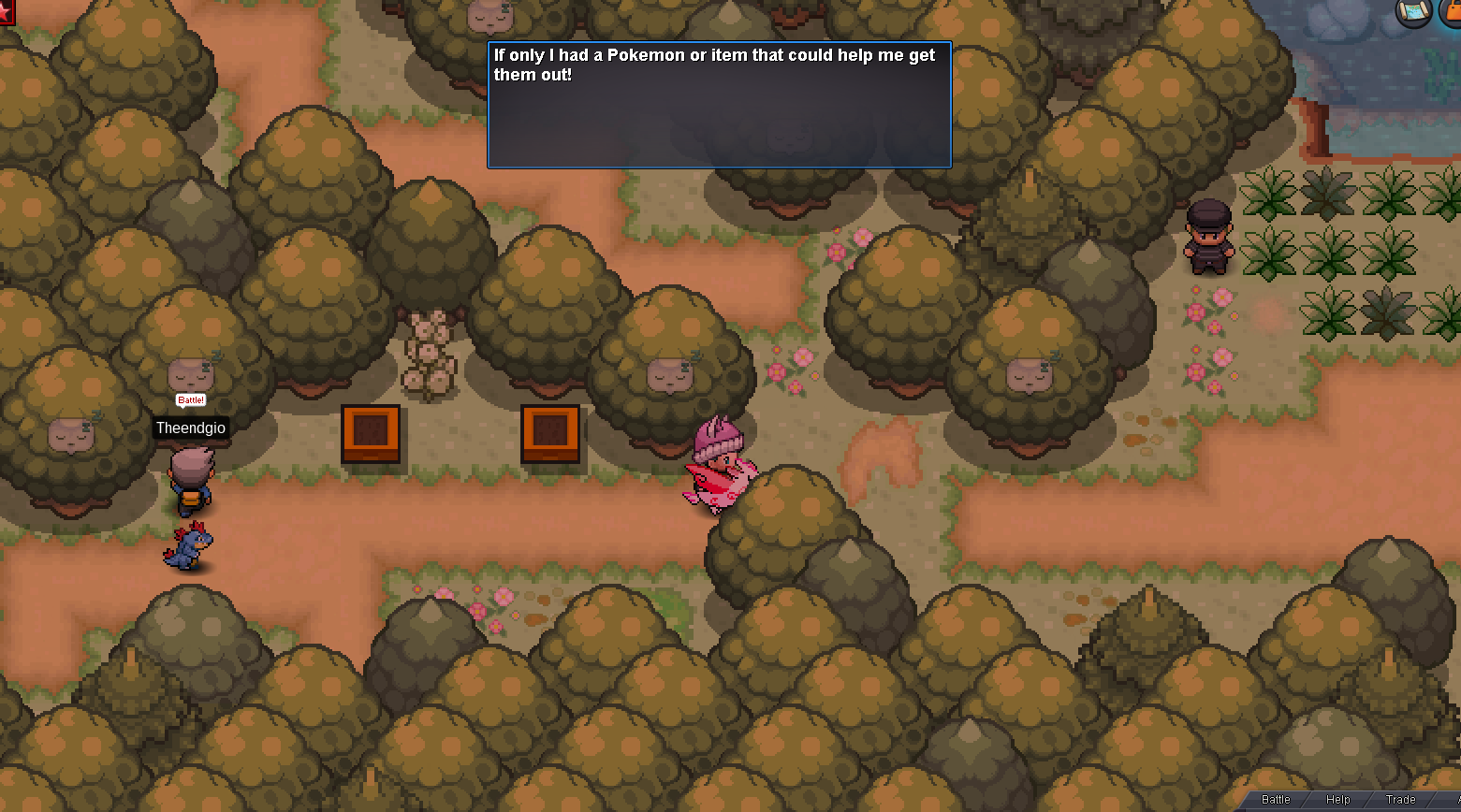
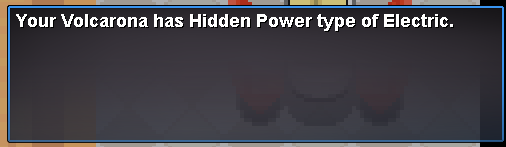
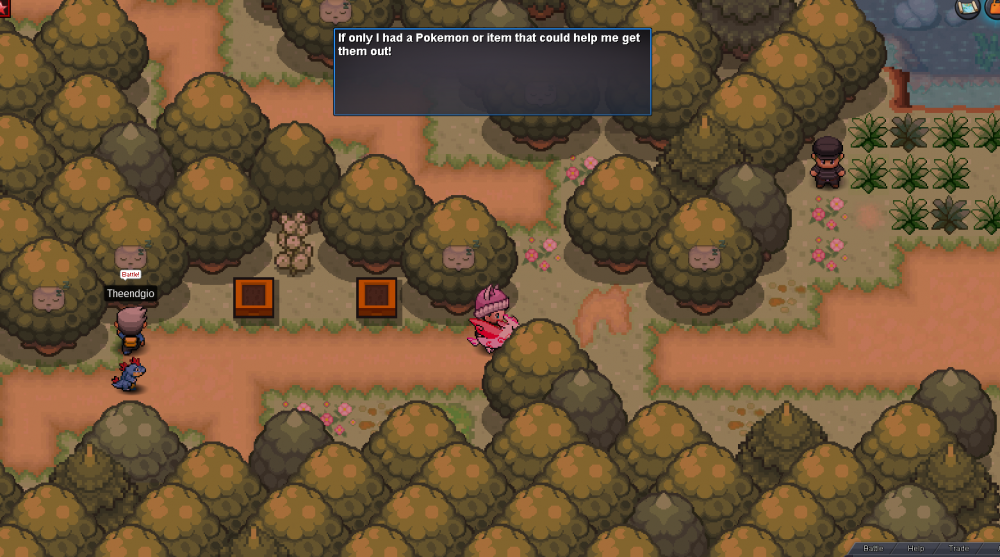
randomly got this message after 1300 hours. i completed the part long time ago. i passed this place 100s of times but never got it a 2nd time until now
-
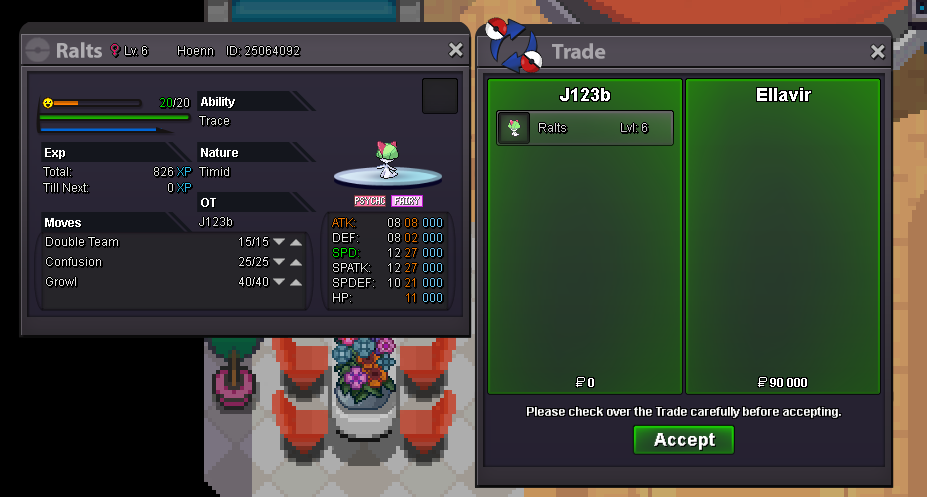
Trade with Ellavir complete
-
I can meet in petalburg, let me know when you're online
-
ellavir noticed
-
NAME CHANGE Username: J123b New Username: J3b Server to charge the money from: Gold
-
added partnership with calamity guild shop! check it out
-
Trade completed

-
.
-
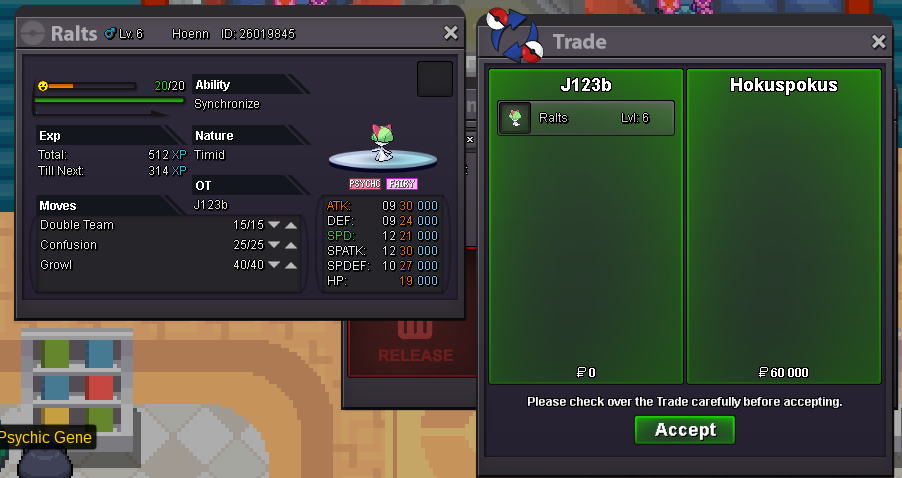
Sold in game with 50% off using the discount code
-
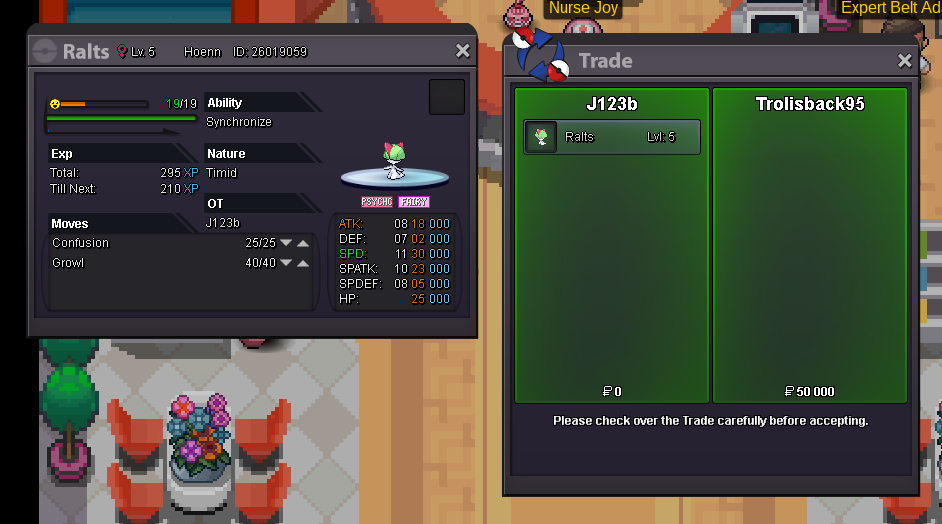
sold in game
-
Special code for 50% off added (not applicable for exclusive section), can be obtained by me ingame. Code expires in 23 hours 50 minutes from now
-
new epic hp fire timid ralts added to exclusive section!
-
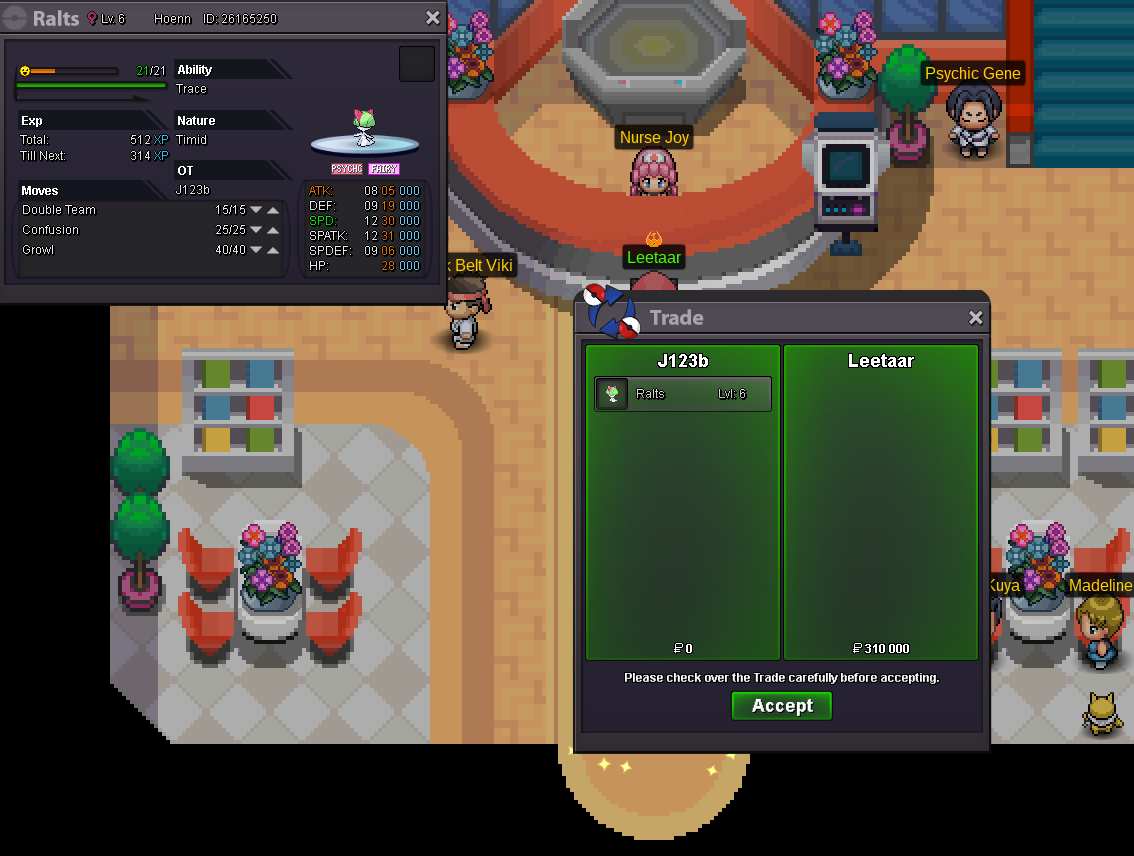
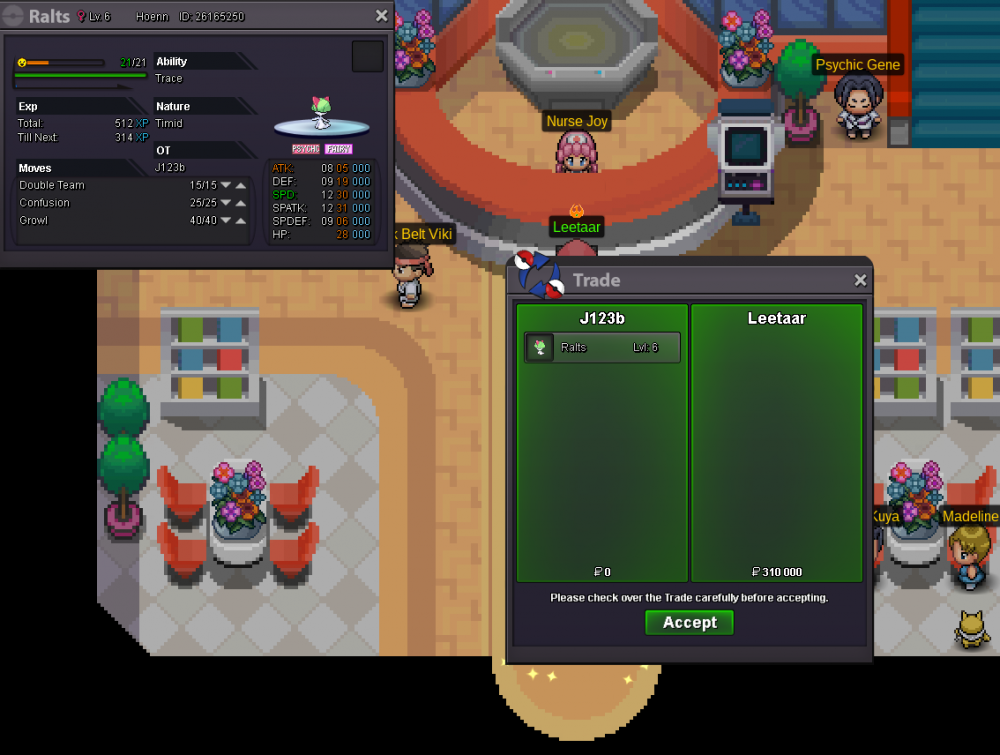
Timid 30 31 trace sold
-
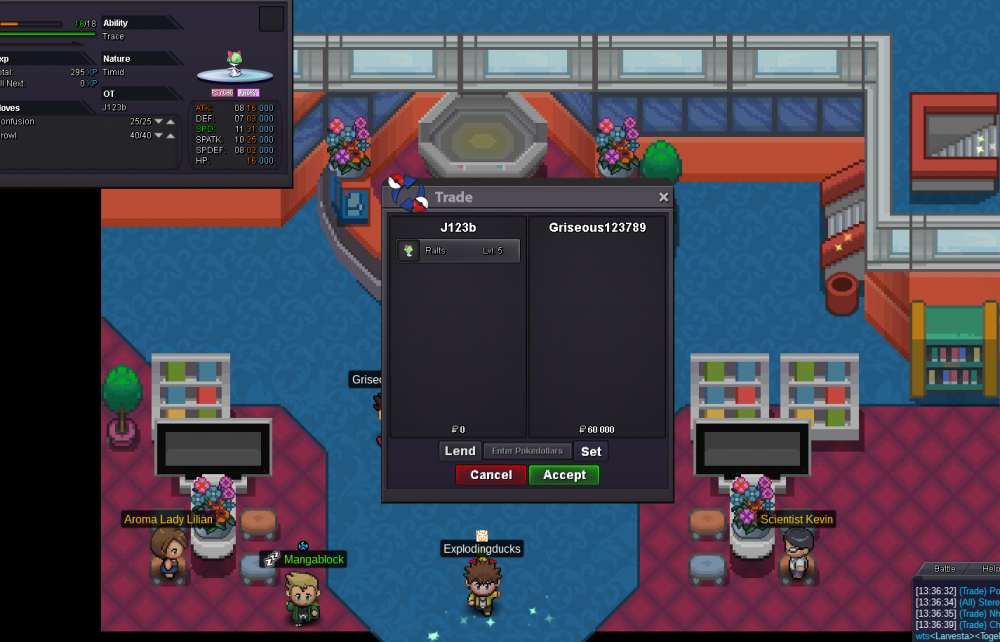
Timid Trace 31 25 sold Leetaars noticed & will be traded
-
20+ new ralts added & priced. 2 New added in exclusive section, price coming soon edit: prices added for everything in shop!