




New Trade Zone
Trade Zone is now live
Use the new Trade Zone for auctions and instant-price trades so Pokemon and item offers are easy to find.

Velltina
Registered User
-
Joined
-
Last visited
Everything posted by Velltina
-
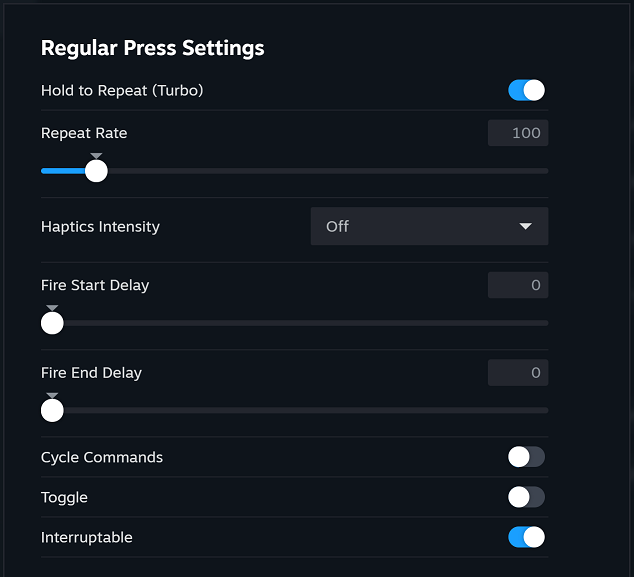
hello, I'm using my Steam Deck to play PRO and I'm using the Steam Controls to use the Turbo button on my fishing rod, i've read that in xpadder its allowed (i don't know how it works there) and here's my question, is it in the Steam Controls a bannable offense? I'm using it because i don't want to get problems with my fingers, but would deactivate it, if its against the rules. And sorry to open another Topic, just because i don't know what the option in xpadder is. thanks in advance.
-
Hello, anyone can give me a pc on this?

-
Hello! I accidentally released my Linoone, it isn't a good one but it was my headbutt slave, with 150 happiness. I mistook it for a trash meowth, can you please restore it? ID Screenshot: [MEDIA=imgur2]sYpdC9R[/MEDIA] Server: Gold