New Trade Zone
Trade Zone is now live
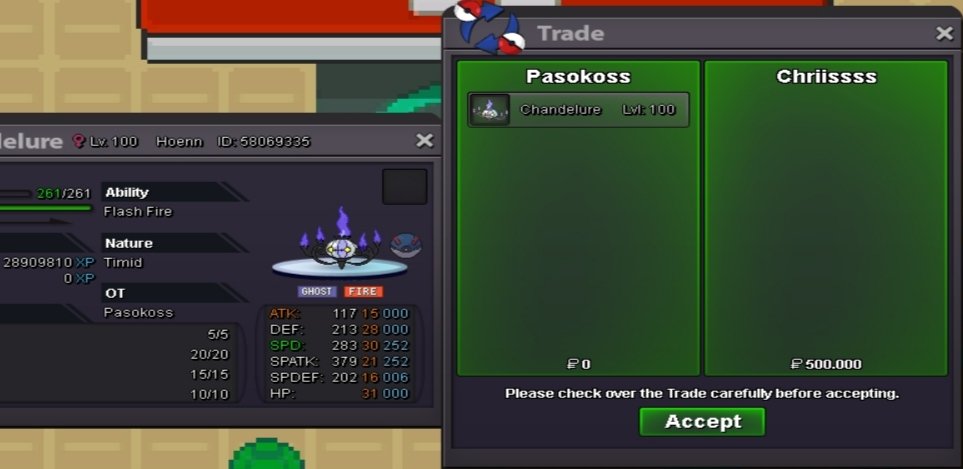
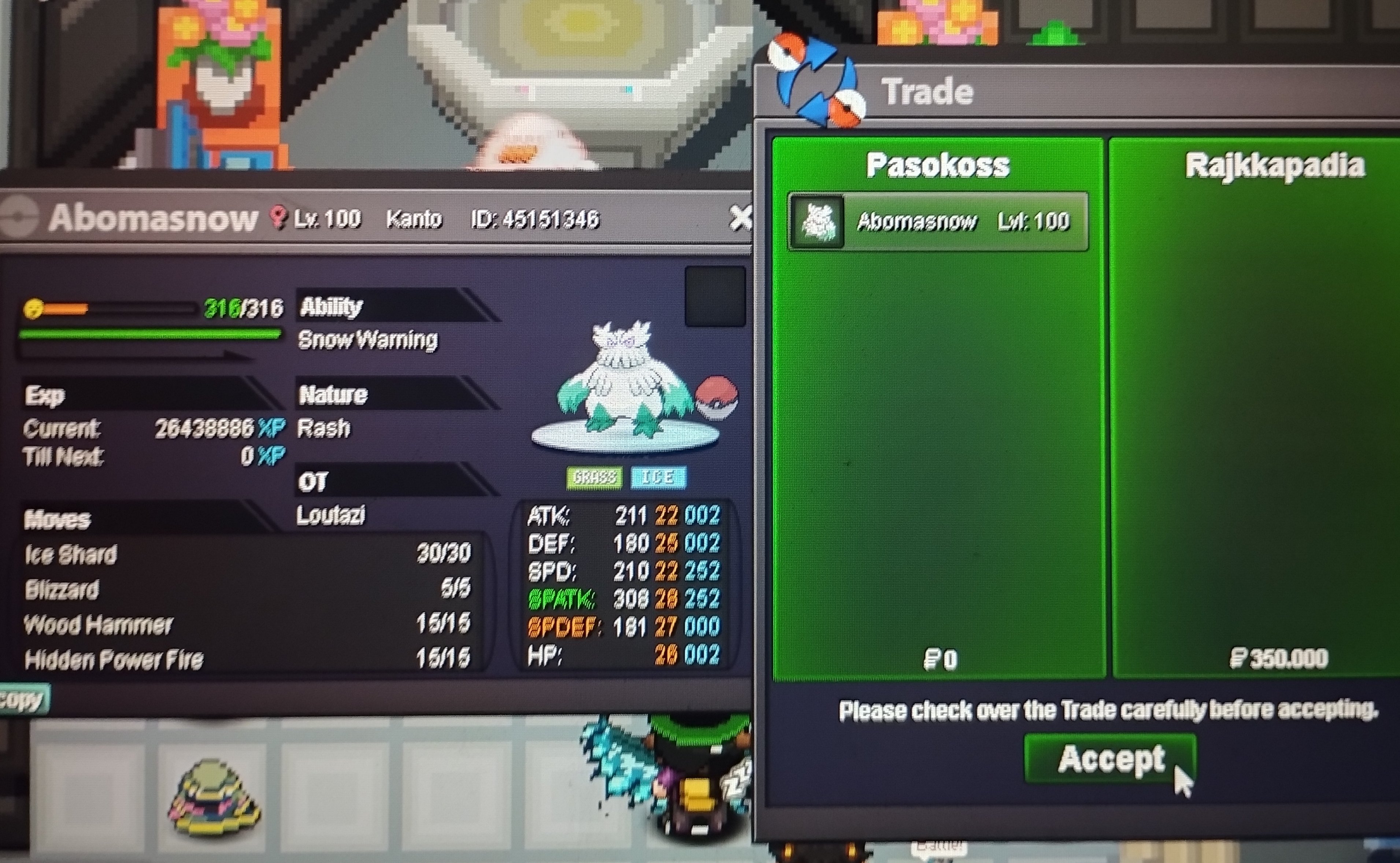
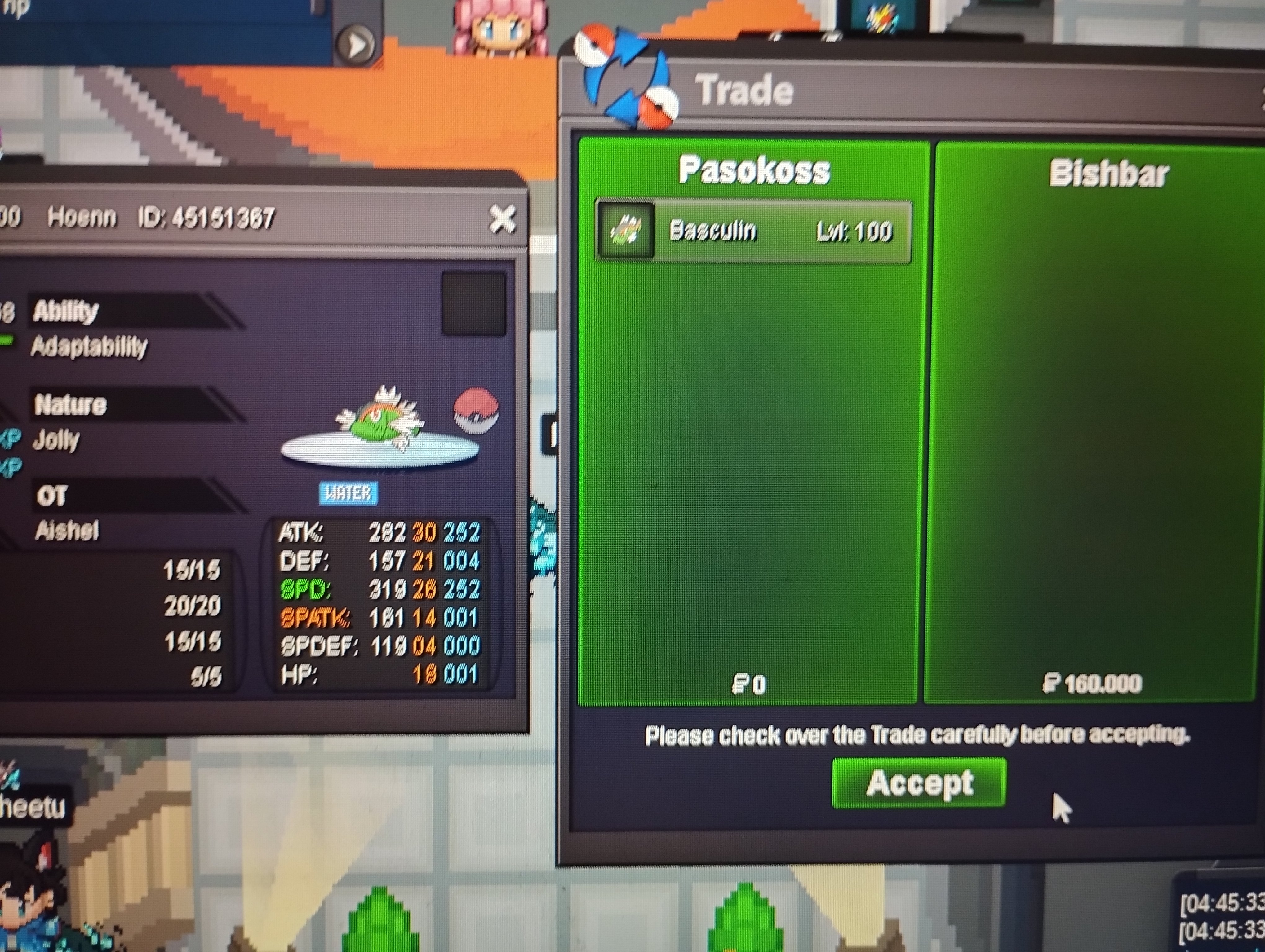
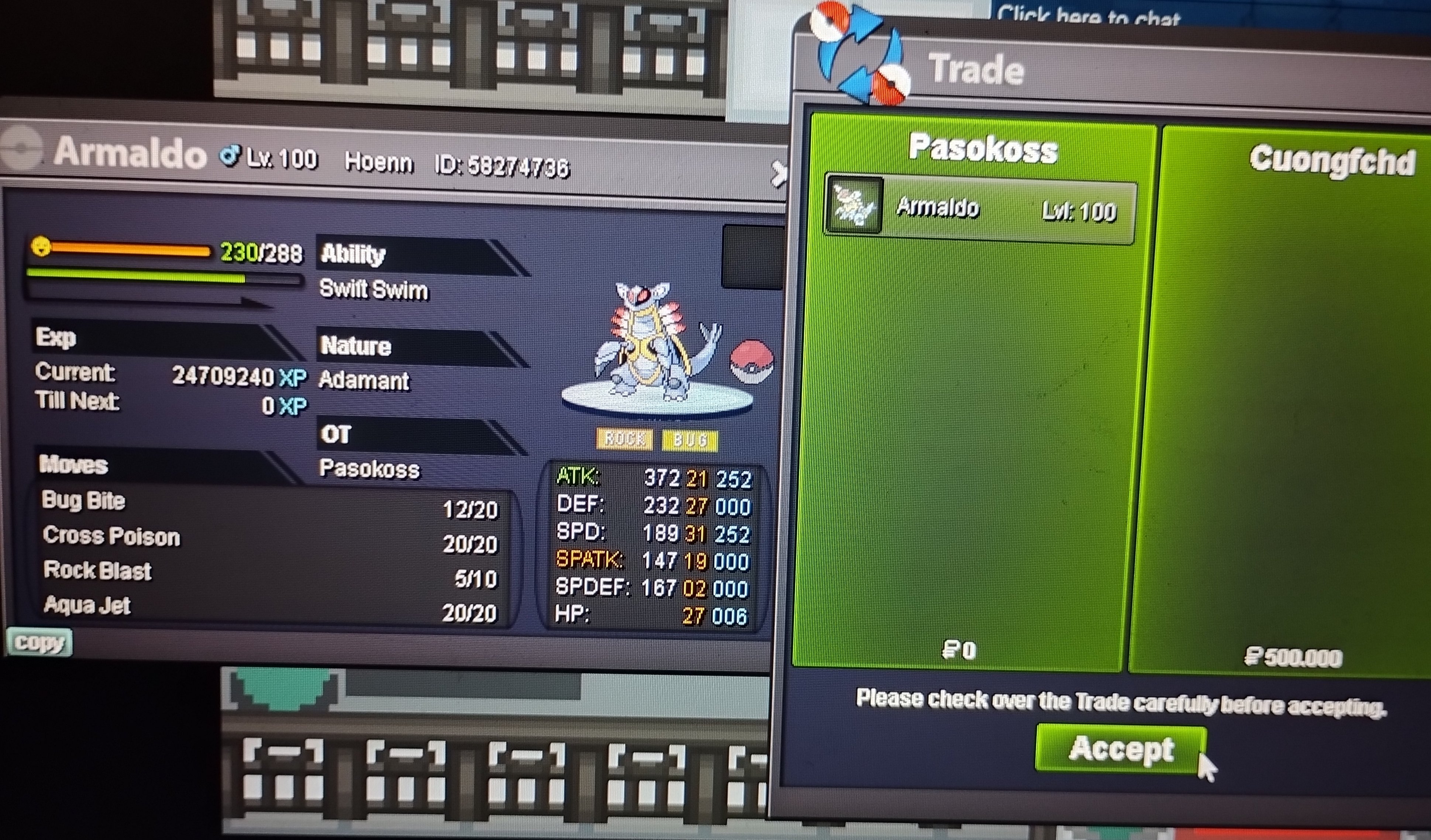
Use the new Trade Zone for auctions and instant-price trades so Pokemon and item offers are easy to find.

Pasokoss
Registered User
-
Joined
-
Last visited
Everything posted by Pasokoss
-
Min raise is 50 k ..you need to bid 551k
-
Noted co 400 k 59 min left
-
-
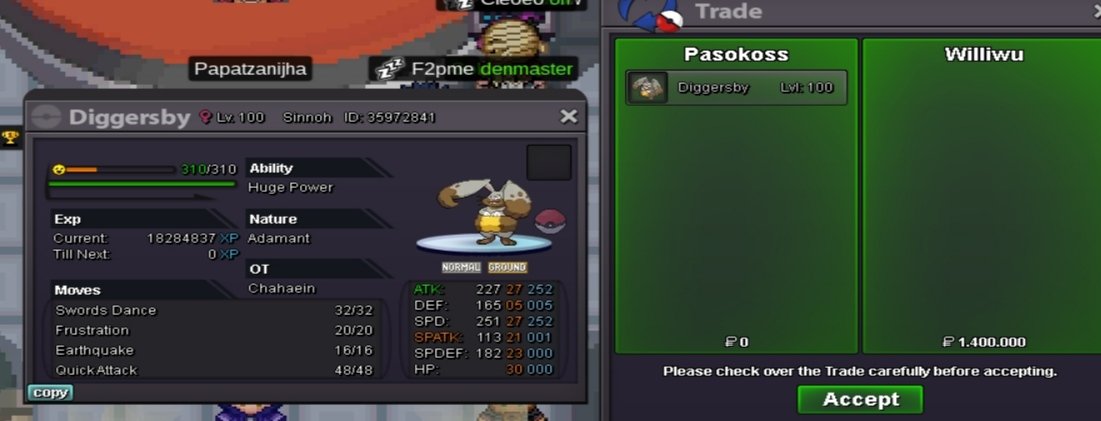
Lending shiny pvp mons Each shiny is 100k for 1 week I will add more the next days.. Discord : G375341#1206

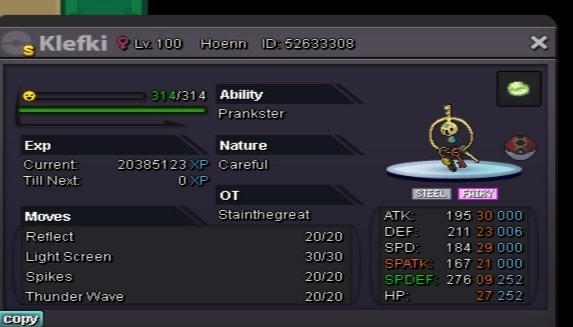
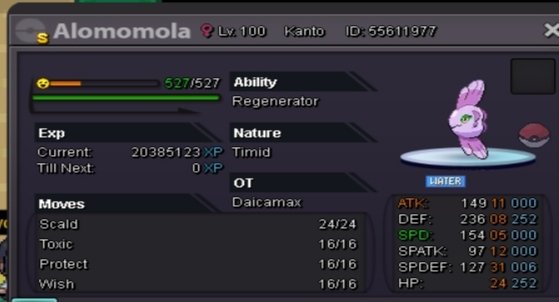
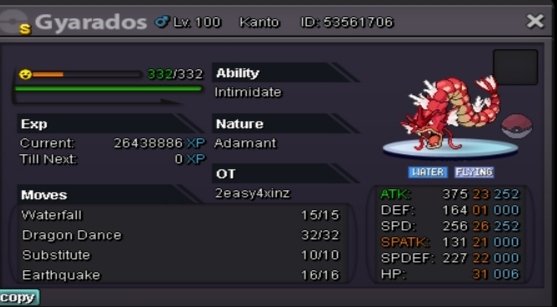


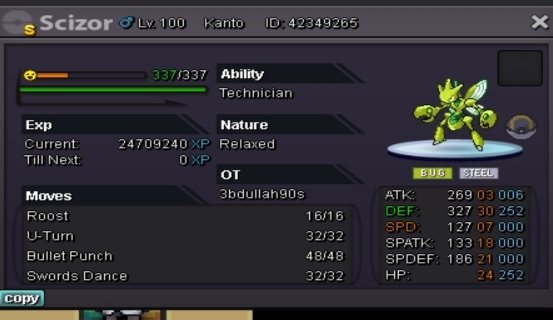
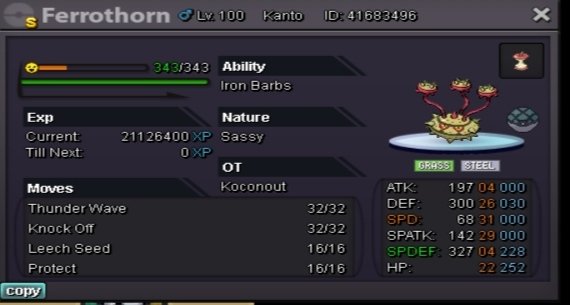


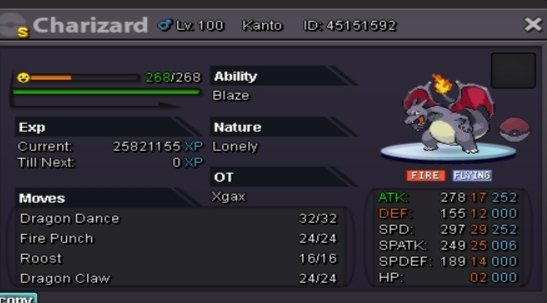

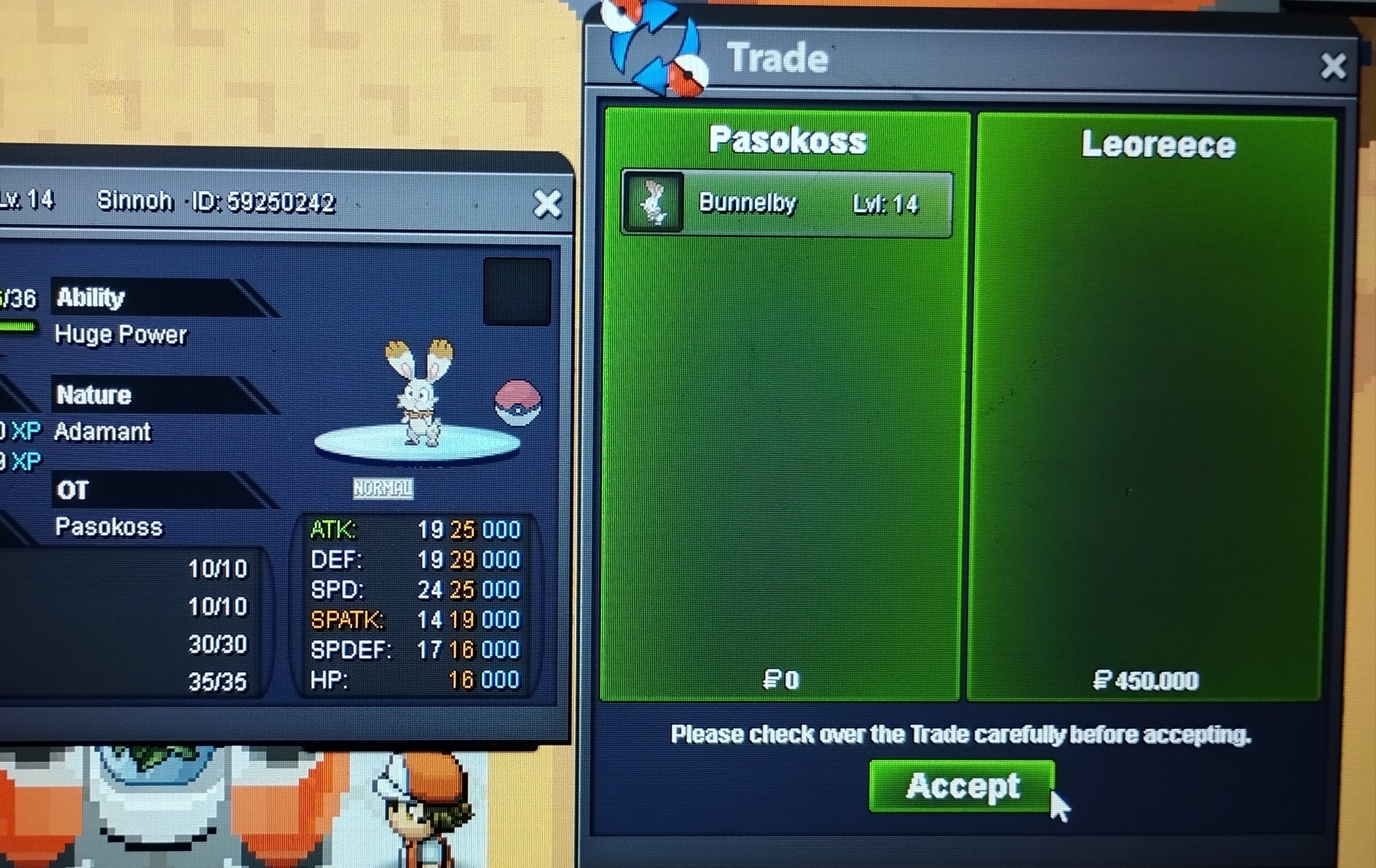
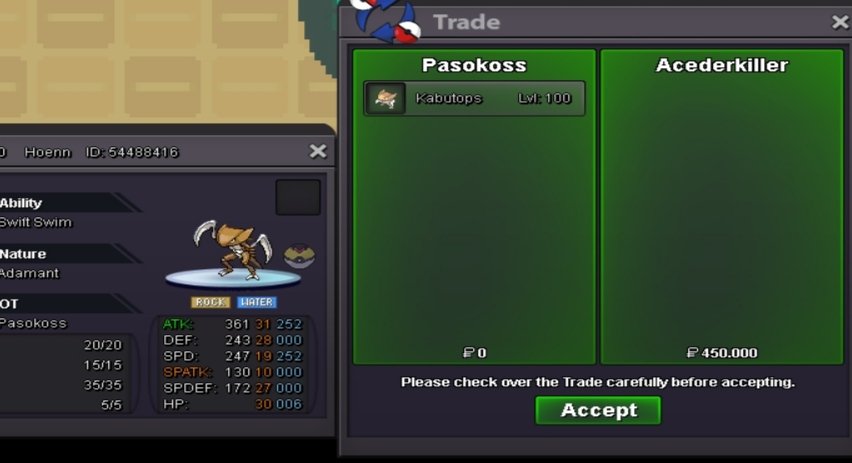
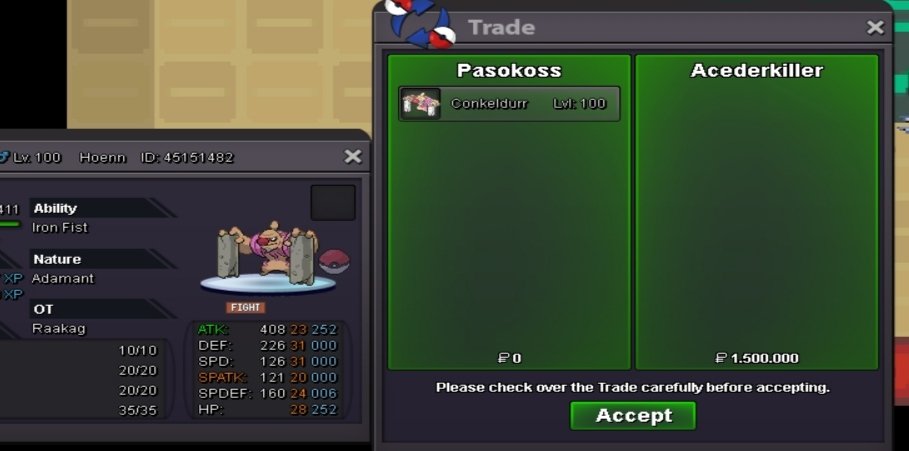
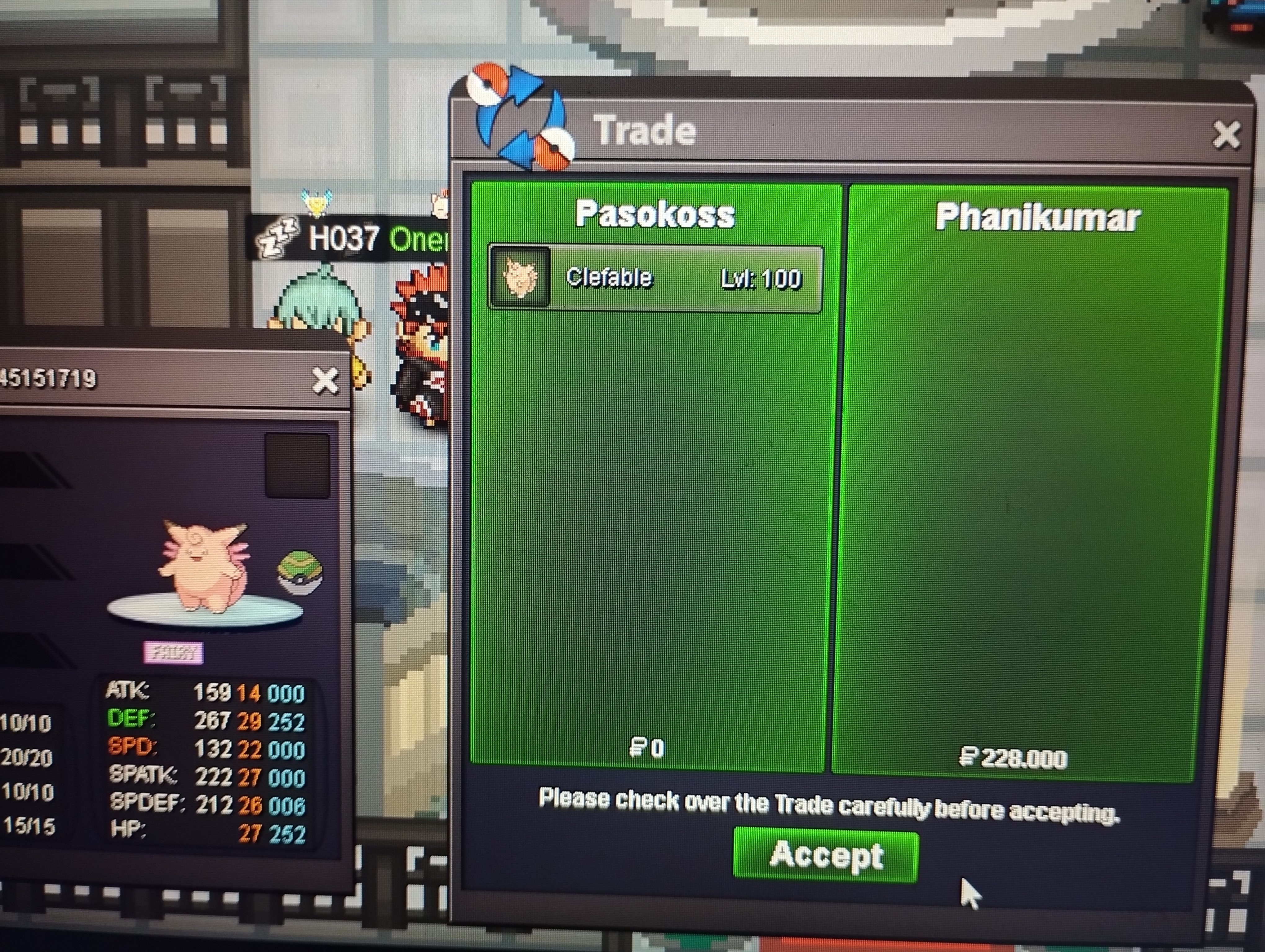
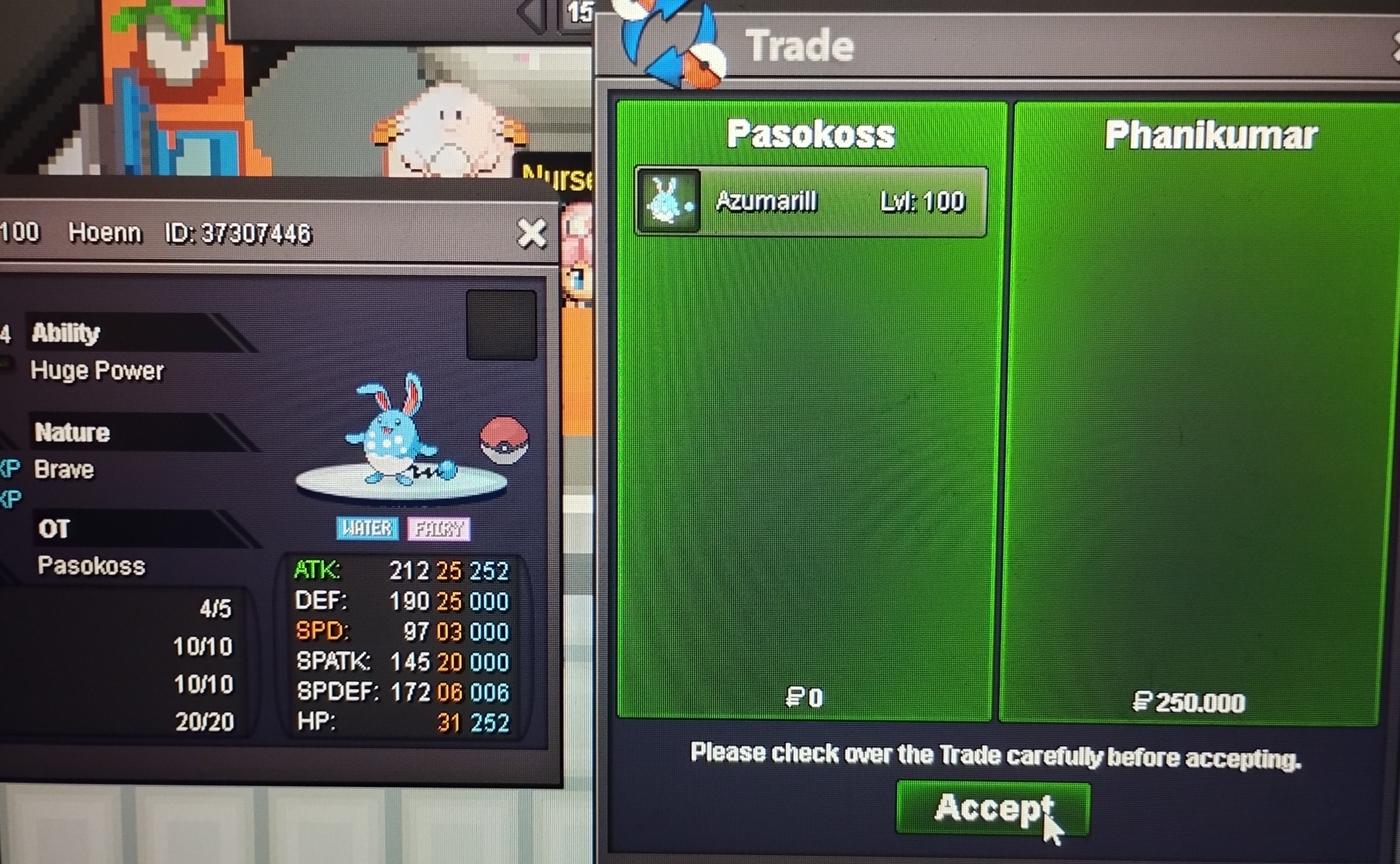
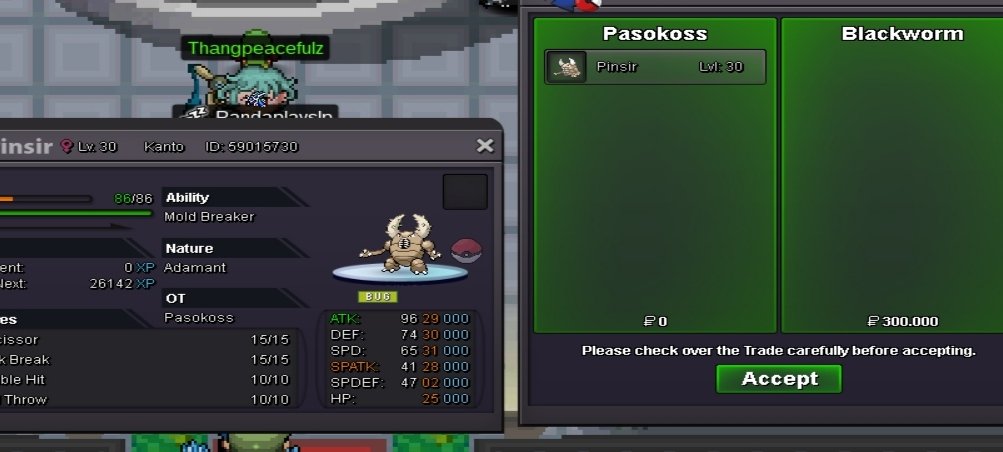
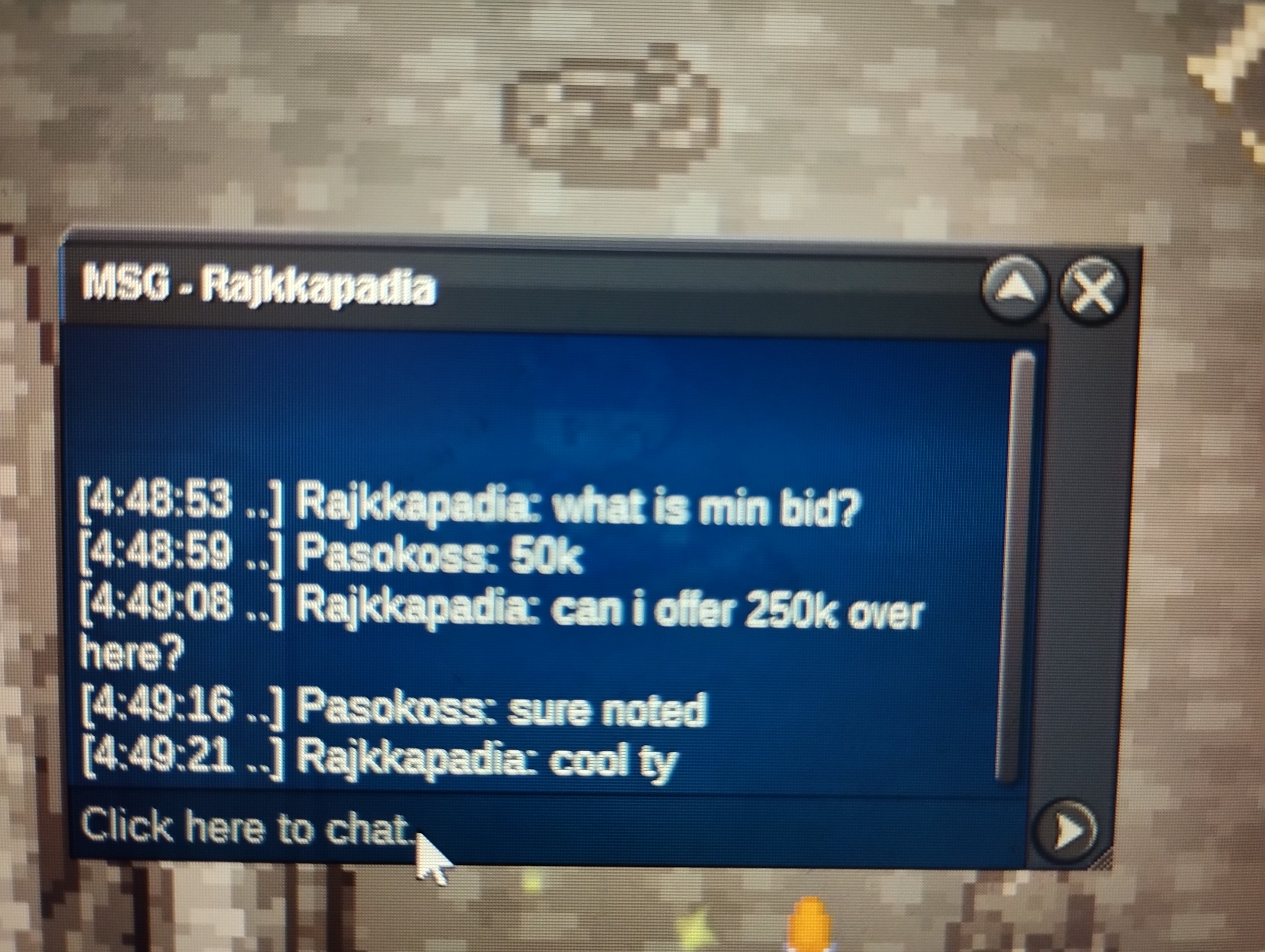
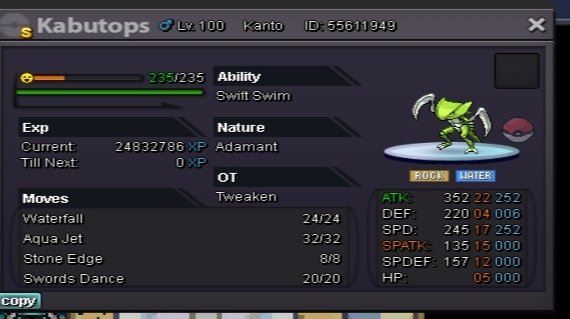 30 m + 10 rrUpNew mons added Lopunny garchomps digger and more25m +5 cc im gold i will transfer if i winStart arapas altThis post can closed .is old post .ty all for your offersYou won pm when you are onlinePinsir co 250 k 1 hour 26 min left
 City and name?
Account
Navigation
Search
Configure browser push notifications
Chrome (Android)
- Tap the lock icon next to the address bar.
- Tap Permissions → Notifications.
- Adjust your preference.
Chrome (Desktop)
- Click the padlock icon in the address bar.
- Select Site settings.
- Find Notifications and adjust your preference.
Safari (iOS 16.4+)
- Ensure the site is installed via Add to Home Screen.
- Open Settings App → Notifications.
- Find your app name and adjust your preference.
Safari (macOS)
- Go to Safari → Preferences.
- Click the Websites tab.
- Select Notifications in the sidebar.
- Find this website and adjust your preference.
Edge (Android)
- Tap the lock icon next to the address bar.
- Tap Permissions.
- Find Notifications and adjust your preference.
Edge (Desktop)
- Click the padlock icon in the address bar.
- Click Permissions for this site.
- Find Notifications and adjust your preference.
Firefox (Android)
- Go to Settings → Site permissions.
- Tap Notifications.
- Find this site in the list and adjust your preference.
Firefox (Desktop)
- Open Firefox Settings.
- Search for Notifications.
- Find this site in the list and adjust your preference.