New Trade Zone
Trade Zone is now live
Use the new Trade Zone for auctions and instant-price trades so Pokemon and item offers are easy to find.

Khaihoan2662004
Suspended
-
Joined
-
Last visited
Everything posted by Khaihoan2662004
-
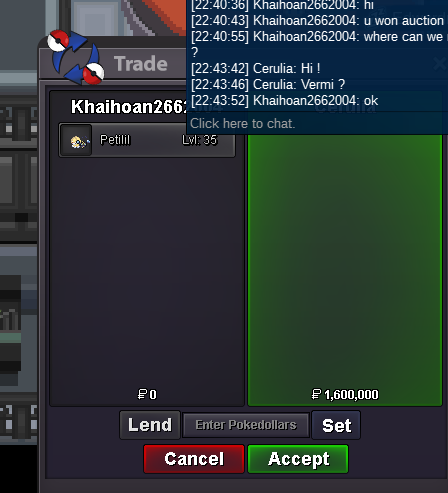
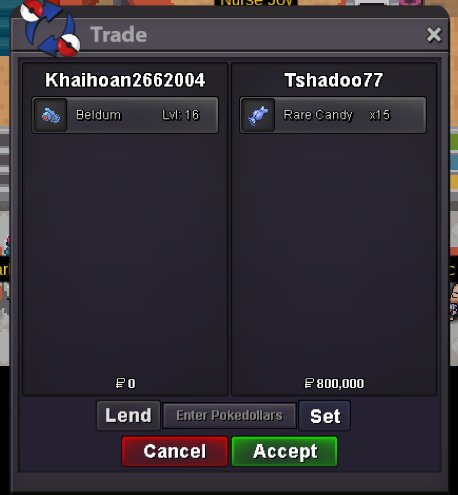
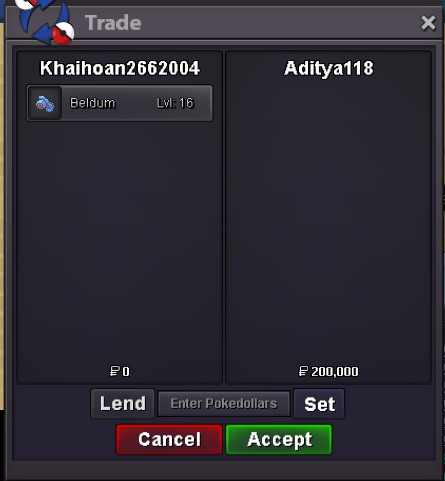
S.o 1m, minbid 200k Auction starts after first bid 2 days duration

-
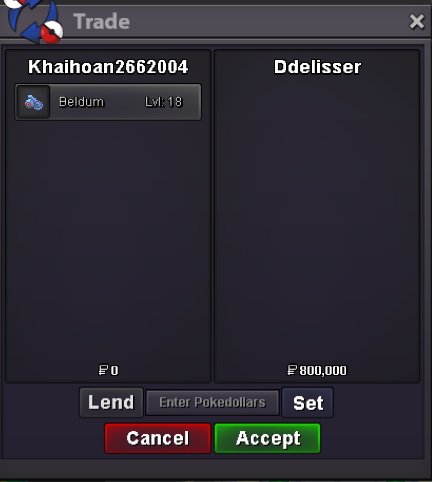
around 30 mins leftend 10:25pm gm+7, 17/8/2023Auction 2 days, start after first bid s.o 400k min bid 200k instant 5m
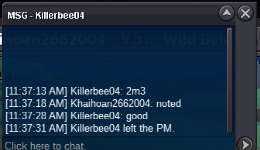
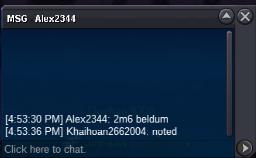
 4m if possiblewhen u can go onl?noted, when can we meet?30mins left
 End time: 17:24 gm+7, 21/5/2022Start offer: 1m Minbid 100k Instant 5m 2days after first bid Acceptable payment: CC(400k), IV/Nature reroll(700k/350k) Good luck!!!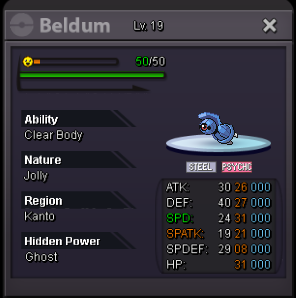
 13mins left^-^. just update some pokes
Account
Navigation
Search
Configure browser push notifications
Chrome (Android)
- Tap the lock icon next to the address bar.
- Tap Permissions → Notifications.
- Adjust your preference.
Chrome (Desktop)
- Click the padlock icon in the address bar.
- Select Site settings.
- Find Notifications and adjust your preference.
Safari (iOS 16.4+)
- Ensure the site is installed via Add to Home Screen.
- Open Settings App → Notifications.
- Find your app name and adjust your preference.
Safari (macOS)
- Go to Safari → Preferences.
- Click the Websites tab.
- Select Notifications in the sidebar.
- Find this website and adjust your preference.
Edge (Android)
- Tap the lock icon next to the address bar.
- Tap Permissions.
- Find Notifications and adjust your preference.
Edge (Desktop)
- Click the padlock icon in the address bar.
- Click Permissions for this site.
- Find Notifications and adjust your preference.
Firefox (Android)
- Go to Settings → Site permissions.
- Tap Notifications.
- Find this site in the list and adjust your preference.
Firefox (Desktop)
- Open Firefox Settings.
- Search for Notifications.
- Find this site in the list and adjust your preference.