New Trade Zone
Trade Zone is now live
Use the new Trade Zone for auctions and instant-price trades so Pokemon and item offers are easy to find.

Theballer
Registered User
-
Joined
-
Last visited
Everything posted by Theballer
-
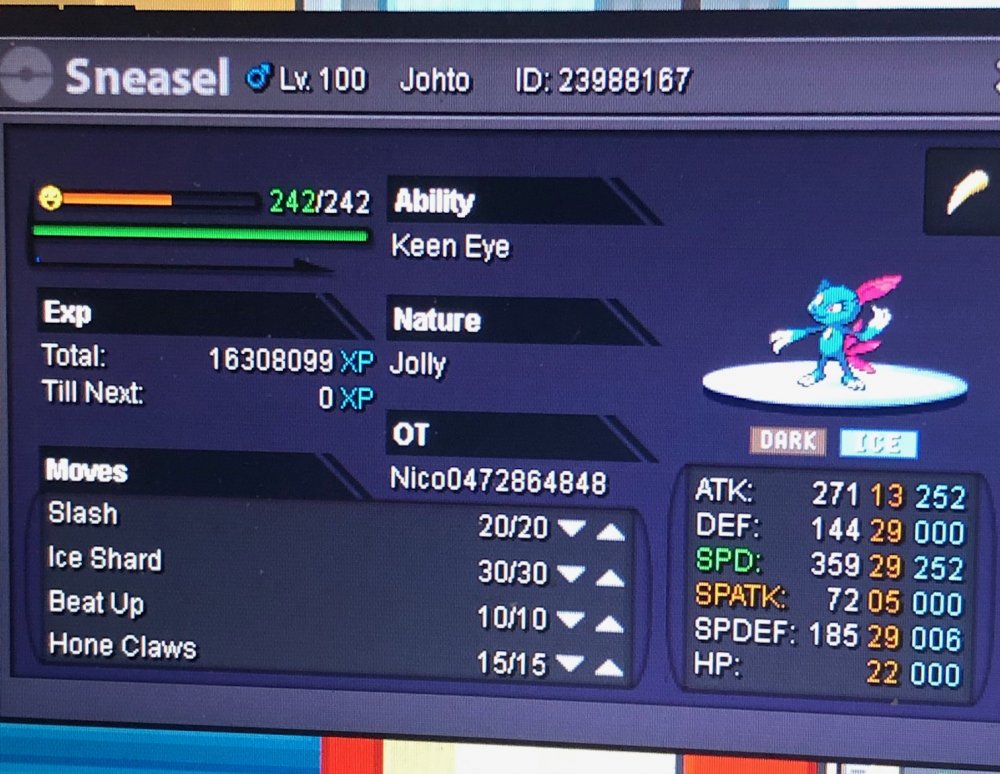
hi from Gold server Nick : Lexmagnus i need to delevel this since i accidentally gave 1 rc more than necessary. attached screenshot, thank you very much staff!
-
i'd need egg moves and moveset service generally, may i ask for your service?
-
good morning staff! i have no chance to enter back my account gold. i've checked and both my silver and gold account are active without any kind of restriction. why can't i enter my gold one? i'm 100% sure i am not banned cause there are no reason for it to happen. thanking you in anticipation por patience and kindness. hope to get back from you as soon as possible! :) thanks for this amazing game!
-
Conkeldurr was sold to Pisces2003 for 200k. thx to everyone in-game offering
-
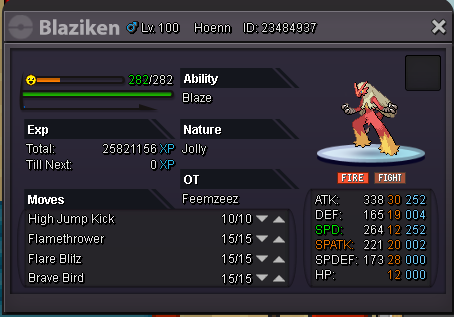
we had fake bidding for Blaziken, so it's still available. (already reported)
-
Blaziken - WTS base offer 100k - instabuy 250k - SOLD Conkeldurr - WTS base offer 150k - instabuy 375k - SOLD AUCTION STARTS FROM 1ST BID - 2hrs Auction in-game nickname: Lexmagnus Discord: Lex_Magnus#5003 thank you to everyone in anticipation for cordiality and kindness ^^

-
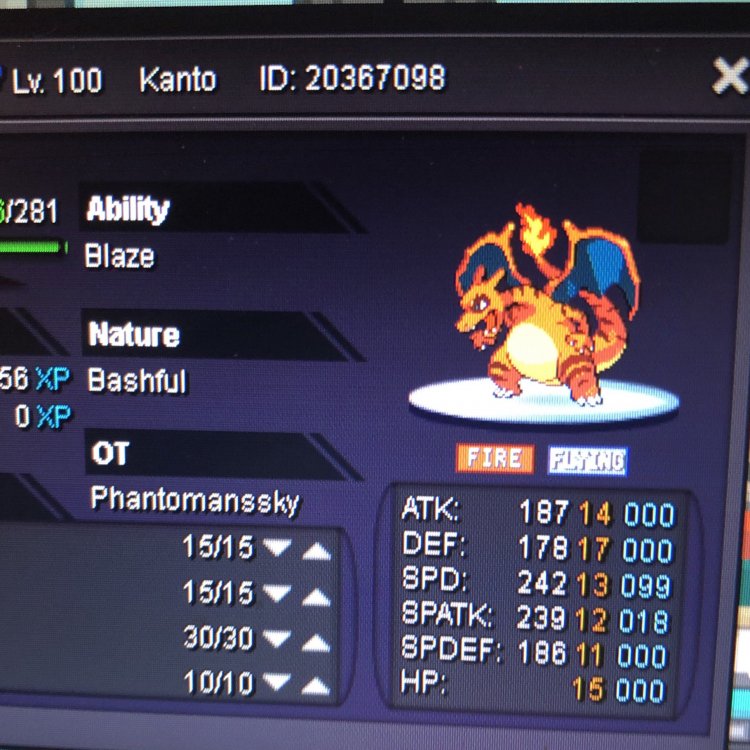
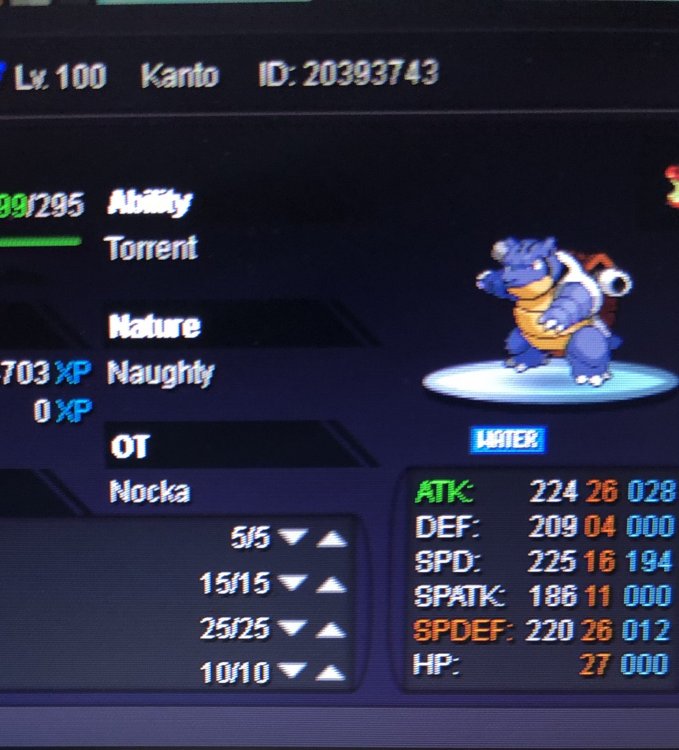
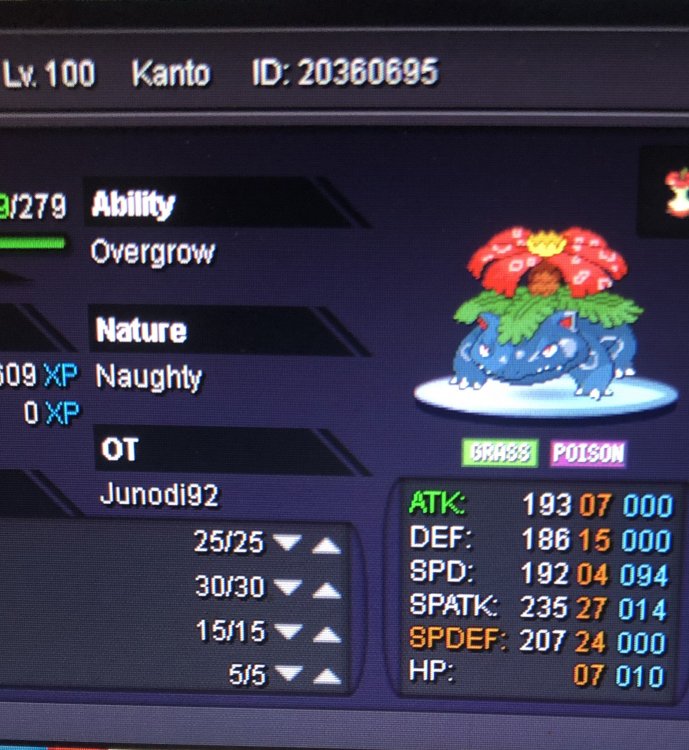
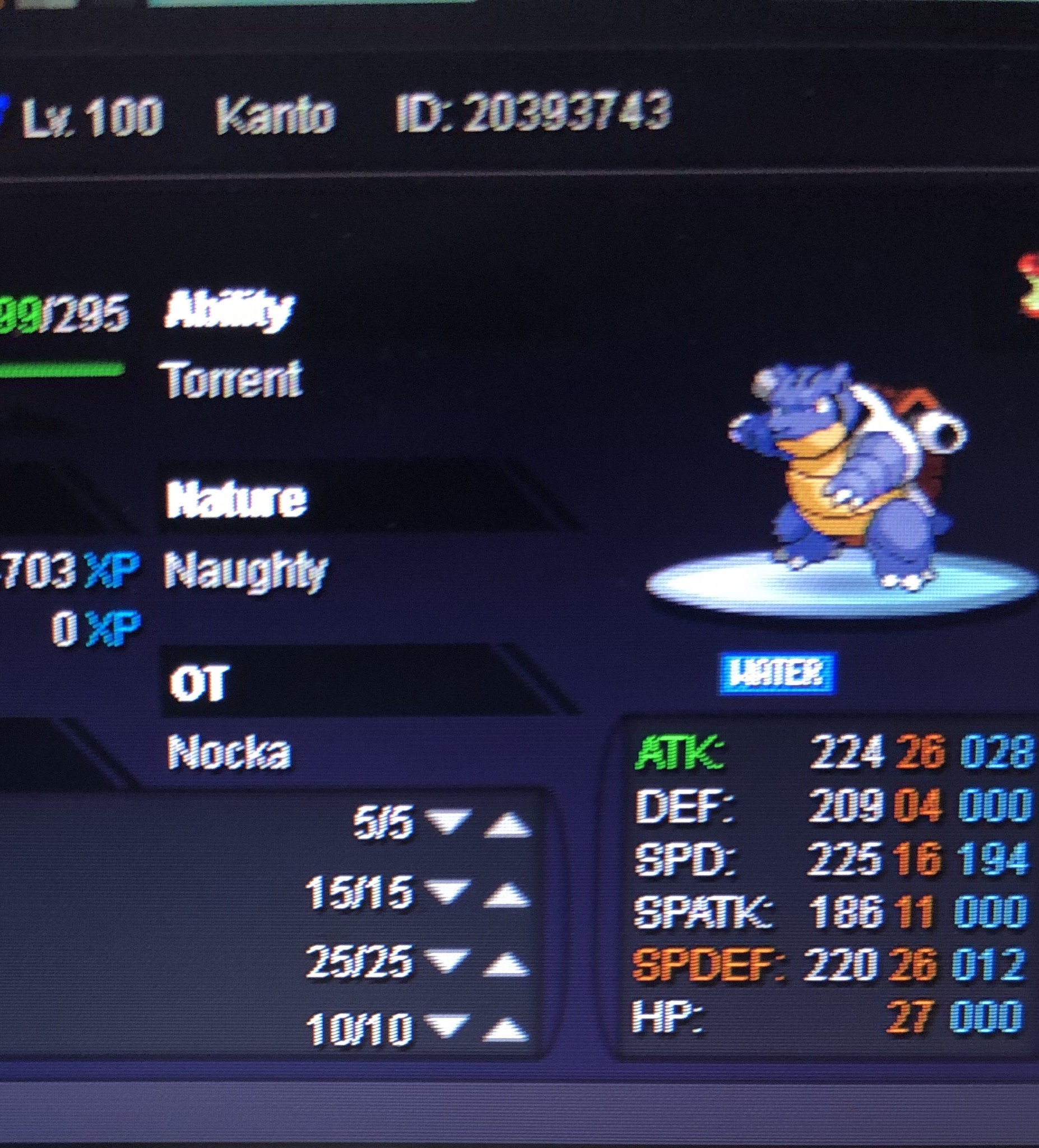
pics in attachment
-
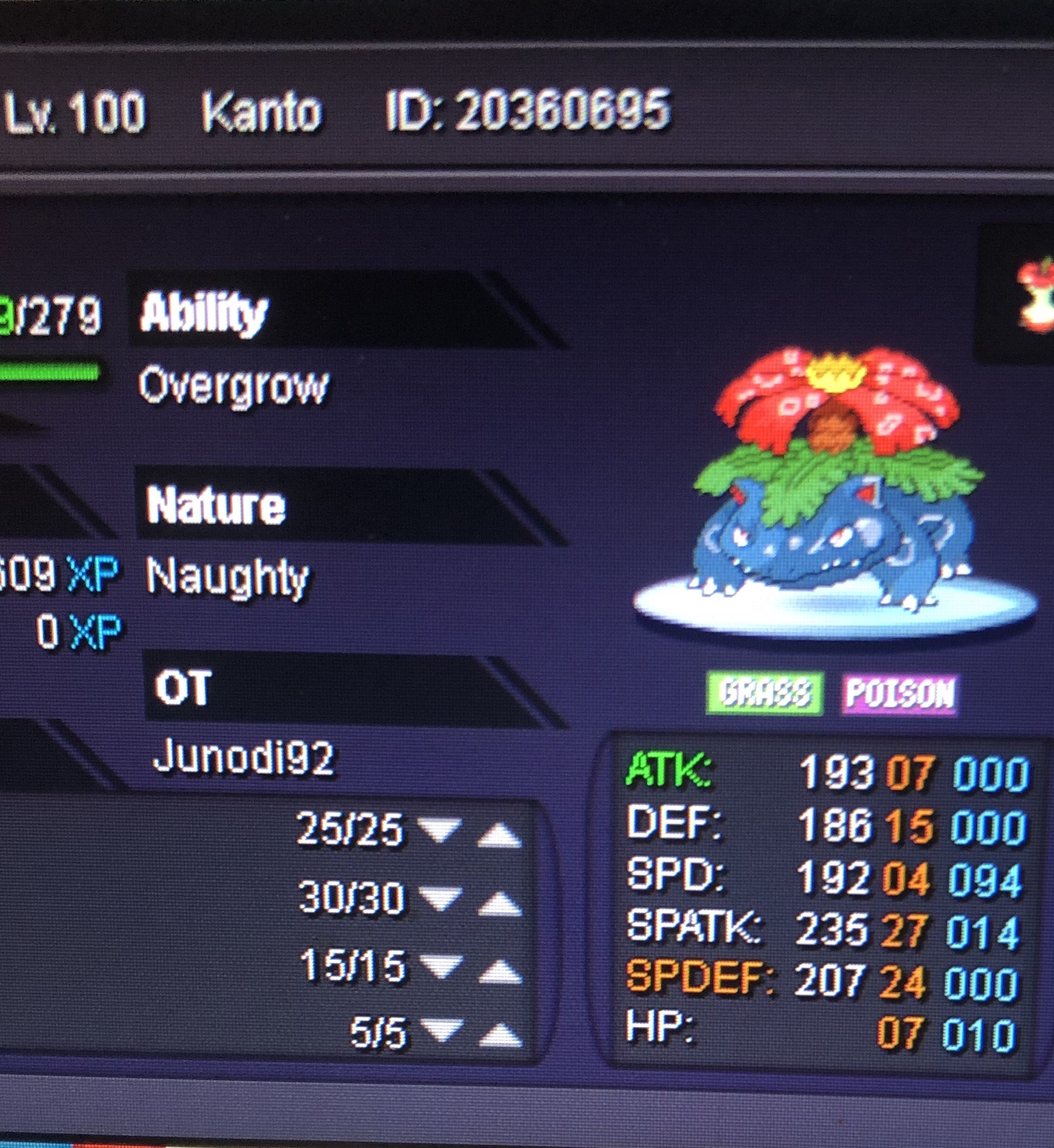
CloneCharizard Lv.100 - atk 14 ,def 17, spd 12, spatk 12, spdef 11, hp 15 CloneVenusaur Lv. 100 - atk 07, def 15, spd 04, spatk 27, spdef 24, hp 07 CloneBlastoise Lv.100 - atk 28, def 04, spd 16, spatk 11, spdef 26, hp 27