




New Trade Zone
Trade Zone is now live
Use the new Trade Zone for auctions and instant-price trades so Pokemon and item offers are easy to find.

Komata
Registered User
-
Joined
-
Last visited
Everything posted by Komata
-
Hey, TY. Just PM me on Discord and tell me when u are online.
-
3M
-
2M for my bro
-
Sorry for double post. This name is from my first account, I assume is available since the original acc is banned or deleted.
-
-
Just bump. I will try update this weekend
-
650k if still active
-
Congratz chichaii
-
-
Start
-
Perfect, i will contact you via discord this night :)
-
Hi mimo, can I buy Metagross + Hitmonlee for 750k? If not just tell me and i take them anyways.
-
Just on time. I think u deserve the mon. Gratz bro.
-
-
Just ask help to an trade mod. In my device I see how Mattsw start at 4:49 PM. And he try bid 550K again at 3:34 PM. So maybe ask first to avoid problems, anyways congratz to the winner.
-
1'5
-
Start
-
Clefable, Staraptor, Donphan, Scraffty, Roserade and Clawitzer sold. Waiting the buyer for Magnemite
-
-
Hi, I eant to buy the 60K pupitar. And also, the shuckle.
-
Hello mate and thanks you. Magnemite it is OK. But Serperior the minimun I can accept is 300K.
-
Sold and added 2 new Shinys.
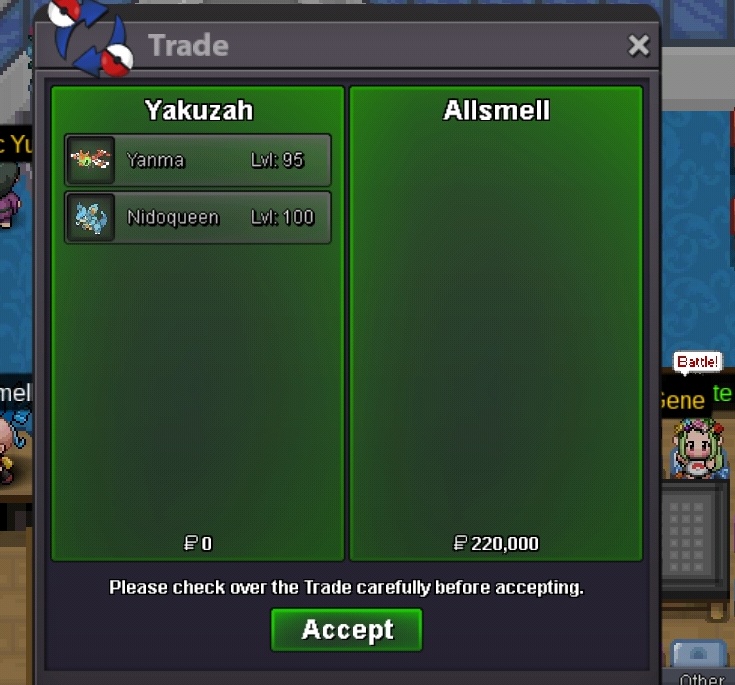
-
Hi mate, thanks you so much, I will be online at my night. In like (7/8 hours), anyways feel free to contact me via Discord. (Yakuzah#6765). If fast maybe in like 3/ hours I can go online.
-
Perfect mate, just tell me when you can go online. Or just PM me in Discord (Yakuzah#6765)
-
800
