




New Trade Zone
Trade Zone is now live
Use the new Trade Zone for auctions and instant-price trades so Pokemon and item offers are easy to find.

Nilla
Registered User
-
Joined
-
Last visited
-
Player name: Nilla Silver: Gold Timezone (in GMT): GMT +2
-
I have the same problem, too.
-
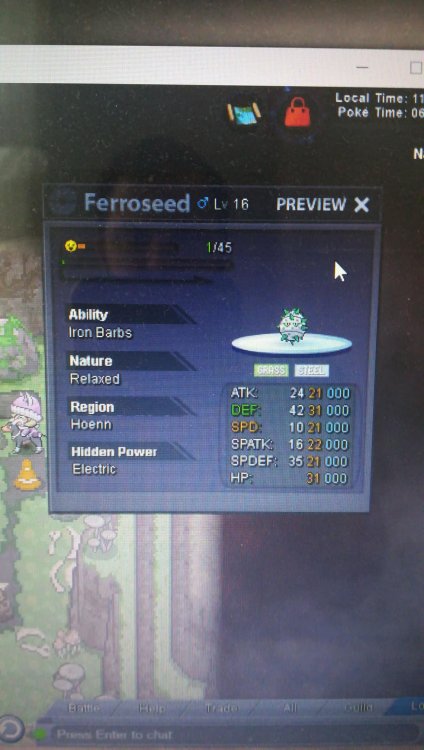
Hello, I'm accidentally released my ferroseed. Is there any way to get it back, because i don't have ID of the pokemon, only this:
-
In-Game Name: Nilla Discord Tag: Nilla#8880 Server: Gold How often do you use Discord? Every day What is one suggestion you have for PRO Discord? Reactions to posts
-
1. What is your current play time? - 247 hours 2. What is your favorite thing to do in pro - Hunting and training 3. Do You like to help your friends (this is most important....) - Yes I do 4. What are your goals in pro? -"To be the very best like no one ever was…" 5. Why do you wish to join our pack? - I like making new friends. My discord: Nilla #8880
