




New Trade Zone
Trade Zone is now live
Use the new Trade Zone for auctions and instant-price trades so Pokemon and item offers are easy to find.


Braxsayan
Registered User
-
Joined
-
Last visited
Everything posted by Braxsayan
-
Warning: due to the DST change in France as well as other countries. I specify that the auction lasts 120h ( 5 days ) Example: for the France if the auction started at 2pm on monday and will end 5 days after at 3pm For other countries do not take this post into account. Thank you for your understanding.
-
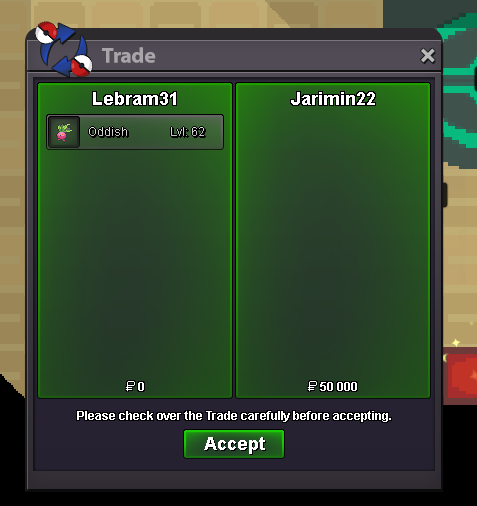
i cant contact you you are onlineplease i need a forced trade for @Jarimin22 and the oddish if possible 🙂you won oddish still waiting for youty notedbump.start offer : 500k .min raise : 10k .insta : no one .end of auction : 5 days after the first bid good luck accept cc = 360k reroll = 550k Warning: due to the DST change in France as well as other countries. I specify that the auction lasts 120h ( 5 days ) Example: for the France, if the auction started at 2pm on monday and will end 5 days after at 3pm For other countries do not take this post into account. Thank you for your understanding. curent offer = 560k
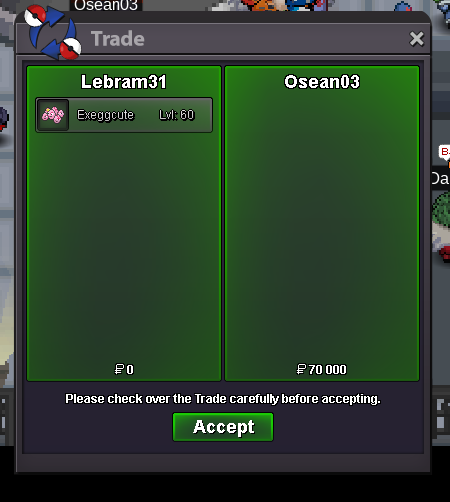
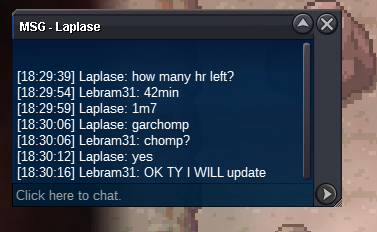
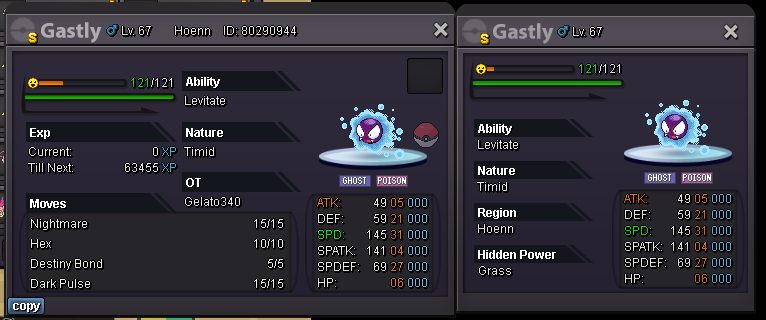 congratz you won pm me ingame at /pm lebram31ty noted around 2h leftbump around 4h left for exeggUPDATE
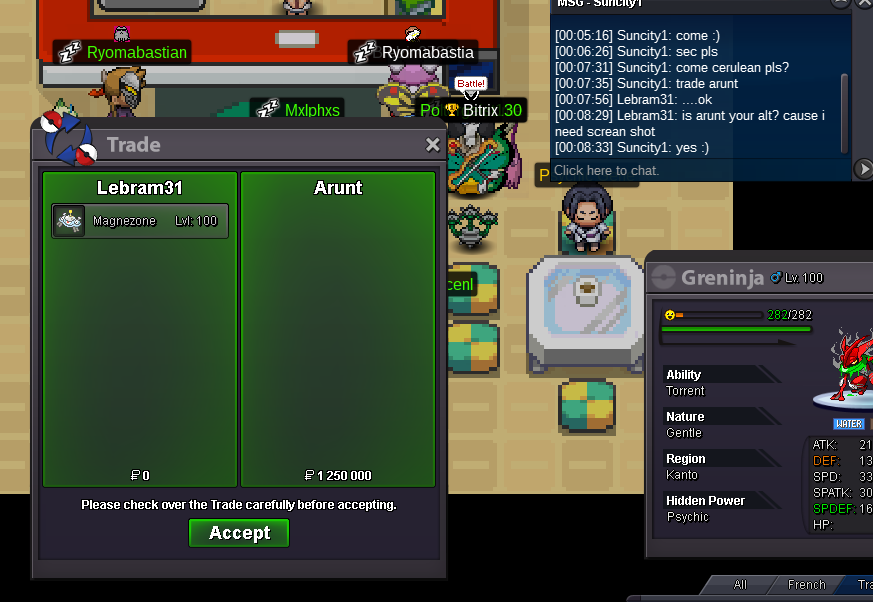
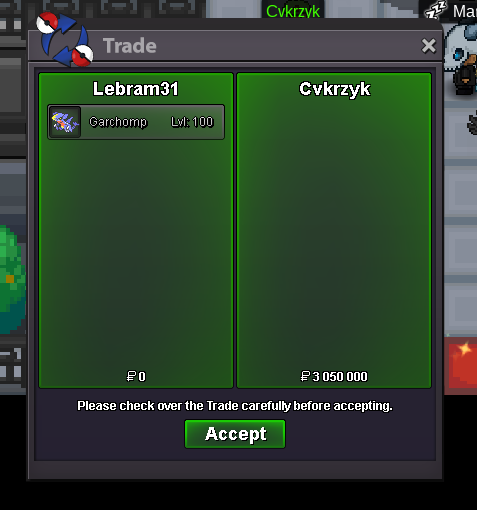
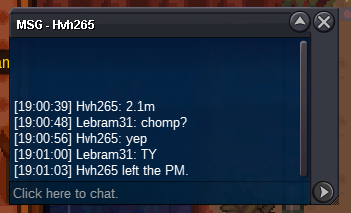
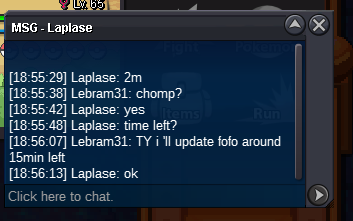
 bumpchomp ended please contact me ingame @Cvkrzykbe carefull last minute 🙂 but still thankslet me finish chomp auction pleasemagnezone ended @Suncity won

Account
Navigation
Search
Configure browser push notifications
Chrome (Android)
- Tap the lock icon next to the address bar.
- Tap Permissions → Notifications.
- Adjust your preference.
Chrome (Desktop)
- Click the padlock icon in the address bar.
- Select Site settings.
- Find Notifications and adjust your preference.
Safari (iOS 16.4+)
- Ensure the site is installed via Add to Home Screen.
- Open Settings App → Notifications.
- Find your app name and adjust your preference.
Safari (macOS)
- Go to Safari → Preferences.
- Click the Websites tab.
- Select Notifications in the sidebar.
- Find this website and adjust your preference.
Edge (Android)
- Tap the lock icon next to the address bar.
- Tap Permissions.
- Find Notifications and adjust your preference.
Edge (Desktop)
- Click the padlock icon in the address bar.
- Click Permissions for this site.
- Find Notifications and adjust your preference.
Firefox (Android)
- Go to Settings → Site permissions.
- Tap Notifications.
- Find this site in the list and adjust your preference.
Firefox (Desktop)
- Open Firefox Settings.
- Search for Notifications.
- Find this site in the list and adjust your preference.