




New Trade Zone
Trade Zone is now live
Use the new Trade Zone for auctions and instant-price trades so Pokemon and item offers are easy to find.

Kimtan20082002
Registered User
-
Joined
-
Last visited
Everything posted by Kimtan20082002
-
Hello sir Help me @IrushiaPlease transfer this to the winner of the auction, I need to gold right now but they are not online at the moment.
-
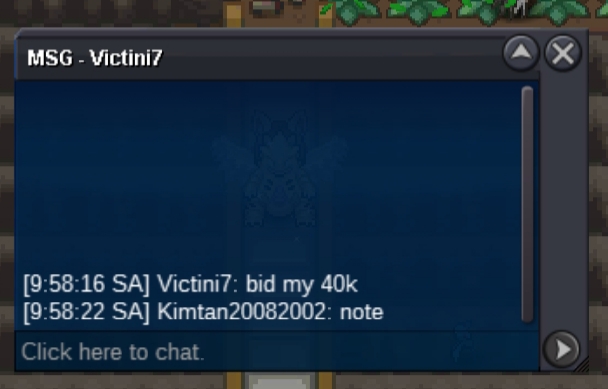
Victini 7 won auction
-
9 hour left
-
So :1k Min bid :10k insta : 1m end time : 24h start from the frist bid Accept cc : 360k rr iv : 760k
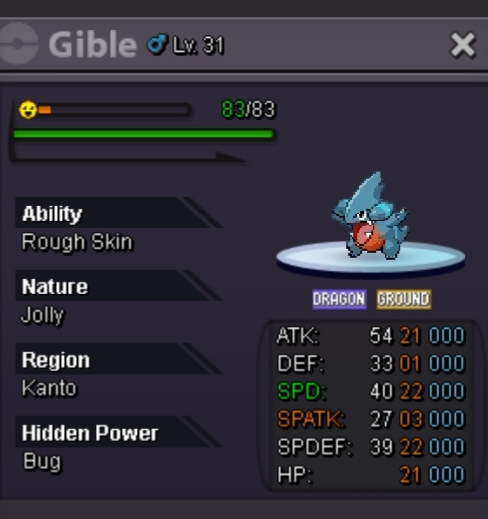 13mPartha69 won this auction when online contact me3 hour leftUpSorry im edit mid bid because so highS.o 1k Min bid : 1k No insta End time :24h start from the first bid Accept cc : 360k Rr iv : 660k
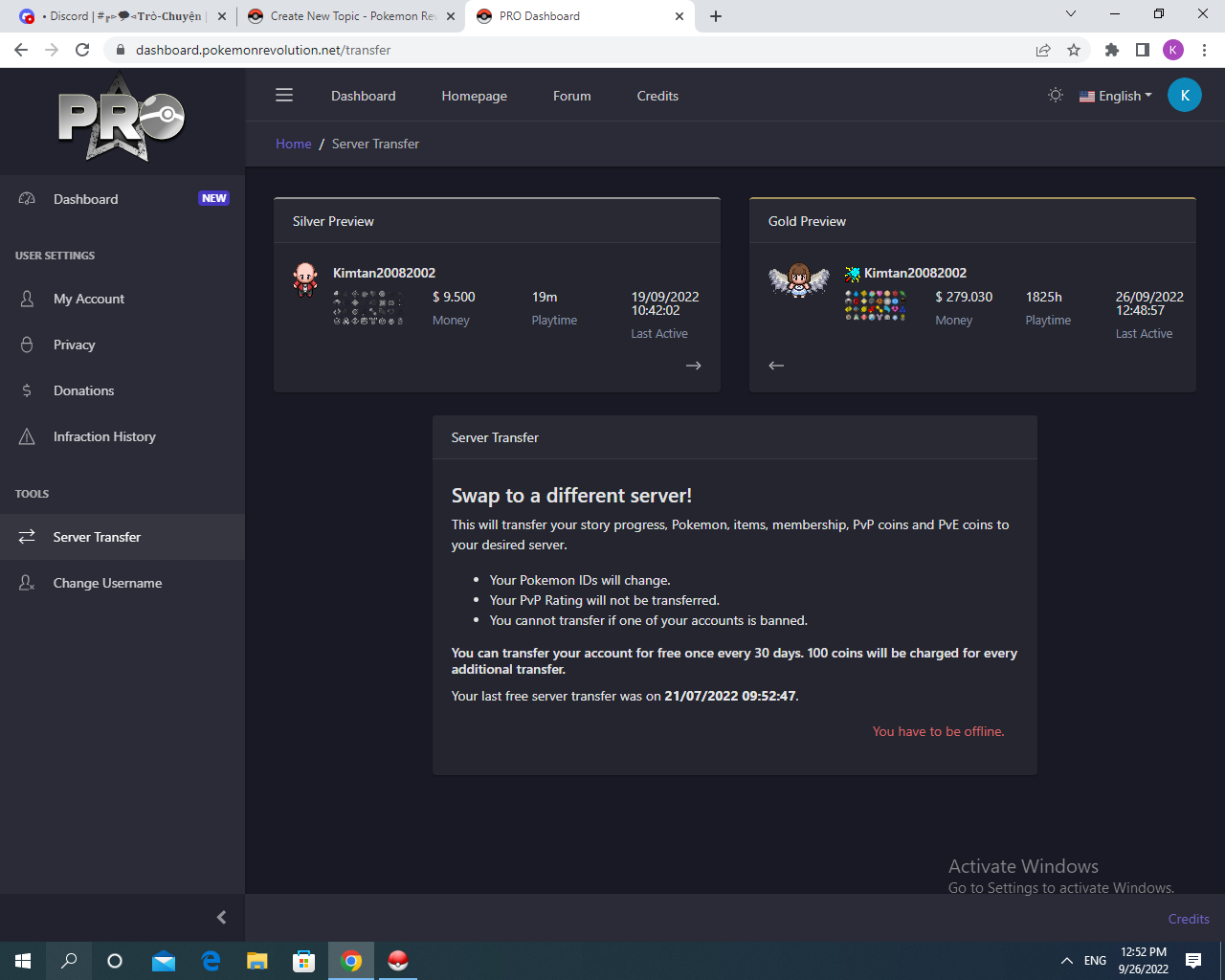
 50k550kSorry staff, I understand the problem is that you have to turn off the game to switch the serverDear Sir Sorry for disturbing the staff. I'm stuck changing the server from gold to silver, can the staff help me change the server
 20kso i don't startCan I start at 12m?Start900kStart2m2



Account
Navigation
Search
Configure browser push notifications
Chrome (Android)
- Tap the lock icon next to the address bar.
- Tap Permissions → Notifications.
- Adjust your preference.
Chrome (Desktop)
- Click the padlock icon in the address bar.
- Select Site settings.
- Find Notifications and adjust your preference.
Safari (iOS 16.4+)
- Ensure the site is installed via Add to Home Screen.
- Open Settings App → Notifications.
- Find your app name and adjust your preference.
Safari (macOS)
- Go to Safari → Preferences.
- Click the Websites tab.
- Select Notifications in the sidebar.
- Find this website and adjust your preference.
Edge (Android)
- Tap the lock icon next to the address bar.
- Tap Permissions.
- Find Notifications and adjust your preference.
Edge (Desktop)
- Click the padlock icon in the address bar.
- Click Permissions for this site.
- Find Notifications and adjust your preference.
Firefox (Android)
- Go to Settings → Site permissions.
- Tap Notifications.
- Find this site in the list and adjust your preference.
Firefox (Desktop)
- Open Firefox Settings.
- Search for Notifications.
- Find this site in the list and adjust your preference.