New Trade Zone
Trade Zone is now live
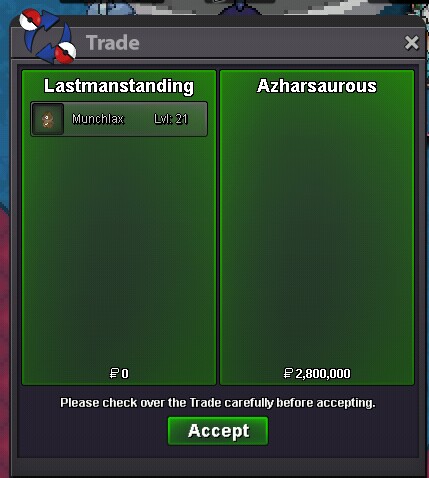
Use the new Trade Zone for auctions and instant-price trades so Pokemon and item offers are easy to find.

Fartoolong
Registered User
-
Joined
-
Last visited
Everything posted by Fartoolong
-
START ;10M Auction ends in 48 hours after first bid Instant bid ;18m Min raise;500k

-
sold , ty
-
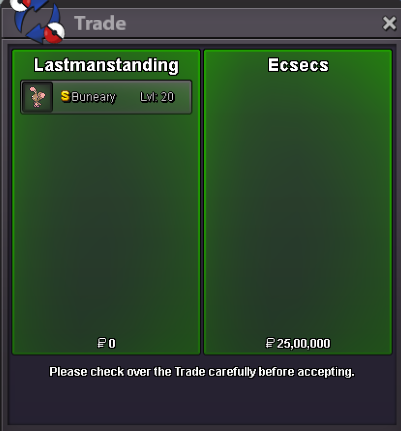
auction ended, Ecsecs contact me in game
-
insta lowered
-
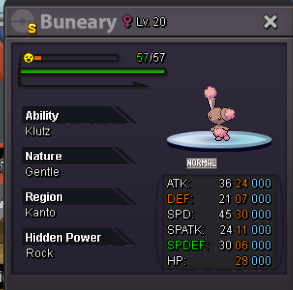
hey everyone , Cross server trade(Gold server can bid as well) and i will move the pokemon once the auction is done Start offer-2m insta-4m Min raise-500k auction starts after receieving first bid 2 days deadline insta lowered from 6m to 4m GL
-
NAME CHANGE Username: Lastmanstanding New Username: Jok3r Server to charge the money from: Silver
-
Username- Lastmanstanding New username-lawliet Server to charge - Silver
-
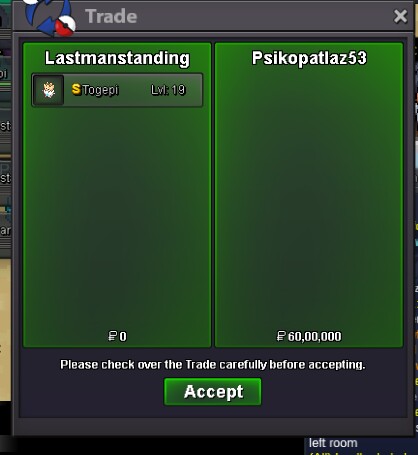
sold insta
-
Noted
-
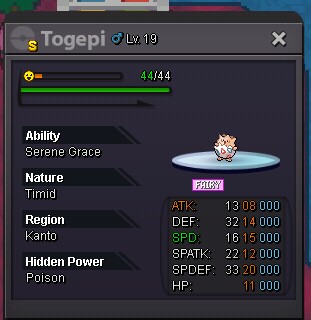
-Start offer - 4m -Insta- 6m -Auction ends in 2 days after first bid -min bid raise is 200k Gl
-
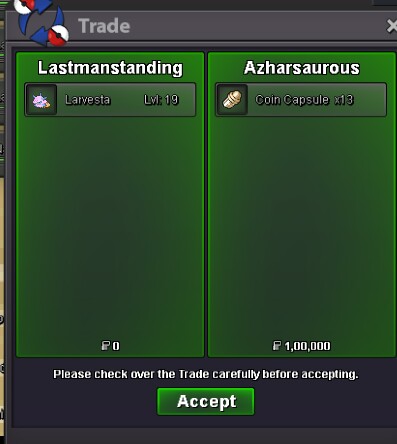
Sold insta
-
Insta lowered to 4m
-
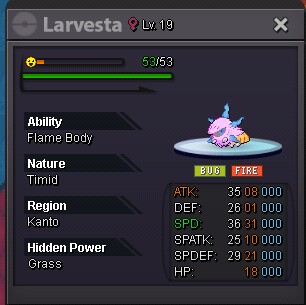
Start - 3m Insta -4m Accept cc - 300k Fake offers will reported Auction ends in 24hrs from first bid
-
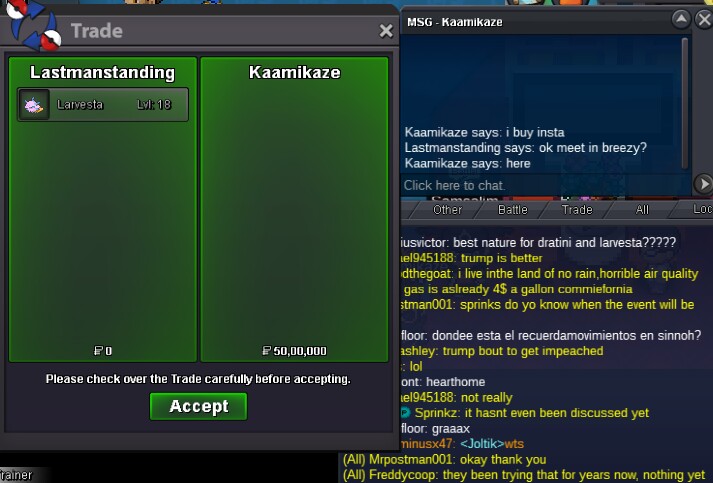
Sold insta 5m
-
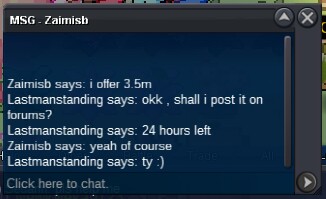
3.5m by zaimisb
-
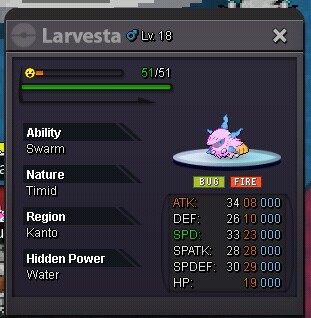
Start offer 3m insta buy out -5m Fake bids will be reported Accept cc -300k and rerolls-580k Auction ends in 24hours after first bid Min bid raise 200k
-
-
Contact me in game
-
Insta lowered to 2.8m
-
-
S.o - 2m Insta 2.8m Min bid raise - 200k Auction ends in 24 hours of first bid Gl