New Trade Zone
Trade Zone is now live
Use the new Trade Zone for auctions and instant-price trades so Pokemon and item offers are easy to find.

Krisskross
Registered User
-
Joined
-
Last visited
-
-
I completed the 16 and they let me in, thank you very much.
-
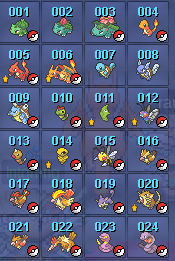
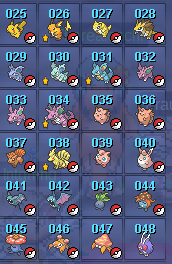
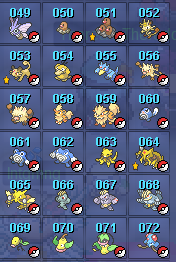
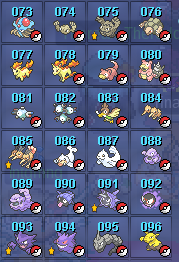
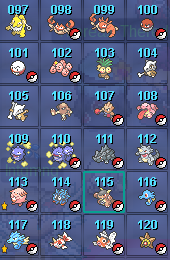
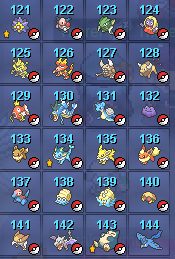
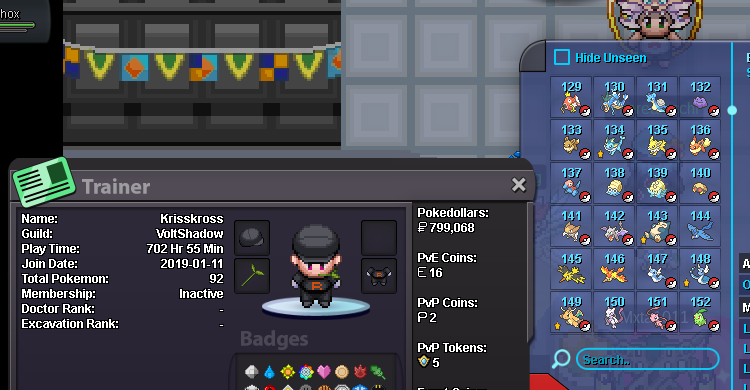
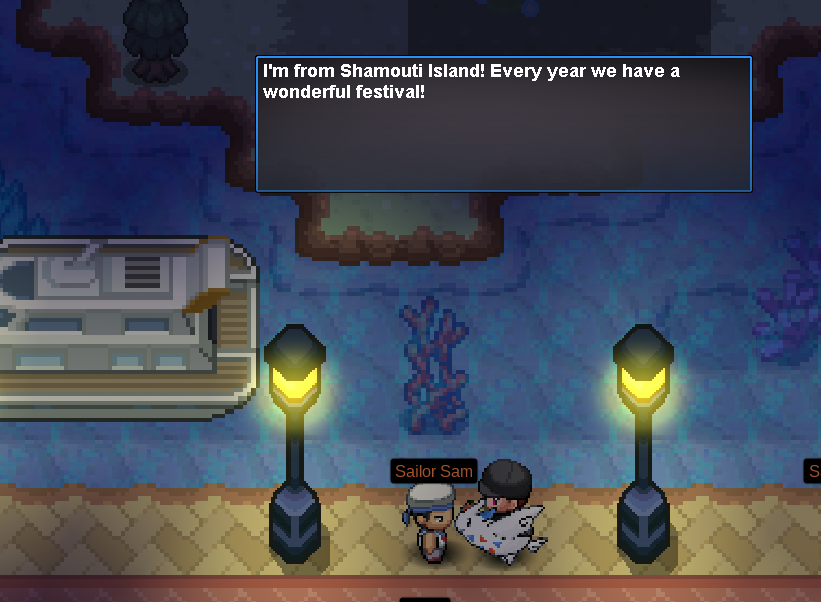
It won't let me go to Shamount Island, even though I meet all the requirements. I don't know what to do. I've attached photos; I want to capture the birds.
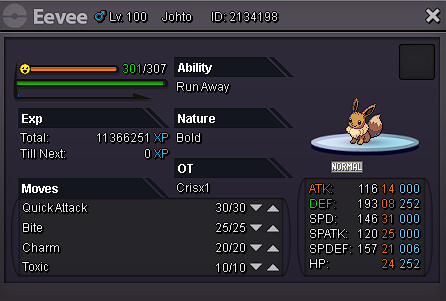
 hello good afternoon, I wanted to know if there is any option that my gardevoir can return to my lvl 98 kirlia since there was a confusion and I ended up in gardevoir which was destined to be a gallade.My eevee was at lvl 98, when night came I gave him 2 rare candy and he did not evolve, he was full of happiness as you can see in the photo. Please if you can help me returning it to lvl 98 or evolving it to umbreon