New Trade Zone
Trade Zone is now live
Use the new Trade Zone for auctions and instant-price trades so Pokemon and item offers are easy to find.


Txmpo
Registered User
-
Joined
-
Last visited
Everything posted by Txmpo
-
Free to trade today?
-
Free to trade whenever
-
Trade complete, can be closed
-
Congrats! Please let me know when you are free to trade again.
-
Bump! Less than 12 hours remaining.
-
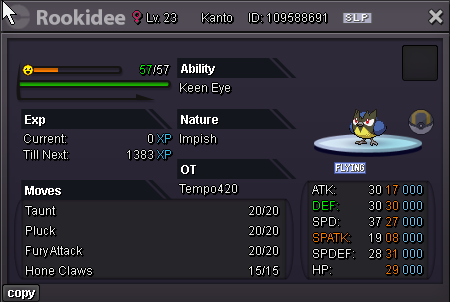
Start offer 8m Minimum raise 500K, no insta, Pokedollars only. 48 hours from the first bid. Good luck!
-
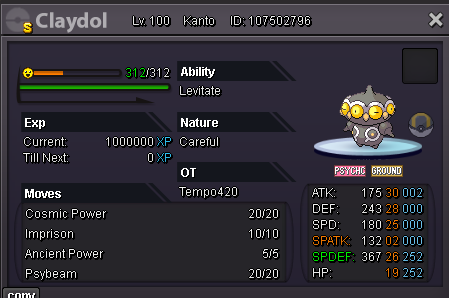
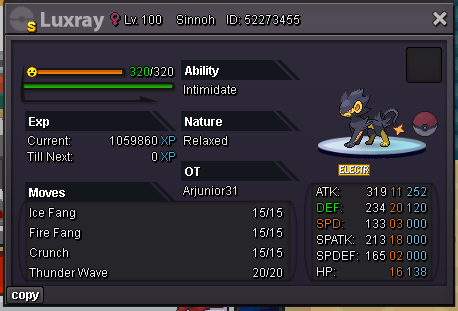
Start offer: 10m Minimum raise: 500k No insta, Pokedollars only accepted. This auction is a bundle, meaning bids are for all 5 Pokemon collectively. 48 hours from the first bid.
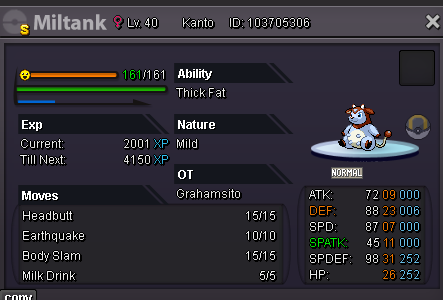
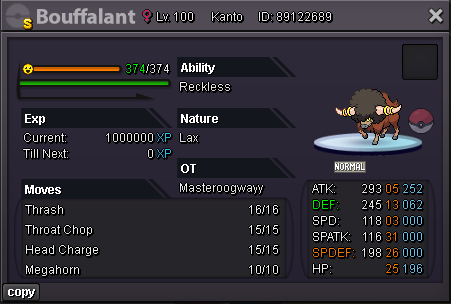
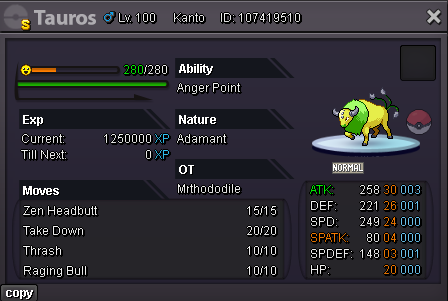
-
Trade complete, can be closed
-
Winner is @Lacomus
-
1 hour left!
-
Bump! Less than 24 hours remaining.
-
Start offer: 3m Minimum raise: 250k Pokedollars only. 48hrs from first bid.
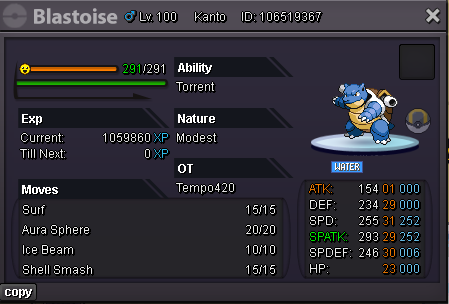
-
8m bid
-
5m
-
Auction extended for 15 mins. Now ends at 20:58pm
-
Less than 1 hour left!
-
@Lykabaws Thank you and noted! Auction ends at Sunday 20:43pm GMT+0
-
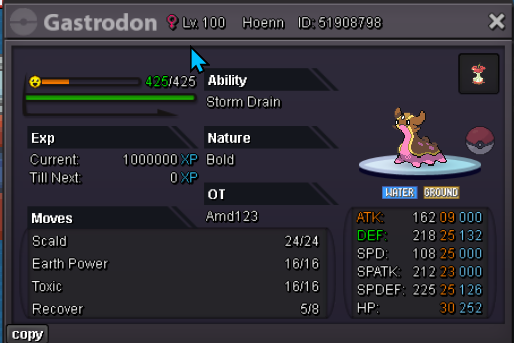
Start offer: 500k Minimum Raise: 250k Insta: 5m 24 hours from first bid
-
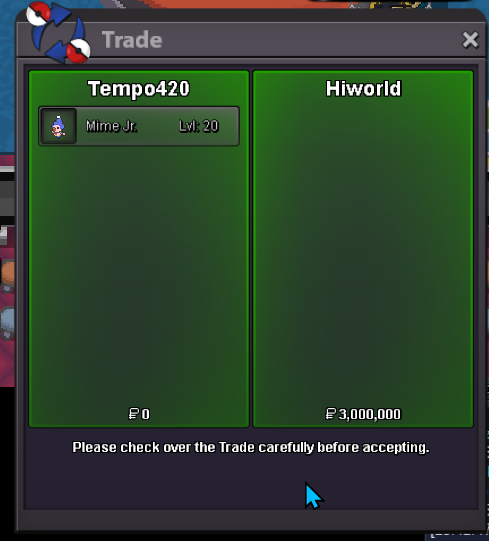
Sold. Can be closed
-
@Hiworld sorry, I was asleep. Free anytime now though
-
@Hiworld Winner! Let me know when and where for collection
-
2 hours left!
-
24 hours left!
-
Thank you! Auction ends at 01:36AM Saturday GMT+0
-
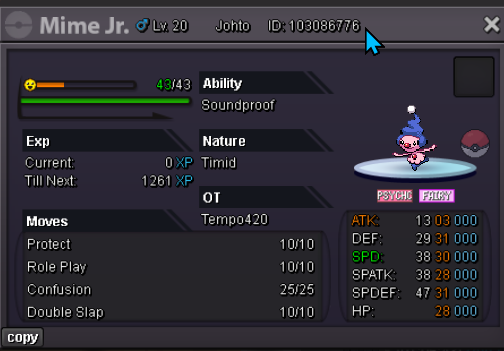
Be ready for Galar Mr Mime / Mr Rime with this Godly Mime Jr. Start offer: 2m Minimum Raise: 500k 48 hours from first bid, no insta.