New Trade Zone
Trade Zone is now live
Use the new Trade Zone for auctions and instant-price trades so Pokemon and item offers are easy to find.

Shunsou
Registered User
-
Joined
-
Last visited
Everything posted by Shunsou
-
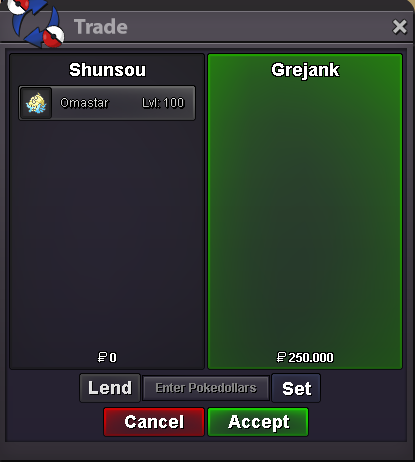
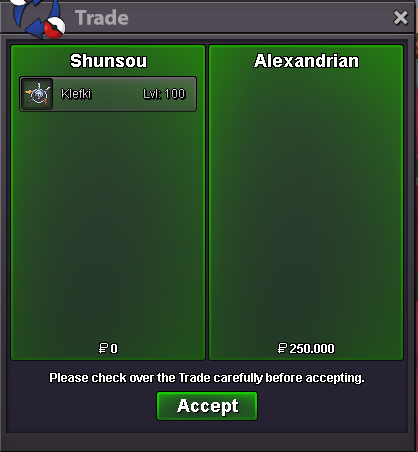
bumpthank you im sorry already brought by alexandrian some mins before youyes after give a tauros, i show a ralts with high ivs but rip, i keep in pc but then in mimikyu event too many new ralts i throwa momment ago i caught a ralts with 120+ ivs to show Farmer Wood. but i think i throwed it with another tons of ralts when mimikyu event. and till now i cant have the stone because wally reject my another gallade if anything i can do with it to do the mega quest hope someone tell me, thank you.
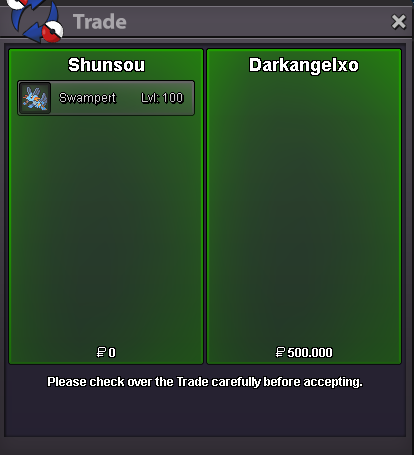
 sure bro, when you can online?added swampret and ferrosBump!Bump!added hallo sneaselsadded new pokesok broyeah sure im online rn, but still on bcc, if could wait me till finish
Account
Navigation
Search
Configure browser push notifications
Chrome (Android)
- Tap the lock icon next to the address bar.
- Tap Permissions → Notifications.
- Adjust your preference.
Chrome (Desktop)
- Click the padlock icon in the address bar.
- Select Site settings.
- Find Notifications and adjust your preference.
Safari (iOS 16.4+)
- Ensure the site is installed via Add to Home Screen.
- Open Settings App → Notifications.
- Find your app name and adjust your preference.
Safari (macOS)
- Go to Safari → Preferences.
- Click the Websites tab.
- Select Notifications in the sidebar.
- Find this website and adjust your preference.
Edge (Android)
- Tap the lock icon next to the address bar.
- Tap Permissions.
- Find Notifications and adjust your preference.
Edge (Desktop)
- Click the padlock icon in the address bar.
- Click Permissions for this site.
- Find Notifications and adjust your preference.
Firefox (Android)
- Go to Settings → Site permissions.
- Tap Notifications.
- Find this site in the list and adjust your preference.
Firefox (Desktop)
- Open Firefox Settings.
- Search for Notifications.
- Find this site in the list and adjust your preference.