




New Trade Zone
Trade Zone is now live
Use the new Trade Zone for auctions and instant-price trades so Pokemon and item offers are easy to find.

Narusama9965
Registered User
-
Joined
-
Last visited
-
I love how this forum is well organized and the little pokemon at the top ^_^
-
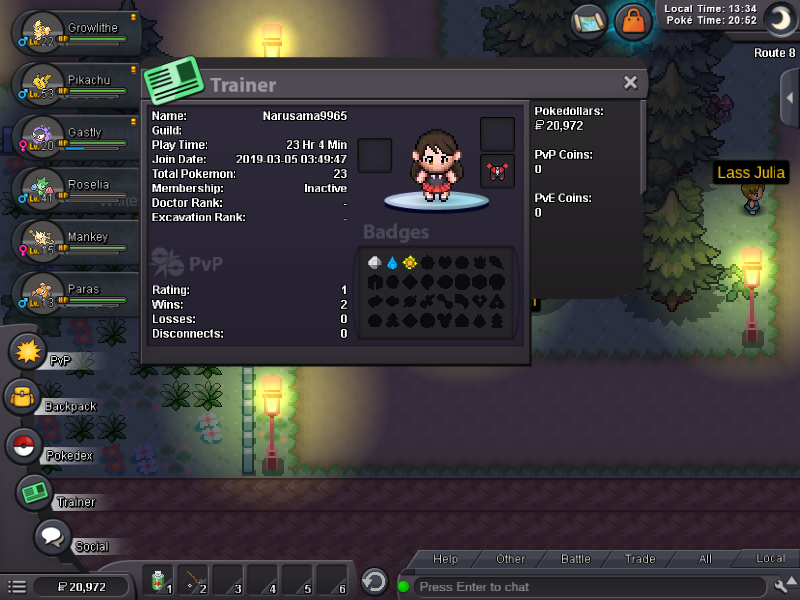
What's your Player name (IGN)? Narusama9965 Number of hours played? 23 hours and 3 minutes What's your favourite Pokemon? (difficult to choice) I actually chose my starter as Pikachu What country are you from? USA How old are you? 23 Which server do you play on? Gold Server
-
What is your IGN: Narusama9965 What is your discord name: doggo330#6836 What is your timezone: EST What is your favorite Pokemon: All (really difficult to decide ^^;) Why do you want to join King of Games: I have thought of joining a guild as of today. I'm not good at talking to new people, but I will try my best to. I was linked to the guild forums in search of a guild that was recruiting. Yours was the first one I saw on the page that was recruiting people. I will follow PRO ToS and try to make new friends in the guild.

