New Trade Zone
Trade Zone is now live
Use the new Trade Zone for auctions and instant-price trades so Pokemon and item offers are easy to find.

R1cmoney25
Registered User
-
Joined
-
Last visited
-
I have gotten my account back thank you guys so much
-
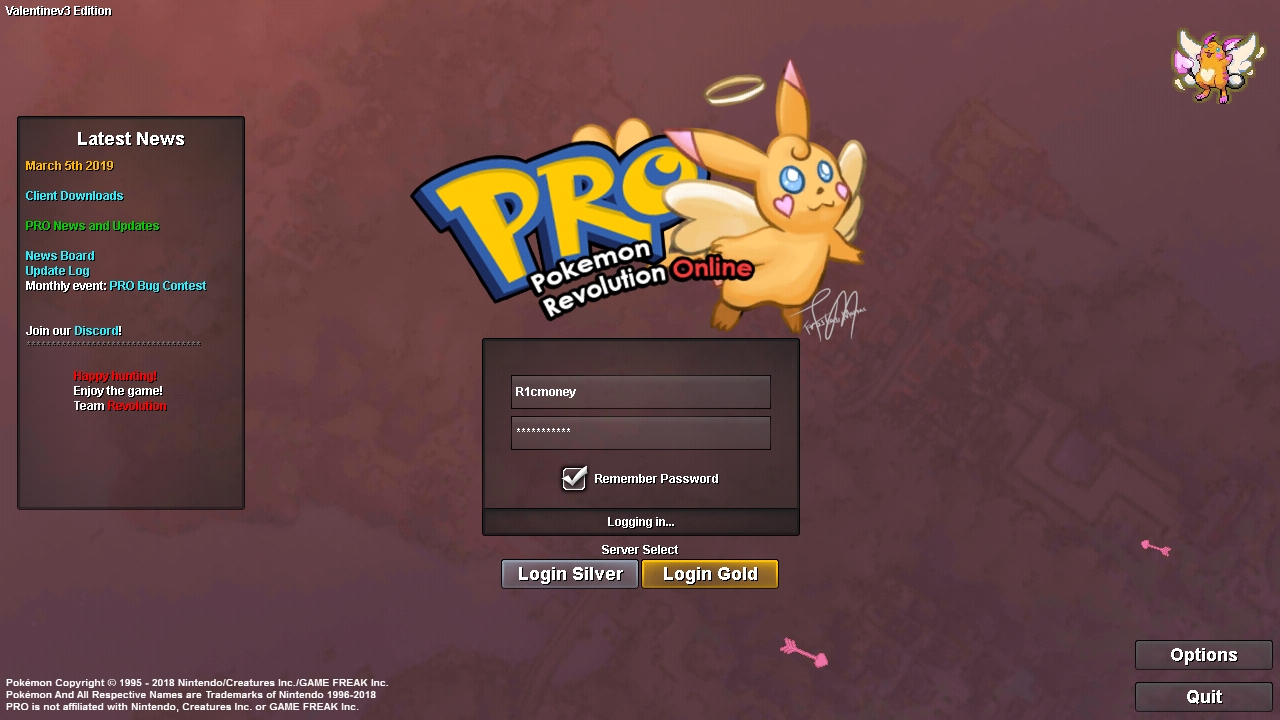
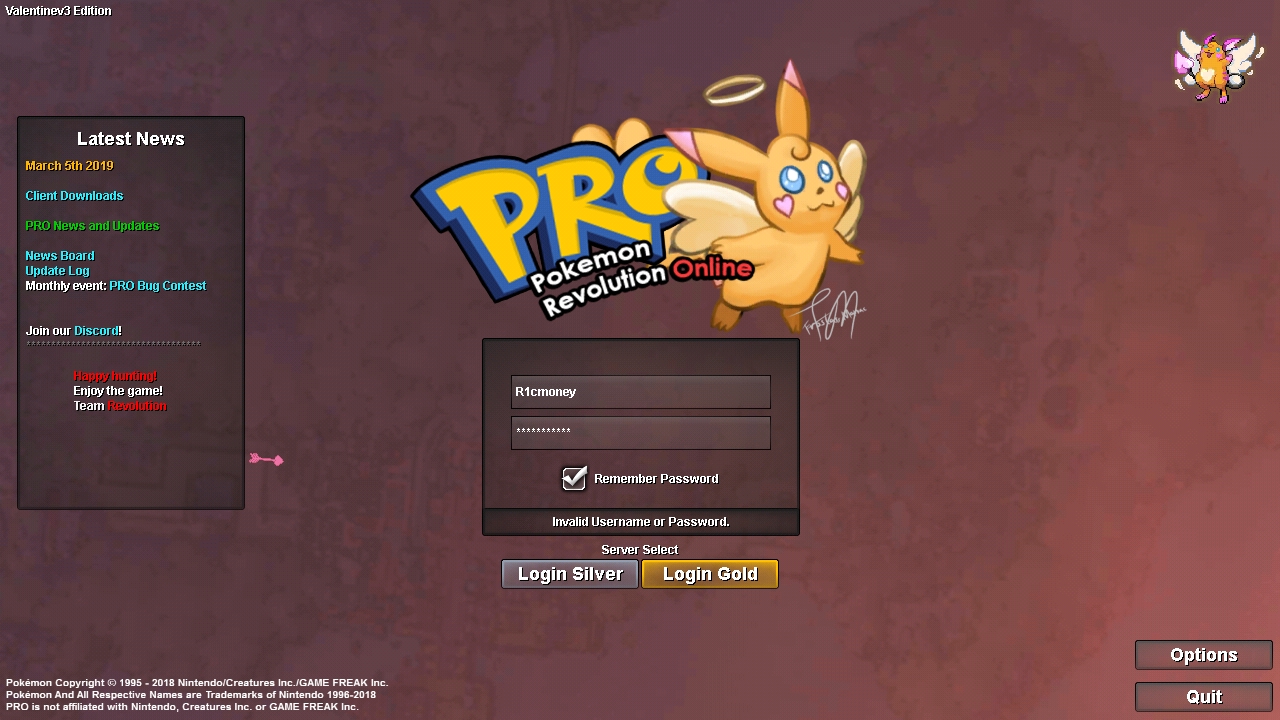
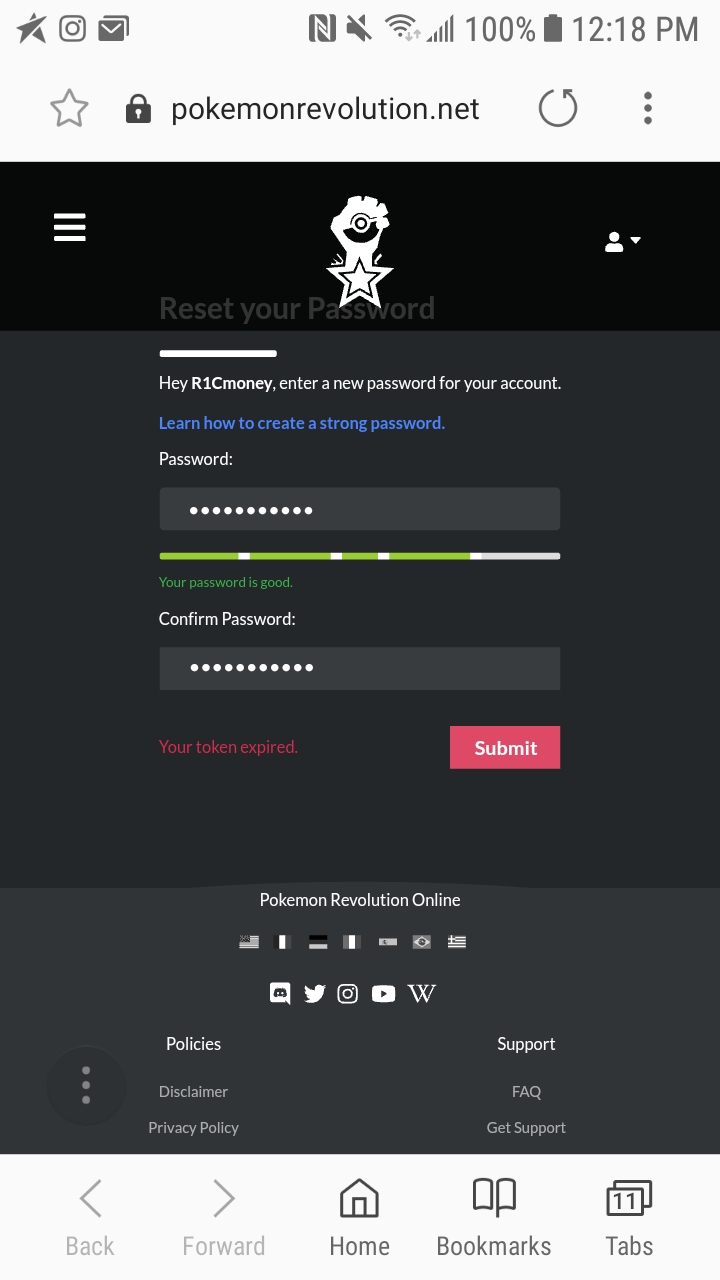
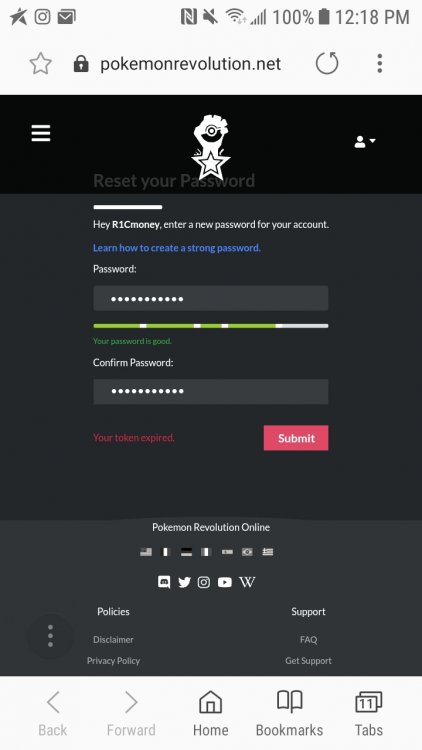
I still try to change my password it still won't let me login on my sliver account is there another way can yall help me I really want my stuff on my sliver account back I try to rest my password it keeps saying token has expired
-
I can log in gold but can't login my sliver
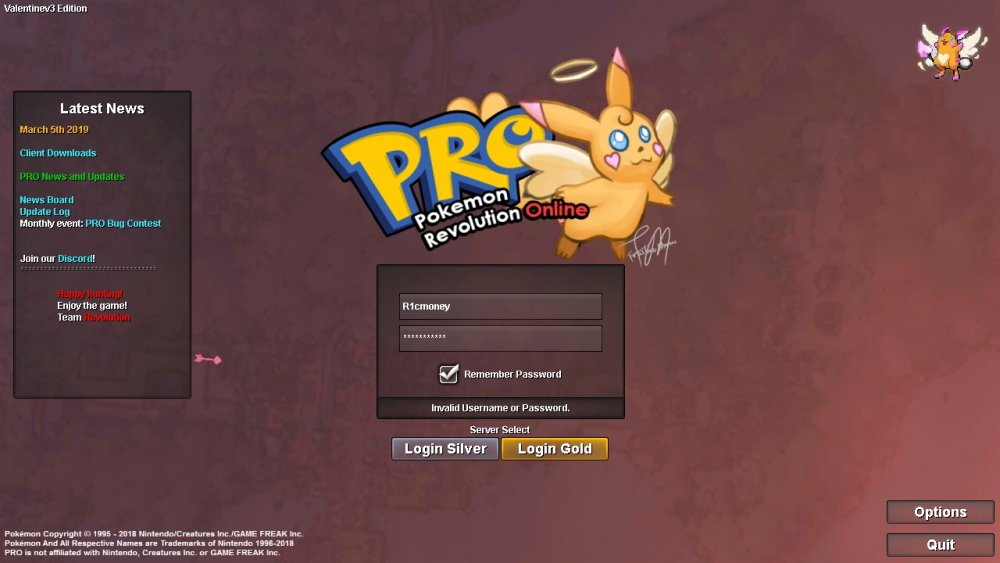 they keep saying that when I'm trying to change my password so I can login on my sliver account what do I post to do?
 Looking for a nice active guild