




New Trade Zone
Trade Zone is now live
Use the new Trade Zone for auctions and instant-price trades so Pokemon and item offers are easy to find.

Yougotblazed
Registered User
-
Joined
-
Last visited
-
Yougotblazed changed their profile photo
-
-
1.3m
-
1.1m :uuu
-
900k
-
600k
-
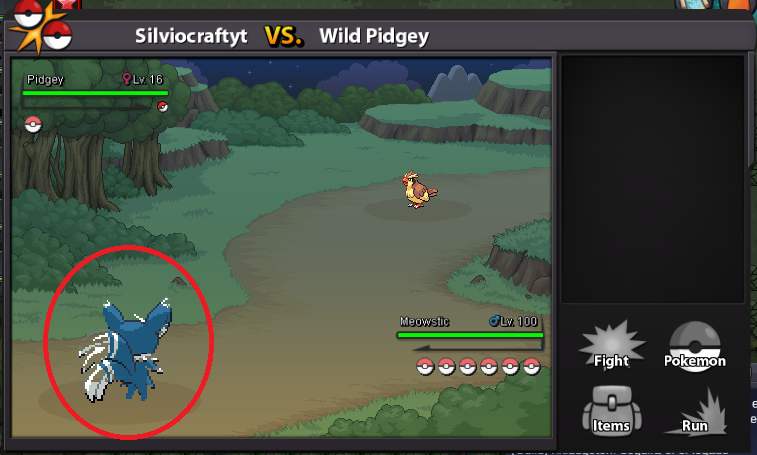
I lost a easter larvesta for server disconnection (Silver Server Down), and i want to recover it. I have a screenshot of the battle scene (before i use false swipe). https://drive.google.com/open?id=1FooOZ2afy5FGYXrvsO8F3TfgdE7-TgyL
-
i released a halloween kirlia lvl 95 for error :'u... this is the ID 40143702 SilvioCraftYT (Silver Server)

-
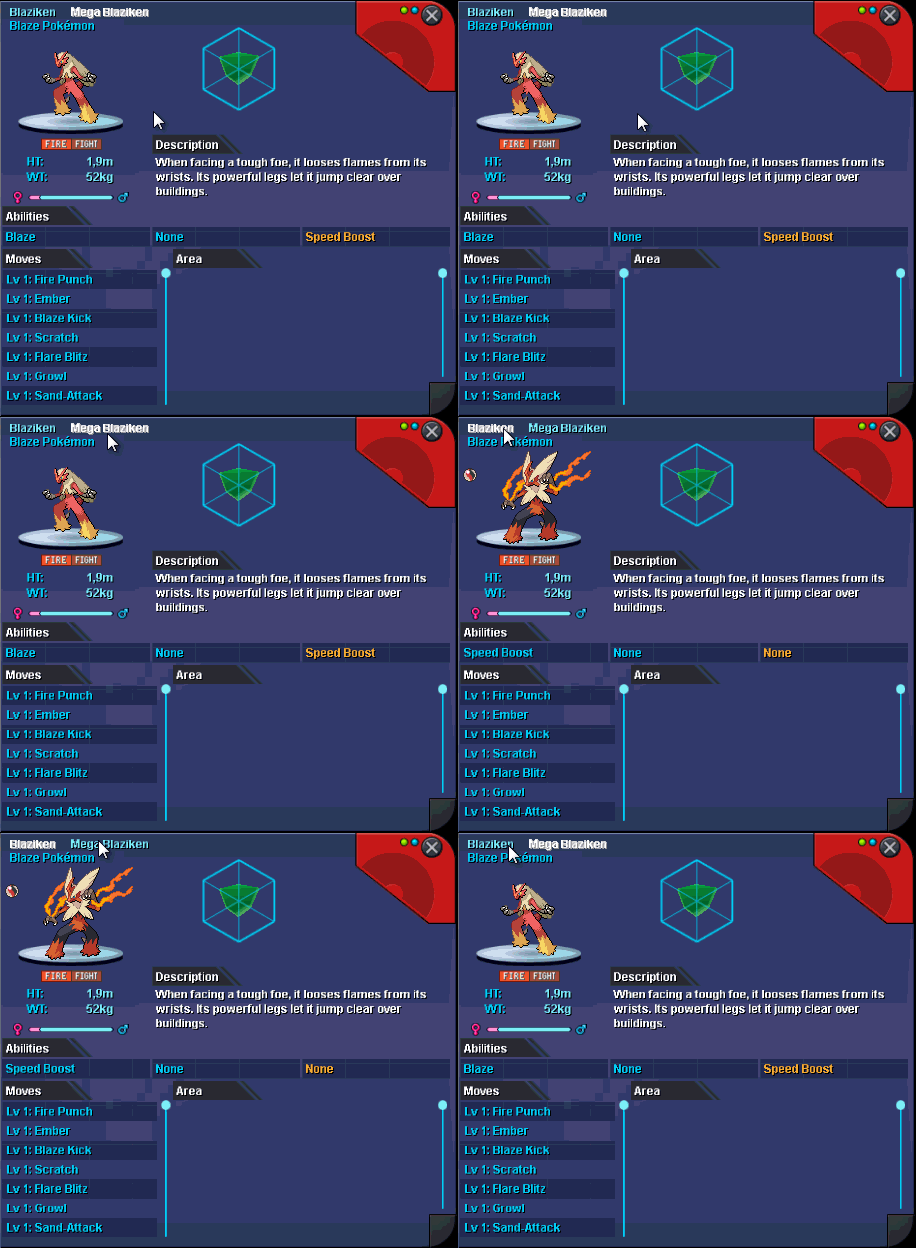
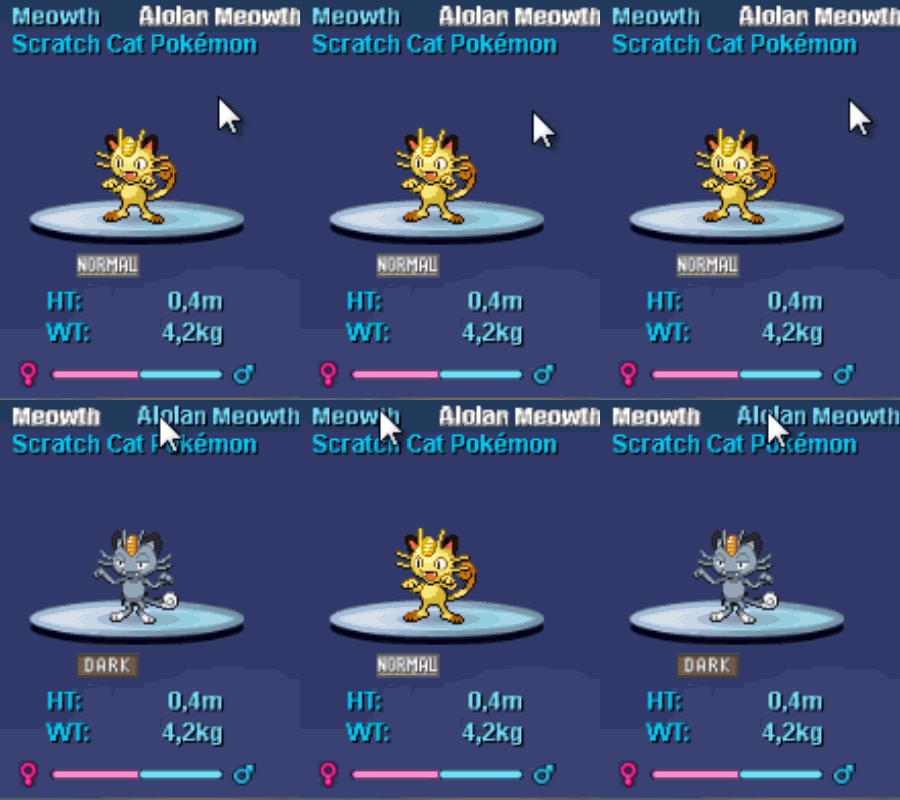
for the new update they can add the option of view the alola/mega forms in the pokedex With this option the players can see the moves, locations and ability's of the selected form
-
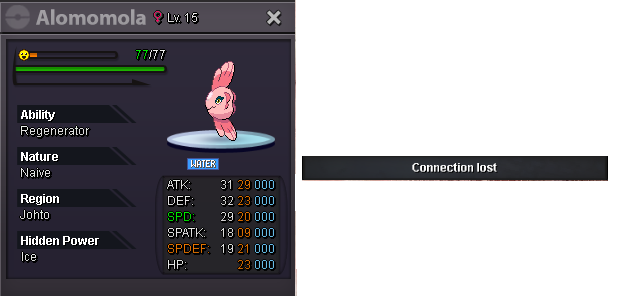
caught in olivine city


Account
Navigation
Search
Configure browser push notifications
Chrome (Android)
- Tap the lock icon next to the address bar.
- Tap Permissions → Notifications.
- Adjust your preference.
Chrome (Desktop)
- Click the padlock icon in the address bar.
- Select Site settings.
- Find Notifications and adjust your preference.
Safari (iOS 16.4+)
- Ensure the site is installed via Add to Home Screen.
- Open Settings App → Notifications.
- Find your app name and adjust your preference.
Safari (macOS)
- Go to Safari → Preferences.
- Click the Websites tab.
- Select Notifications in the sidebar.
- Find this website and adjust your preference.
Edge (Android)
- Tap the lock icon next to the address bar.
- Tap Permissions.
- Find Notifications and adjust your preference.
Edge (Desktop)
- Click the padlock icon in the address bar.
- Click Permissions for this site.
- Find Notifications and adjust your preference.
Firefox (Android)
- Go to Settings → Site permissions.
- Tap Notifications.
- Find this site in the list and adjust your preference.
Firefox (Desktop)
- Open Firefox Settings.
- Search for Notifications.
- Find this site in the list and adjust your preference.