




New Trade Zone
Trade Zone is now live
Use the new Trade Zone for auctions and instant-price trades so Pokemon and item offers are easy to find.

Thenikifreak
Registered User
-
Joined
-
Last visited
Everything posted by Thenikifreak
-
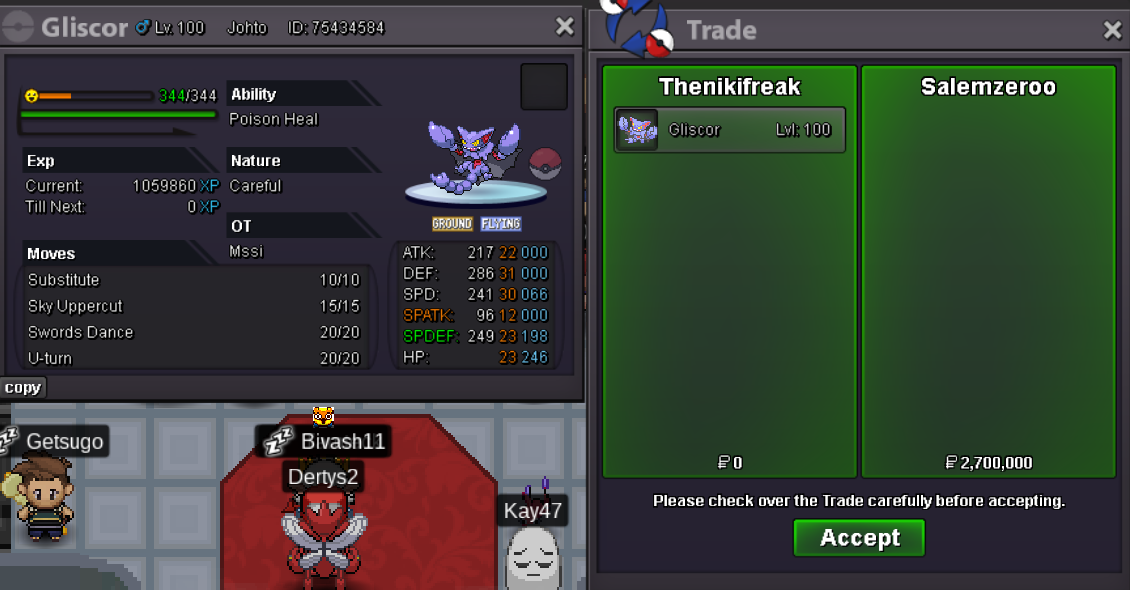
Gliscor traded
-
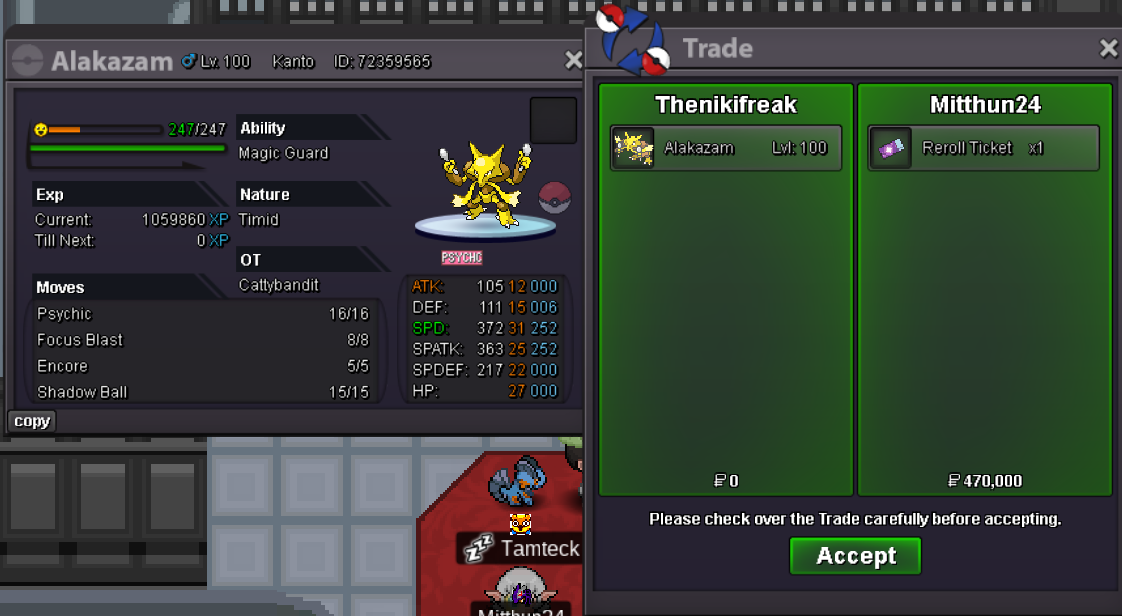
Alakazam traded
-
Gliscor won by @Salemzeroo with 2.7m Bisharp won by @Kursatonur with 600k Alakazam won by @Mitthun24 withh 1m Swellow still ongoing for roughly 13h Feel free to contact me on forum, ingame or on Discord: thenikifreak Thank you everyone for participating so far ❤️
-
Bump, less than 1h left for Gliscor, Alakazam, Bisharp
-
Min bid is 200k, Which makes your bid invalid as its only 100k more than the previous bid of 2.5m B.o. is still 2.5m
-
Bump: C.o. Gliscor: 2.5m C.o Alakazam: 600k C.o. Bisharp: 200k C.o. Swellow: 200k
-
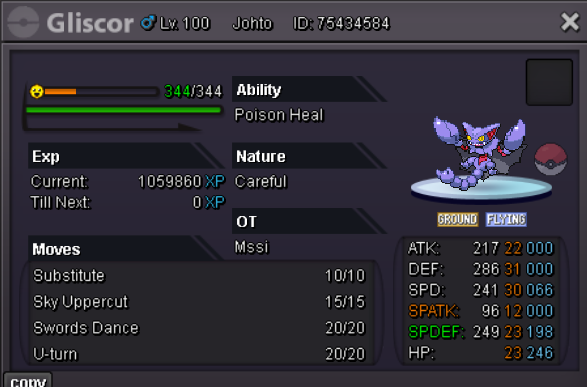
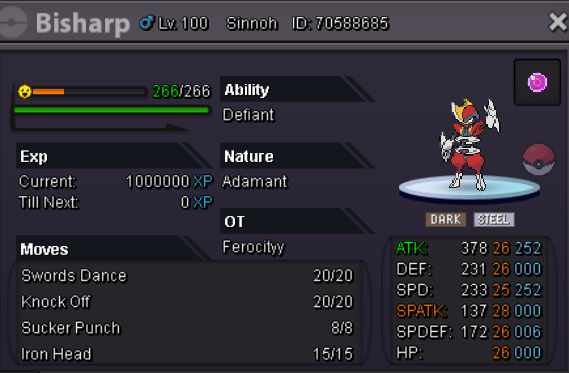
Each Pokemon is auctioned seperately Each Pokemon has start Offer: 200k Min Bid: 200k. Insta: No insta Duration: 48 hours after the first bid. Accepted payments : Reroll Ticket: 530k each. Nature Reroll: 265k each. Coin Capsule: 450k each. Pokedollars.
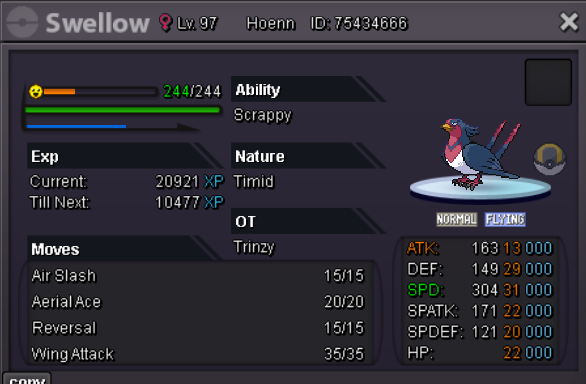
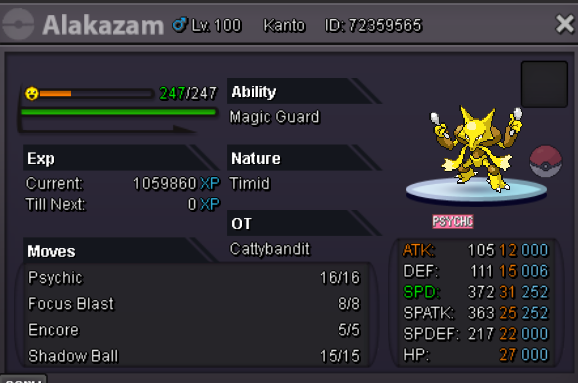
-
COngratz for @Ric96eeefor winning the auction
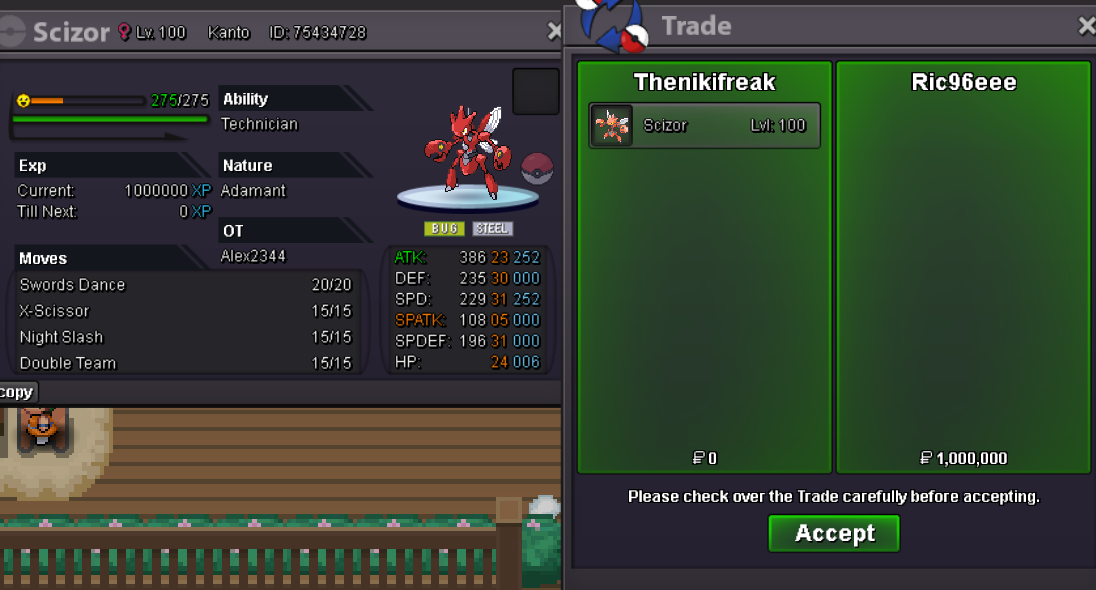
-
1m by ric96eee
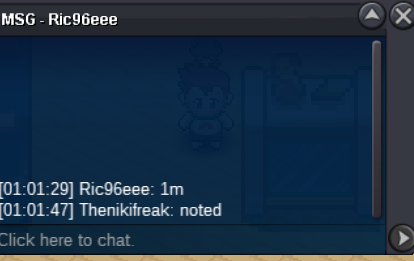
-
bump, around 40 minutes left
-
started
-
bump
-
Image has been updated
-
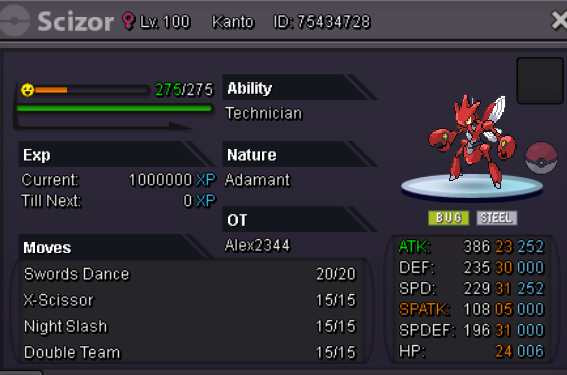
start Offer: 600k Min Bid: 200k. Insta: 4.5m Duration: 48 hours after the first bid. Accepted payments : Reroll Ticket: 530k each. Nature Reroll: 265k each. Coin Capsule: 450k each. Pokedollars.
-
1.1m will transfer
-
15.51.1k@Dpacesure, feel free to start if you would like to ^^5.4m5m4.5m3.9m
