New Trade Zone
Trade Zone is now live
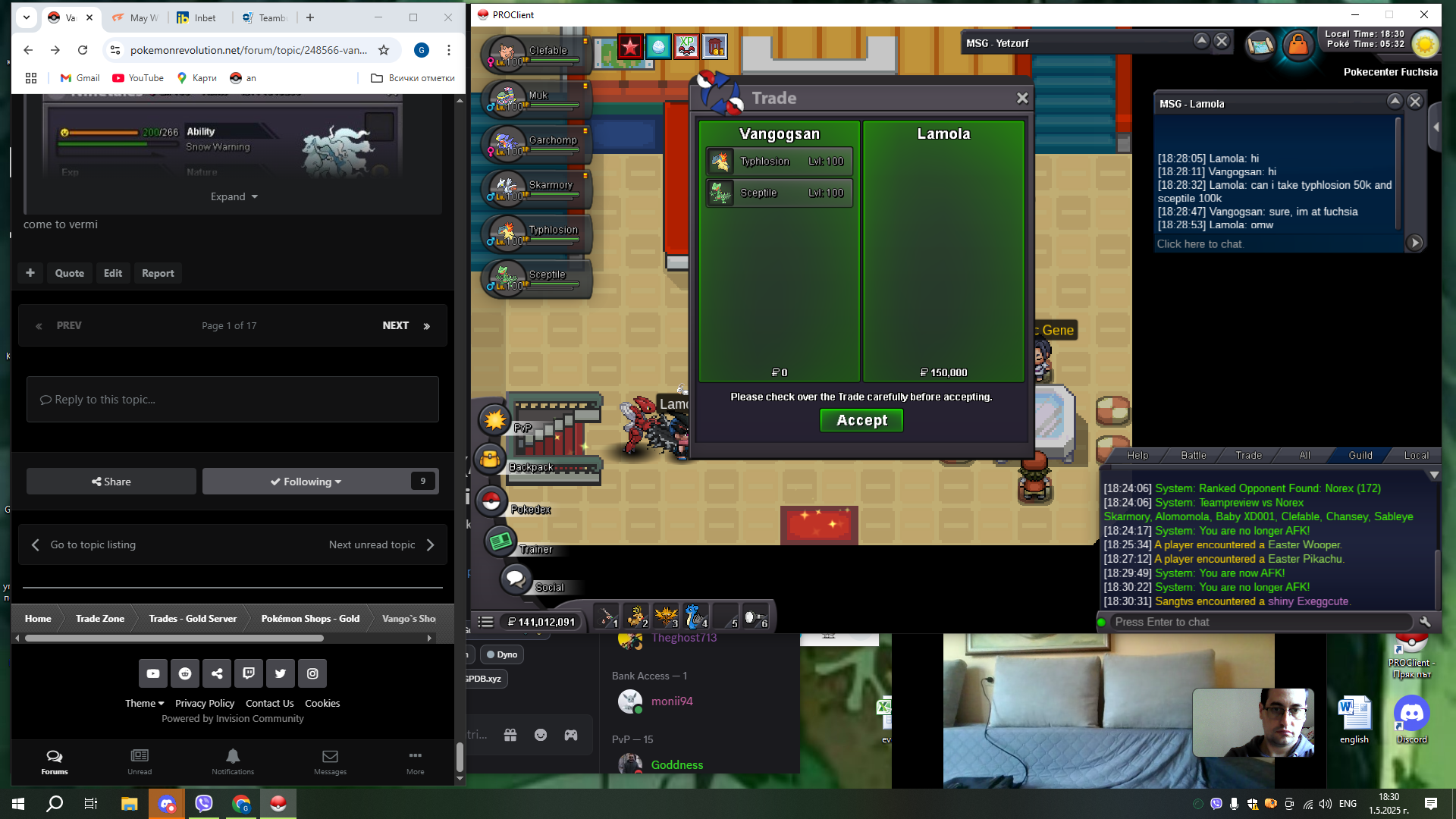
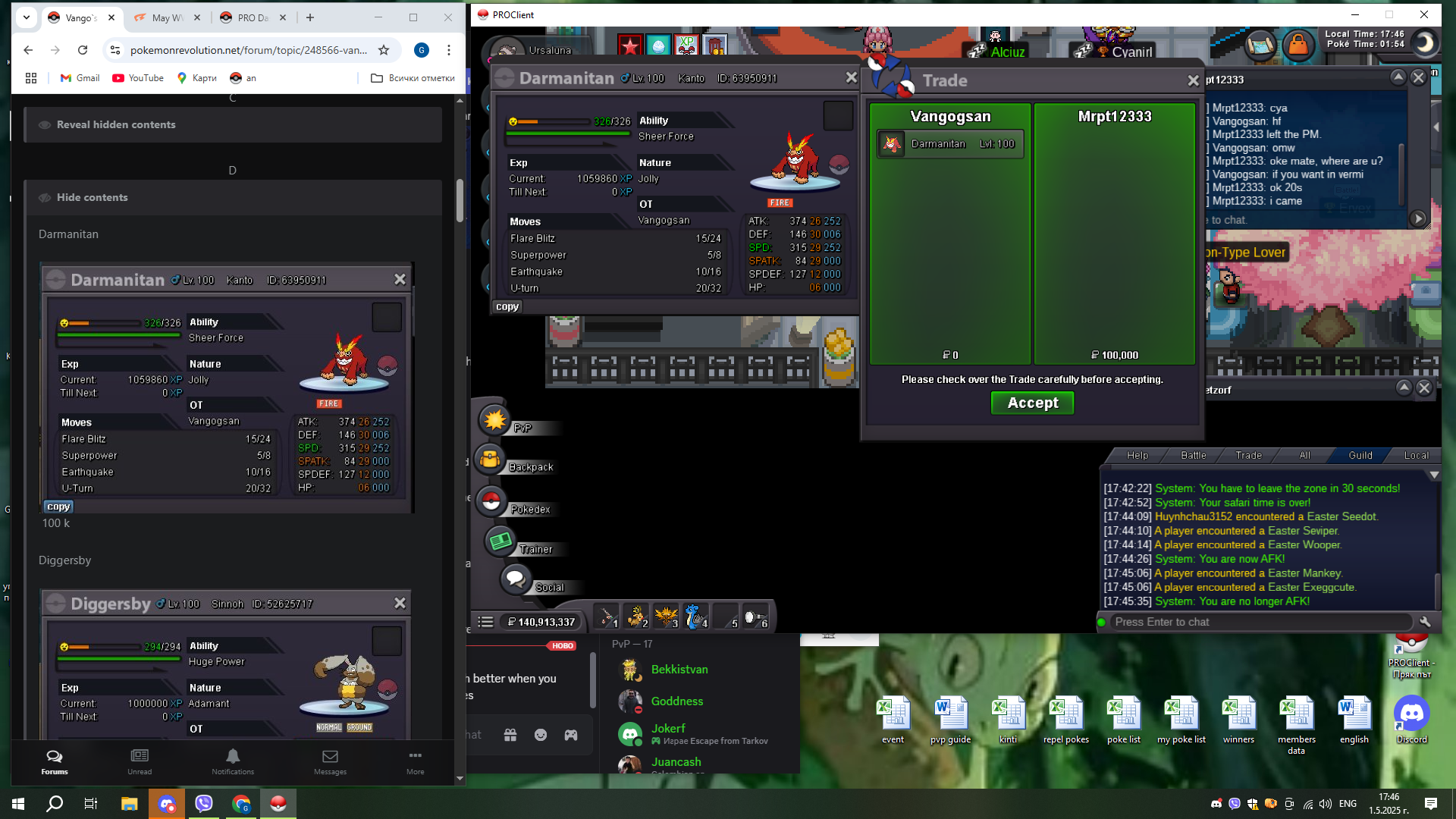
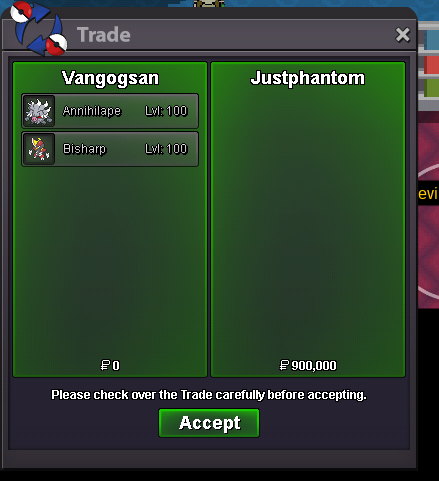
Use the new Trade Zone for auctions and instant-price trades so Pokemon and item offers are easy to find.


Vangogsan
Registered User
-
Joined
-
Last visited
Everything posted by Vangogsan
-
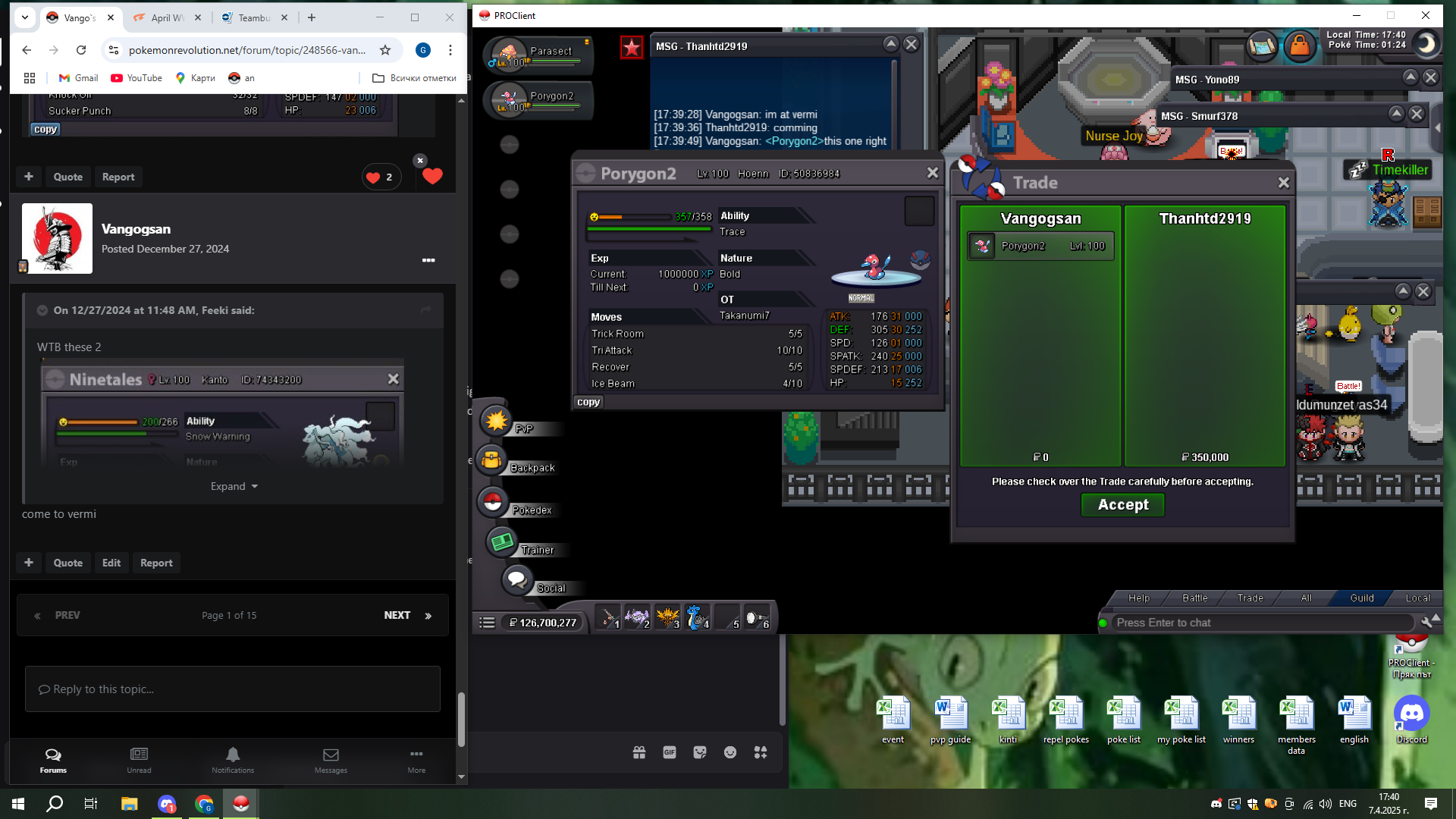
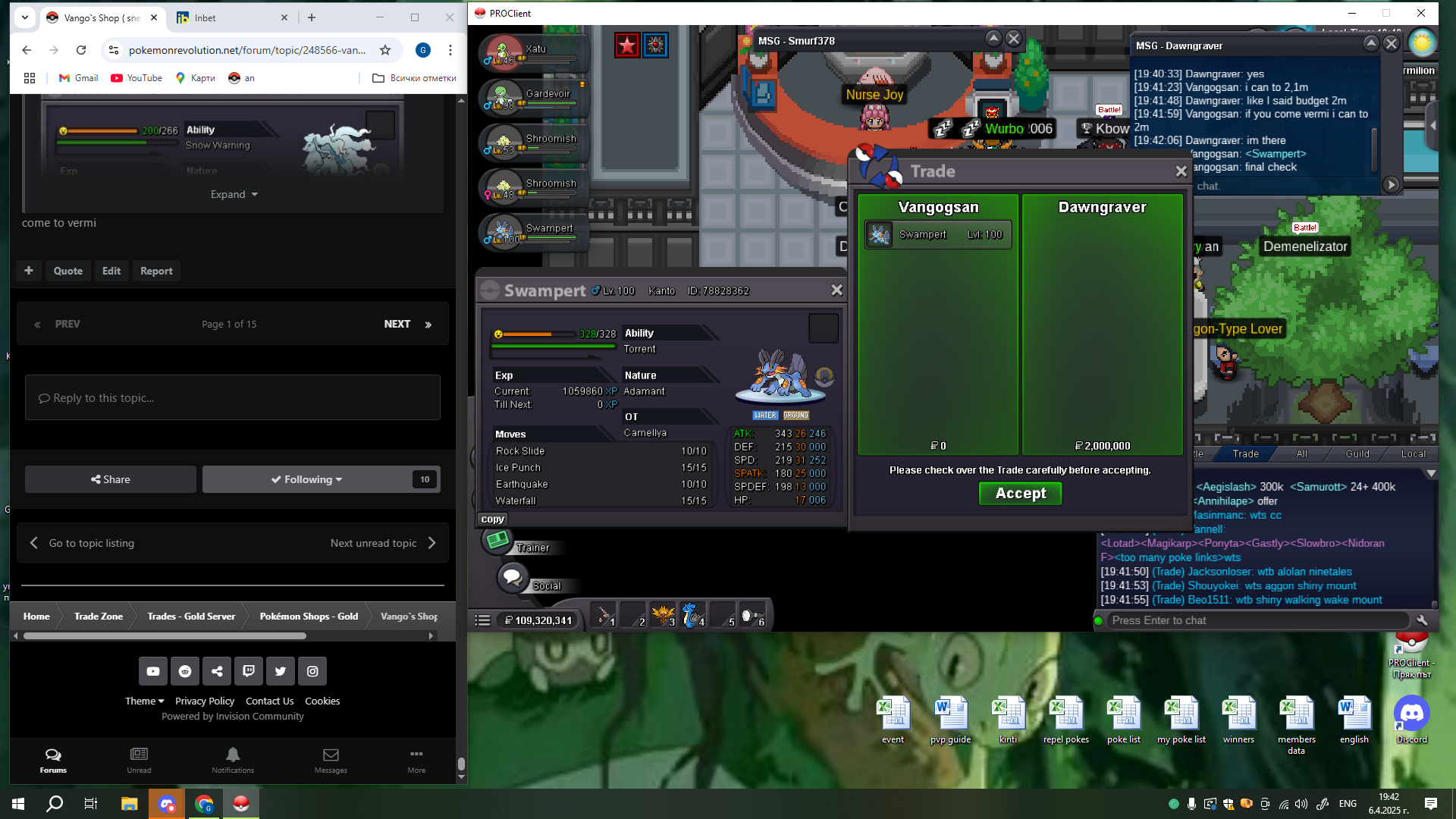
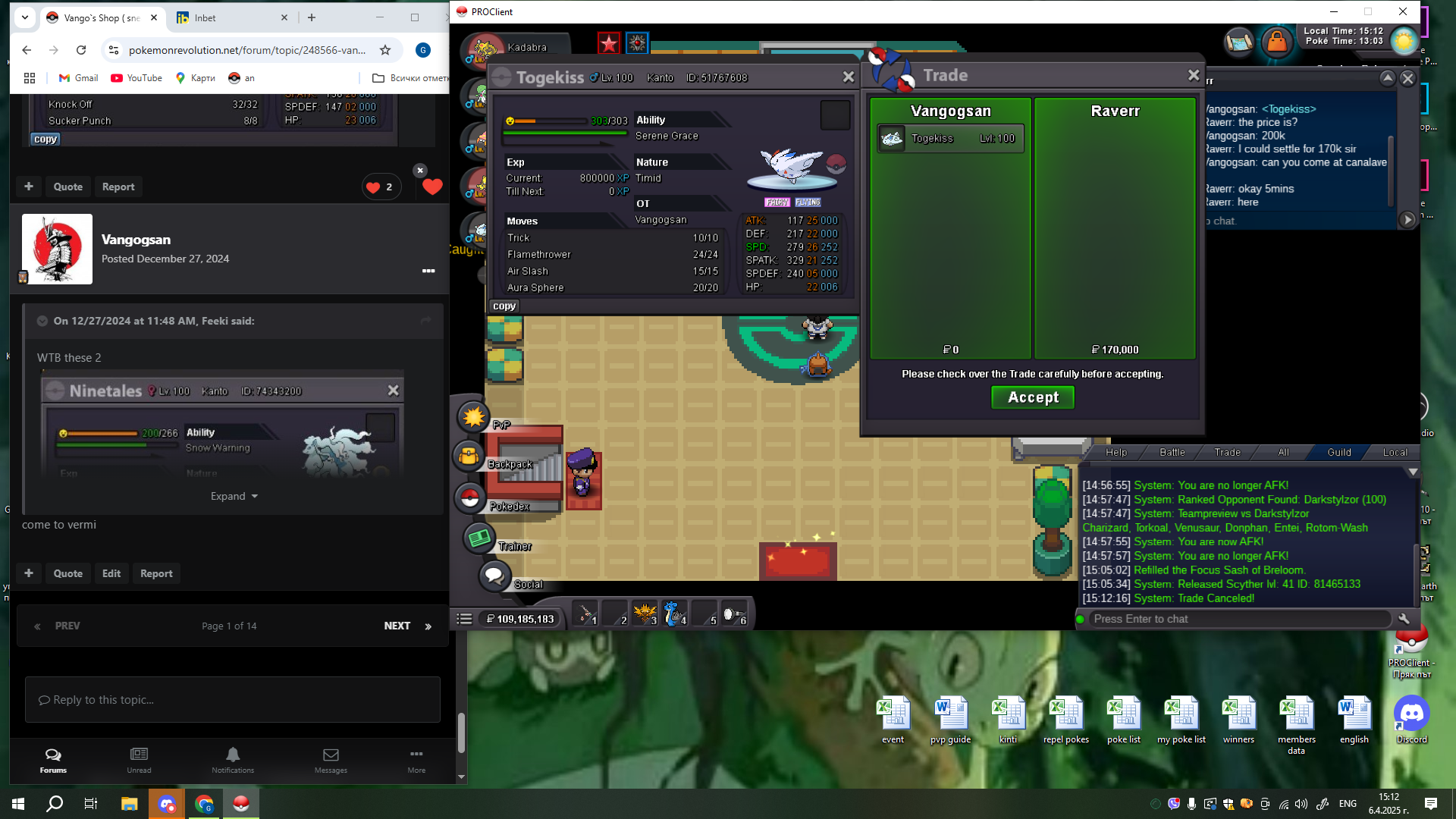
I will be available after 12h, hit me in discord to fix an appointment 🙂If you still search for aegislash i have couple in my shopI saw you went offline,i will prepare them and trade it tomorrow350kupYou can check my shop 🙂It will be very handy for us to see the time left of ur MS and BLK medallion in game, that way we can make our time more worty while we hunt our targets. Idk is it possible to be implemented but it many for sure will be happy to see it. For example added to this message time left

Account
Navigation
Search
Configure browser push notifications
Chrome (Android)
- Tap the lock icon next to the address bar.
- Tap Permissions → Notifications.
- Adjust your preference.
Chrome (Desktop)
- Click the padlock icon in the address bar.
- Select Site settings.
- Find Notifications and adjust your preference.
Safari (iOS 16.4+)
- Ensure the site is installed via Add to Home Screen.
- Open Settings App → Notifications.
- Find your app name and adjust your preference.
Safari (macOS)
- Go to Safari → Preferences.
- Click the Websites tab.
- Select Notifications in the sidebar.
- Find this website and adjust your preference.
Edge (Android)
- Tap the lock icon next to the address bar.
- Tap Permissions.
- Find Notifications and adjust your preference.
Edge (Desktop)
- Click the padlock icon in the address bar.
- Click Permissions for this site.
- Find Notifications and adjust your preference.
Firefox (Android)
- Go to Settings → Site permissions.
- Tap Notifications.
- Find this site in the list and adjust your preference.
Firefox (Desktop)
- Open Firefox Settings.
- Search for Notifications.
- Find this site in the list and adjust your preference.
.png.7d76e70063b6e1a7db92f12a81176ff9.png)
.png.64f2cbab8d727dec459fb45229417829.png)