




New Trade Zone
Trade Zone is now live
Use the new Trade Zone for auctions and instant-price trades so Pokemon and item offers are easy to find.


Vangogsan
Registered User
-
Joined
-
Last visited
Everything posted by Vangogsan
-
ty for the answer 🙂
-
UpI`d like to ask for change / adding of some tutors . If i do it wrong sorry but im not familiar with how is done . The following tutors that i want to add / change are : - weather ball - eruption - celebratethe topic is closed since no one bid for it in the time setted.+1 Im waiting for something exciting from long time:)So the possibility is to be trowed out with some Pokémoncheck pokemon by pokemon, if you cant find it either wait for moderator who can check the log our tell you how you can obtain it againUse the spell actio, to find it, Now that serious part, try to remember all the Pokémon you released, you may accidentally to move it there and bin it. Happens a lot when you play at phone. And once the event ends, you lose the global exp share. Wishing you gl in finding the item !!!!wtb those 3 money in littlebubu
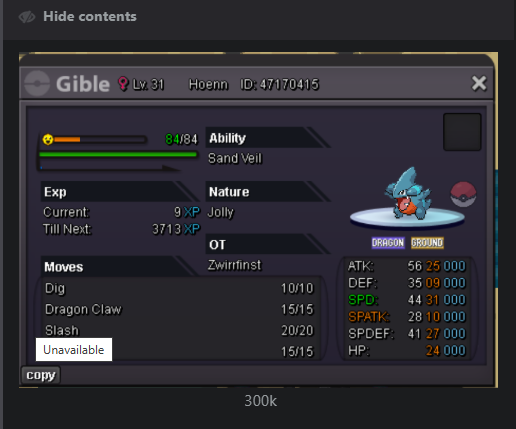
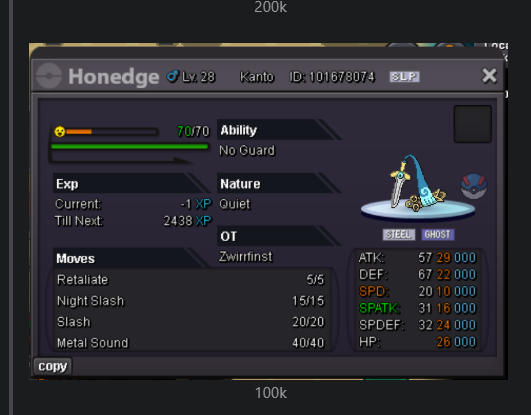
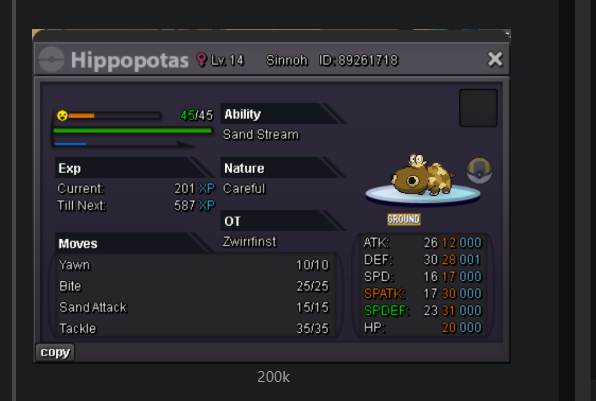 im in silver with my alt - littlebubuStart Point: The auction start at 18.05.2025 - 22:00 Bulgarian time and will last 24h Price: Start offer 2m Min. Raise: 100k Insta price: No insta End Point: The auction end at 19.05.2025 at 22:00 Bulgarian time. If a bid is received in the final 15 minutes of the auction, the end point will be delayed by 15 minutes from that bid, and will be delayed by 15 minutes for each new bid thereafter, until the current offer has been held for a full 15 minutes. Must be accurate to the minute that the auction is set to end. Accepted Payment(s): cash ; cc -500k , iv rr 600k, nature rr 300k In game will be update the time left. Thank you for your time .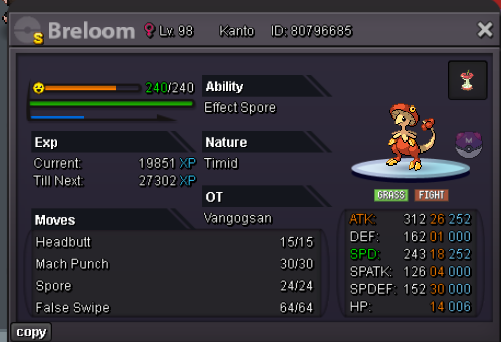
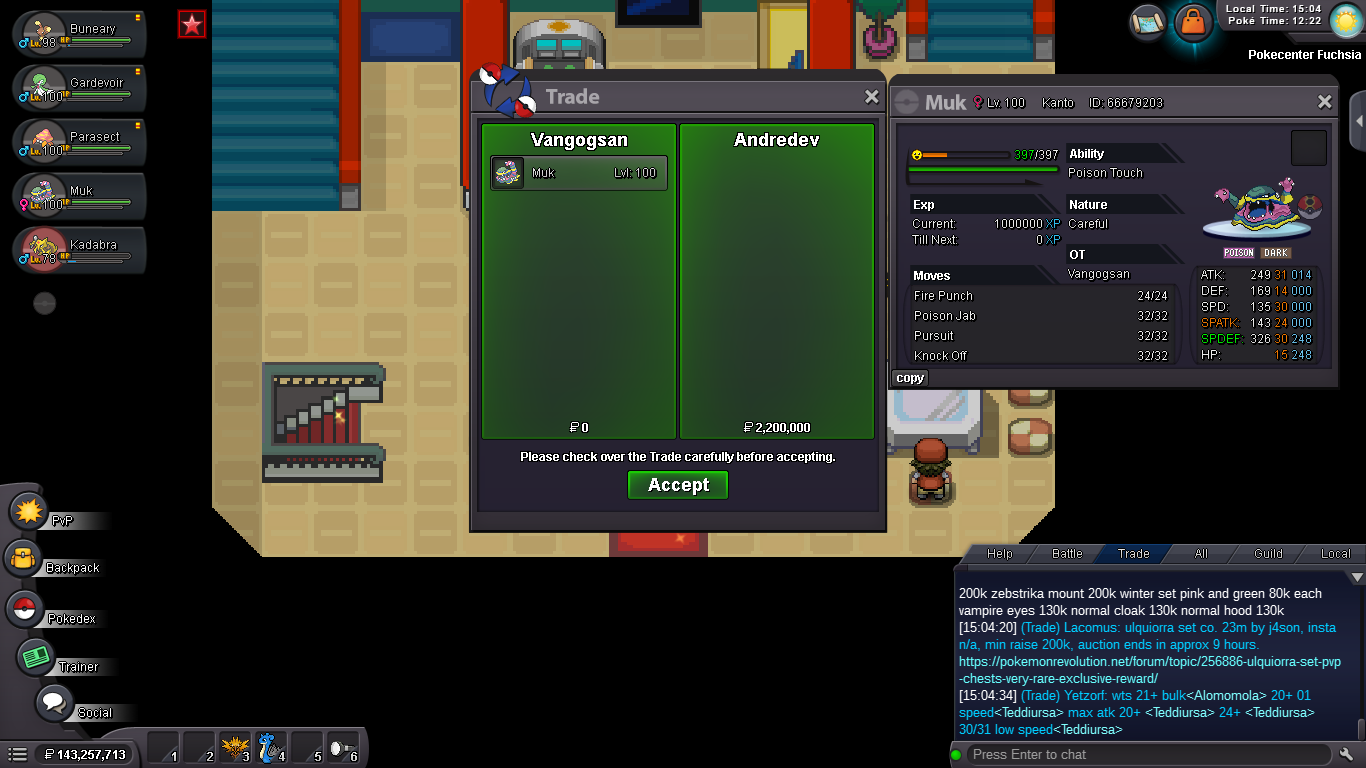
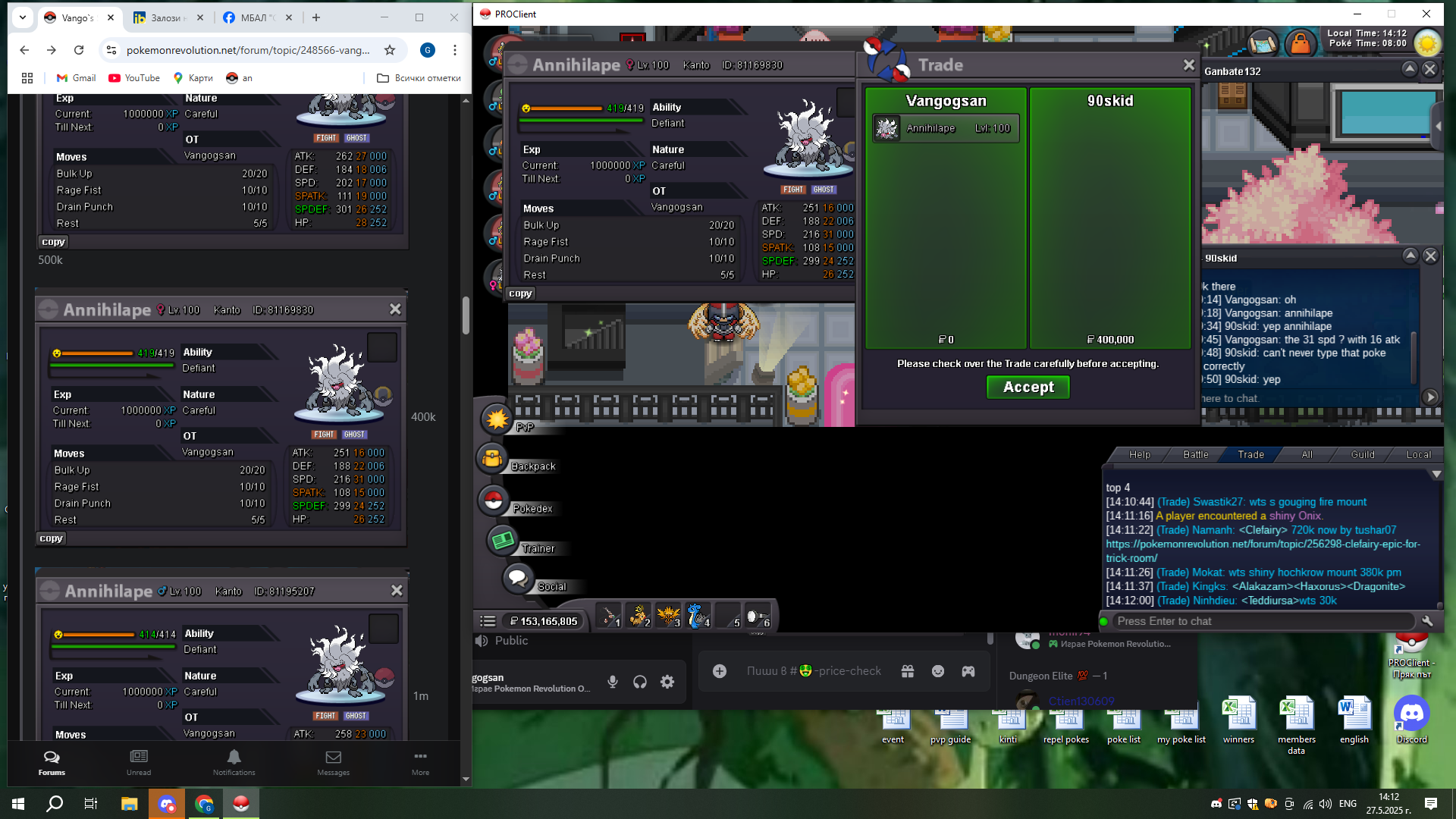
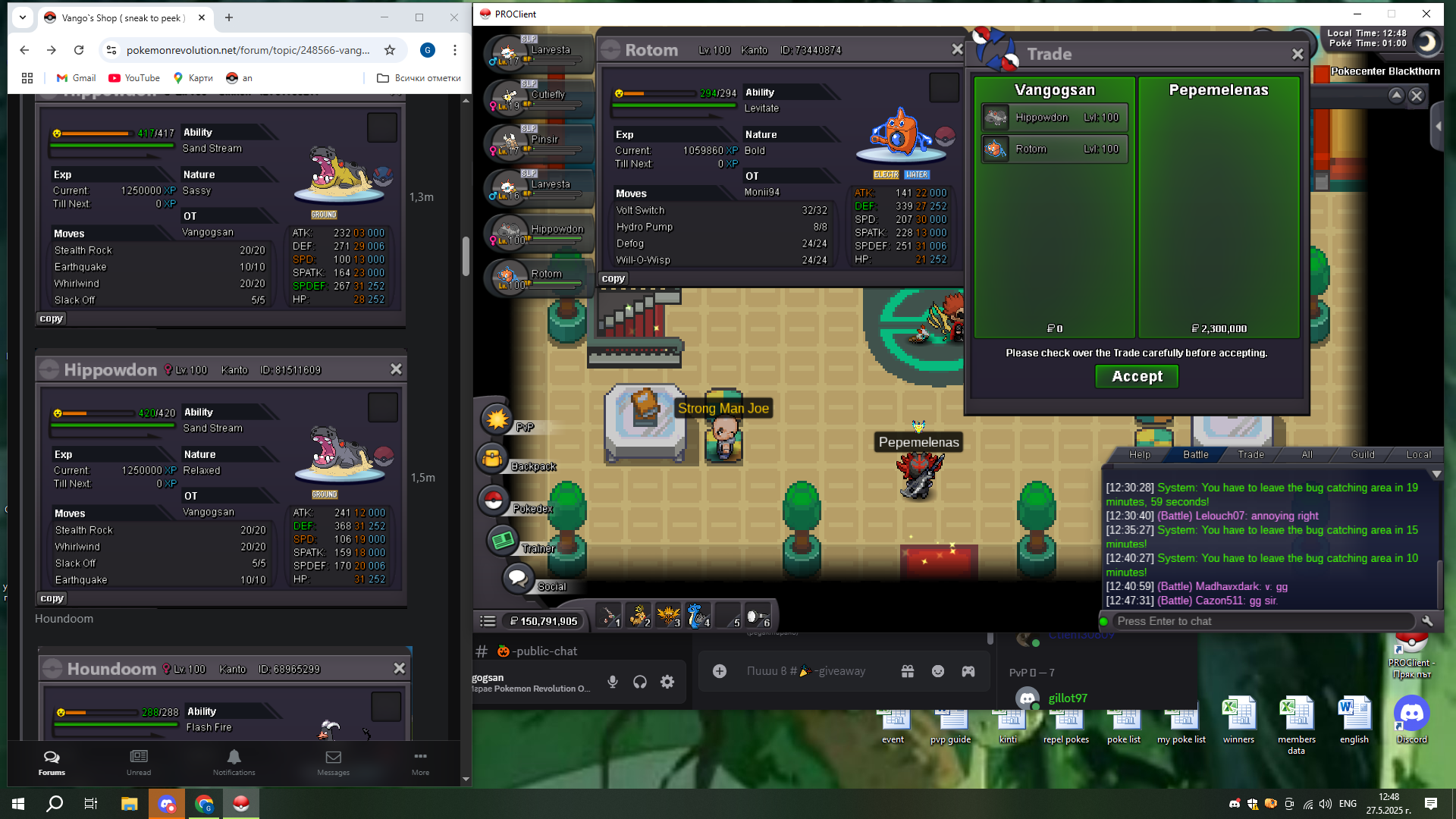
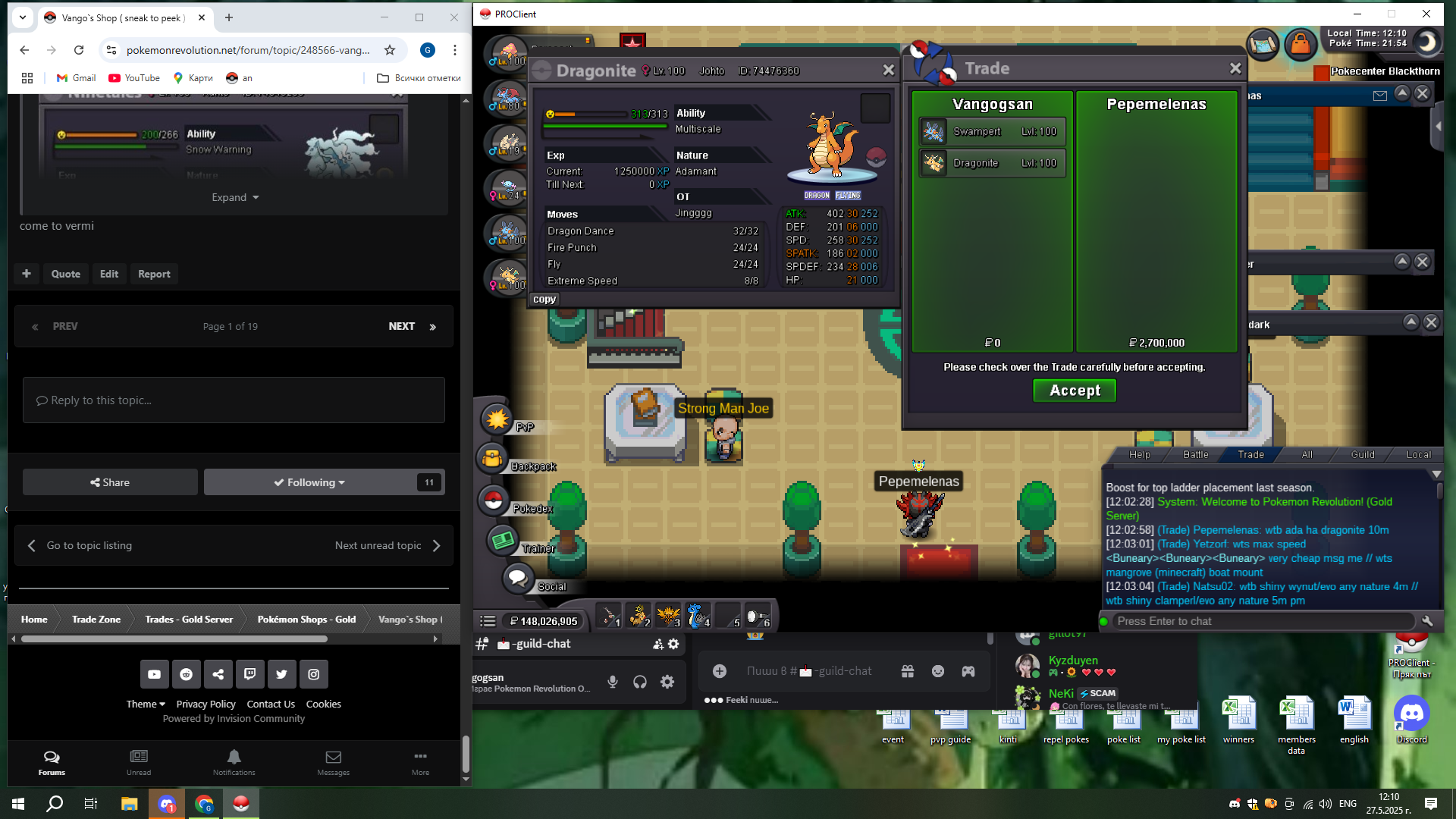

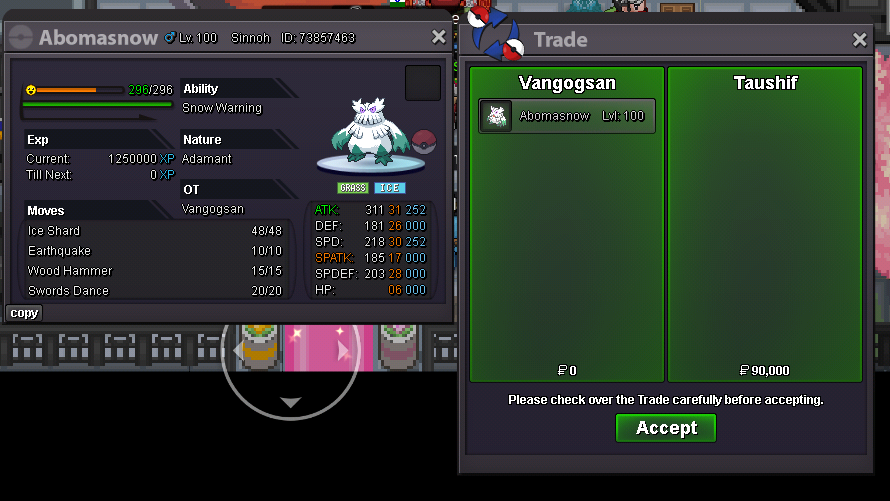
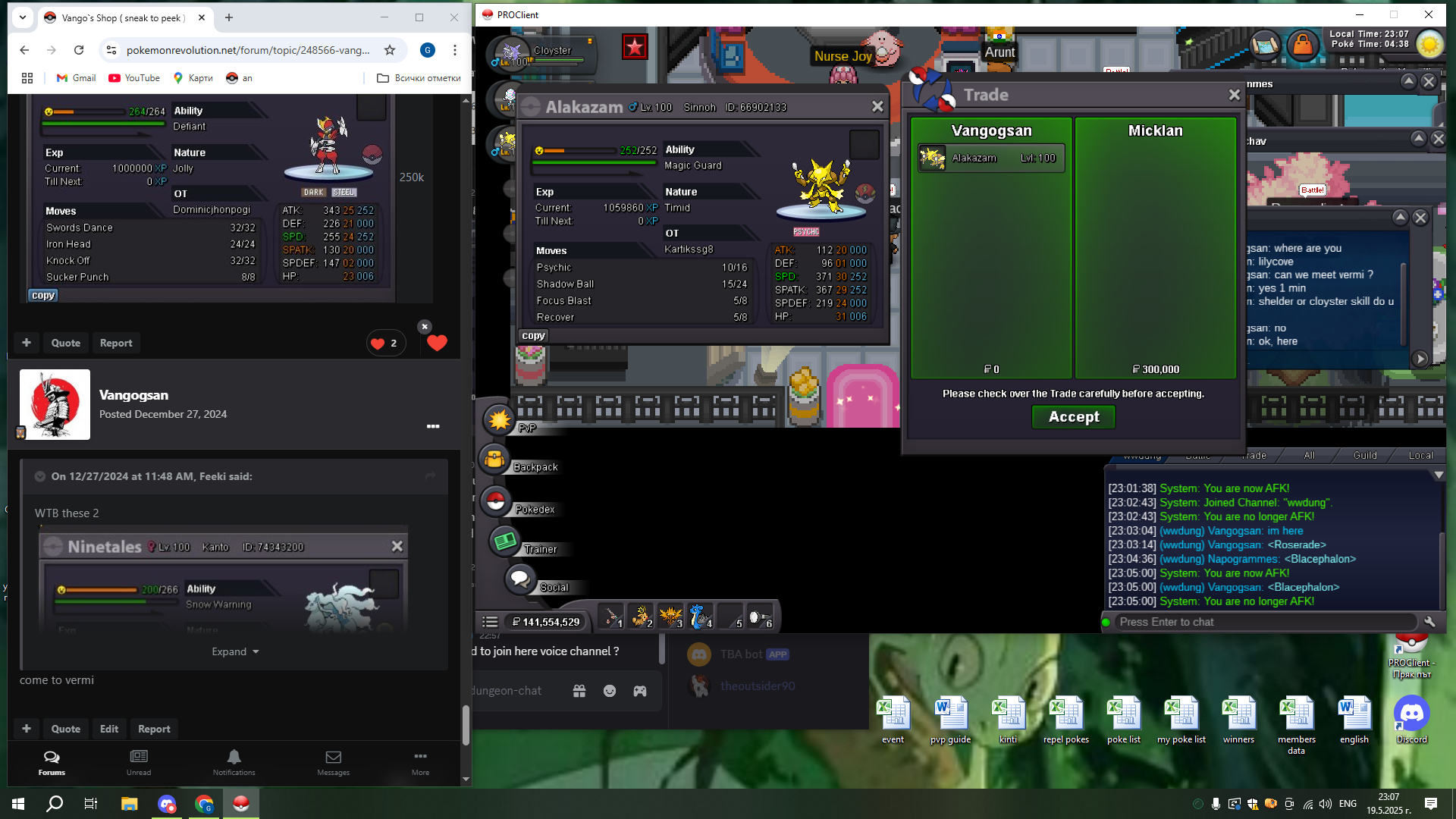
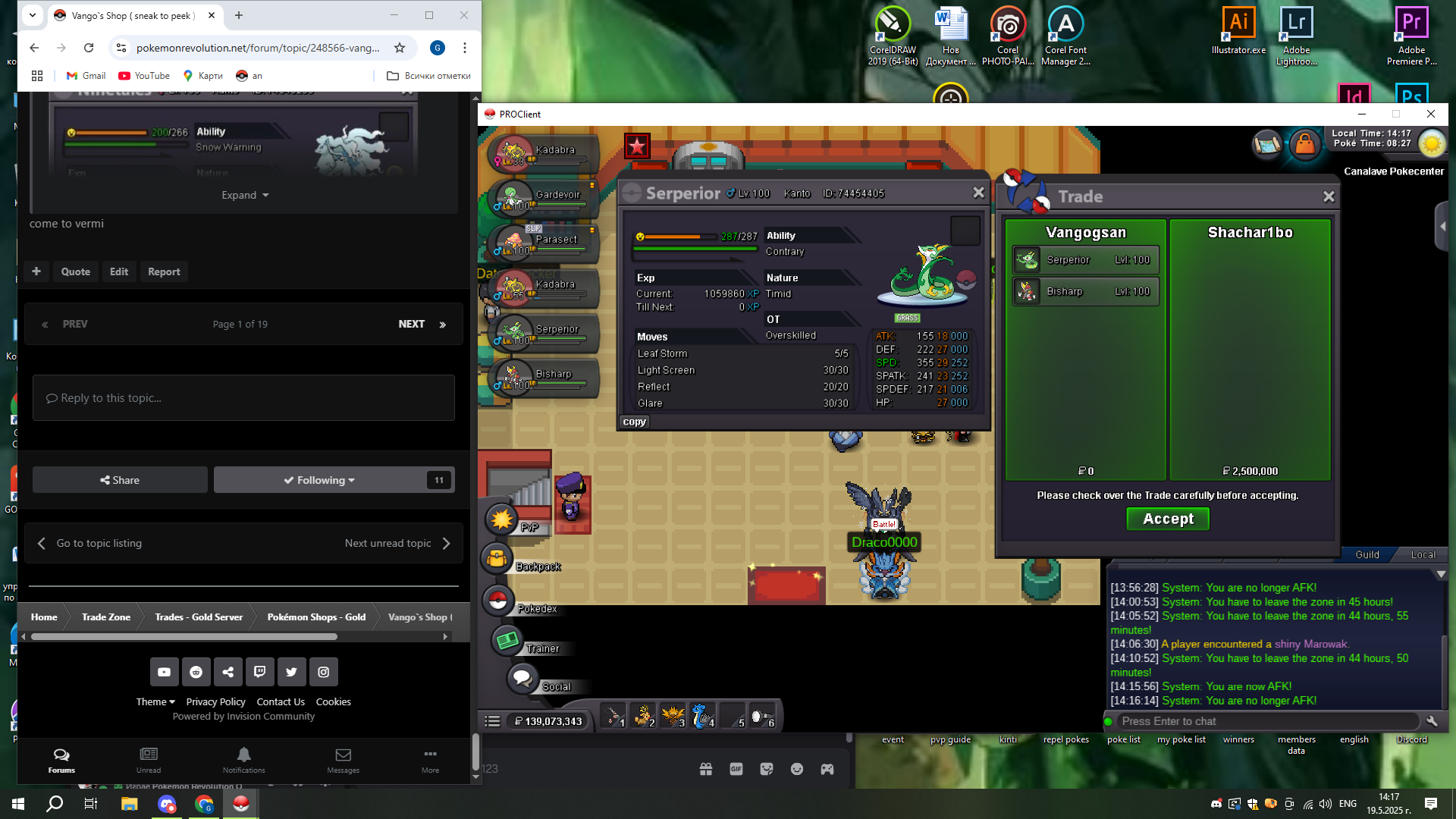
Account
Navigation
Search
Configure browser push notifications
Chrome (Android)
- Tap the lock icon next to the address bar.
- Tap Permissions → Notifications.
- Adjust your preference.
Chrome (Desktop)
- Click the padlock icon in the address bar.
- Select Site settings.
- Find Notifications and adjust your preference.
Safari (iOS 16.4+)
- Ensure the site is installed via Add to Home Screen.
- Open Settings App → Notifications.
- Find your app name and adjust your preference.
Safari (macOS)
- Go to Safari → Preferences.
- Click the Websites tab.
- Select Notifications in the sidebar.
- Find this website and adjust your preference.
Edge (Android)
- Tap the lock icon next to the address bar.
- Tap Permissions.
- Find Notifications and adjust your preference.
Edge (Desktop)
- Click the padlock icon in the address bar.
- Click Permissions for this site.
- Find Notifications and adjust your preference.
Firefox (Android)
- Go to Settings → Site permissions.
- Tap Notifications.
- Find this site in the list and adjust your preference.
Firefox (Desktop)
- Open Firefox Settings.
- Search for Notifications.
- Find this site in the list and adjust your preference.