New Trade Zone
Trade Zone is now live
Use the new Trade Zone for auctions and instant-price trades so Pokemon and item offers are easy to find.


Vangogsan
Registered User
-
Joined
-
Last visited
Everything posted by Vangogsan
-
-
-
Playing without progress is pointless, you can chalange yourself in so many ways , for me this option is useles. Also when you post something here i have the write to say my opinion.- end 🙂
-
-1 , if they make a good managment ot he pc , one acc is okay. The idea to make same story and legendary quests over and over is pointless. Also more new members that play here use the guilds only for boost, So if more acc, the quallity goes low.
-
-
-1 , don`t want to get random things that could be worst that someting i have.
-
you have now for sure , my bad- i send it to the wrong person 😄
-
you have request in discord
-
Any chance to be done soon?
-
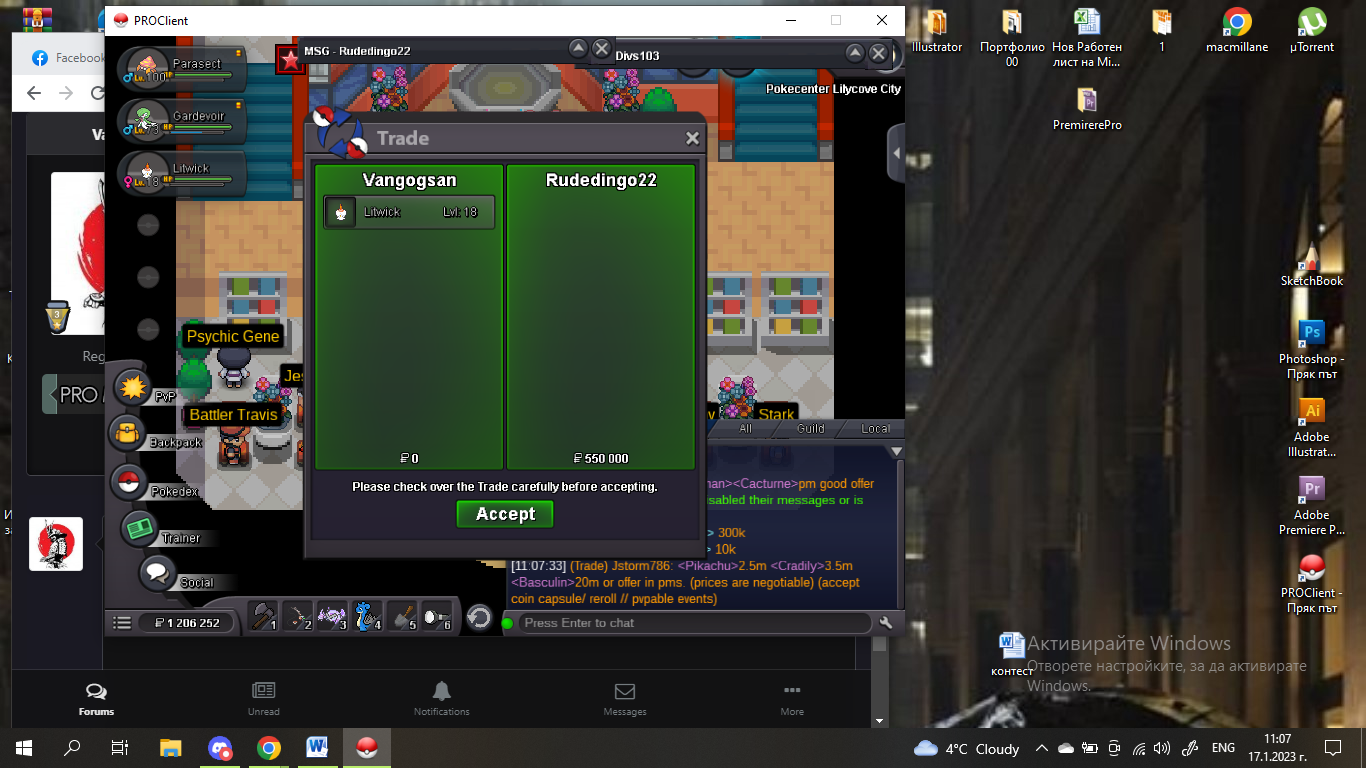
The winner is Rudedingo22 with 550k550k by Rudedingo22
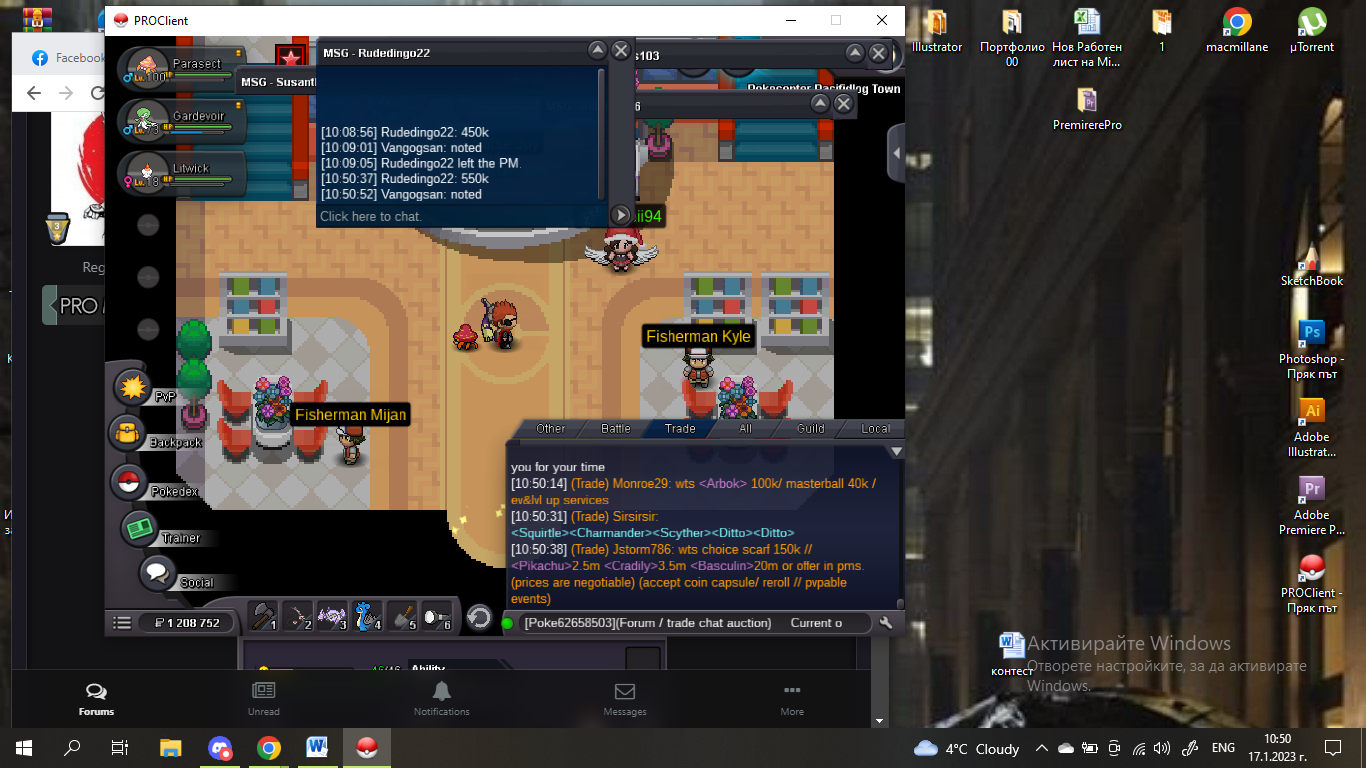 500k by Jstorm786
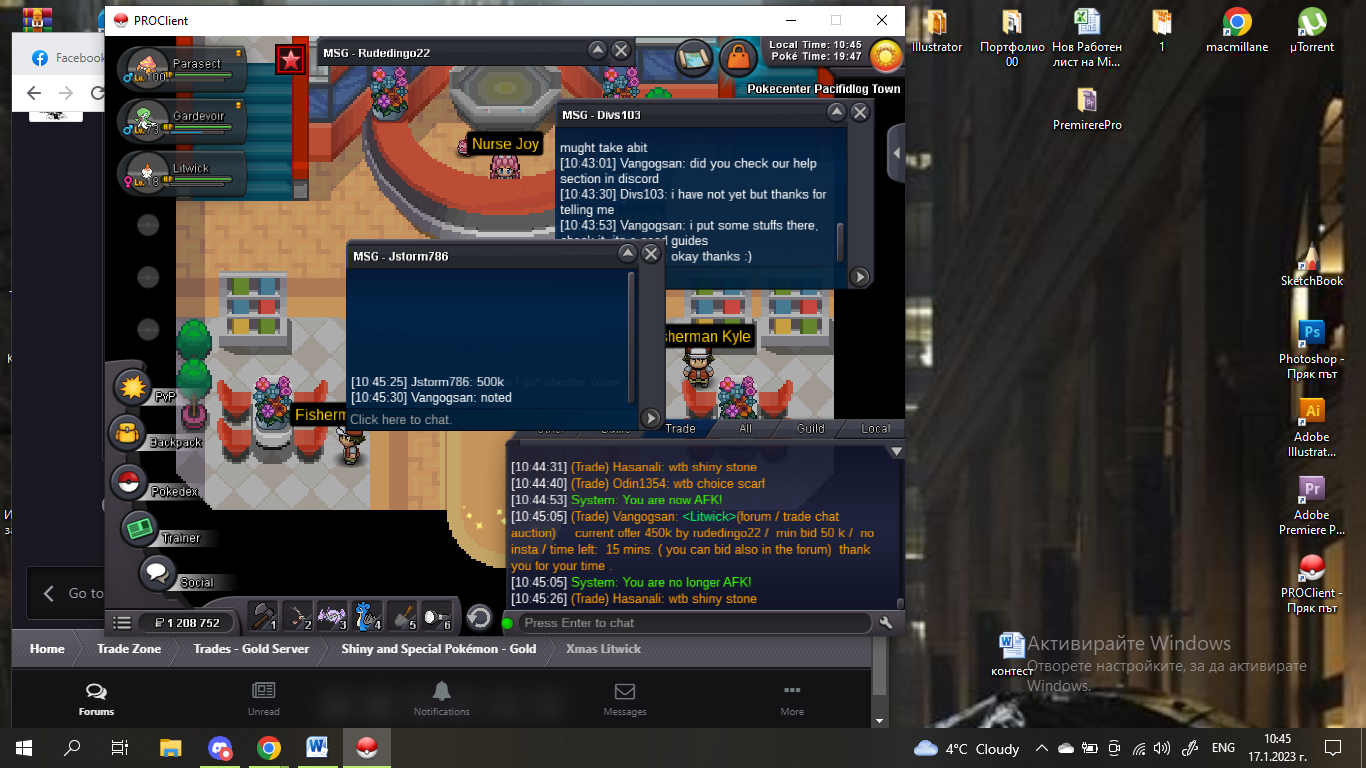 450k by Rudedingo22
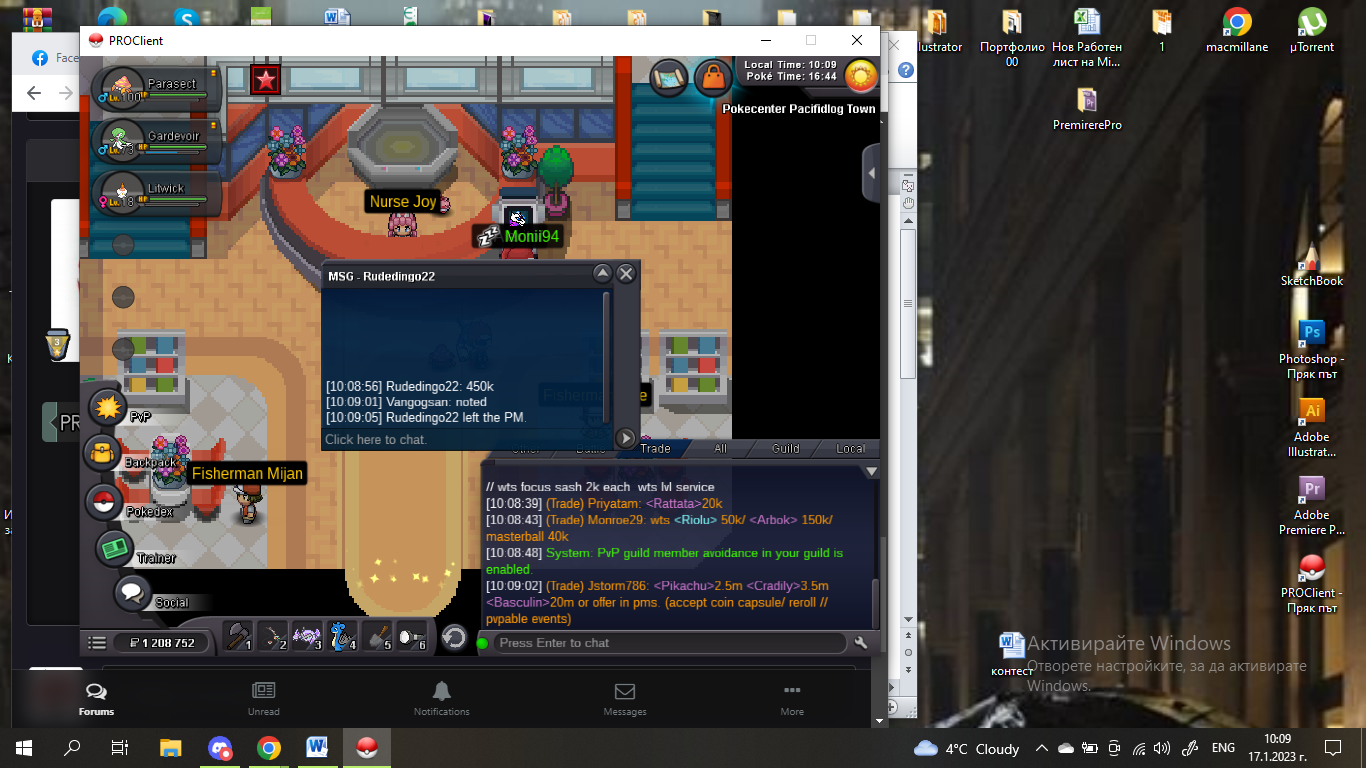 400k by anshul11
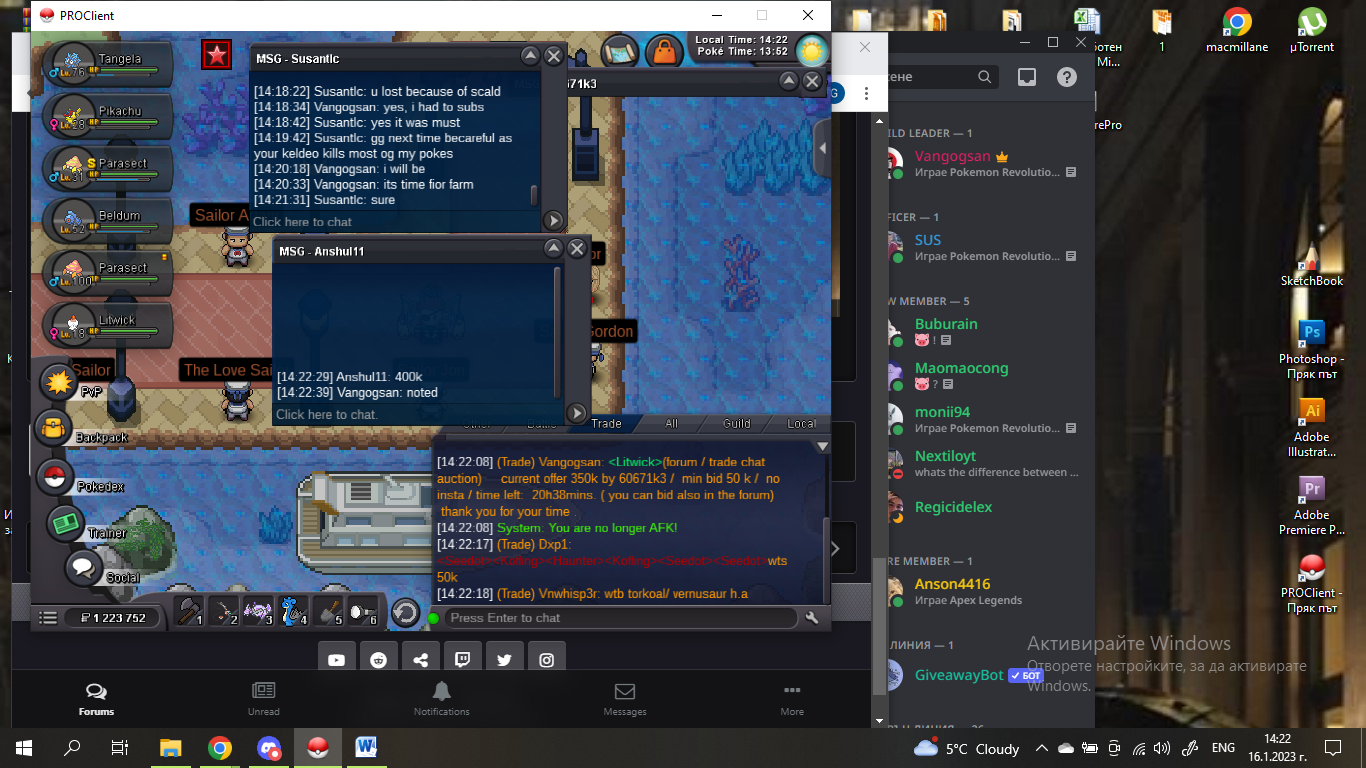 350k by 60671k3
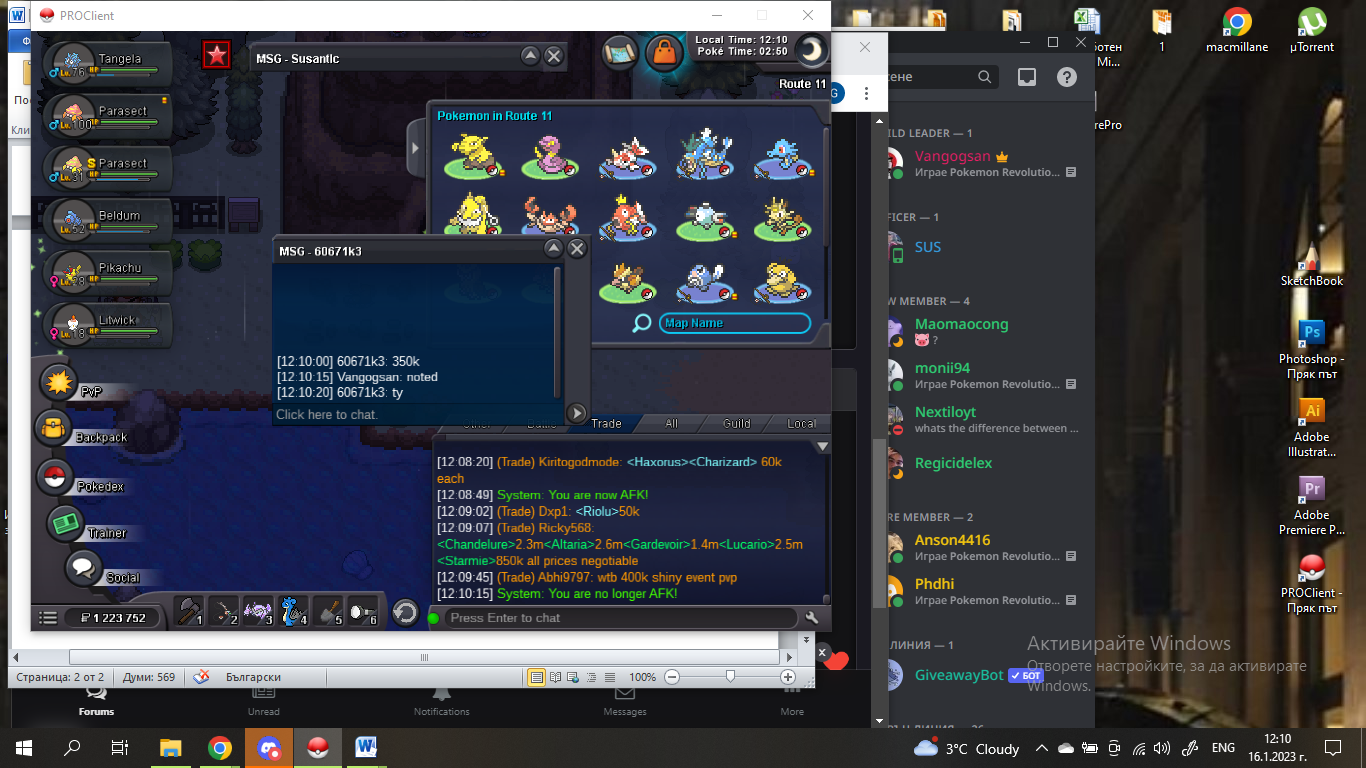 Start Point: The auction start at 16.01.2023 - 11:00 AM Bulgarian time ( time zone - +3GMT ) and will last 24h Price: Start offer is 300k Min. Raise: 50k Insta price: No insta End Point: The auction end at 17.01.2023 at 11:00 Bulgarian time. If a bid is received in the final 15 minutes of the auction, the end point will be delayed by 15 minutes from that bid, and will be delayed by 15 minutes for each new bid thereafter, until the current offer has been held for a full 15 minutes. Must be accurate to the minute that the auction is set to end. Accepted Payment(s): cash only In game will be update the time left. Thank you for your time .
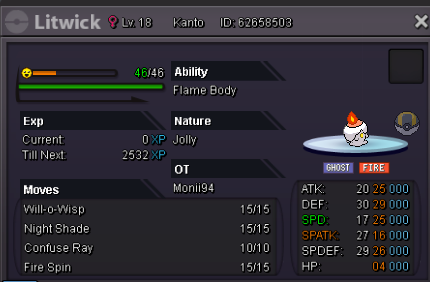 as guild reward also can be, adding better rng in hunt, or if more members in one place , to get better chanse for some good pokemon 🙂Auction end, the winer is 60671k315 mins left300k by 60671k3
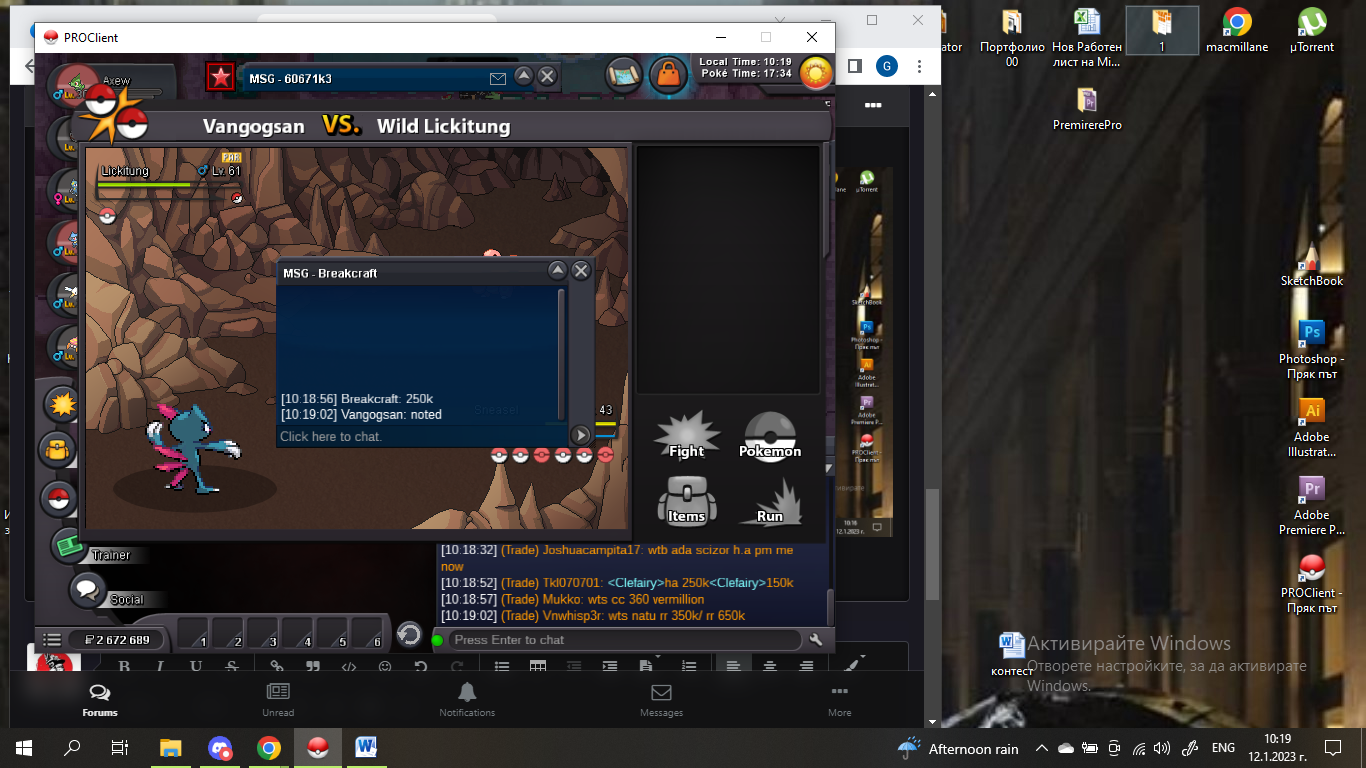
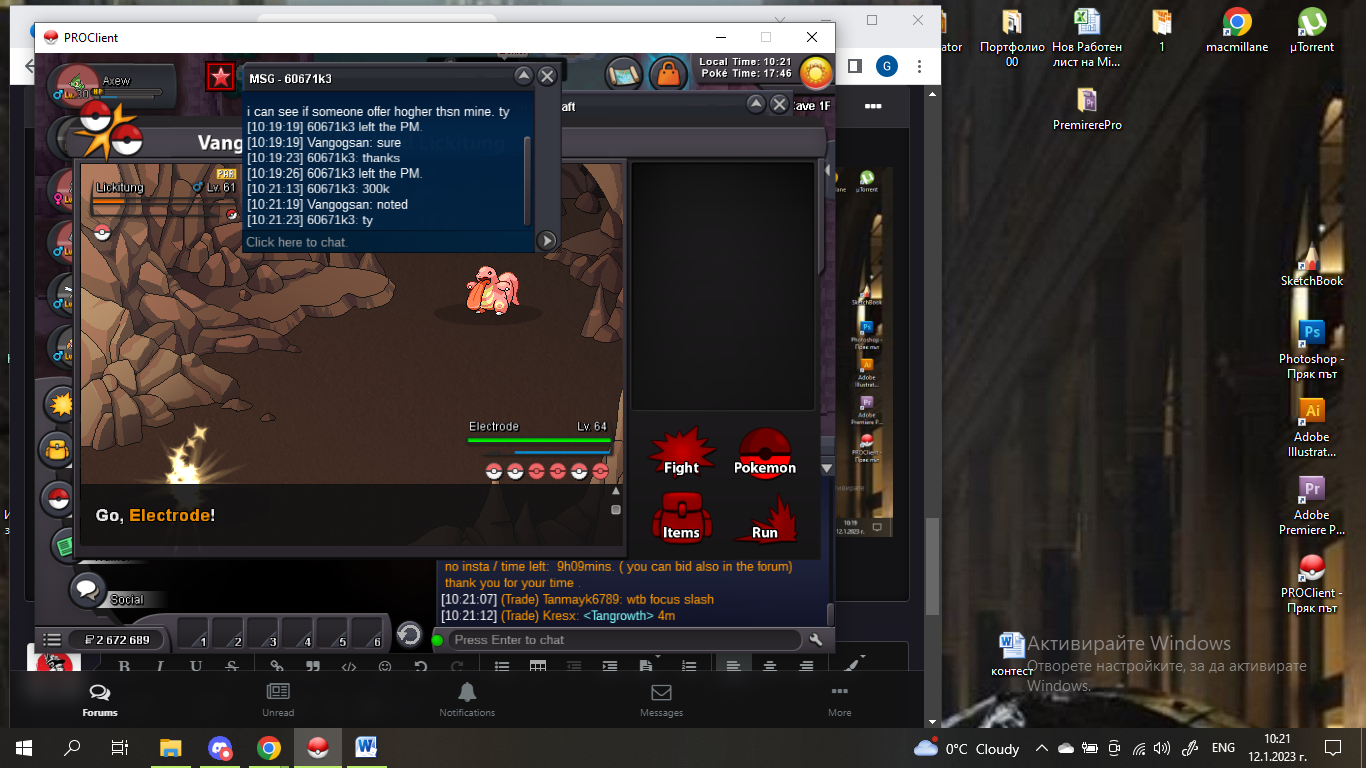 250k by Breakcraft
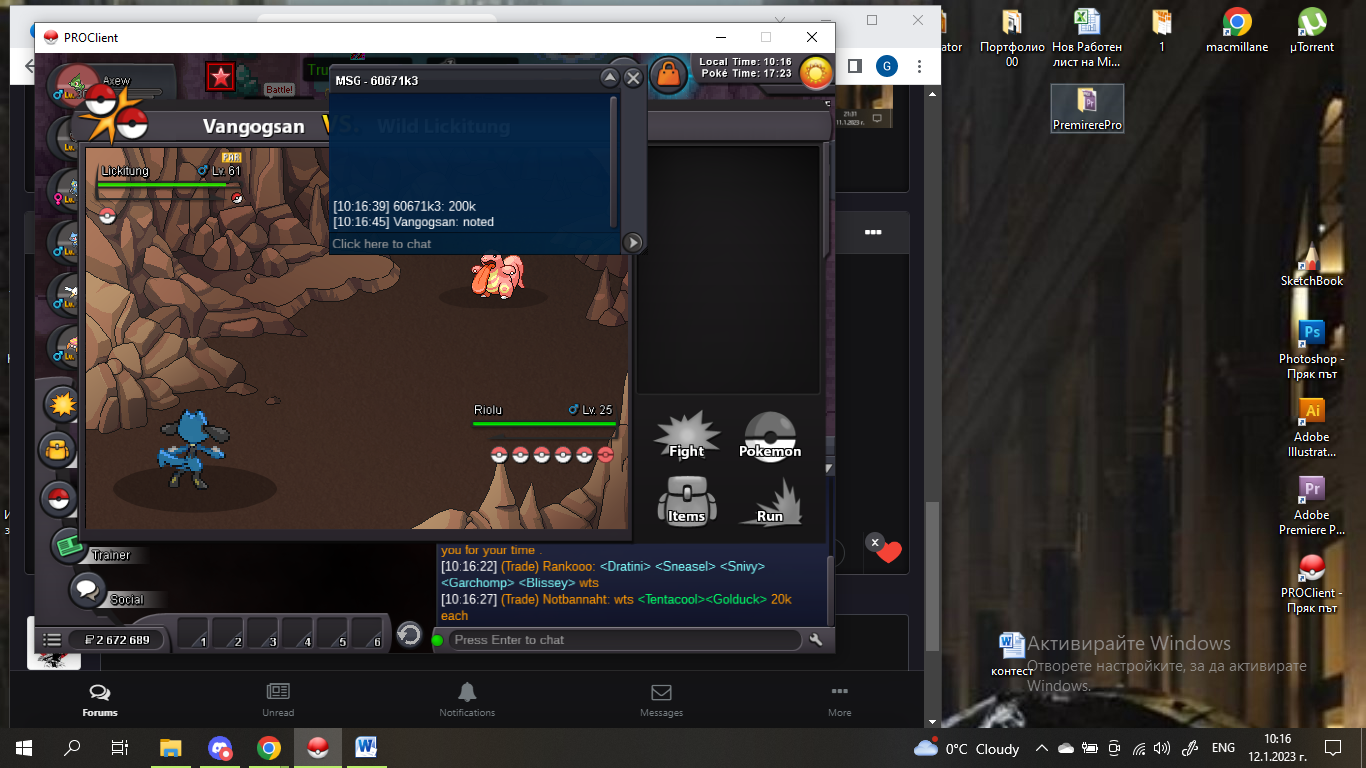
 200k by 60671k3
 Start by Breakcraft
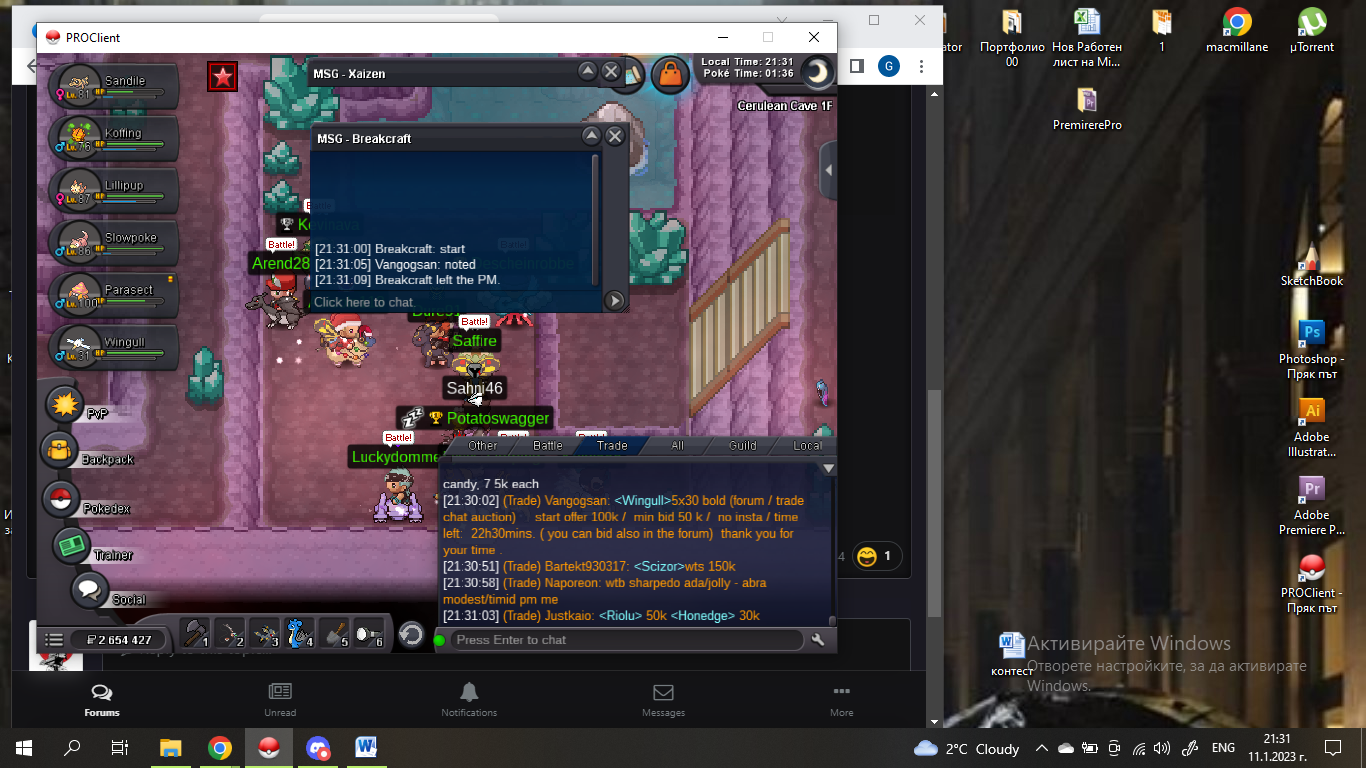 Start Point: The auction start at 11.01.2023 - 20:00 Bulgarian time and will last 24h Price: Start offer is 100k Min. Raise: 50k Insta price: No insta End Point: The auction end at 12.01.2023 at 20:00 Bulgarian time. If a bid is received in the final 15 minutes of the auction, the end point will be delayed by 15 minutes from that bid, and will be delayed by 15 minutes for each new bid thereafter, until the current offer has been held for a full 15 minutes. Must be accurate to the minute that the auction is set to end. Accepted Payment(s): cash only In game will be update the time left.