New Trade Zone
Trade Zone is now live
Use the new Trade Zone for auctions and instant-price trades so Pokemon and item offers are easy to find.

Crawdaunt
Registered User
-
Joined
-
Last visited
-
40k lul
-
Re: ∞ BlaZe ∞ ⎪Red Server⎪First Guild Of PRO's 3 servers⎪ (PvP tournament semi-finals) <t>1. What is your nickname in PRO? Crawdaunt<br/> 2. Which one is your favorite Pokemon and why?<br/> Crawdaunt, because he wears a star and was my first Physical Sweeper<br/> 3. What is your final objective in PRO?<br/> Super epic Crawdaunt with triple 31's<br/> 4. How many hours did you play on Red?<br/> 66<br/> 5. Age: 15<br/> 6. Do you have a PVP Team? (its ok if you don't have one)<br/> No</t>
-
Looking for guild that only accepts people with og names or pokemon names (Red server) :))))
-
-
restarted the game and it was fixed, weird but nothing wrong on my end maybe just a hiccup
-
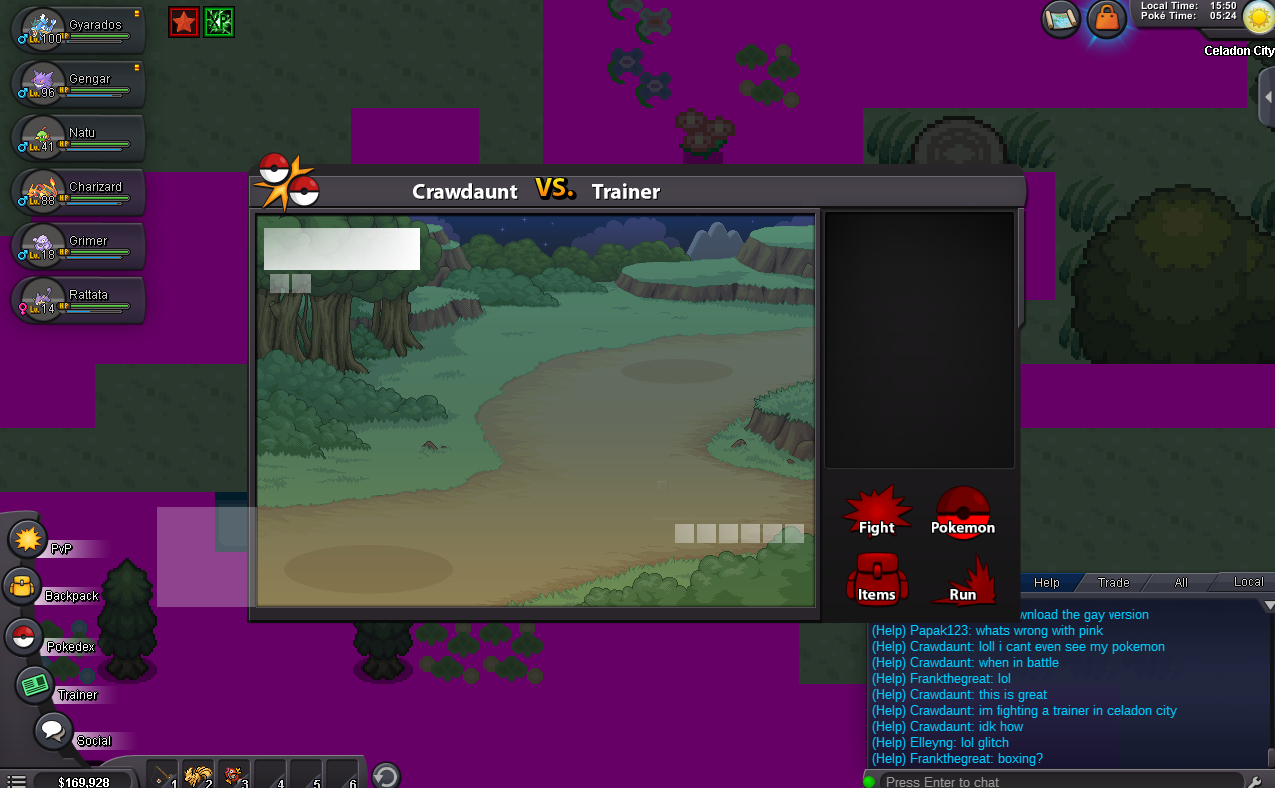
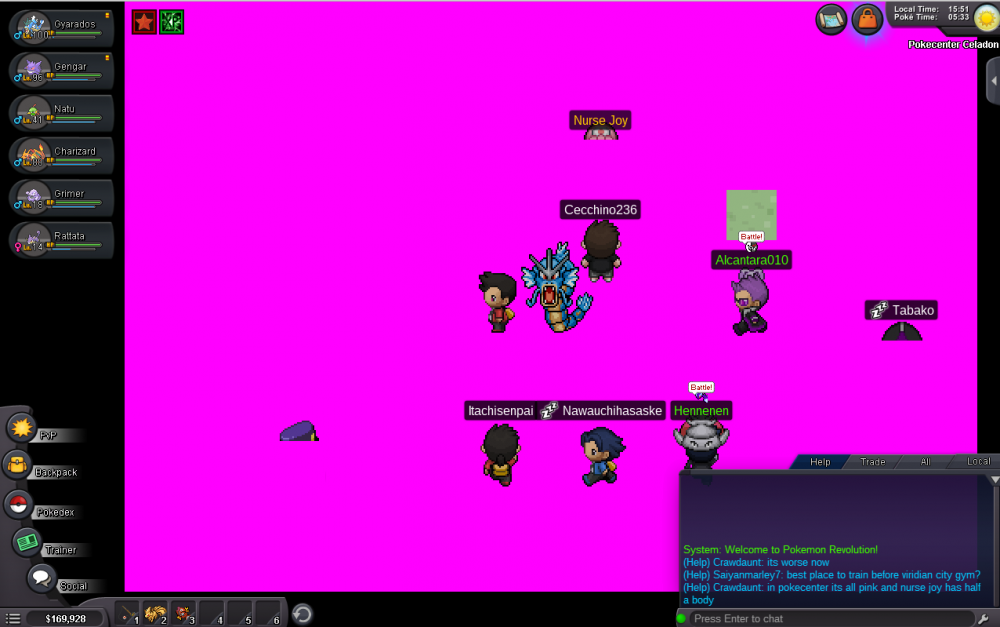
I dont know whats happening

-
What? It does show is lol didnt notice till i opened picture in new tab
-
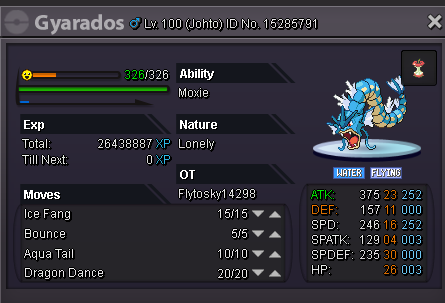
Show IV's
-
Looking to buy lvl.100 Gyarados for elite 4 kanto, can offer 15day ms and 50k
-
30 hours in, still havent even tried lol but leveling a slaking rn
-
I have a kingler if you would like
-
good luck
-
Thanks :)
-
I have purchased membership and last night while i was in-game i had membership but when I press log in im put into this queue with over 800 people? is this a membership queue or normal.