




New Trade Zone
Trade Zone is now live
Use the new Trade Zone for auctions and instant-price trades so Pokemon and item offers are easy to find.


Benjiemager
Registered User
-
Joined
-
Last visited
Everything posted by Benjiemager
-
C.o 1.7m

-
C.o = 1.6m
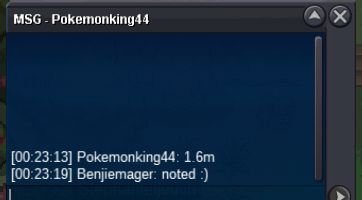
-
S.o = 1.5m Min bid = 100k No insta End in 48hrs after first bid Also accept Cc = 400k
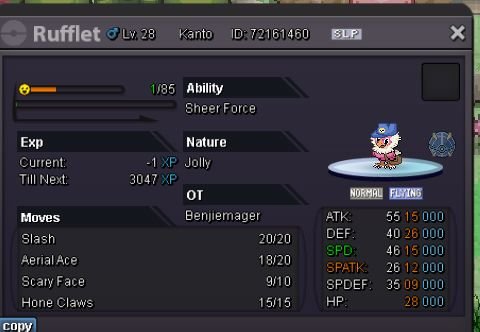
-
Start ( will transfer if I win)
-
Start ❤️
-
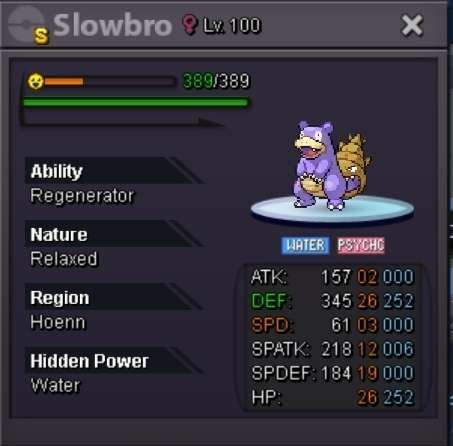
Wts lucario 28m Gengar max spd timid 14m Slowbro h.a relax 10m
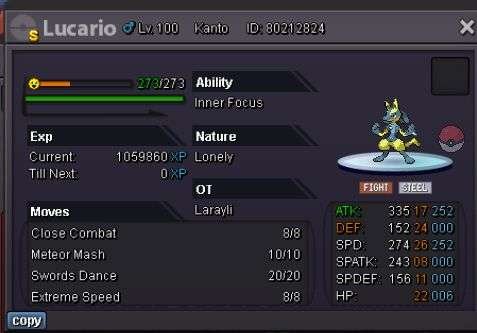
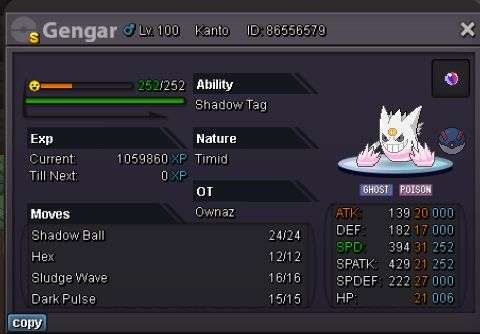
-
Start ❤️
-
☺️
-
Hello pro staffs and players I like to suggest about collector joro being in a Pokemon center to make it easier for players to submit there skins and shiny . It took me few mins just to go back and forth from pc to the collector joro in dstore and it took my friend hrs to submit his alot trash skins he got in event while hunting . So I think it will be very good for players if we can just submit skins and shiny from pc and will save alot of our time. Thx ❤️
-
Sold can be closed now

-
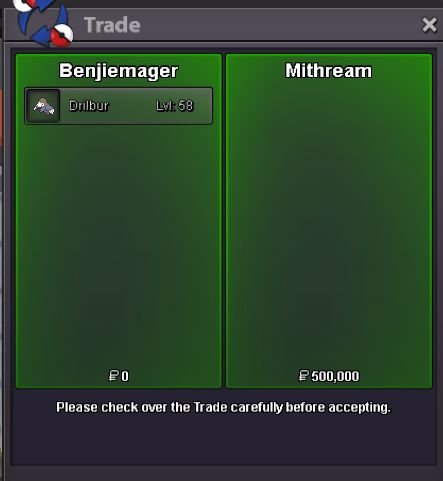
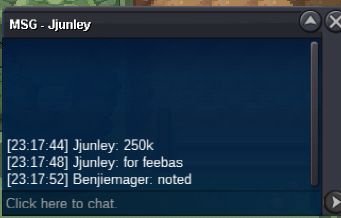
Auction over @Kaempferherz won feebas and @Mithream won drilbur My discord = .thisgametrashLol i post ss at the start c.o 500k for drilburC.o is 500kAhh noted c.o 200k for feebasWhat bro ??Drilbur c.o = 500k
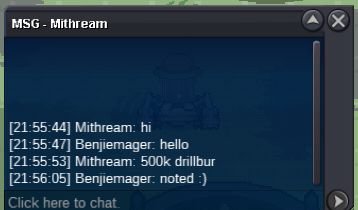 C.o fee = 150k and drilbur = 50k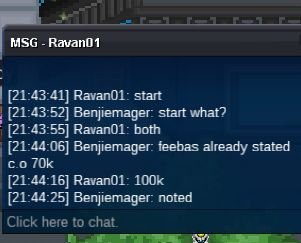
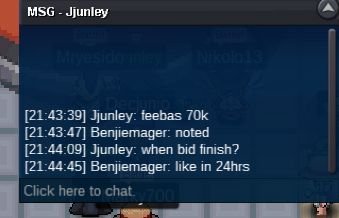
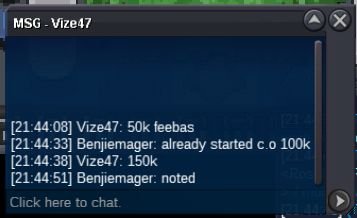 S.o = 50k for each mons min bid = 10k each no insta End in 24hrs after first bid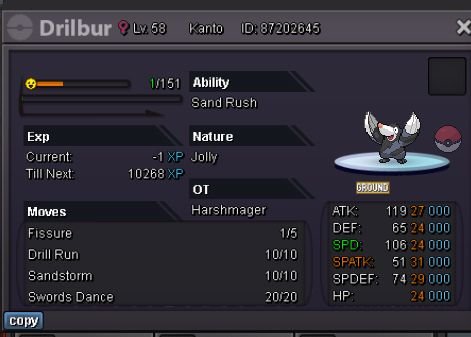
 10m 🙂2m lax @@Start both @@28m @@


Account
Navigation
Search
Configure browser push notifications
Chrome (Android)
- Tap the lock icon next to the address bar.
- Tap Permissions → Notifications.
- Adjust your preference.
Chrome (Desktop)
- Click the padlock icon in the address bar.
- Select Site settings.
- Find Notifications and adjust your preference.
Safari (iOS 16.4+)
- Ensure the site is installed via Add to Home Screen.
- Open Settings App → Notifications.
- Find your app name and adjust your preference.
Safari (macOS)
- Go to Safari → Preferences.
- Click the Websites tab.
- Select Notifications in the sidebar.
- Find this website and adjust your preference.
Edge (Android)
- Tap the lock icon next to the address bar.
- Tap Permissions.
- Find Notifications and adjust your preference.
Edge (Desktop)
- Click the padlock icon in the address bar.
- Click Permissions for this site.
- Find Notifications and adjust your preference.
Firefox (Android)
- Go to Settings → Site permissions.
- Tap Notifications.
- Find this site in the list and adjust your preference.
Firefox (Desktop)
- Open Firefox Settings.
- Search for Notifications.
- Find this site in the list and adjust your preference.