New Trade Zone
Trade Zone is now live
Use the new Trade Zone for auctions and instant-price trades so Pokemon and item offers are easy to find.

Clumsygirl
Suspended
-
Joined
-
Last visited
Everything posted by Clumsygirl
-
No, both genders
-
bump 18h left
-
Hey, im online right now. Let me know when you are able to trade.
-
bump, 25 hours left.
-
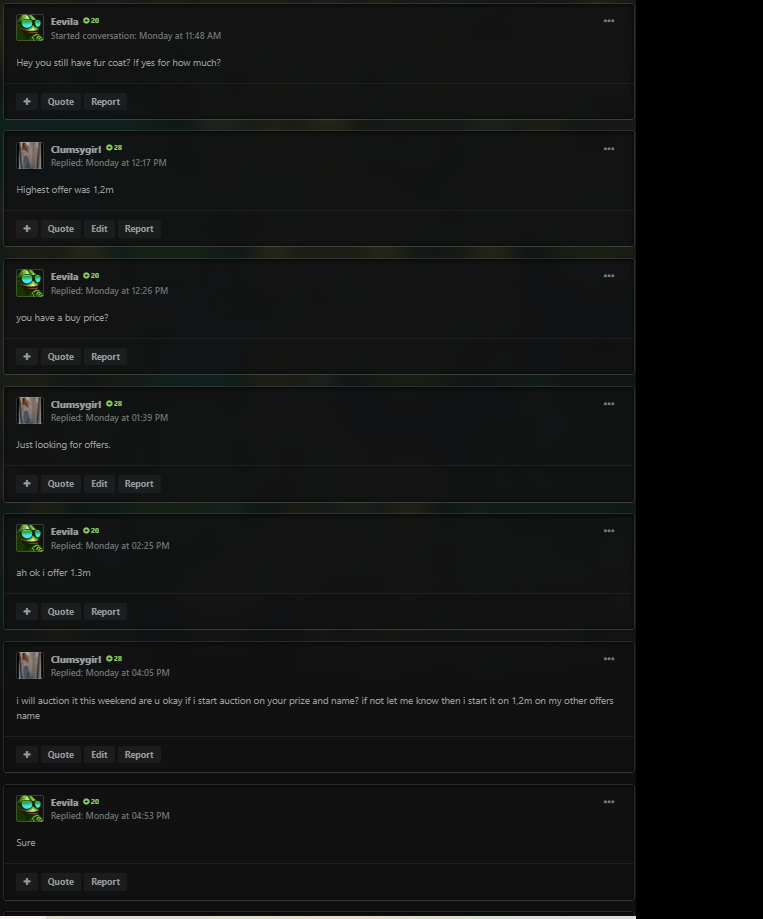
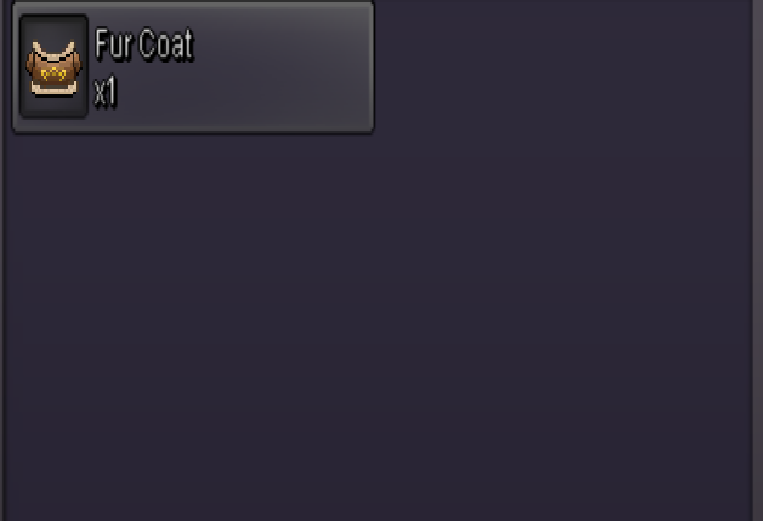
Auction rules - I rather stay on gold but if you dont have the option to transfer then a friend of me is gonna transfer to silver - Fake offers will be reported - Offer can be made here on forum or in-game to Clumsygirl or Clumsygirl2 - If you offer with an alt let me know. - payment: cc (400k) or pokedollar) also take a look at my shiny/event shop and pve/pvp shop on forum. I can deliver to silver if my friend need to transfer anyway. Auction: fur coat cosmetic c.o 1m55 by lyn1311 / 2hours left / min bid 50k / no insta


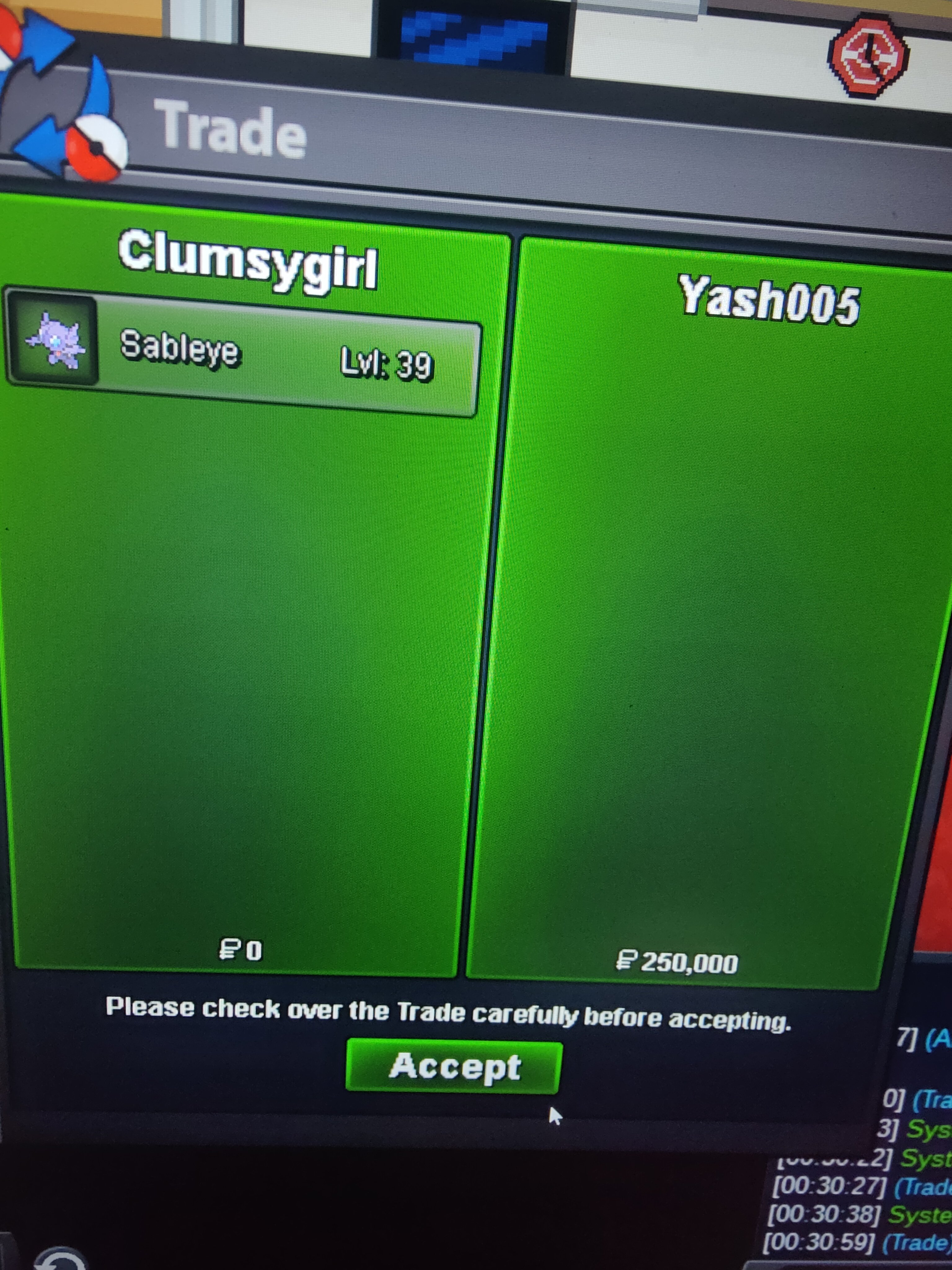
 Hey, im online right now. Message me on clumsygirl2 when your ready to do the trade.bumpIt kinda depending on what you want to buy but i can transfer to silver.BumpSableye 250k sold
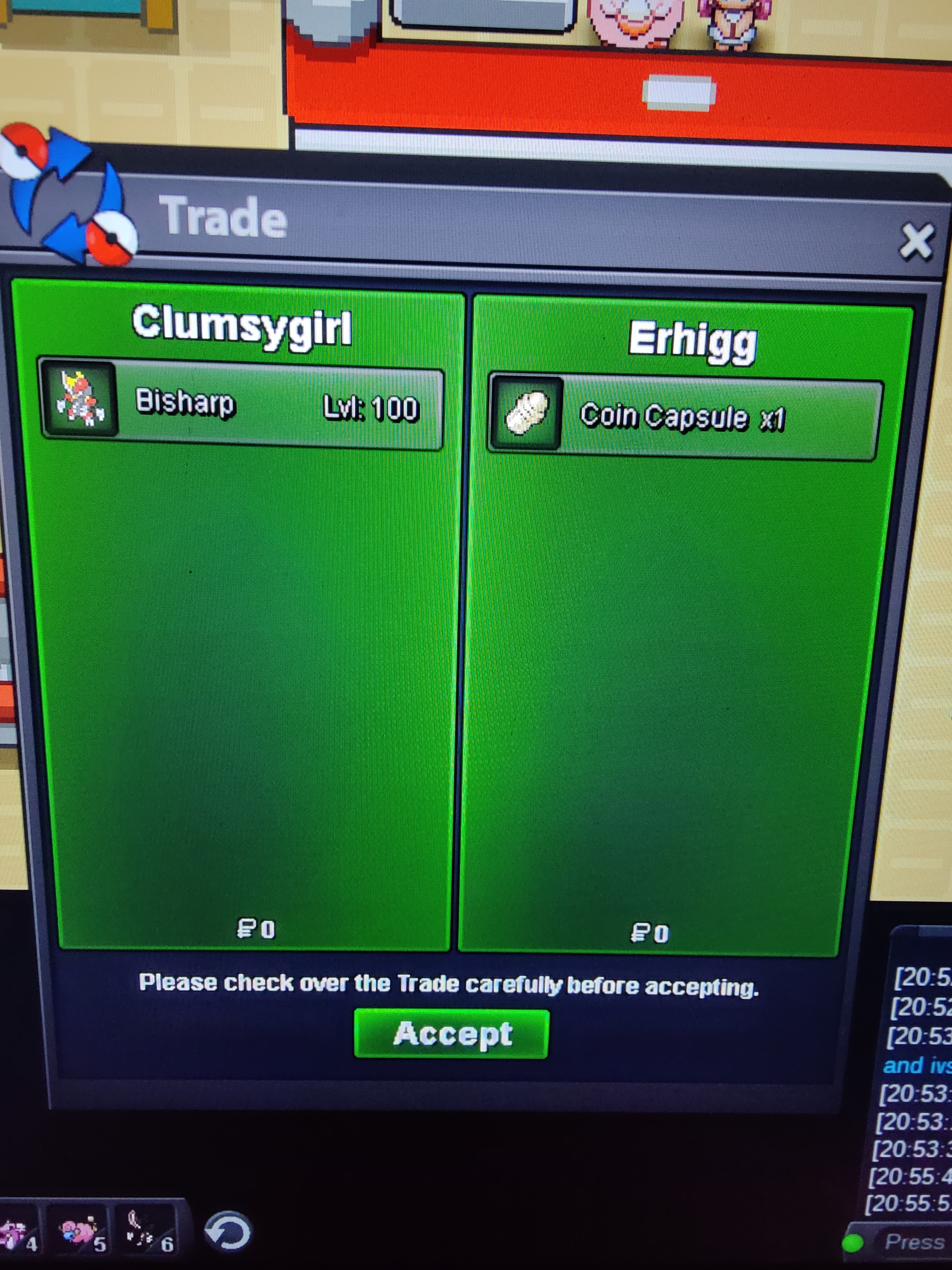
 Bisharp sold with 10% off
 Klefki sold
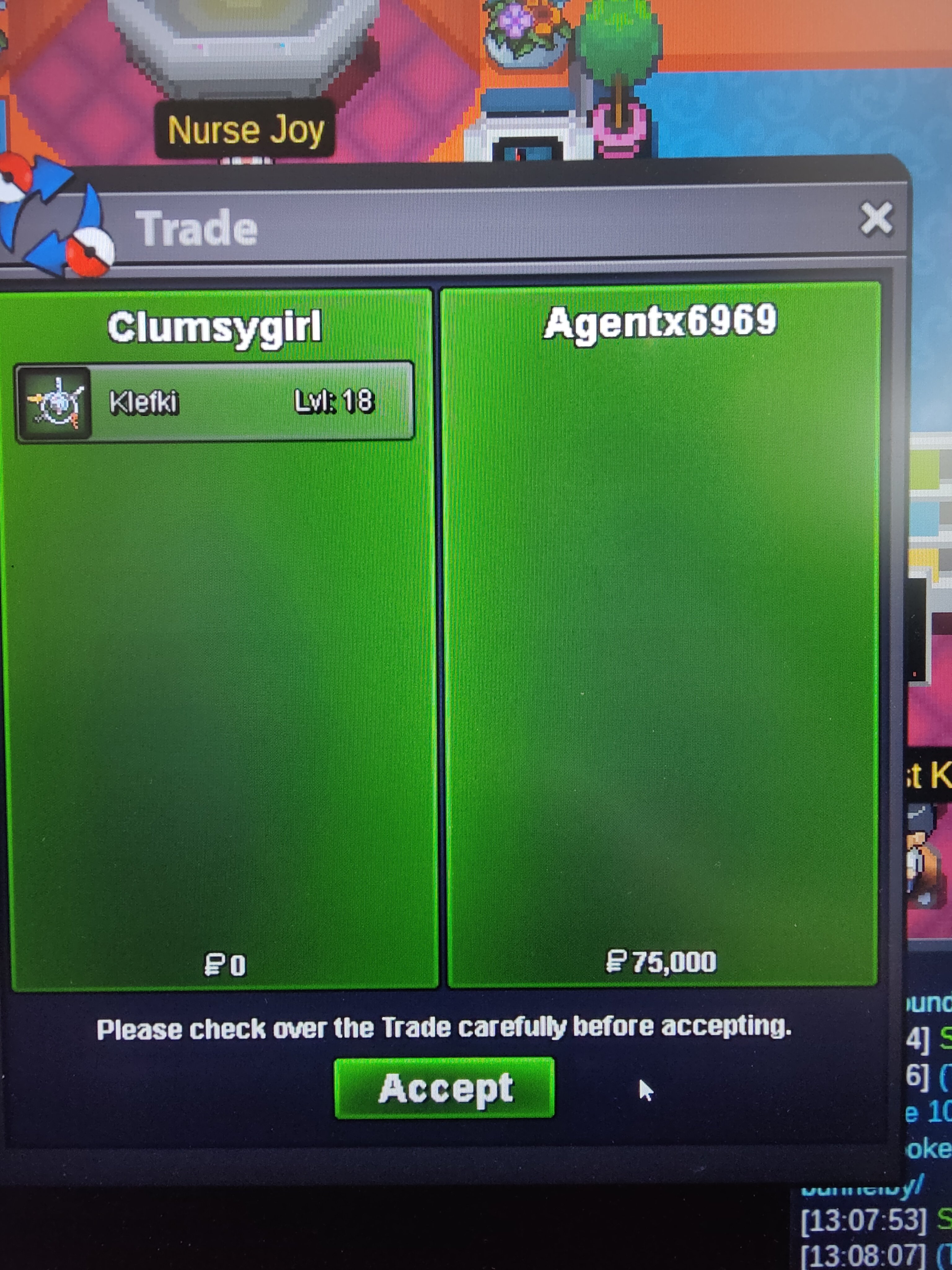 Winter set soldElectivire sold with 10% off discount
 Hey, im online right now on Clumsygirl2. send me message ingame if your availablePlease only put trade related things on forum. thank you! If you want to put any other comment feel free to pm in pro.Shiny stantler sold
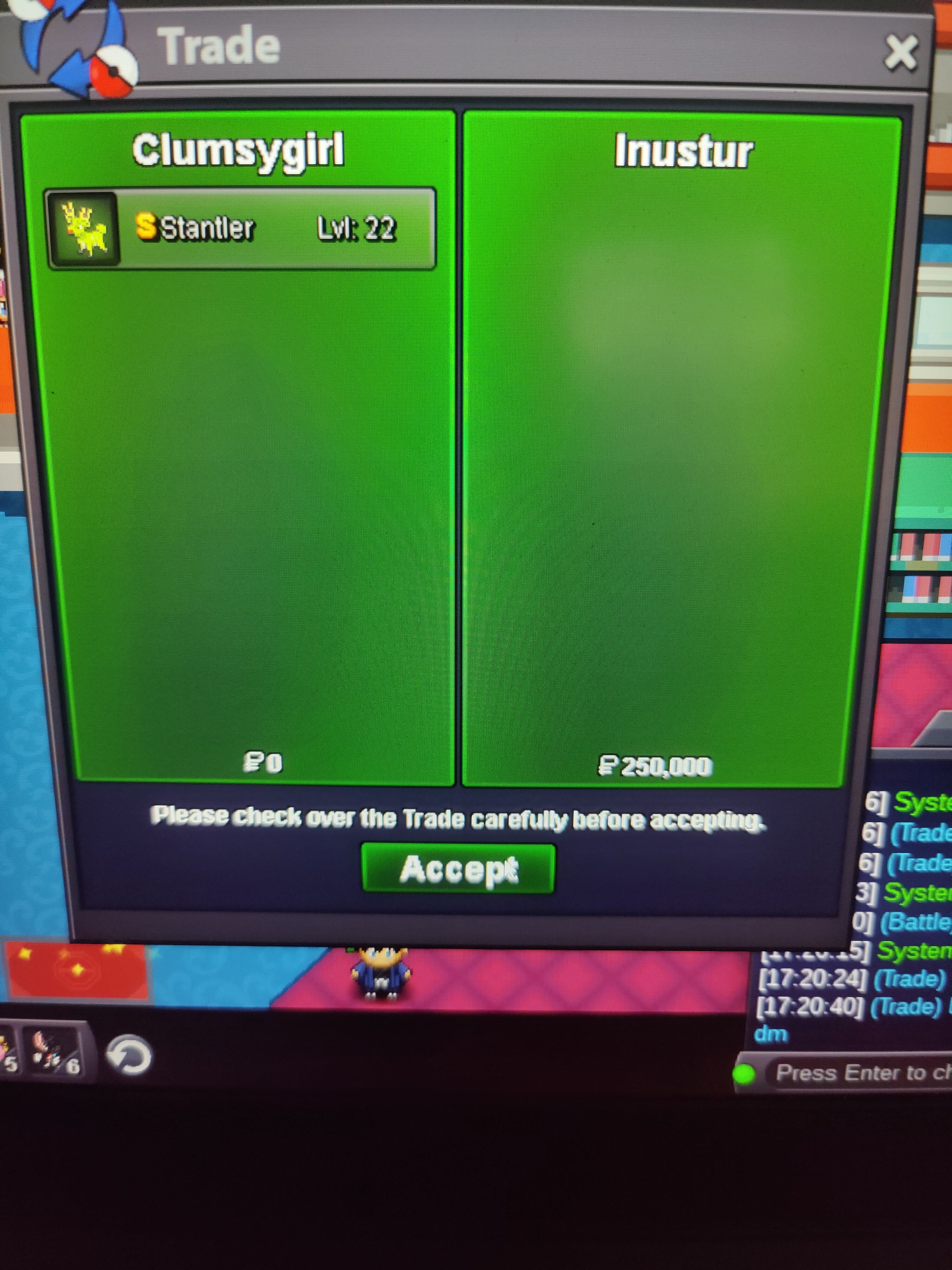 Bisharp 600k with 10% discount sold.
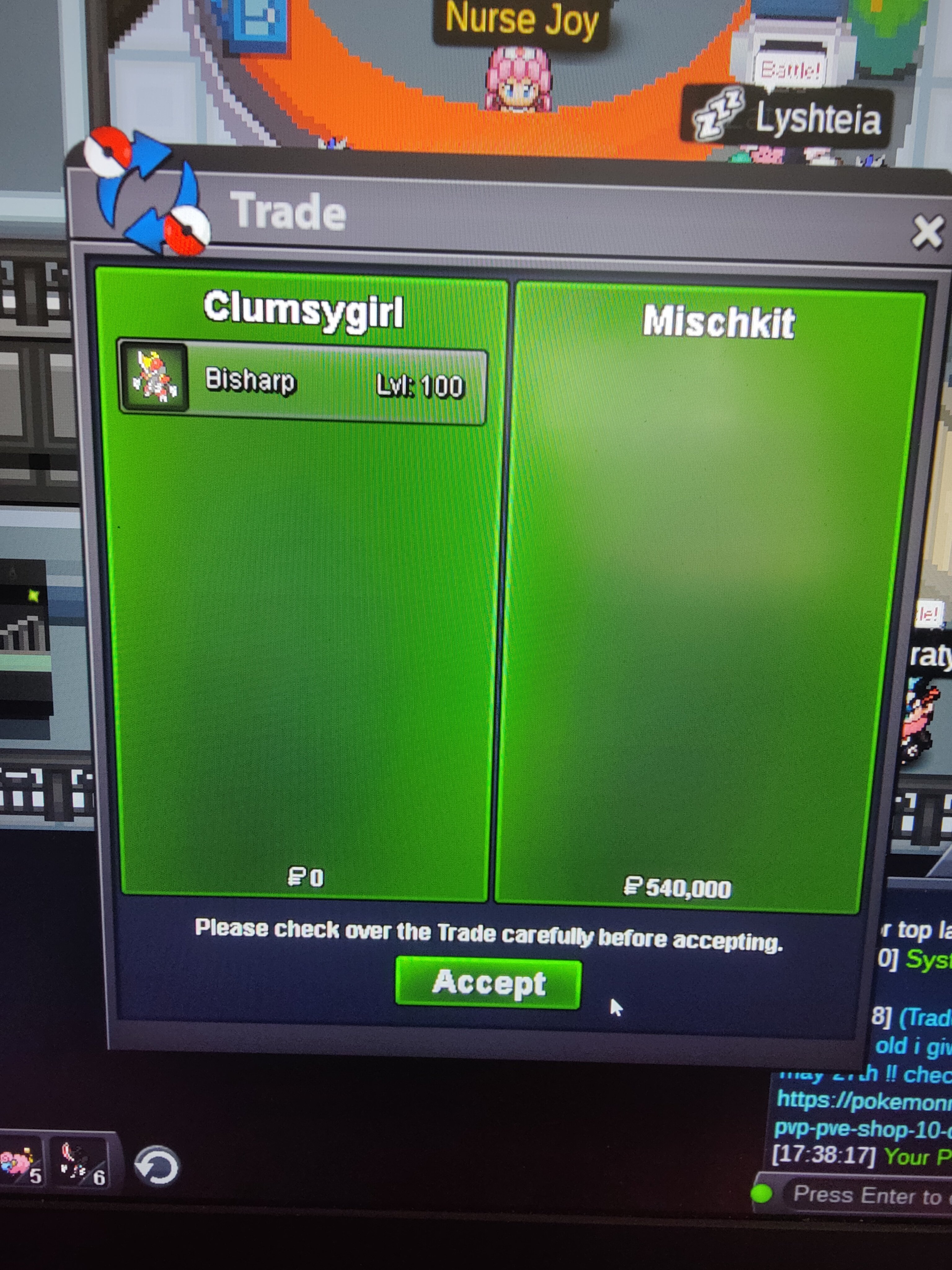 Do i sell rc?Shiny Yanma sold.
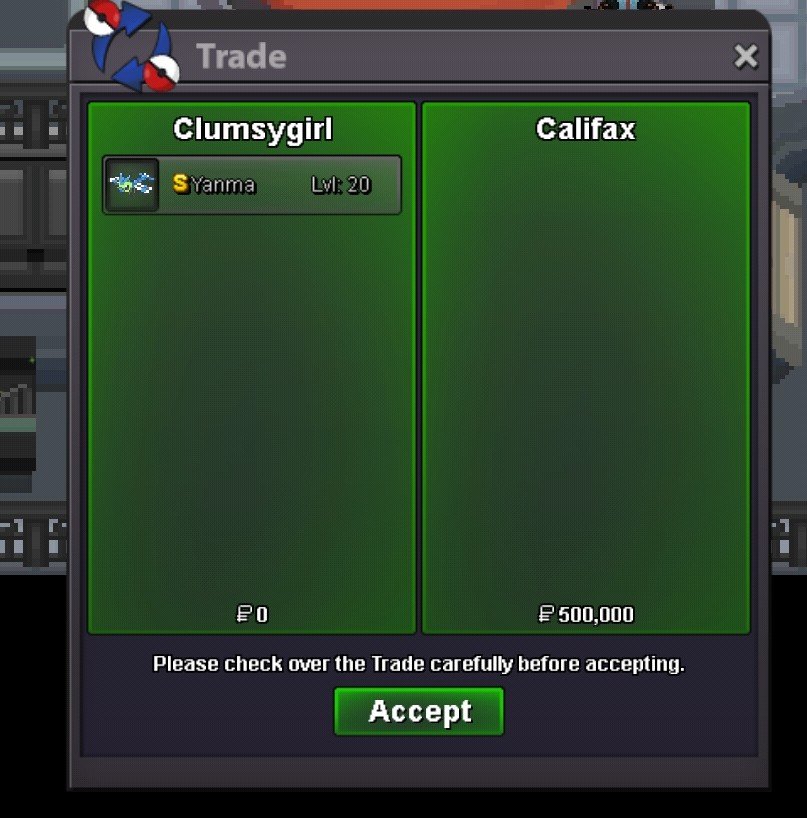 110kBecause my shop is almost open for a month i will celeberate it by giving 10% discount on pokemons from may 23th, till may 27th.bump