New Trade Zone
Trade Zone is now live
Use the new Trade Zone for auctions and instant-price trades so Pokemon and item offers are easy to find.

Juicepapi
Registered User
-
Joined
-
Last visited
-
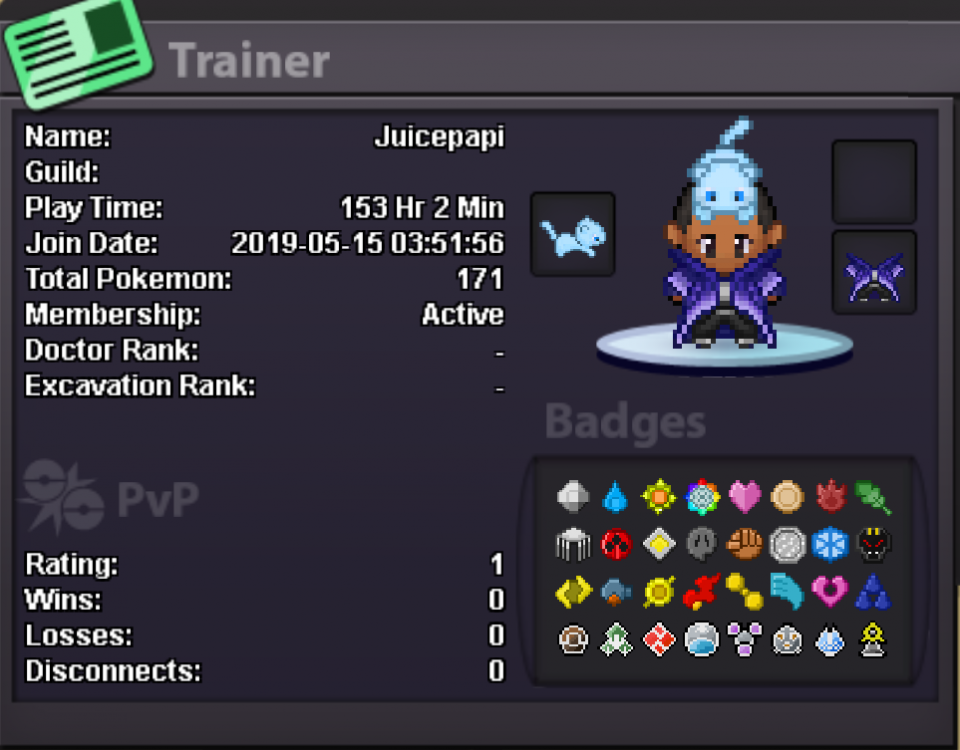
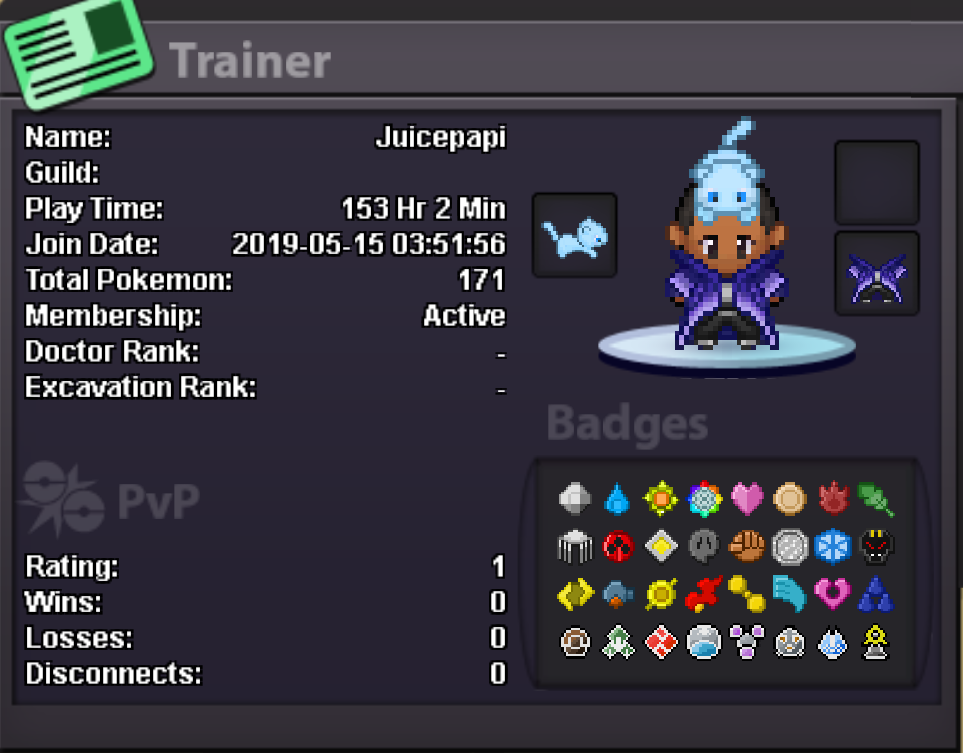
1. Whats your IGN ( In Game Name) ? - Juicepapi 2. Why do you want to join Origin Reborn? - Interested in the overall benefits of a guild but also looking for a strong community with active members who are accessible and fun/interesting to be around. 3. Do you like PvP? If you do whats your favorite PvP Pokemon and why? - I haven't started pvp yet (wanted to beat all the regions prior to starting). As such, I don't have a favorite pokemon for pvp yet but will soon lol (Just finished Sinnoh) 4. Whats your favorite goal in PRO? - I wanna catch'em all obviously lol. But actually, I wanna get into pvp (all the comes from it) and be able to complete the quests outside of the main storyline. 5. Please provide a screenshot of your in game Trainer Card.