




New Trade Zone
Trade Zone is now live
Use the new Trade Zone for auctions and instant-price trades so Pokemon and item offers are easy to find.

Nemowski
Registered User
-
Joined
-
Last visited
Everything posted by Nemowski
-
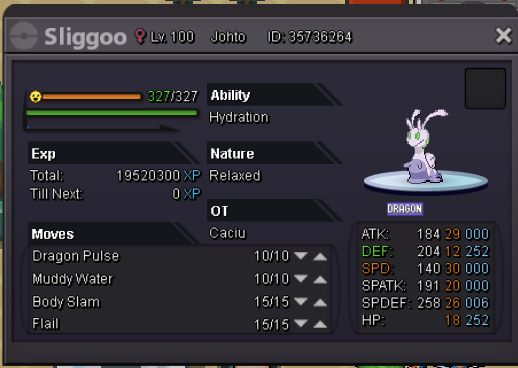
In-game name: Nemowski Server: Silver Pokemon ID and/or screenshot: need help delevelling my sligoo as i accidentally pressed no when i levelled it to 100.. eheh
 hi Forgive the bad translation of google translate, I write to you because I think there is a small bug: behind the rock on the mountain crown (4f) the syncable rotom does not spawn. I have not already caught it, itfact it is not a pokemon that appears in the pokedex. Thanks for the attention
