




New Trade Zone
Trade Zone is now live
Use the new Trade Zone for auctions and instant-price trades so Pokemon and item offers are easy to find.

Isildurr2x
Registered User
-
Joined
-
Last visited
Everything posted by Isildurr2x
-
-
-
-
Oh I just saw you deleted the shiny/form part. Nevermind xDHey bro the images look like this, not sure if just for me
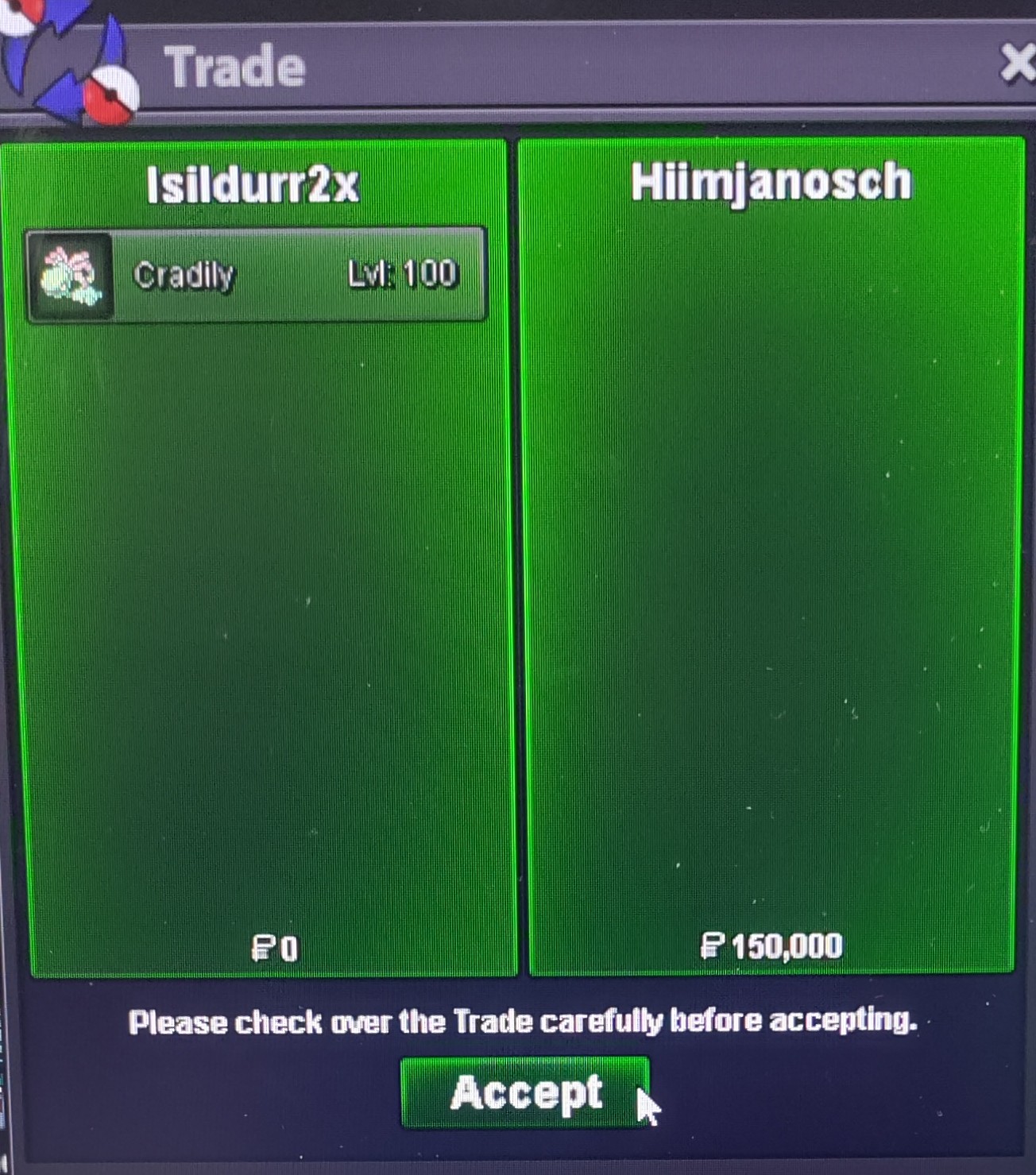
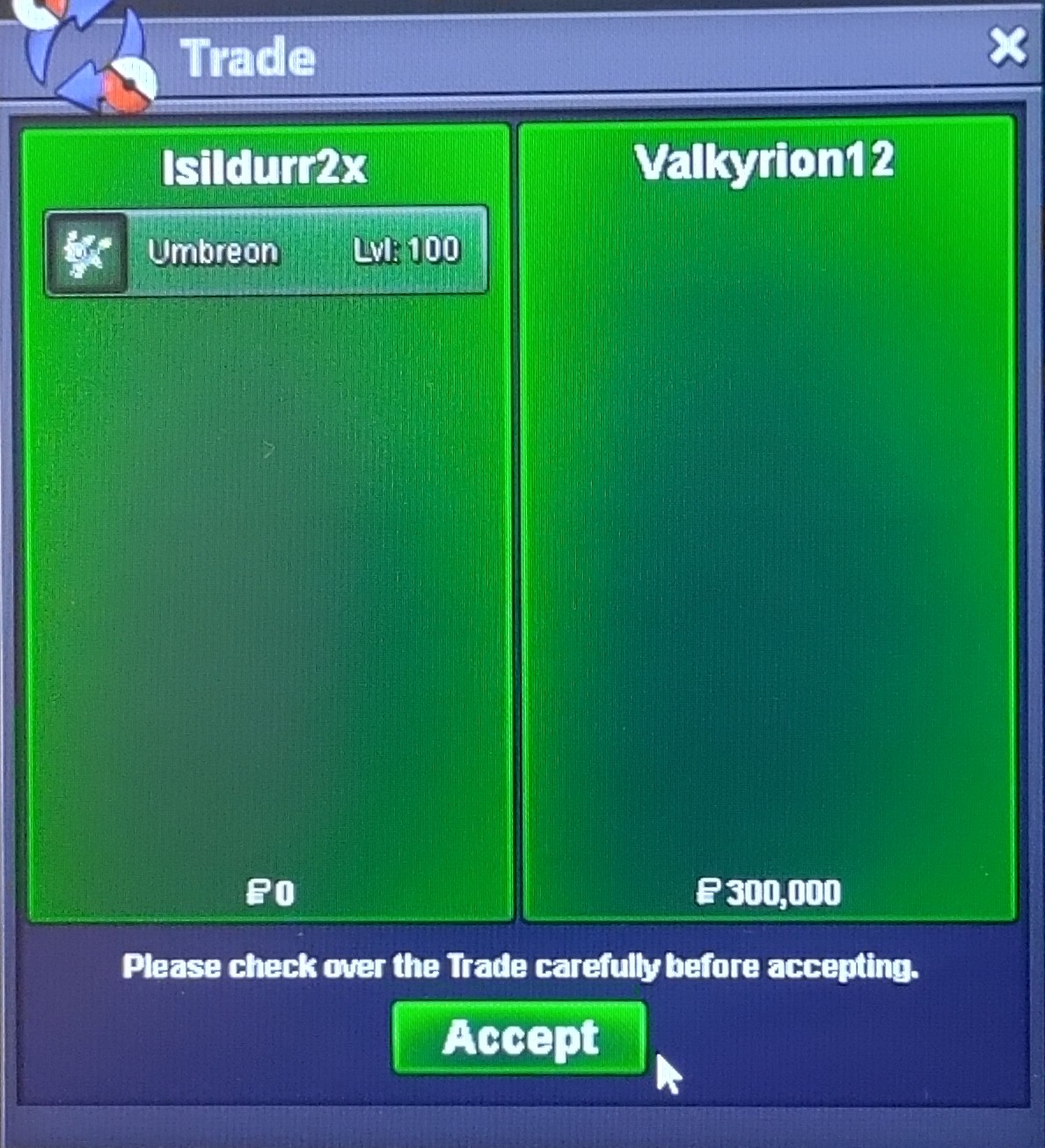
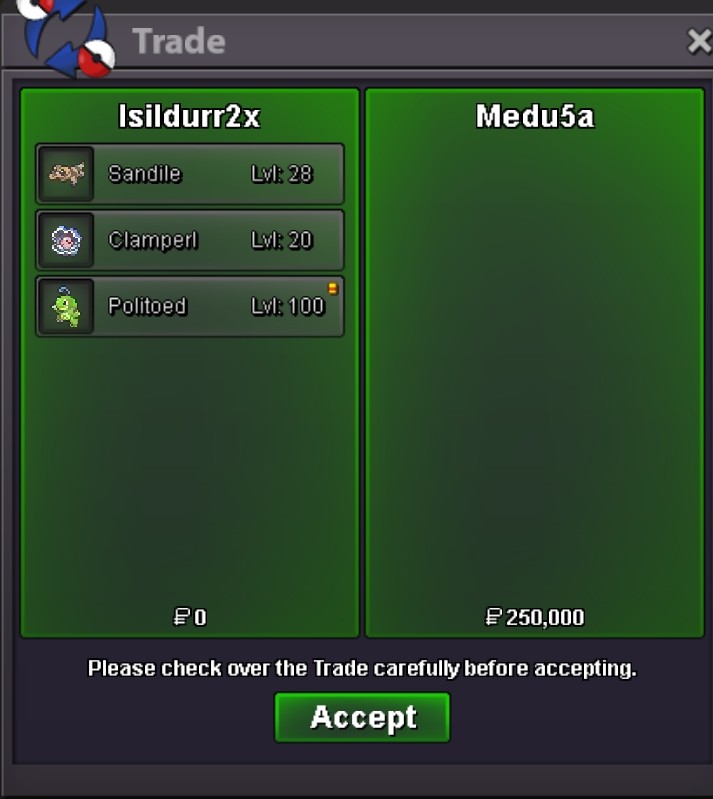
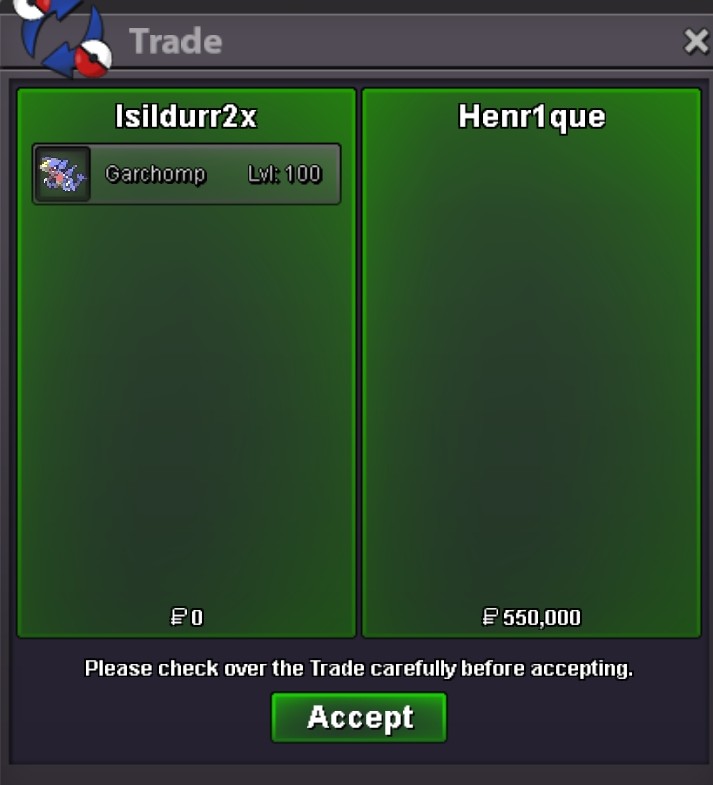
 Want to buy 10-20cc 350k eachhi i was wondering why poke-mart items were made untradeable? i used my alt accounts for storage purposes before the items were made untradeable. i want to ask if its possible to allow trading between my own accounts? ip locked or however that would work, if possible? they will still be untradeable since im the only one using the items. i have large quantities of poke mart items on my alts that has become useless. any response would be great. thank youYes +1 and also sceptileWill be in game in around 1 hour5m-1 for me It's a good idea, definitely makes things easier but I personally love the exclusivity of shiny pokes and think the "X" letter should be reserved for shinies only. I think this is better solved with the rework of the PC. Being able to label boxes seems like a better idea for this in my opinionHey you win, let me know when you are availableBump exactly 1 hour left

Account
Navigation
Search
Configure browser push notifications
Chrome (Android)
- Tap the lock icon next to the address bar.
- Tap Permissions → Notifications.
- Adjust your preference.
Chrome (Desktop)
- Click the padlock icon in the address bar.
- Select Site settings.
- Find Notifications and adjust your preference.
Safari (iOS 16.4+)
- Ensure the site is installed via Add to Home Screen.
- Open Settings App → Notifications.
- Find your app name and adjust your preference.
Safari (macOS)
- Go to Safari → Preferences.
- Click the Websites tab.
- Select Notifications in the sidebar.
- Find this website and adjust your preference.
Edge (Android)
- Tap the lock icon next to the address bar.
- Tap Permissions.
- Find Notifications and adjust your preference.
Edge (Desktop)
- Click the padlock icon in the address bar.
- Click Permissions for this site.
- Find Notifications and adjust your preference.
Firefox (Android)
- Go to Settings → Site permissions.
- Tap Notifications.
- Find this site in the list and adjust your preference.
Firefox (Desktop)
- Open Firefox Settings.
- Search for Notifications.
- Find this site in the list and adjust your preference.