New Trade Zone
Trade Zone is now live
Use the new Trade Zone for auctions and instant-price trades so Pokemon and item offers are easy to find.

Isildurr2x
Registered User
-
Joined
-
Last visited
Everything posted by Isildurr2x
-
Wtb devil/angel ears 200k each
-
400k
-
oo okay i guess i didnt see the original post, anyway can you come vermi now?
-
yeah i did but you wrote 48 hour duration, not 48 hours from first bid. so timer was running from the minute you made the post. but yeah im in game now if you are available
-
its already over for 1 hour
-
6m money on alt account
-
4m
-
-
One of the better looking mounts, really good for 5 minutes!
-
450k
-
30 mins left
-
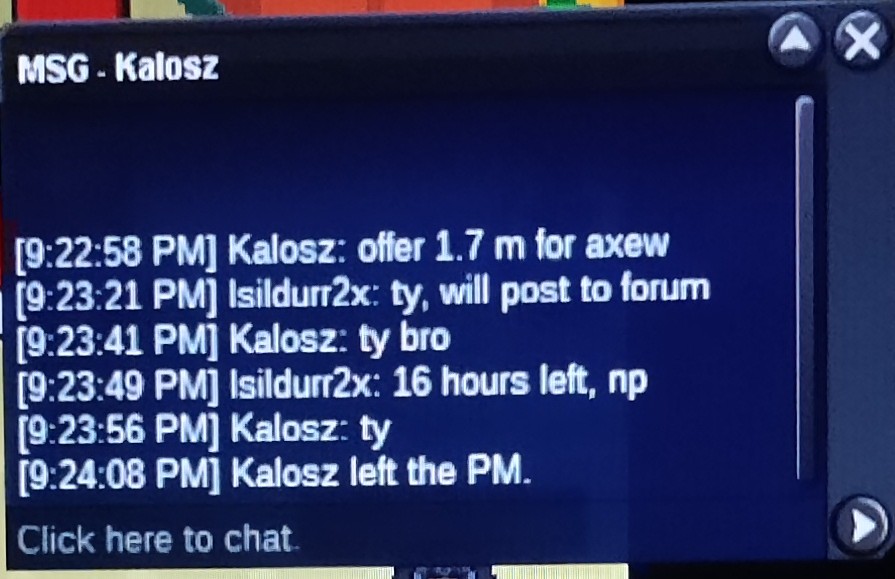
C.O 1.7m
-
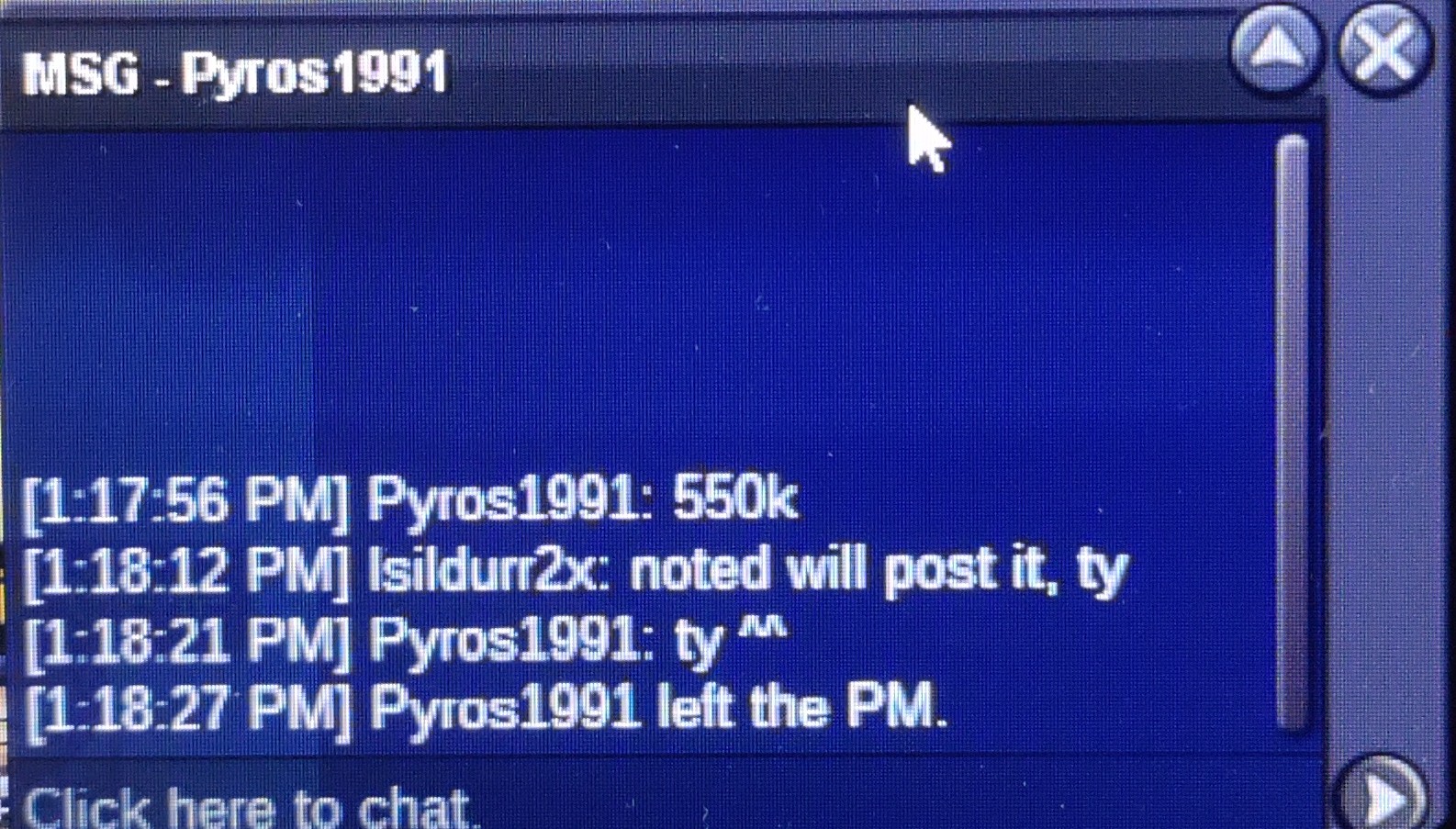
C.O 550k
-
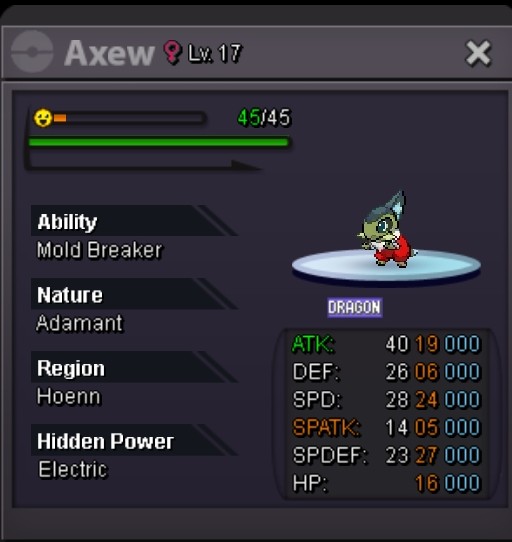
Start 50k Min bid 50k 24 hours from start Pokedollars, cc @330k
-
-
Yeah I have a better understanding after your post. Just wanted to know why it happens. Thank you for explaining and making it clear
-
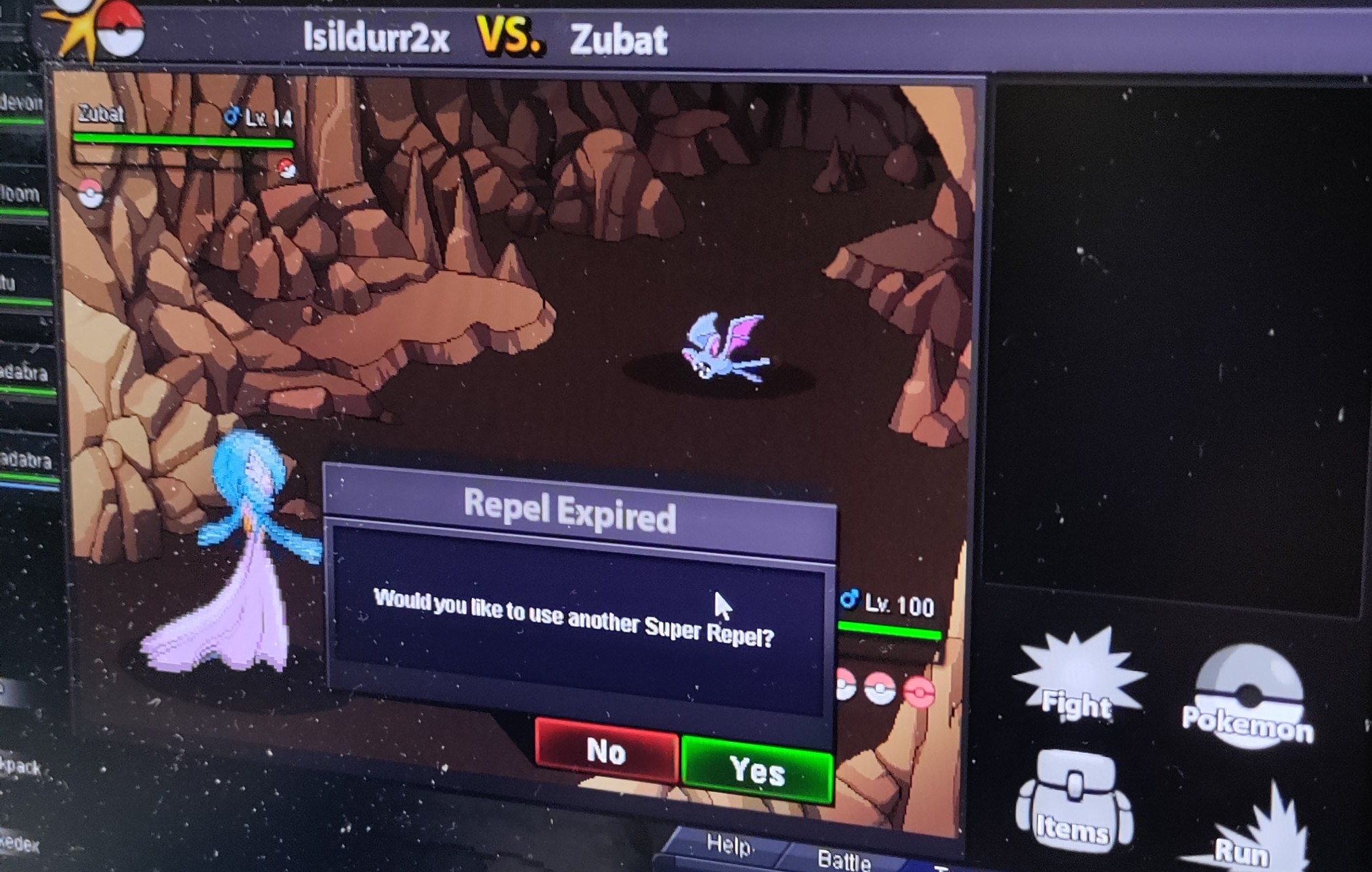
Soon as repel ends I get a spawn before I even have a chance to click yes for next repel. This happens to me ALOT. when the repel ends I should not take any more steps until I clear the yes/no prompt right? I can't understand why I take one single step after repel ends, Getting encounters one step after repel ends without being able to activate next repel is really frustrating. I just want to ask is this a big or intended to work this way?
-
Nice godly
-
300k vday Lapras mount
-
6.45m
-
5.75m
-
1m start?
-
Start
-
Bump less than 1 hour left