




New Trade Zone
Trade Zone is now live
Use the new Trade Zone for auctions and instant-price trades so Pokemon and item offers are easy to find.

Sparkypoo
Registered User
-
Joined
-
Last visited
-
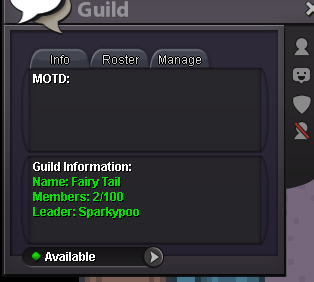
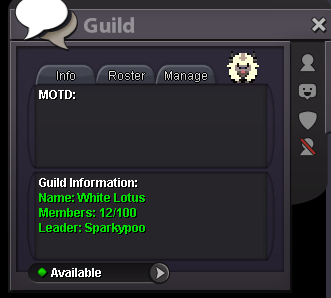
hey, I transferred my old guild to my little brother's account, and then made a new guild for myself and my friends. The old guild still says I'm Leader on my brother's account and he can't invite new members/ create a guild logo. I believe I invited him to my old guild, then I left and made a new Guild. I was unaware that I had to promote him first, thinking it would transfer lead anyway. My old Guilds name is: Fairy Tale My current new Guild is Sparkypee is my brothers account who I wanted to be the new Leader of Fairy Tail. How can this be fixed? Thanks in advance!
-
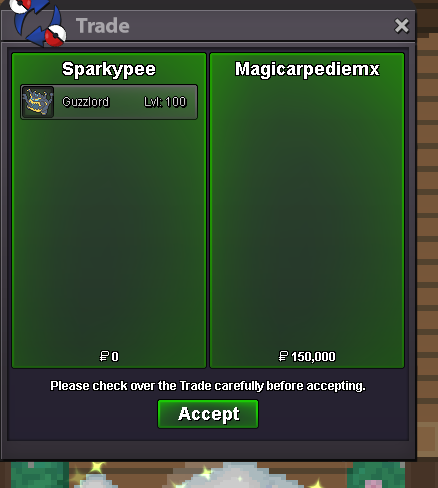
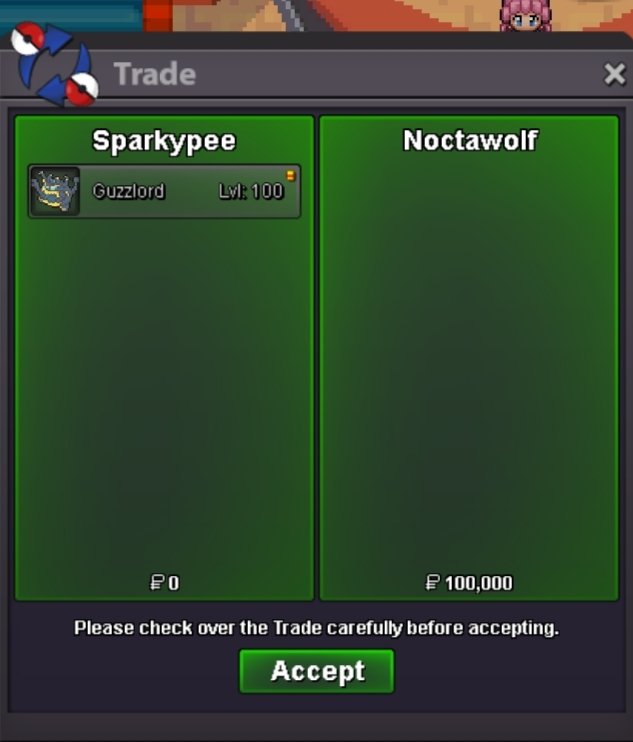
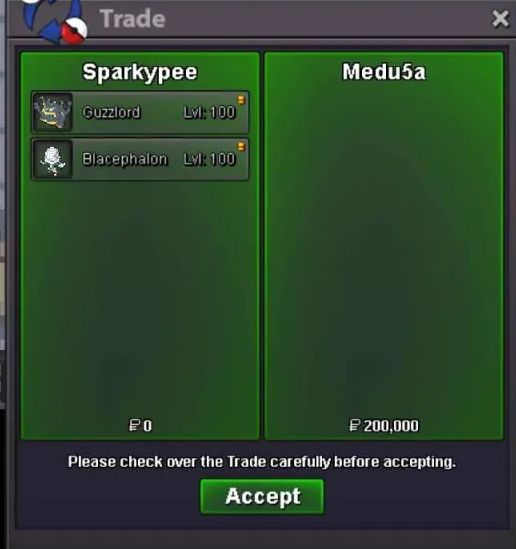
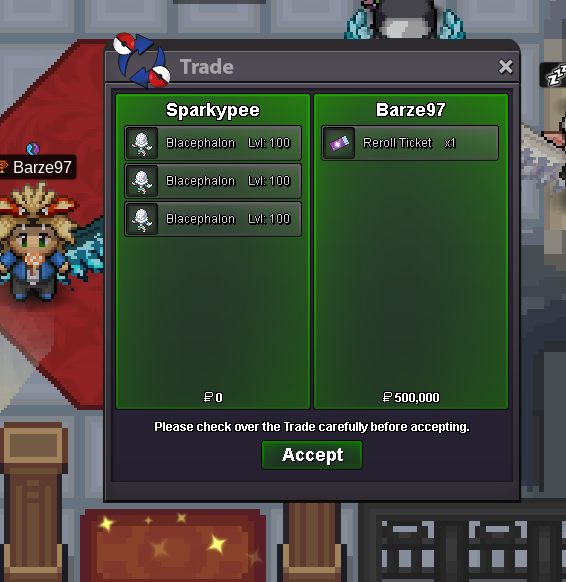
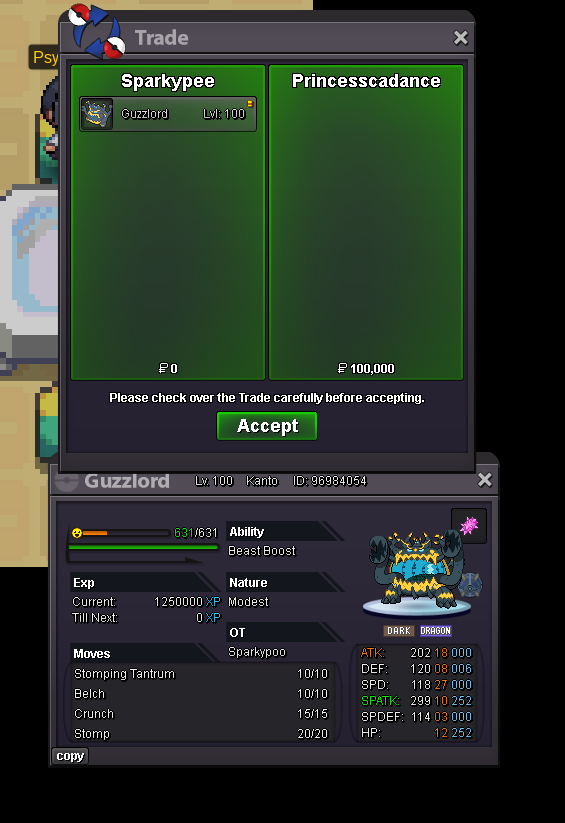
The winners are: Elior623 With Blace 1 for 300k! Barze97 With Blace 8 for 450k, Blace 11 for 250k and Blace 12 for 300k! Medu5a With Blace 10 for 100k and Guzz 4 for 100k! Noctawolf With Guzz 1 for 100k! Blackmoonn With Guzz 6 for 250k! Magicarpediem With Guzz 7 for 150k! Princesscadance With Guzz 8 for 100k! Pm me in-game, on this site or on discord (Sparkypooper) when you're available for a trade!Congratulations everyone, the auction ended! (Terrible timing with WQ whew)Final 20 minutes till the auction ends!Noted!Noted!Noted!Noted!Expected to hear you singing lolFinal 24 hours have gone in, good luck everyone!

Account
Navigation
Search
Configure browser push notifications
Chrome (Android)
- Tap the lock icon next to the address bar.
- Tap Permissions → Notifications.
- Adjust your preference.
Chrome (Desktop)
- Click the padlock icon in the address bar.
- Select Site settings.
- Find Notifications and adjust your preference.
Safari (iOS 16.4+)
- Ensure the site is installed via Add to Home Screen.
- Open Settings App → Notifications.
- Find your app name and adjust your preference.
Safari (macOS)
- Go to Safari → Preferences.
- Click the Websites tab.
- Select Notifications in the sidebar.
- Find this website and adjust your preference.
Edge (Android)
- Tap the lock icon next to the address bar.
- Tap Permissions.
- Find Notifications and adjust your preference.
Edge (Desktop)
- Click the padlock icon in the address bar.
- Click Permissions for this site.
- Find Notifications and adjust your preference.
Firefox (Android)
- Go to Settings → Site permissions.
- Tap Notifications.
- Find this site in the list and adjust your preference.
Firefox (Desktop)
- Open Firefox Settings.
- Search for Notifications.
- Find this site in the list and adjust your preference.