




New Trade Zone
Trade Zone is now live
Use the new Trade Zone for auctions and instant-price trades so Pokemon and item offers are easy to find.


Lucariomasters
Registered User
-
Joined
-
Last visited
-
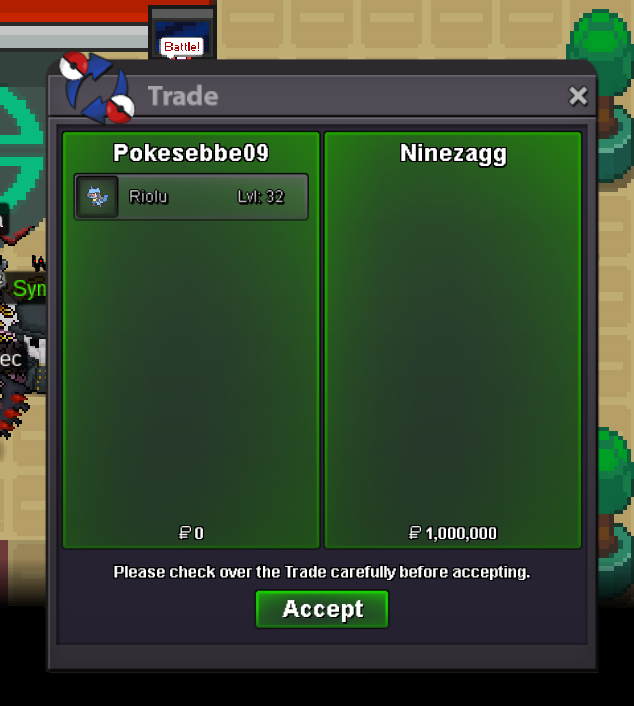
Auction has Ended! Winner is @Ninezagg! Congratulations! ❤️Auction has started! 15:41 UTC!Starting offer: 1m Minimum bid: 100k Auction time: 24 hours after S.O. is met. Goodluck everyone! ❤️ 🙂
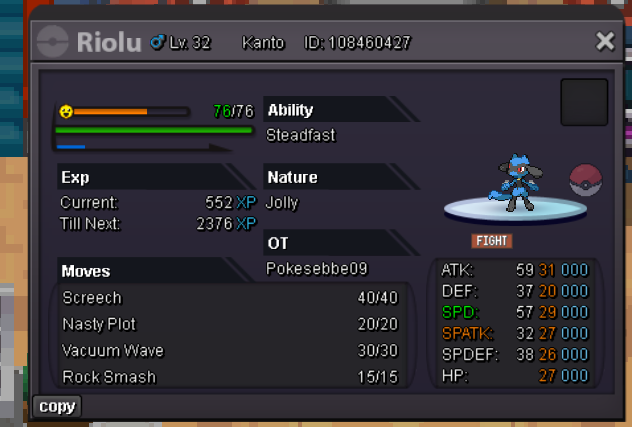
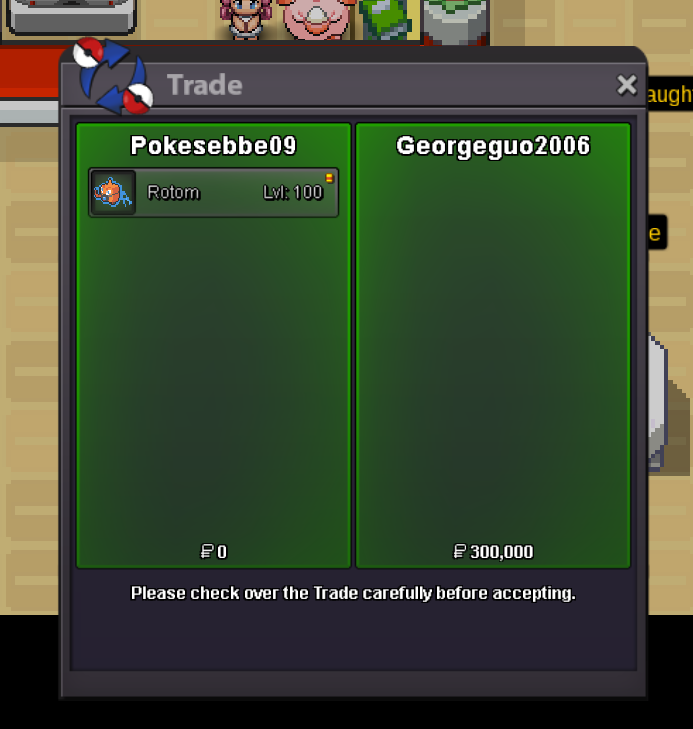
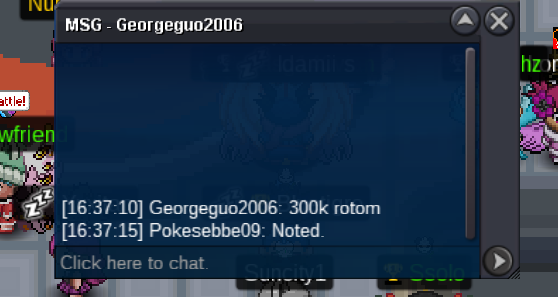
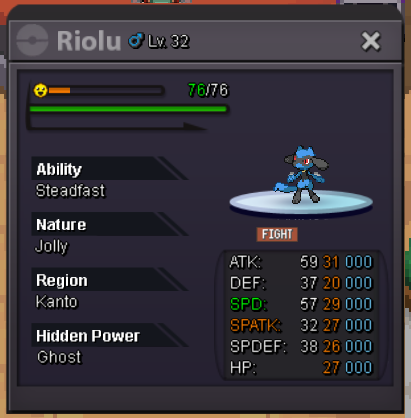 Auction has ended! The winner is: @Georgeguo2006 Congratulations!!! The price is 300k Reach me: Write here, pm me ingame (Pokesebbe) or on Discord (Sebbeebbes)Nonono! sorry, i am very tired, i was meant to say "Rotom has been started from Pjazzy" but i forgot, my bad. so it will still be on 100k 🙂Rotom Started! 🙂Semi Epic Rotom-wash Rotom-Wash! Start offer: 100k Min bid: 50k Duration: 48 hours after first bid. Good luck!
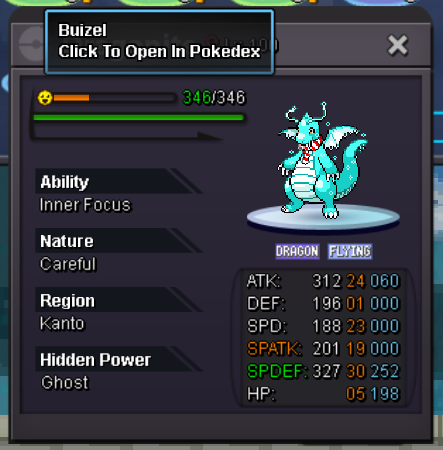
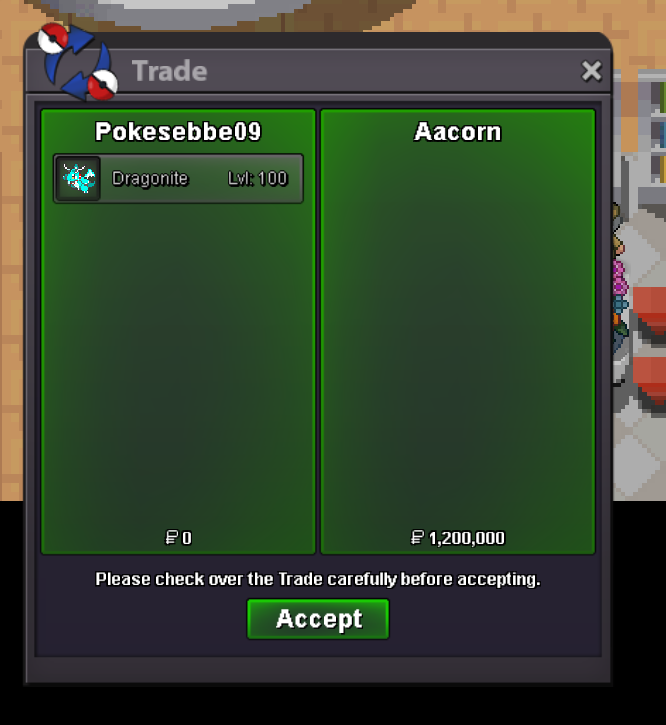
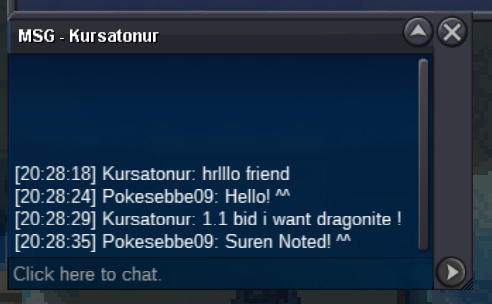
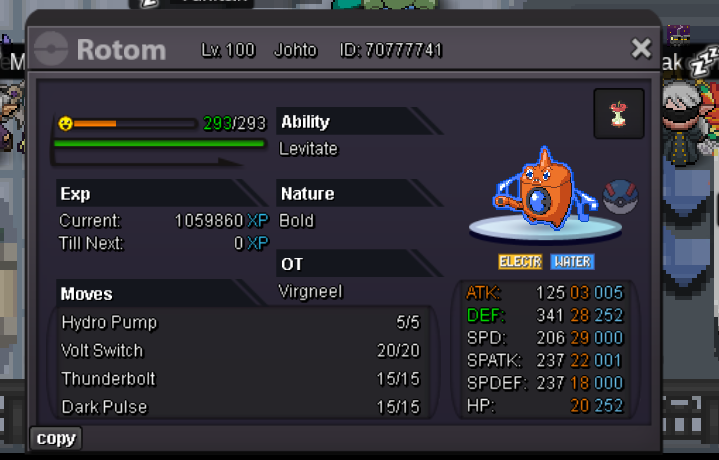 The Auction has ended. And the winner is @Aacorn! Congratulations! The price ended at 1.2m I am so sorry that i am respond late, i have had fever for the last 2 days and i´ve had trouble playing then. I live in gmt+2 so it is right now night, whenever you see me in game, you can message me, i have switched accounts now from Lucariomasters to my main: Pokesebbe09 You can also message me here or on Discord: Sebbeebbes Hope you´ve had a good day 🙂 Best regards - Luca / SebbeChristmas themed form Dragonite. Starting offer: 1m min bid: 100k Duration: ends 9th of January at: 21:59 UTC/GMT i accept: Pokedollars, cc-400k, iv reroll-500k, nature reroll-250k, rare candy-6k. Good luck! 😆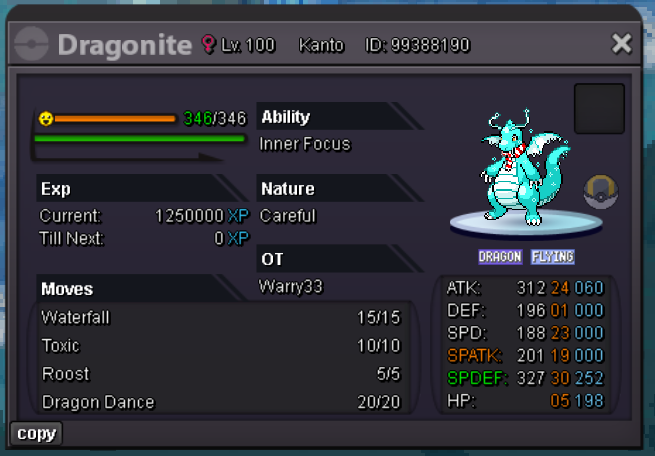

Account
Navigation
Search
Configure browser push notifications
Chrome (Android)
- Tap the lock icon next to the address bar.
- Tap Permissions → Notifications.
- Adjust your preference.
Chrome (Desktop)
- Click the padlock icon in the address bar.
- Select Site settings.
- Find Notifications and adjust your preference.
Safari (iOS 16.4+)
- Ensure the site is installed via Add to Home Screen.
- Open Settings App → Notifications.
- Find your app name and adjust your preference.
Safari (macOS)
- Go to Safari → Preferences.
- Click the Websites tab.
- Select Notifications in the sidebar.
- Find this website and adjust your preference.
Edge (Android)
- Tap the lock icon next to the address bar.
- Tap Permissions.
- Find Notifications and adjust your preference.
Edge (Desktop)
- Click the padlock icon in the address bar.
- Click Permissions for this site.
- Find Notifications and adjust your preference.
Firefox (Android)
- Go to Settings → Site permissions.
- Tap Notifications.
- Find this site in the list and adjust your preference.
Firefox (Desktop)
- Open Firefox Settings.
- Search for Notifications.
- Find this site in the list and adjust your preference.