New Trade Zone
Trade Zone is now live
Use the new Trade Zone for auctions and instant-price trades so Pokemon and item offers are easy to find.

Diloot
Suspended
-
Joined
-
Last visited
Everything posted by Diloot
-
300k mankey
-
-
start salamence
-
Yavu25elim won the auction. Add me in game diloot
-
16 hours left.
-
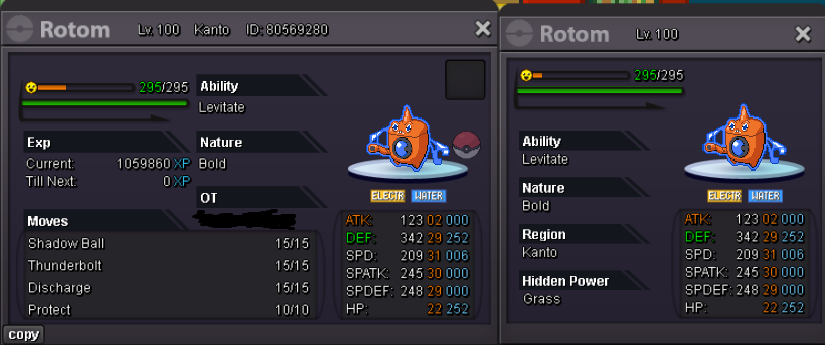
Start Price: 300 k End Point: 48 Hours (after start) Insta Price: No insta Minimum Raise: 100 k Accepted Payments: Pokedollars / 1x CC = 450K / 1x Nature RR = 250K / 1x IV RR = 650K
-
-
buy espeon 3m
-
buy eevee timid 350k and eevee timid +20 250k pls (sorry wrong eevee)
-
start
-
300 k gastly
-
200k gastly
-
160k gastly
-
120k gastly
-
2,4m
-
4 hours left
-
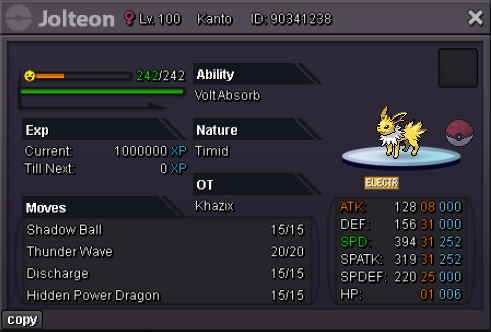
S.O : 200K MIN BID : 50K NO INSTA ACCEPTED PAYMENT METHOD : POKEDOLLARS,CC(380K EACH) AUCTION ENDS 24H AFTER POST
-
start
-
500k slowbro 1,55m goodra
-
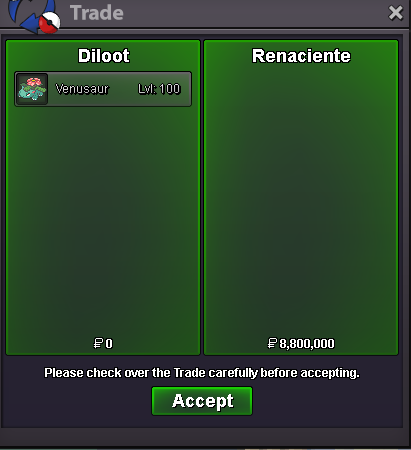
Renaciente won the auction add me in game diloot. "If a bid is received in the final 15 minutes of the auction, the end point will be delayed by 15 minutes from that bid, and will be delayed by 15 minutes for each new bid thereafter, until the current offer has been held for a full 15 minutes."10 min left8 hours and 40 min leftStart Price: 2m End Point: 56 hours after first bid Insta Price: N/A Minimum Raise: 200k Accepted Payments: Pokedollars, Coin Capsules (x1 Coin Capsule = 400k), IV Reroll Tickets (x1 IV Reroll Ticket = 500k)
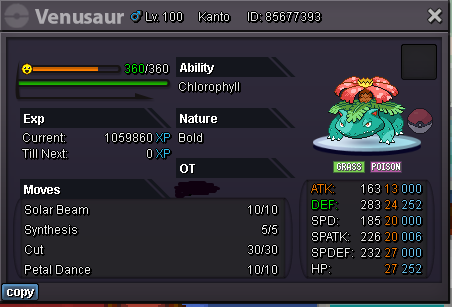
 S.O. 10k Min Bid 10k No Insta 12 Hours after first bid Only pokedollars accepted