New Trade Zone
Trade Zone is now live
Use the new Trade Zone for auctions and instant-price trades so Pokemon and item offers are easy to find.

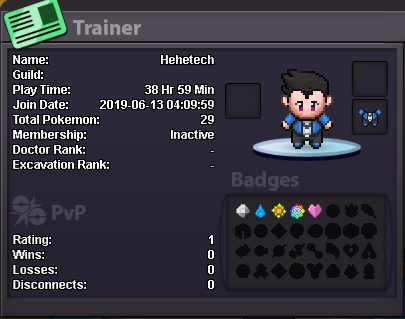
Hehetech
Registered User
-
Joined
-
Last visited
-
I was DMed by FjAbio about applying to join Eternity, and after thinking about it I decided joining would be a nice chance to meet others within PRO who are pretty chill, fun to hang around with, and active. Logan / Hehetech I am 15 years old. United States / I only speak English Tech~#5768 / On a scale of 1-10 I would rate my current activity a 7. Usually I respond to mentions quickly, too. I don't really have an exact goal on PRO, but if it counts I guess it would be to be able to always enjoy PRO as a fan-made Pokemon game.