




New Trade Zone
Trade Zone is now live
Use the new Trade Zone for auctions and instant-price trades so Pokemon and item offers are easy to find.

Karyyy
Registered User
-
Joined
-
Last visited
Everything posted by Karyyy
-
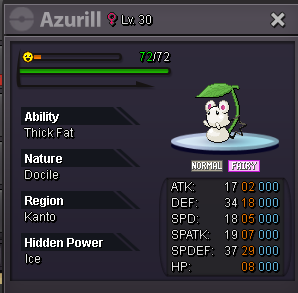
start: 500k min bid: 50k insta: 2m end: 50hours after start accept: cc (500k), rr (500k)
-
500k
-
no ty if i would sell for 200k i would have put it in the 200k section
-
51k
-
7k
-
-
-
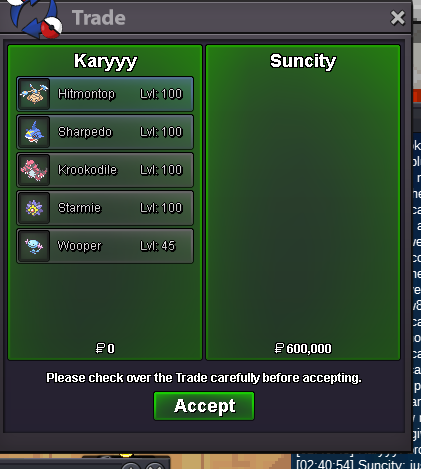
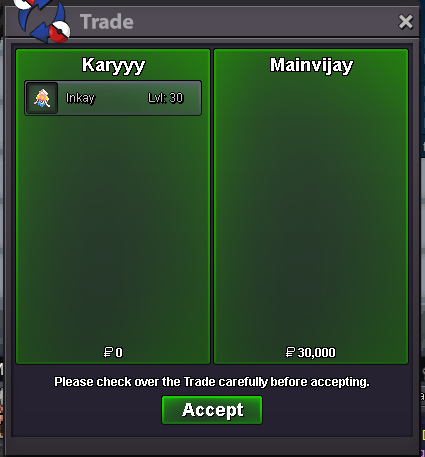
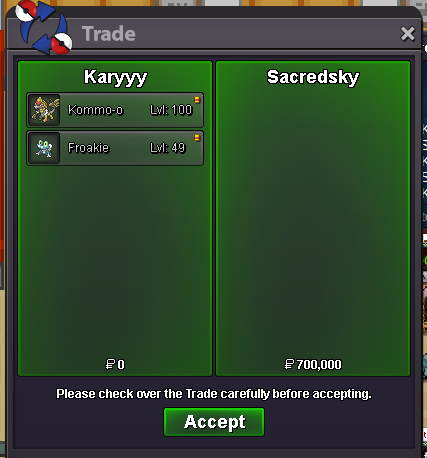
my mistake, im online rnalso sold breloom, forgot to take the ss
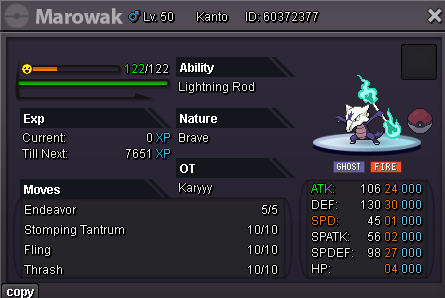
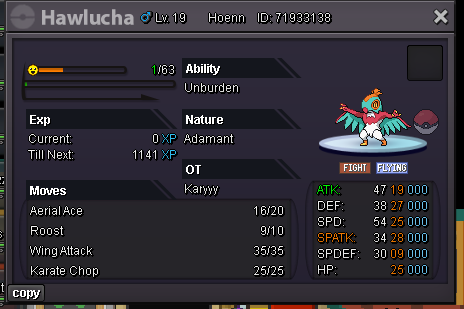
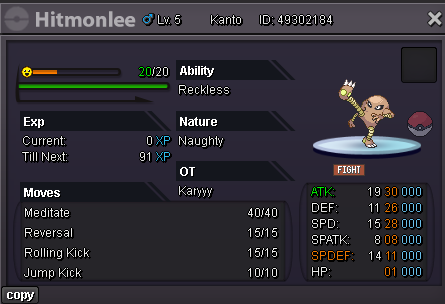
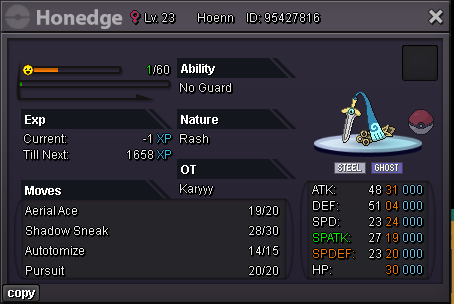
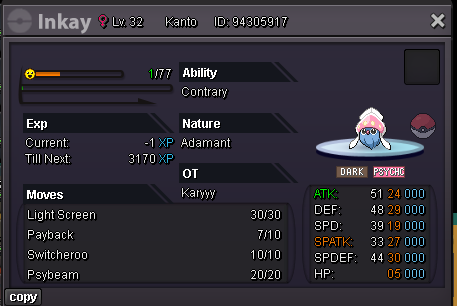
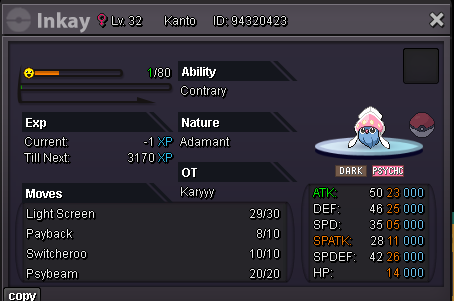
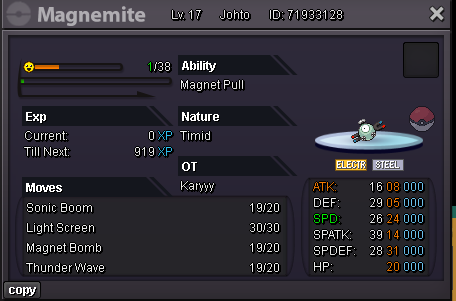
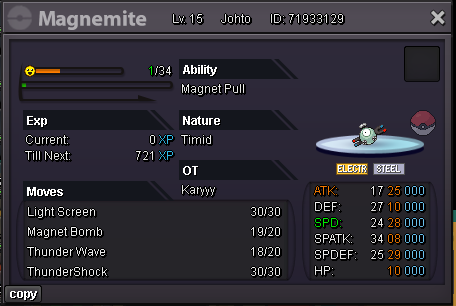
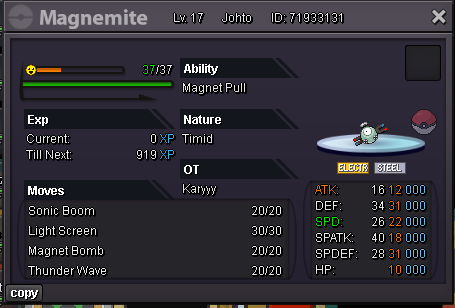
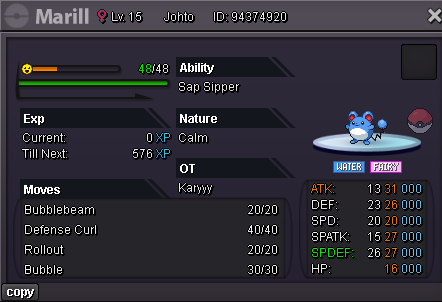
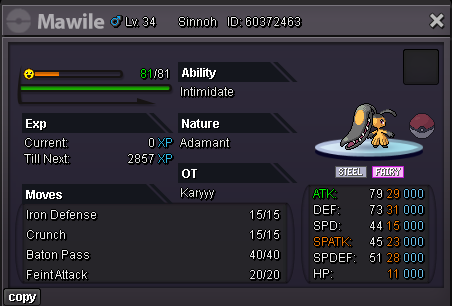
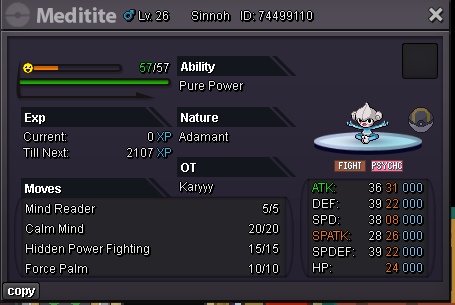
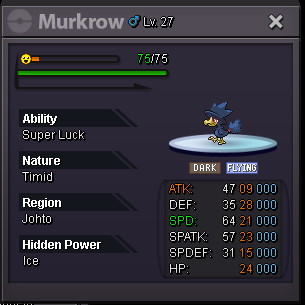
 Pokemon Shop Rules - Fake offers get Instantly Reported. - Can't take back your offer - First buyer who confirms the purchase will have the pokemon, even if someone intends to buy it more expensive. - Purchase can mixing Item and money, do the math. - Only accept items on list - Write your offers with the price and the tag (or its name) then your offer (if you wish to) Example: wtb 100k- absol 96 for 69k - I don't do auction or cross server trade, if u at gold and wish to buy you have to pay a cc extra $Accepted Payment$ - Capsule coin : 400.000$ each - Nature Reroll Ticket :250.000$ each - Iv Reroll Ticket : 500.000$ each - Pokedollars Contact Info: Ingame: Karyyy Discord: einfach_karyyy 50k 100k 200k 300k 500k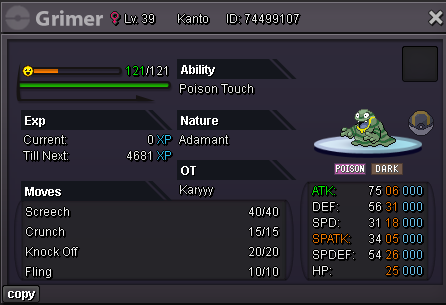
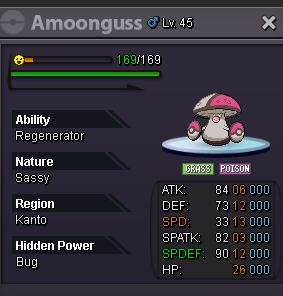


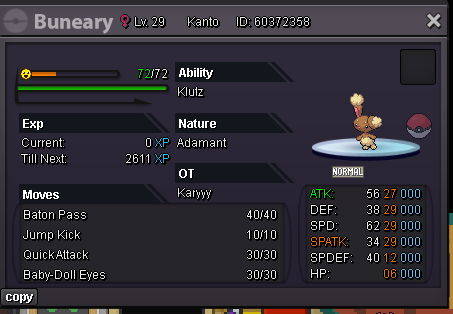
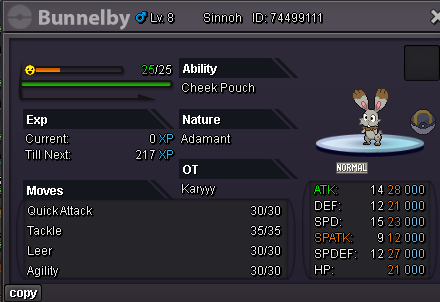
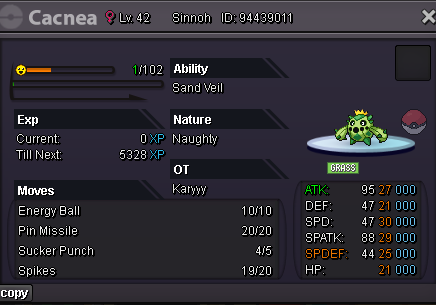


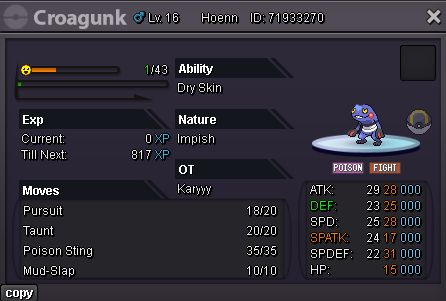
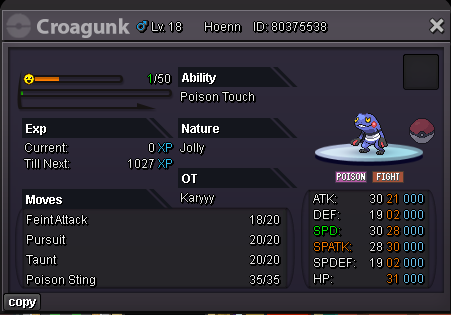
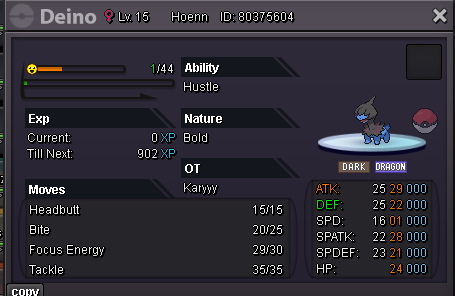
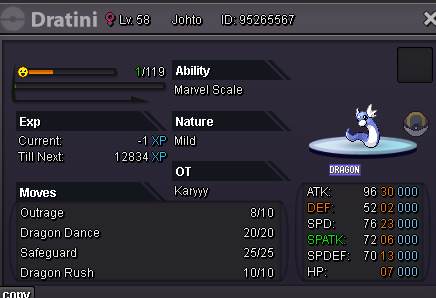

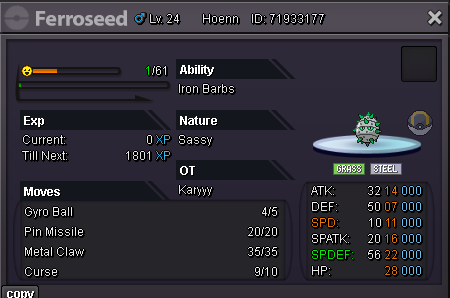
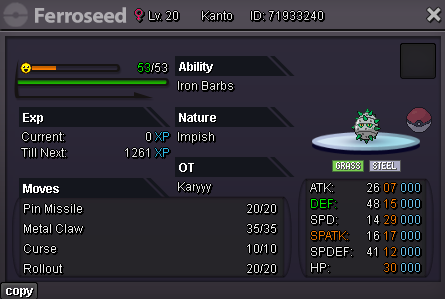
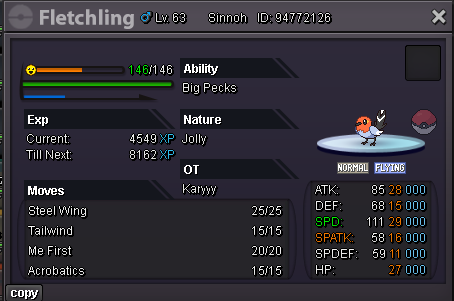
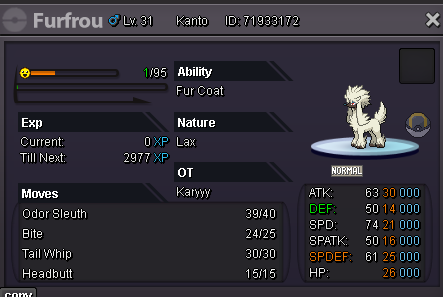
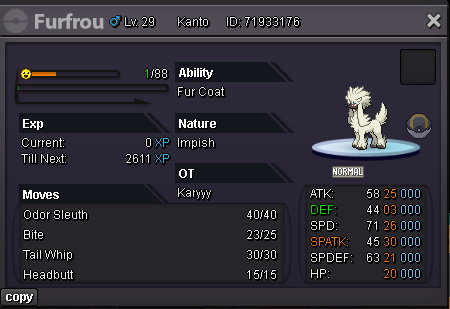

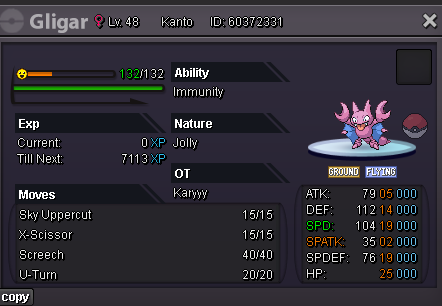
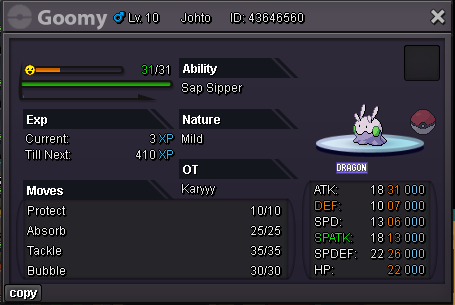
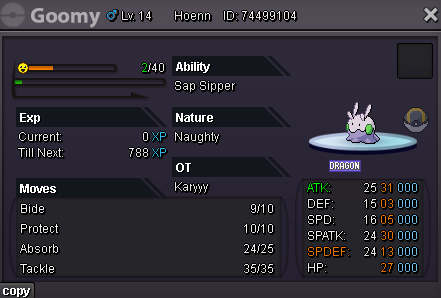


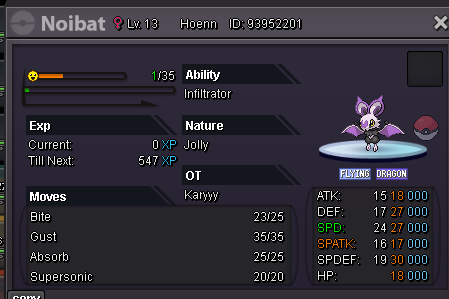
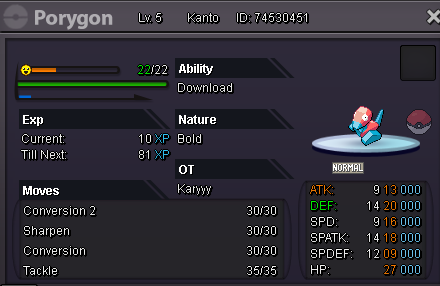
.PNG.63723983fef7c31c60d325f41e26d29b.PNG)
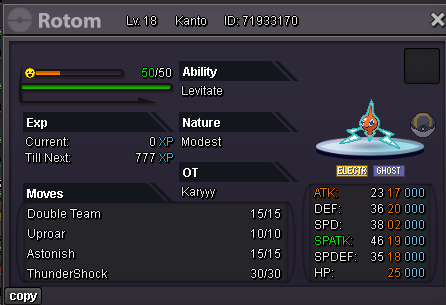
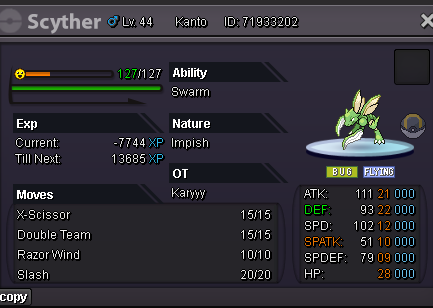
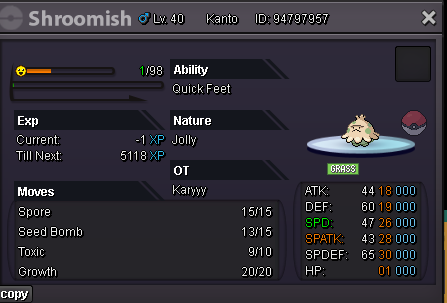
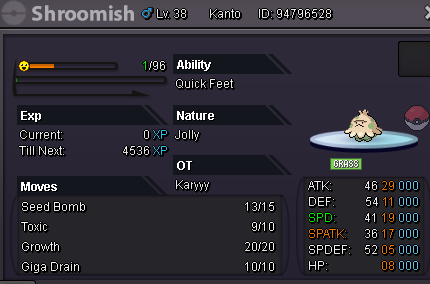
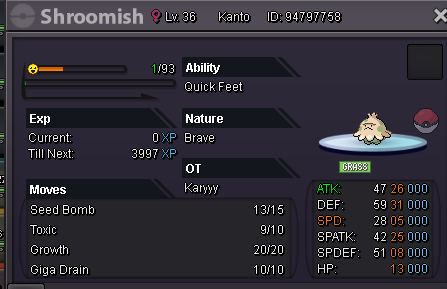
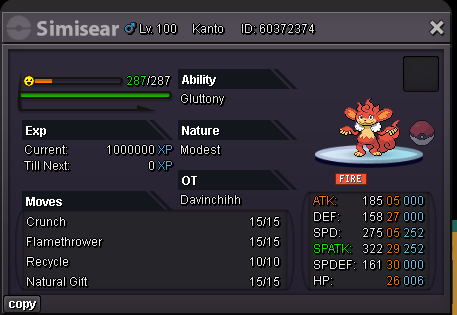

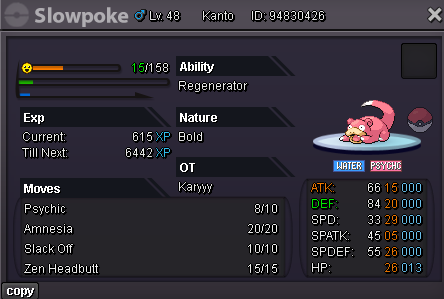
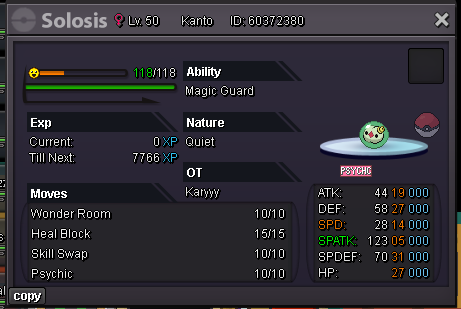
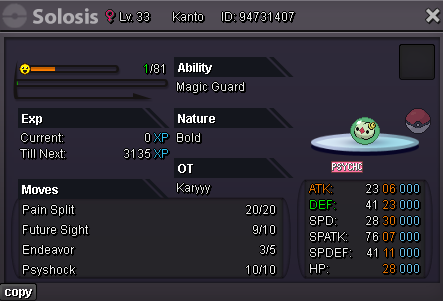
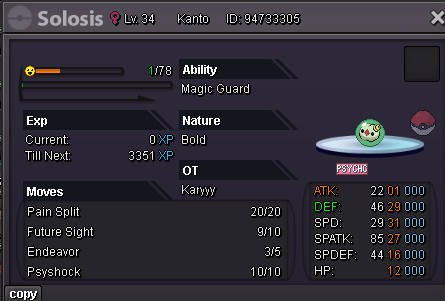
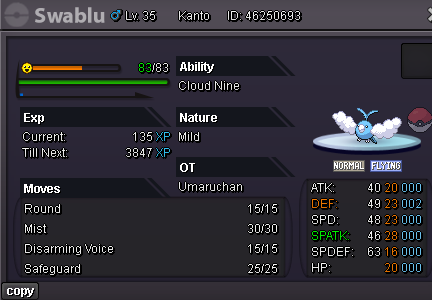

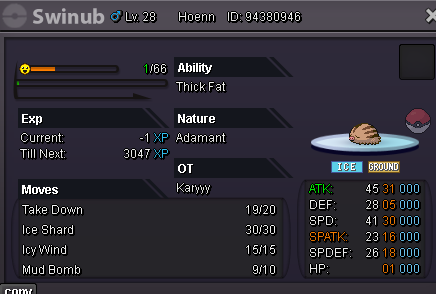
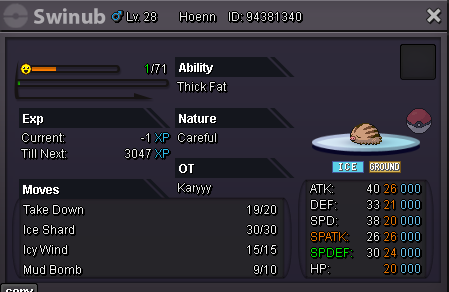
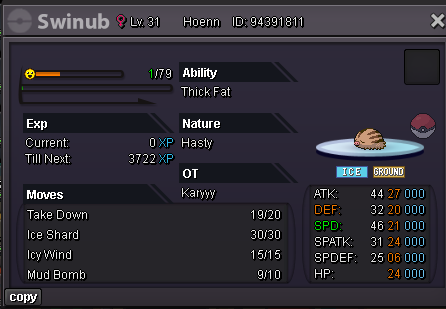

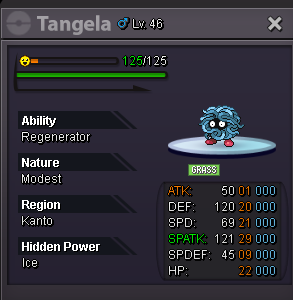
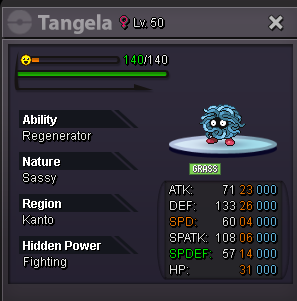
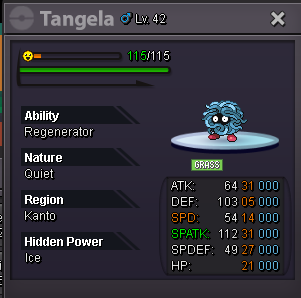
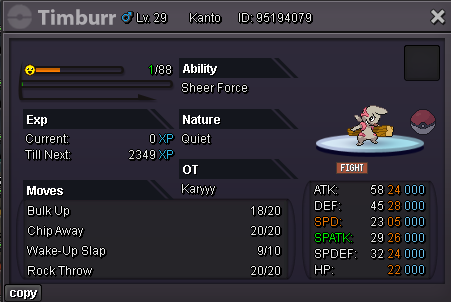
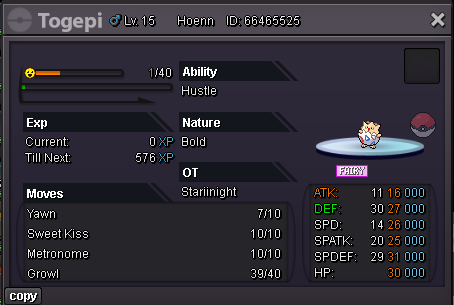
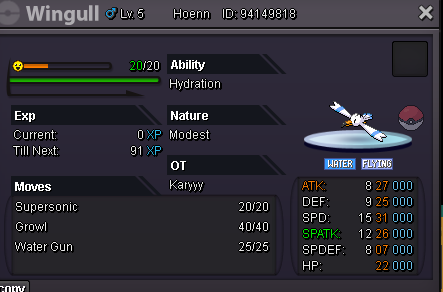
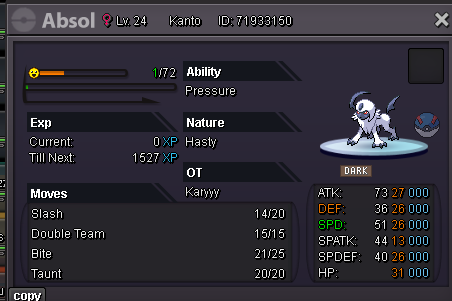
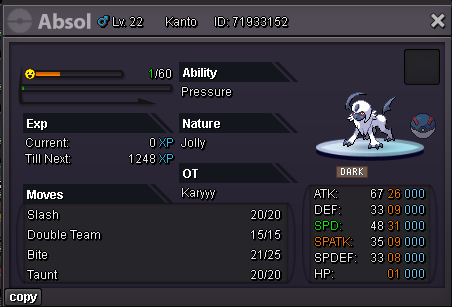
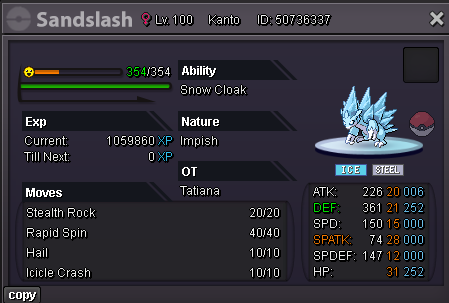
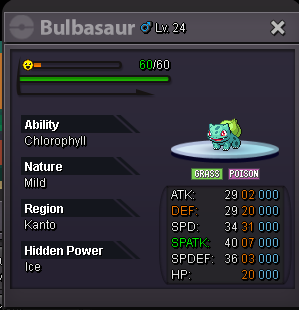
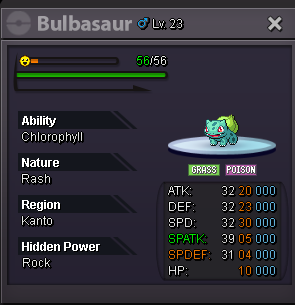
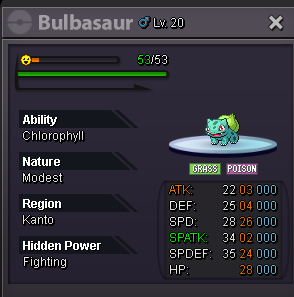
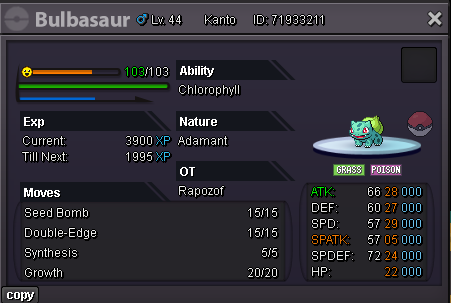

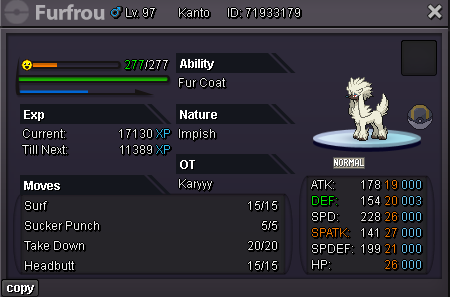
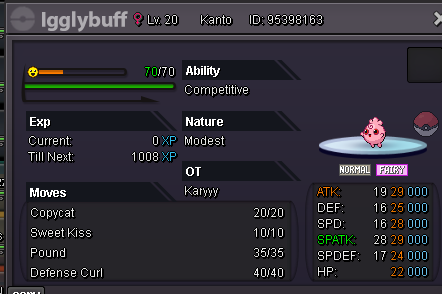


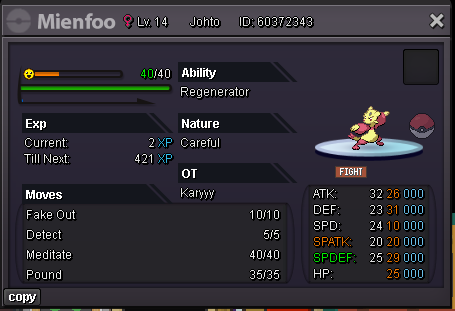
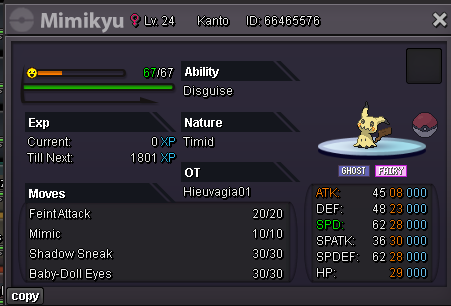

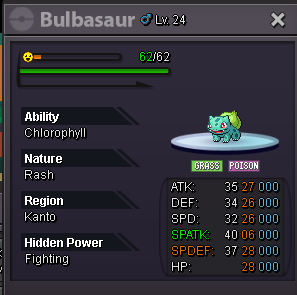
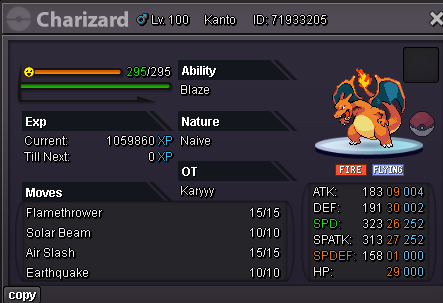


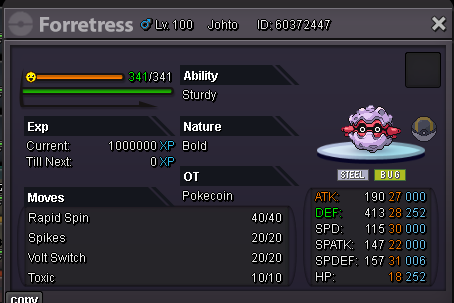
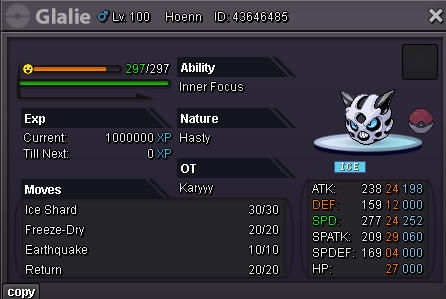
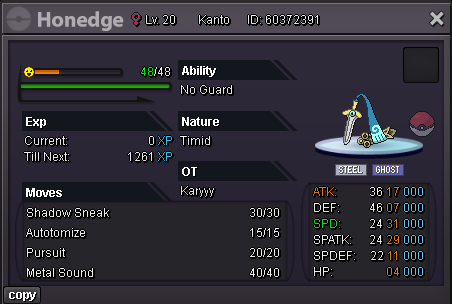
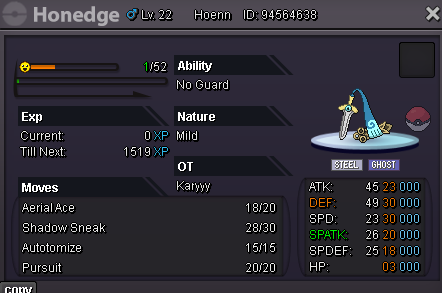


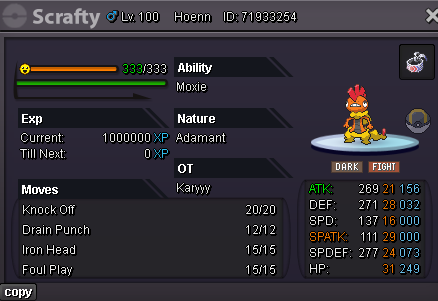
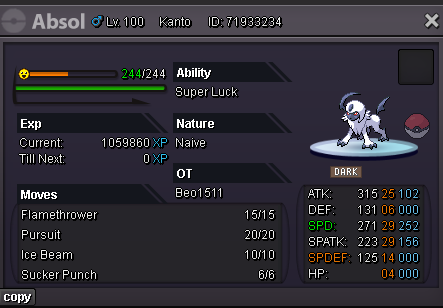

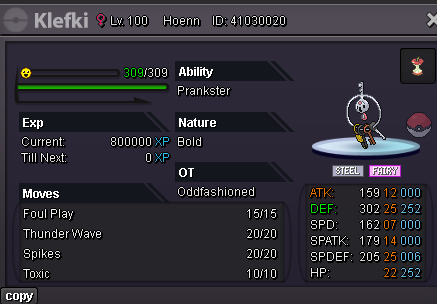


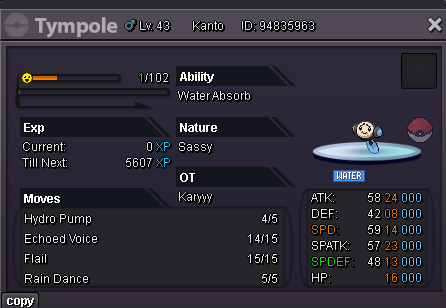
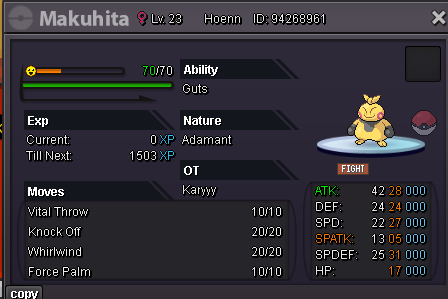


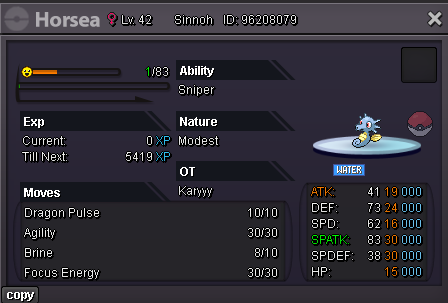
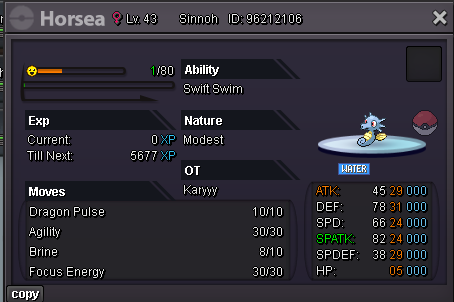
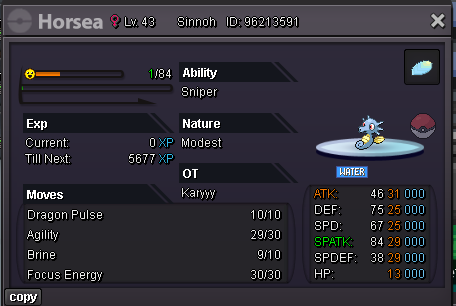
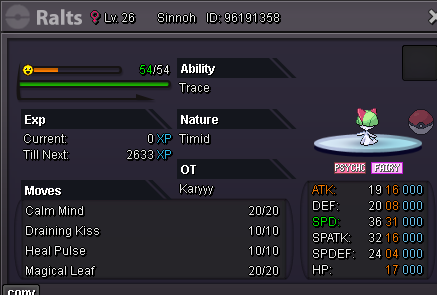
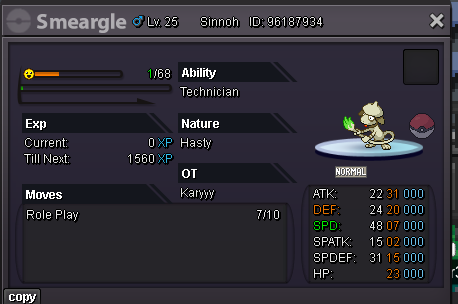 100kStartPT 50k800k, @Lukinho23plbe a manthe gliscor was at +4 atk, if special thief wasn't working incorrectly, my marshadow would have got the buff and won me the game. I believe i should only got pokemons that are working properly in random pvp ranking but clearly this isn't the case here.
 auction ended, @Dani4123won, pls contact me ingame or on discord: Karyyy#6920


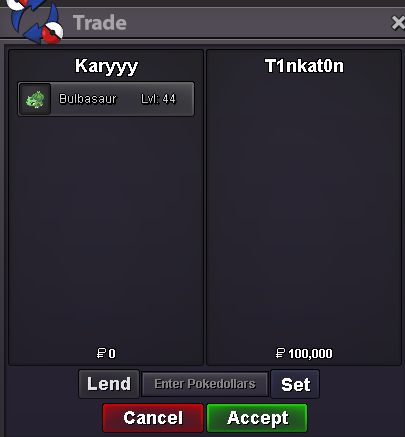
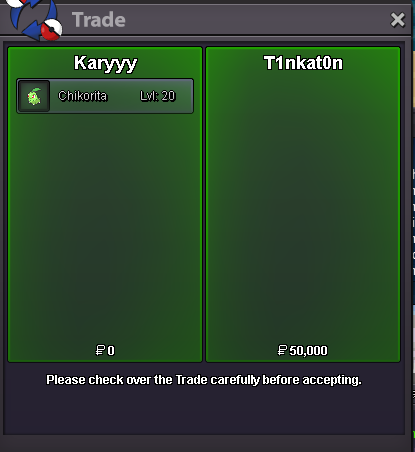
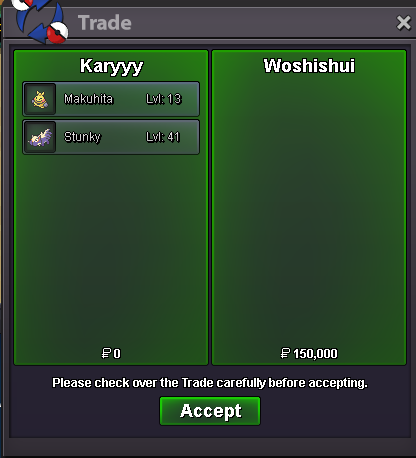

Account
Navigation
Search
Configure browser push notifications
Chrome (Android)
- Tap the lock icon next to the address bar.
- Tap Permissions → Notifications.
- Adjust your preference.
Chrome (Desktop)
- Click the padlock icon in the address bar.
- Select Site settings.
- Find Notifications and adjust your preference.
Safari (iOS 16.4+)
- Ensure the site is installed via Add to Home Screen.
- Open Settings App → Notifications.
- Find your app name and adjust your preference.
Safari (macOS)
- Go to Safari → Preferences.
- Click the Websites tab.
- Select Notifications in the sidebar.
- Find this website and adjust your preference.
Edge (Android)
- Tap the lock icon next to the address bar.
- Tap Permissions.
- Find Notifications and adjust your preference.
Edge (Desktop)
- Click the padlock icon in the address bar.
- Click Permissions for this site.
- Find Notifications and adjust your preference.
Firefox (Android)
- Go to Settings → Site permissions.
- Tap Notifications.
- Find this site in the list and adjust your preference.
Firefox (Desktop)
- Open Firefox Settings.
- Search for Notifications.
- Find this site in the list and adjust your preference.