Skip to content
View in the app

A better way to browse. Learn more.

Pokemon Revolution Online

A full-screen app on your home screen with push notifications, badges and more.

To install this app on iOS and iPadOS
  1. Tap the Share icon in Safari
  2. Scroll the menu and tap Add to Home Screen.
  3. Tap Add in the top-right corner.
To install this app on Android
  1. Tap the 3-dot menu (⋮) in the top-right corner of the browser.
  2. Tap Add to Home screen or Install app.
  3. Confirm by tapping Install.
New Trade Zone
Trade Zone is now live
Use the new Trade Zone for auctions and instant-price trades so Pokemon and item offers are easy to find.
Open Trade Zone

Dragonggg

Suspended
  • Joined

  • Last visited

  1. 谢谢你,我已经了解清楚了
  2. 你好,我有几个问题想要搞清楚 因此来这里问一下。1 属于自己的账号可以随便交易吗,就是小号里有一些poke and money 我想转移到我的大号当中 。2 家里的网络不行 pvp时候会非常不流畅 我想开着 vpn 网络加速器之类的进行pvp请问可以吗
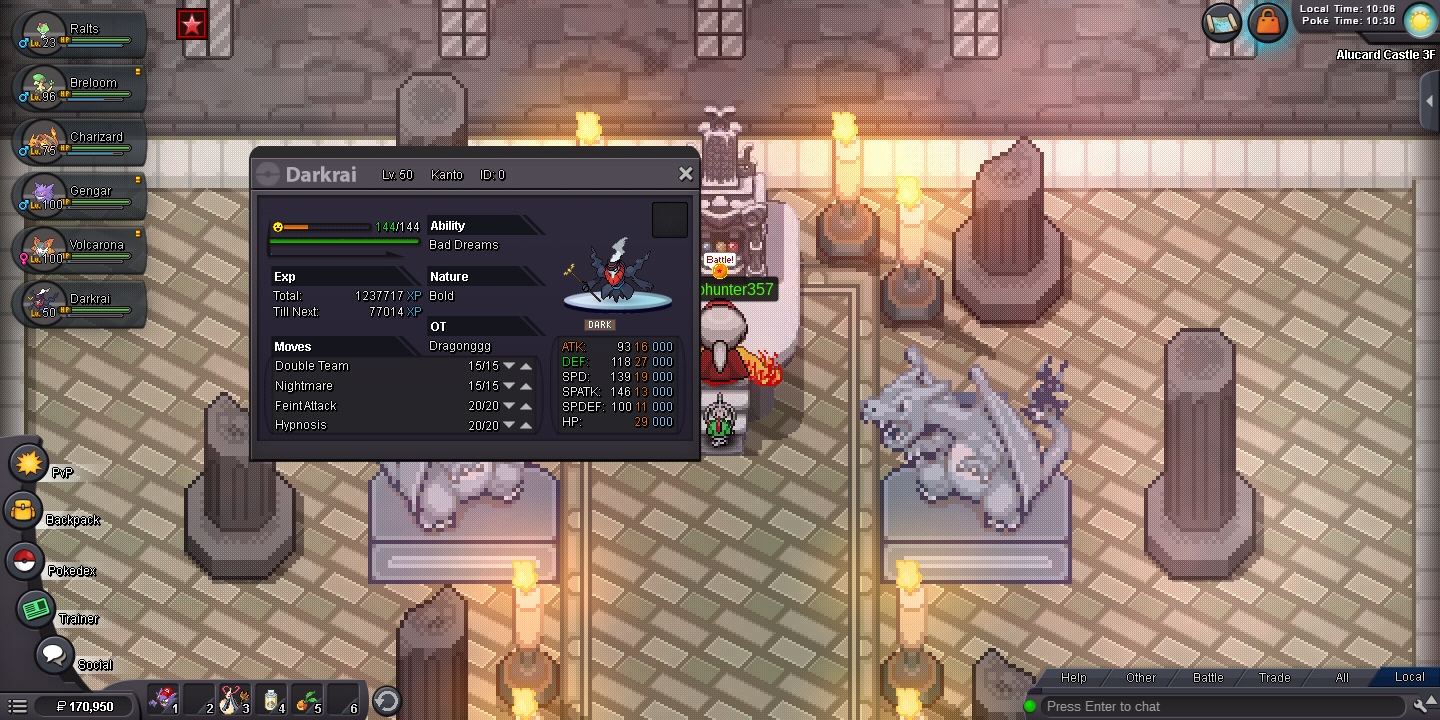
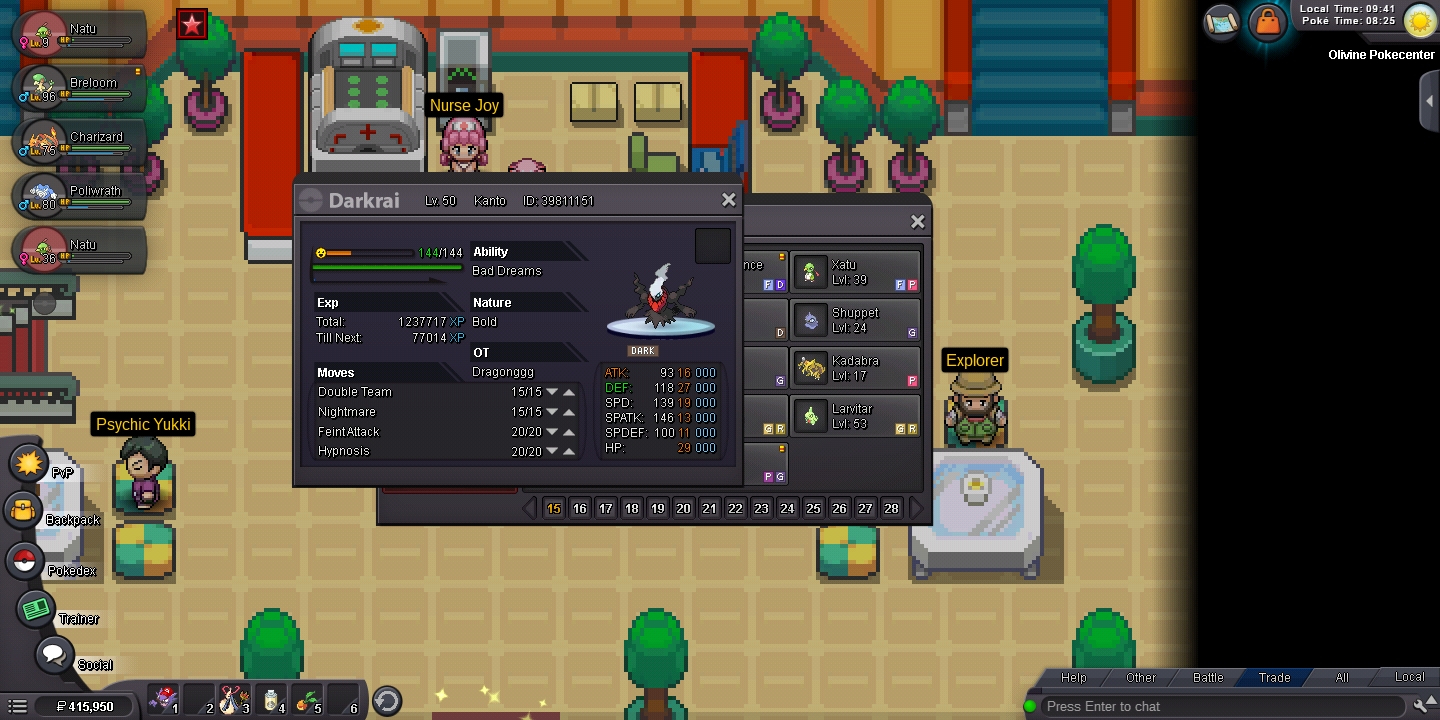
  3. 我请求你们帮我解决一下,我在完成捕捉达克莱伊任务时候,那时候我明明捕捉到的是万圣节的样子。但是,就在今天我想要拿它去锻炼努力值他的样子变成普通的了。我想问下 是我的问题还是系统的问题。图片已上传

Account

Navigation

Search

Search

Configure browser push notifications

Chrome (Android)
  1. Tap the lock icon next to the address bar.
  2. Tap Permissions → Notifications.
  3. Adjust your preference.
Chrome (Desktop)
  1. Click the padlock icon in the address bar.
  2. Select Site settings.
  3. Find Notifications and adjust your preference.