New Trade Zone
Trade Zone is now live
Use the new Trade Zone for auctions and instant-price trades so Pokemon and item offers are easy to find.

Teemomain4ever
Registered User
-
Joined
-
Last visited
-
Transfer complete. Topic can be closed now

-
Auction finished, congratulations on winning @Drkshdw Let me know when online so we can finish transqction
-
Godly magnezone magnet pull on auction with HP Fire, ivs 25+ trained Start offer: 1m Minimum bid: 50k+ NO INSTANT BIDS Auction ends 72 hours after this posting (around 9am Friday, July 7, 2023 - GMT +2) Accepting paymants in: pokedollars, cc 370k, rr 520k, rc 7k

-
1.21m
-
510k
-
400k
-
1.5m
-
auction over, Congrats on poke. text me on discord ( MЄƓƛƇԼƖƬЄ[eVo]#1277 ) or ingame (Teemomain4ever) to pick your poke.
-
AUCTION OVER!
-
c.o 700k by Benjiemager Auction ends August 18th 3:13pm GMT+2 (46hours from this reply)
-
Noted 😉
-
all good 😉
-
Start offer: 700k Minimum bid: 200k End point: 48 hours after first bid No instant Accept cc 380k Fake offers will be reported! Discord: MЄƓƛƇԼƖƬЄ[eVo]#1277

-
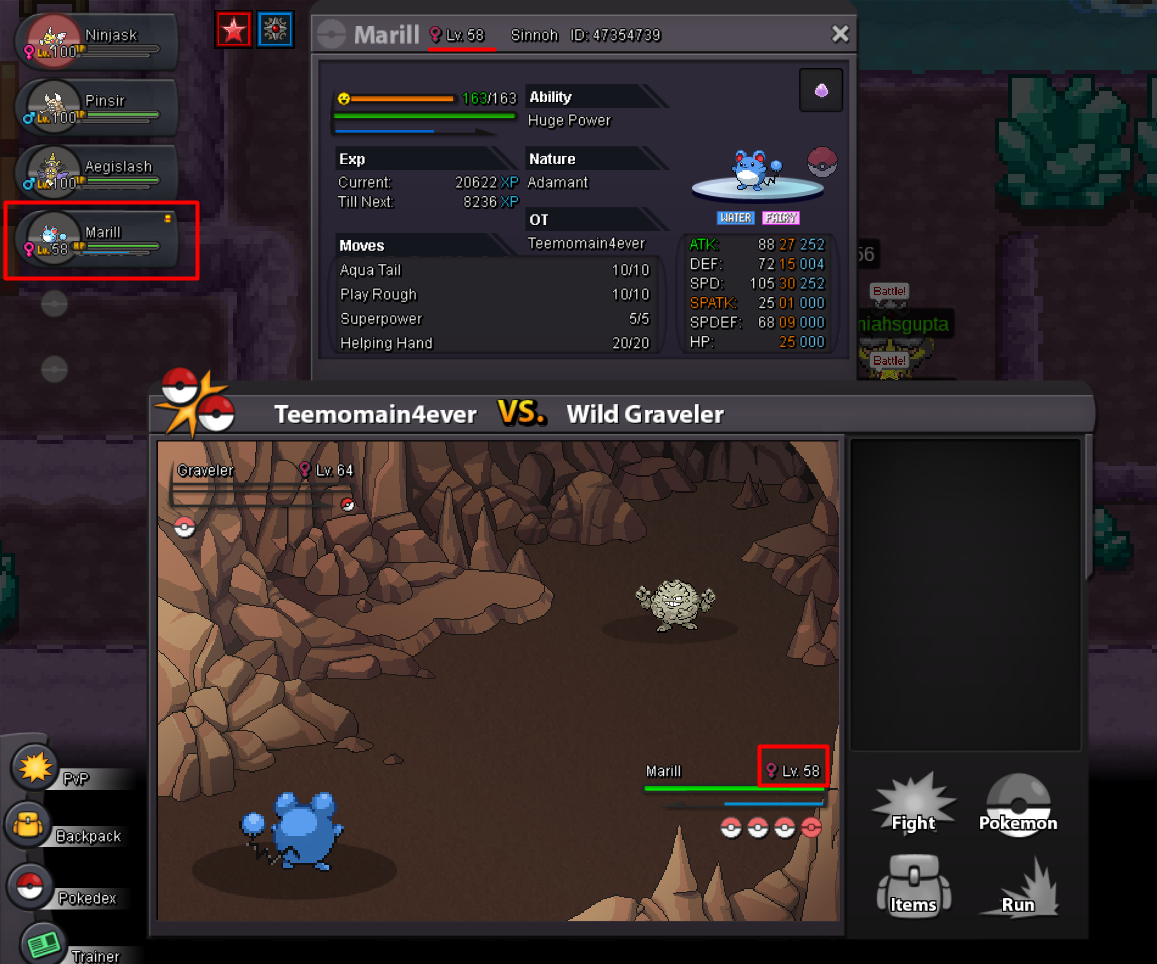
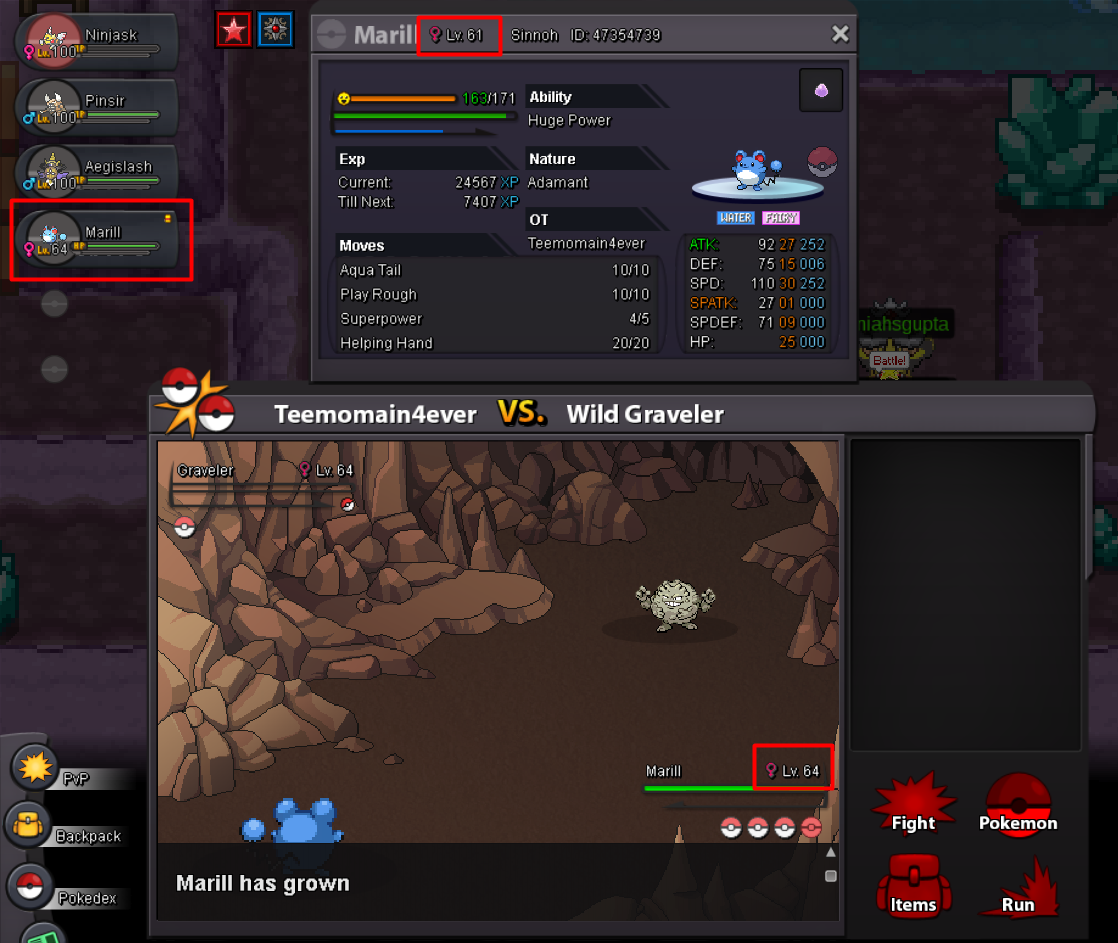
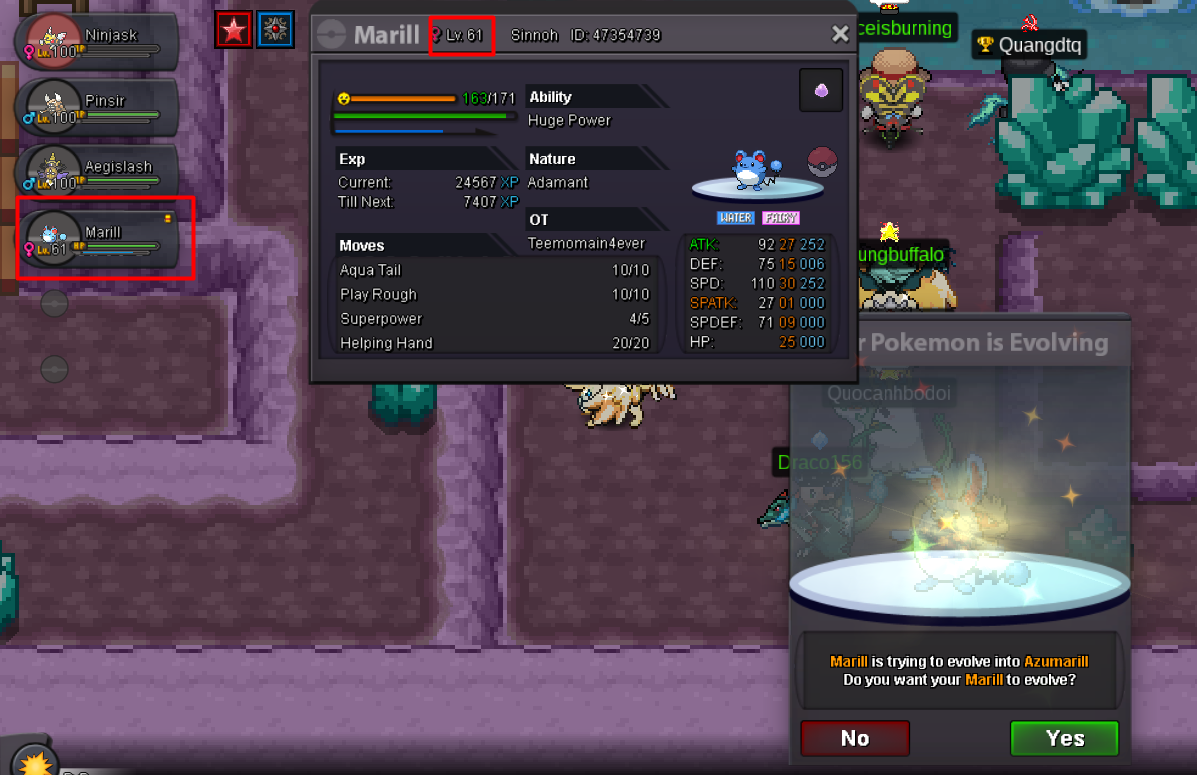
Greeting, I have found some interesting LVL number bug while i was lvling my pokes...at the start of battle, my Marill was 58, after he killed npc, he was 61 and lvling to 64 on one side, but on Poke view it was normally lvling, and after end of battle, the lvls get back to normal lvls they should (same as Poke view lvl) I give you 3 photos of how it looks like. Hope fast resolve. Best Regards, Pele (Teemomain4ever)