




New Trade Zone
Trade Zone is now live
Use the new Trade Zone for auctions and instant-price trades so Pokemon and item offers are easy to find.

Matteoz991
Registered User
-
Joined
-
Last visited
-
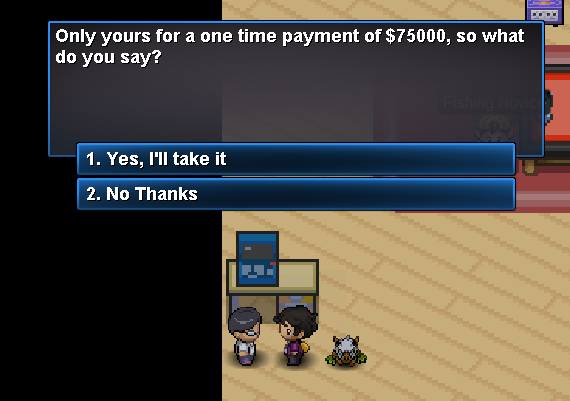
Solved. it was me beeing dumb... I was simply speaking to the wrong person... i was speaking to the novice. But you have to speak with the other npc over there. I hope this will helps anyone in the same situation because i googled it before and i saw many ppl saying that it's locked behind "premium" but it's not.

-
Hi, yes thanks. I will collect the 75K and try again. I'll update the thread once i do it.
-
Okay, then i have everything. the only thing I am missing is 75k. Probably is because i dont have the money then he doesnt want to sell it to me .. but still is confusing that he says "pro members only"
-
Sorry, What does "on-hand" means?
-
when I try to use the holes to go through a cave, even if I have the shovel, I have to select a pokemon with a dig. it's normal? otherwise it doesn't work. but i can dig diggable spots.. so i dont think friendship is a problem
-
Hi, i have the old and good rod.. but when I go to Olivine City the guy selling it says that he can sell it to members only. does it means i MUST have a medalion active?