New Trade Zone
Trade Zone is now live
Use the new Trade Zone for auctions and instant-price trades so Pokemon and item offers are easy to find.

Karaiskakis
Suspended
-
Joined
-
Last visited
Everything posted by Karaiskakis
-
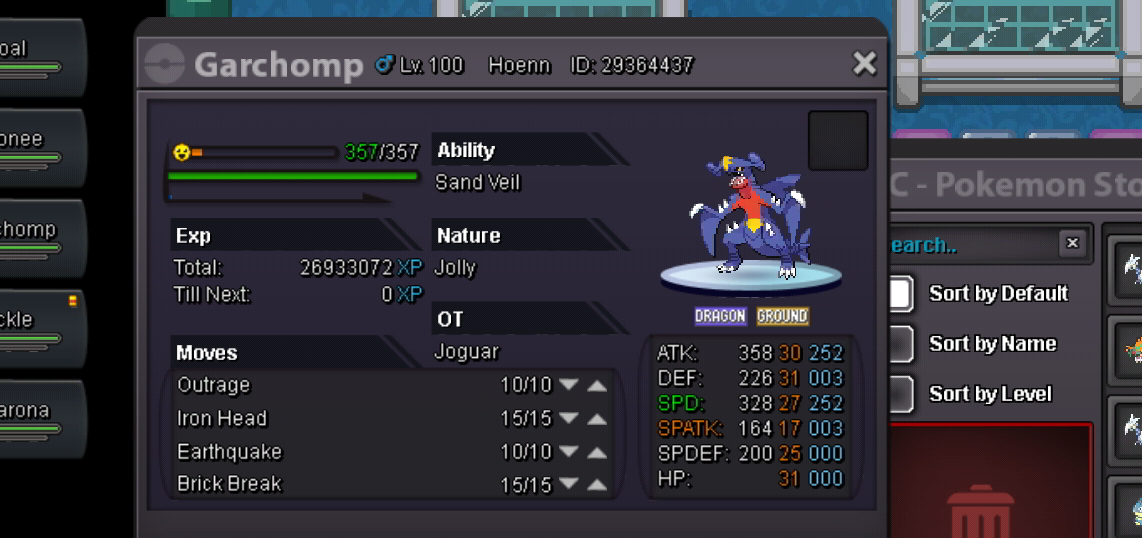
3 days auction started from first offer S.o 3m Minimum bid 300k Insta not yet Accept cc as 350k
-
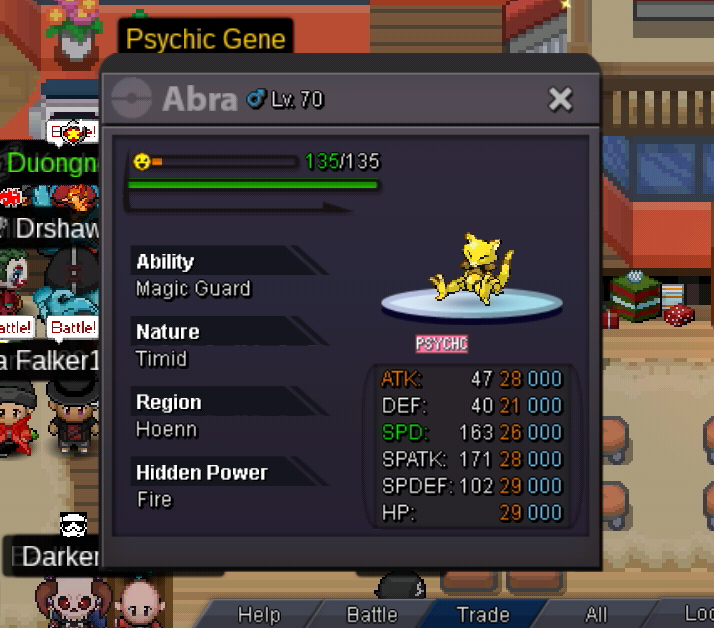
Auction started Ends in 2 november gmt +2 07:24
-
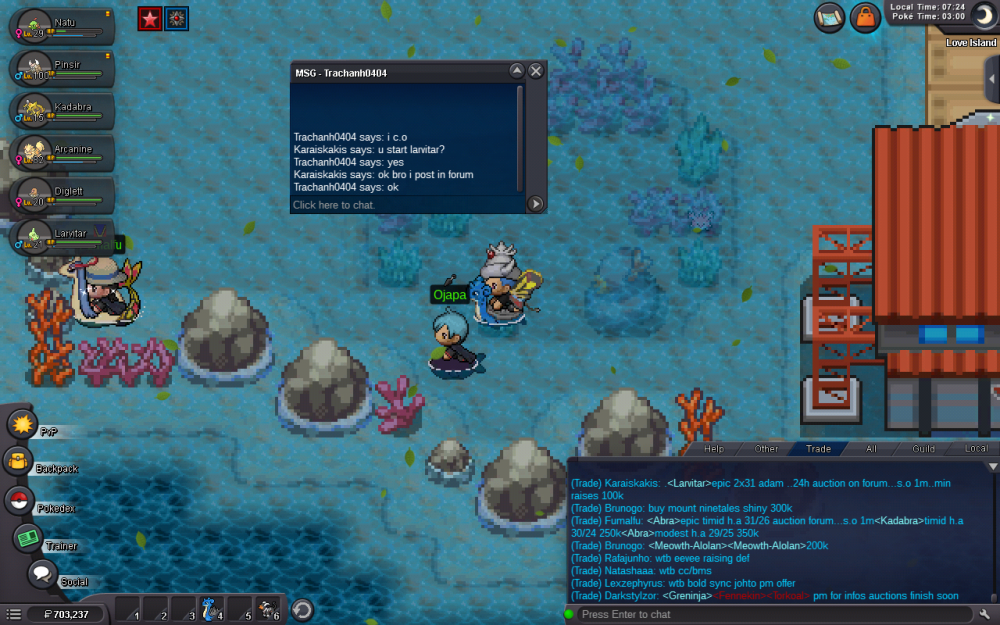
24h auction S.o 1m Min raise 100k

-
SERVER TRANSFER Account name:karaiskakis Server to charge money from:gold Server transfer: from gold to silver
-
12hours left
-
S.o 1m8 min raises 100k insta 2m5 24h auction
-
Umbreon sold also for fixed insta ingame
-
3h 46 min left
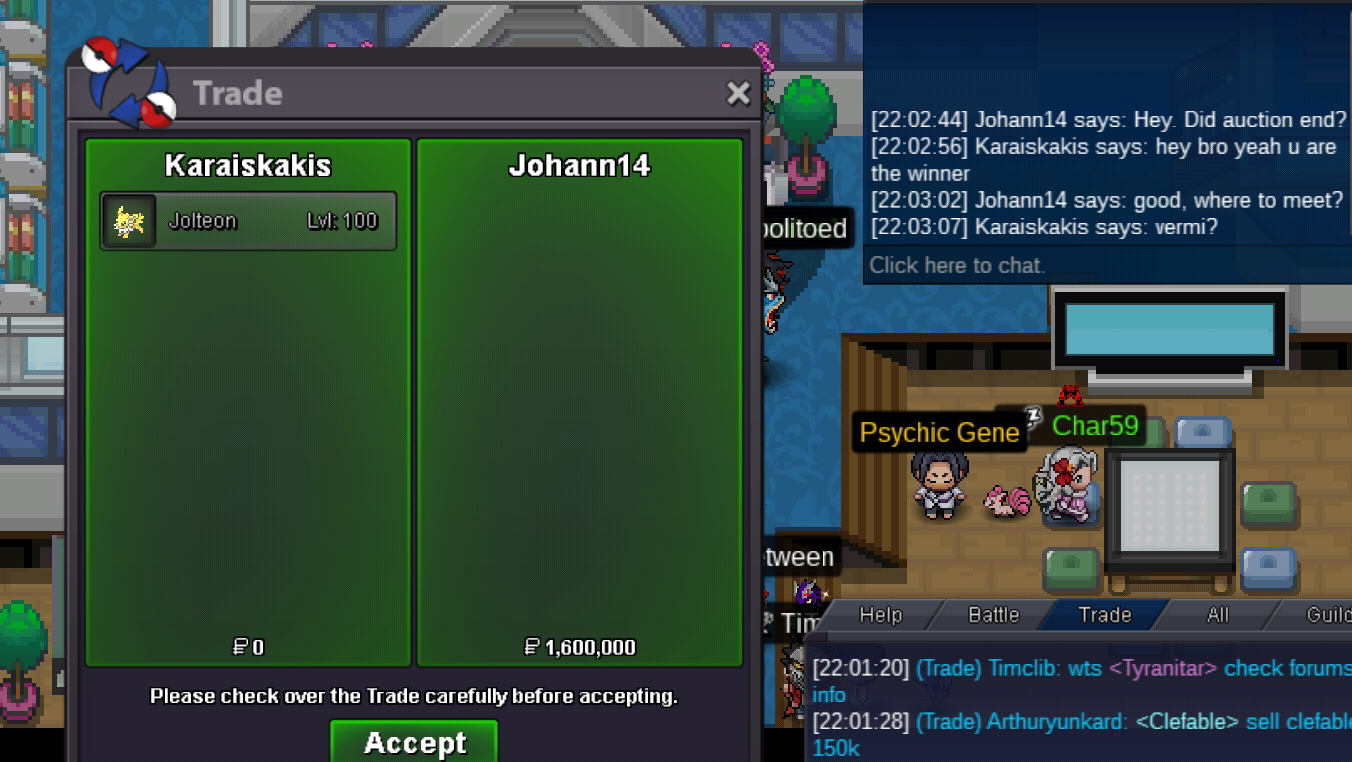
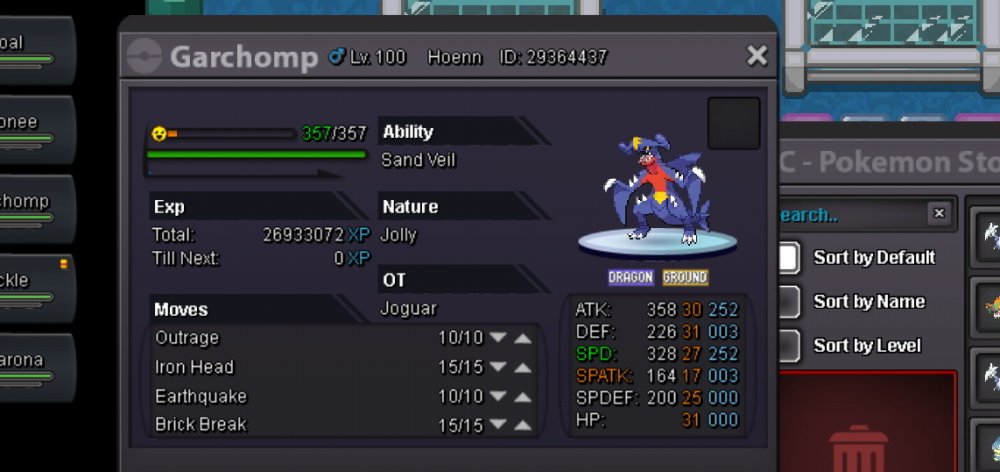
 Jolteon insta redused to 2m2 15h leftDragonite sold ingame in fix insta Jolteon b.o 1m5 by arararikan ..22hours leftBump Jolteon ..27h leftJolteon c.o 1m5 by araragikun..38hours leftJolteon auction ends 8 octomber 22:02 gmt +2I accept your s.o offer of 1,5m for jolteon5 poke for auctions All poke 48 hours auction after first bid Gmt+2 I accept cc as 270k S.o 2m Min raise 100k Insta 3,5m S.o 1,4m Min raise 100k Insta 2m2 S.o 1m Min raise 100k Insta 1m7 S.o 2m2 Min raise 100k Insta 4m S.o 1m Min raise 100k Insta 1m8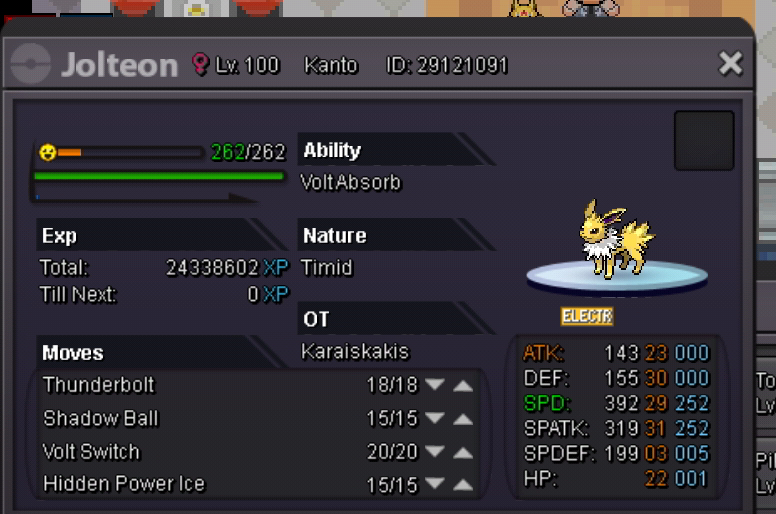
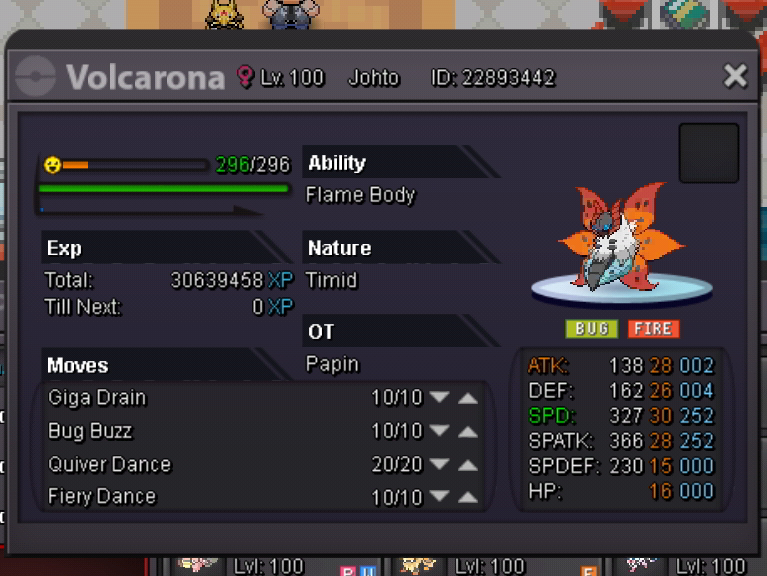

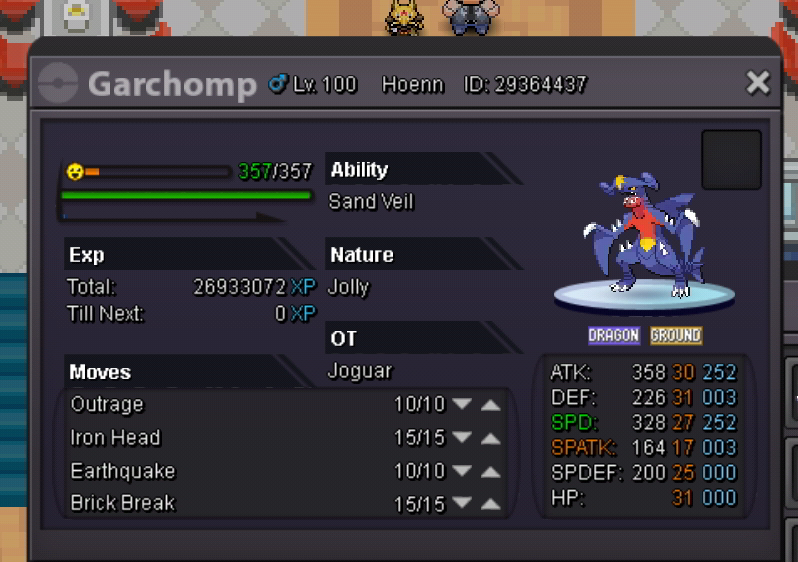
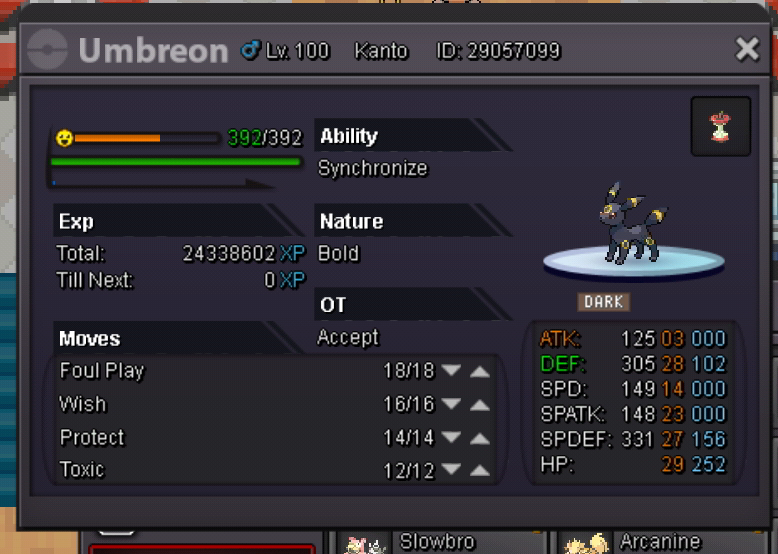 Ok thats sound fair to meIf auction is false whats next??what will happen with poke and the money i had already paidSeptember has 30 days anyway so i suppose its just a technically mistake...S.o 400k Min raise 50k Insta 1.2m 24 hours auction Cc accepted as 280k
 3,35m
3,35m