New Trade Zone
Trade Zone is now live
Use the new Trade Zone for auctions and instant-price trades so Pokemon and item offers are easy to find.

Eggzen
Registered User
-
Joined
-
Last visited
-
Hello ! Yes my pokemons are back at their right places, thanks 🙂 Oddish is in my PC and i got my zigzaton back Nice work ☼
-
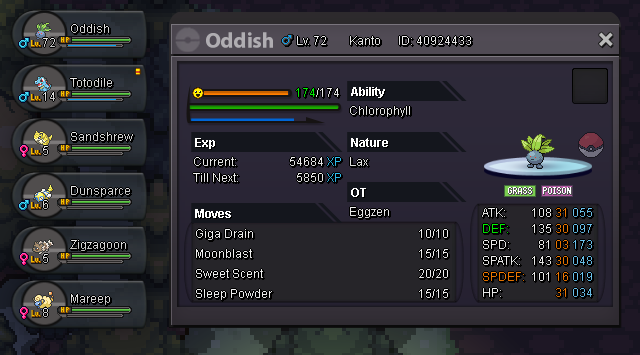
Hi, I just started the adventure of jhoto in the gold server, and my first slot pok got replaced by a oddish lvl 72 and i can't move it from it's slot because he is from kanto ... 😕 So i can't move it into my box or even put it in another slot. (and i can't make it die from other pok, they are lvl 10 in nature) Can you help me ?

-
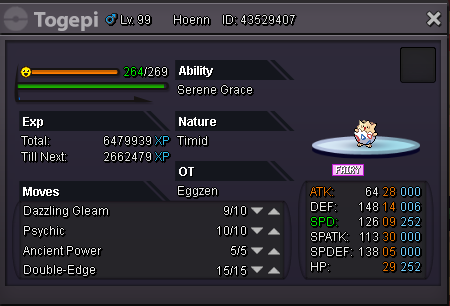
In-game name: Eggzen Server: Silver Pokemon ID : 43529407 Hi, I accidentally leveled my Togepi to 99 and missed the evolution ! Please can you help me! I'll be online from now (00:45) Until around 02:00. I'll be on the morning too 11:00 - 14:00 [REP] Thanks it worked well. I was quqite worried sry --'