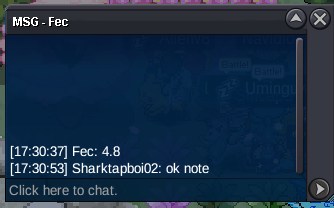
New Trade Zone
Trade Zone is now live
Use the new Trade Zone for auctions and instant-price trades so Pokemon and item offers are easy to find.

Sharktapboi02
Registered User
-
Joined
-
Last visited
-
hi mod, i had hunt alot of magikarp in my alt account "Lauxuyentieu". i had make a mistake to release a epic magikarp jolly 27+ ivs, ability: Swift Swim. Its may on 21.10.2026 or 22.10.2026. I dont know this topic so i dont take some picture of it. I dont remember well, its have 31atk, 27spd, 27def. Can i get it back. ty for yr time. pls help me im so so ty about that.
-
550k swamp
-
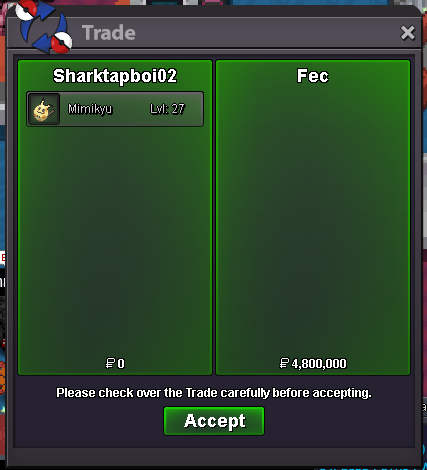
Trade done.
-
by Fec.
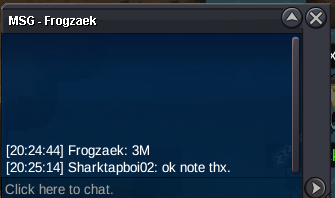
 min raise 200k pls check detail Codyful, ty for yr bidty for that information. Idk about that. but I want to ask 1 question. I can use pump after 24h from the 1st time i post or 24h from lastest edit ? Tysm.3m by Frogzeak.
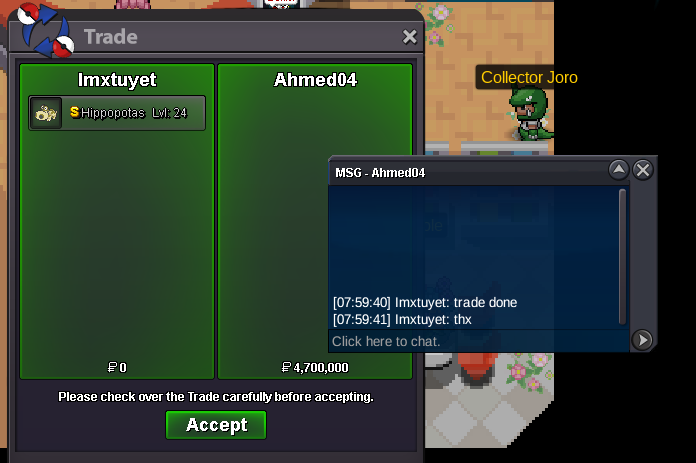
 Auction Details: c.o: 4m8 by Fec. End Point: 48-hour countdown starting from 5:47 PM GMT+7 Start: Friday, May 8, 2026 at 5:47 PM (GMT+7) End: Sunday, May 10, 2026 at 5:47 PM (GMT+7) Insta Price: N/A Minimum Raise: 200k Accepted Payments: Pokedollars, Coin Capsules (x1 Coin Capsule = 500k), IV Reroll Tickets (x1 IV Reroll Ticket = 750k) Important Reminders: This is a Silver Server auction. If bidding from an alternative server, state that you will transfer upon winning. If you intend to purchase with an alt account, specify the account alongside your bid. If a bid is received in the final 15 minutes of the auction, the end point will be delayed by 15 minutes from that bid, and will be delayed by 15 minutes for each new bid thereafter, until the current offer has been held for a full 15 minutes.king 650k550k130k alomomolaTrade done
 pump
pump