




New Trade Zone
Trade Zone is now live
Use the new Trade Zone for auctions and instant-price trades so Pokemon and item offers are easy to find.


Jadeash
Contributor
-
Joined
-
Last visited
Everything posted by Jadeash
-
noted
-
up
-
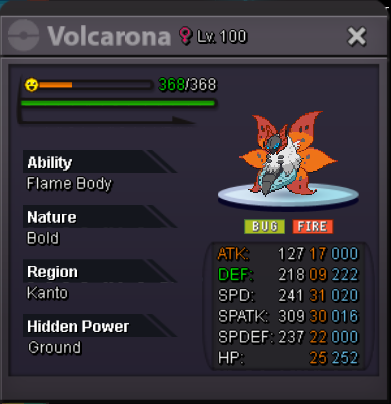
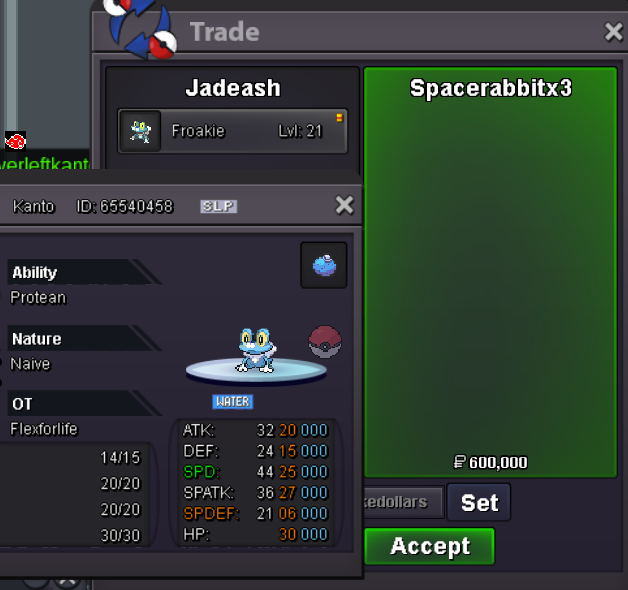
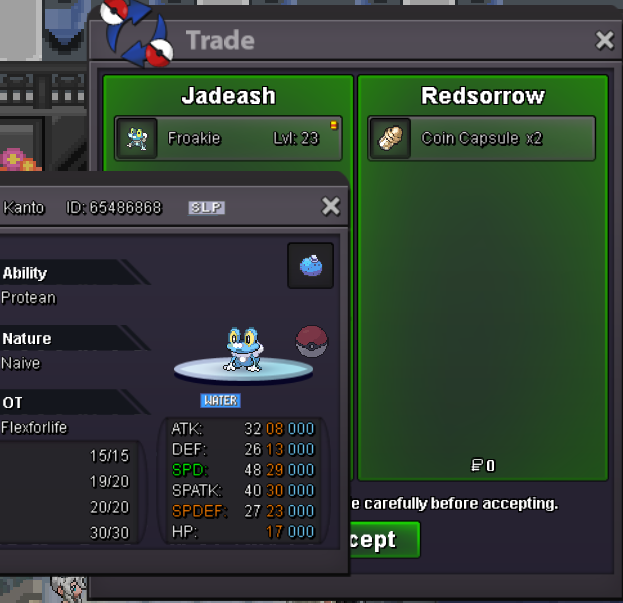
C.O. 1m Neverleftkanto min bid 200k no insta 72 hours (3 days) after first bid Alternate Payment Methods coin capsule = 400k IV Reroll Ticket = 700k Nature Reroll Ticket = 350k Rare candy = 7k Master Ball = 40k


-
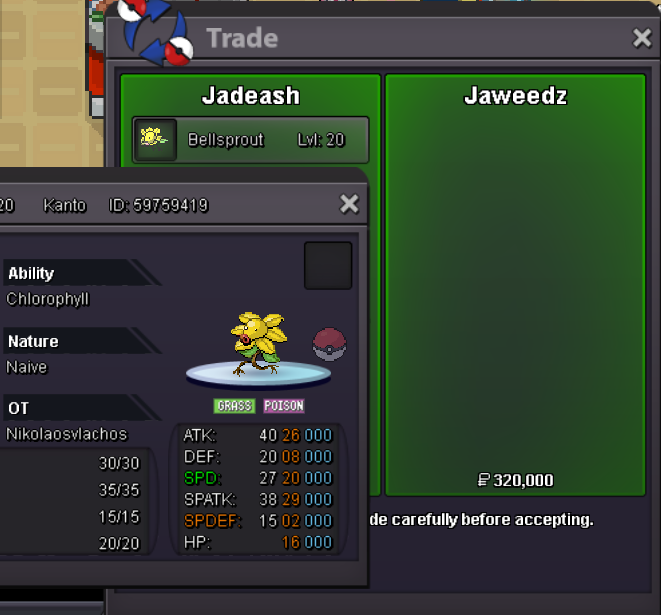
450kI am online now. Can you message me in game? IGN: Jadeashupupbellsprout sold
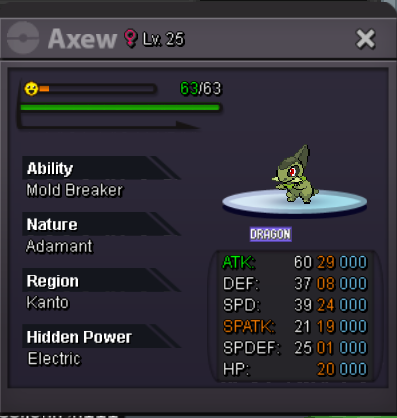
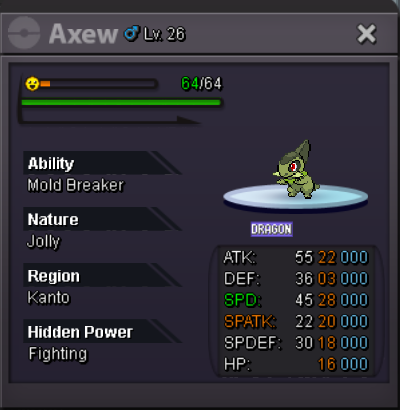
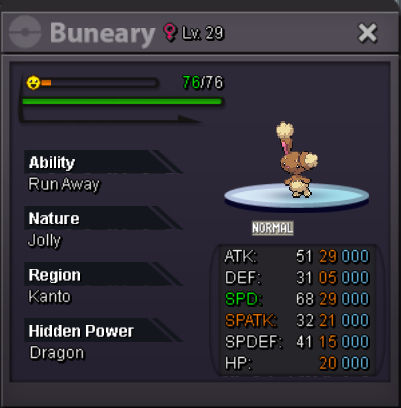
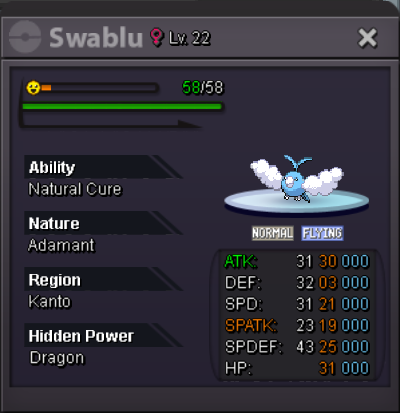
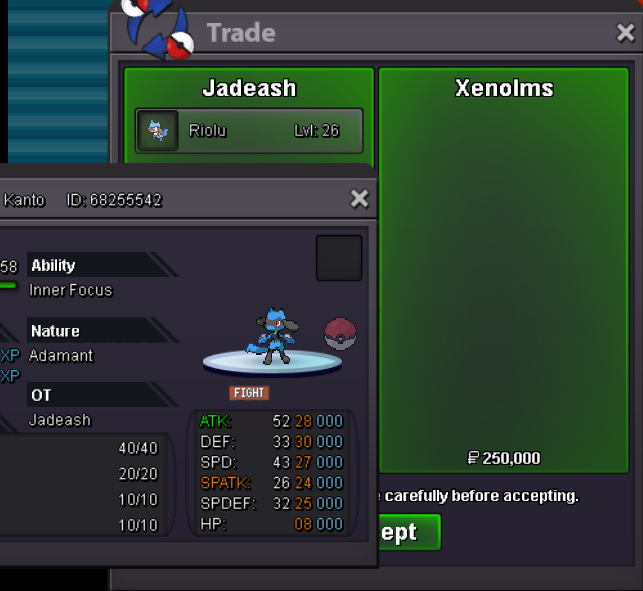
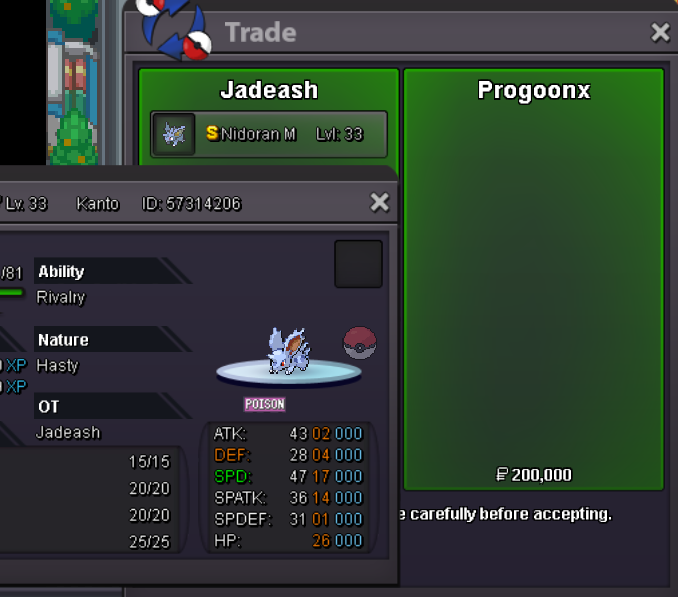
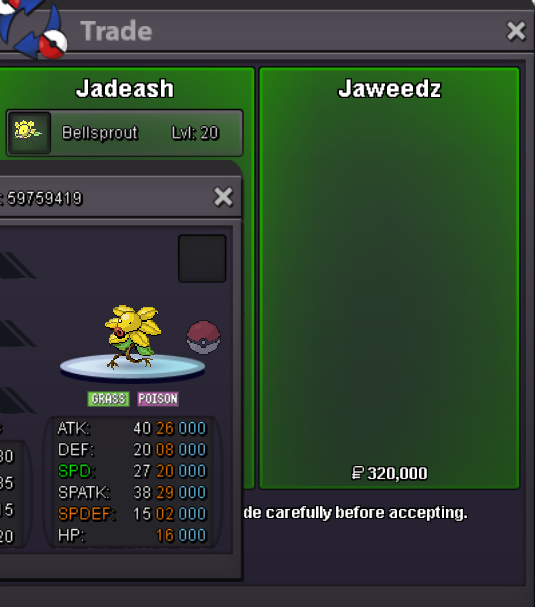 upupyes3.5m2.25mWelcome to the 300k Bazar! Everything and Anything is 300k! Also Accepting These Items as Payment: Rare Candy 7k Master Ball 40k


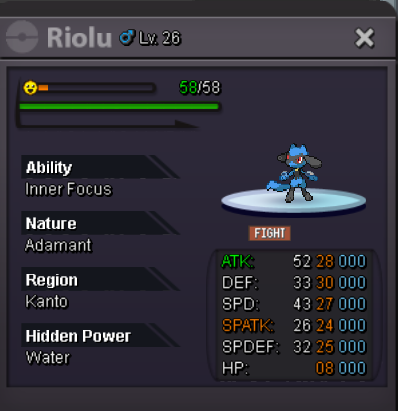
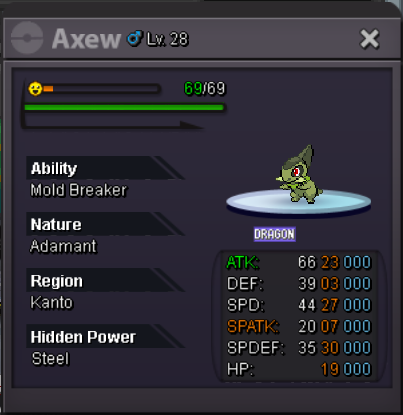
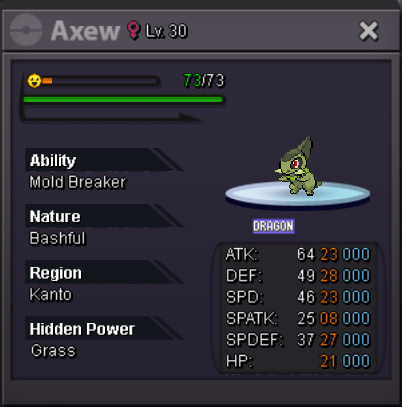
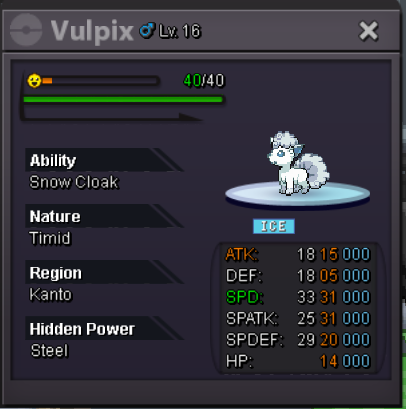
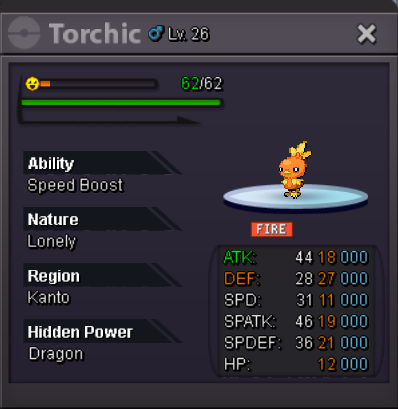
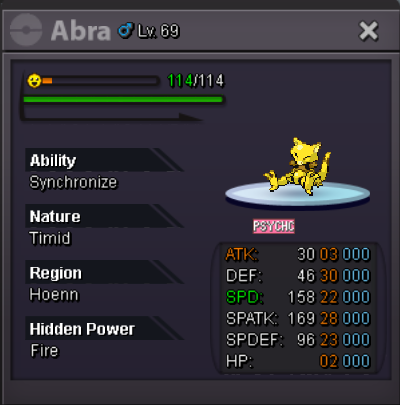
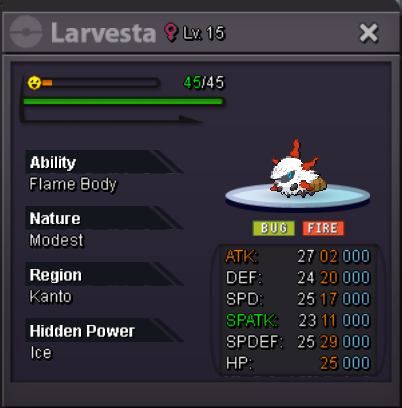
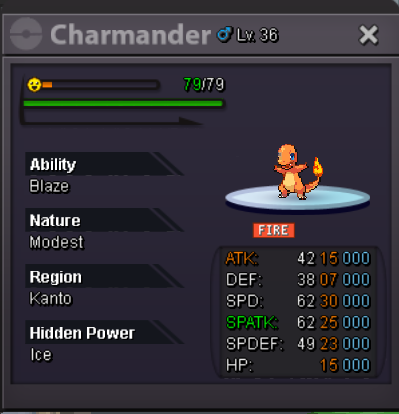
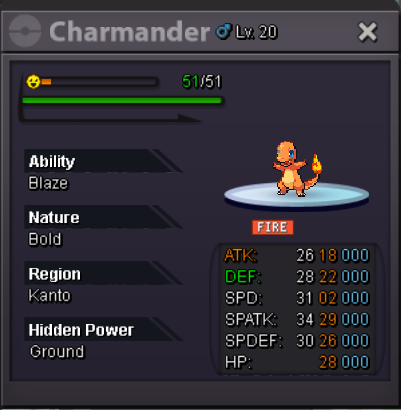
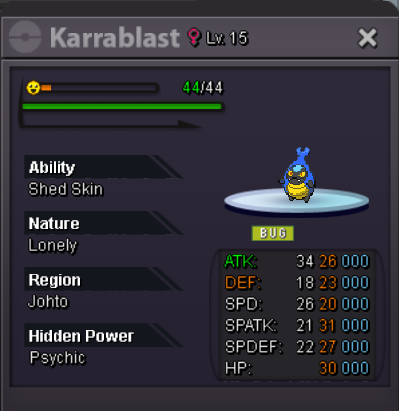
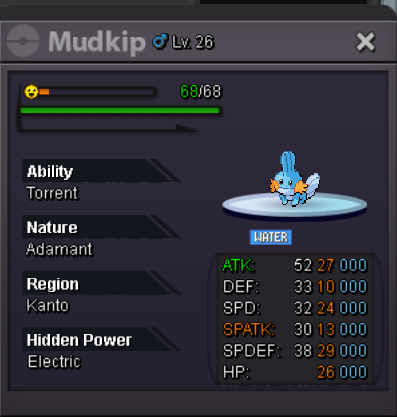
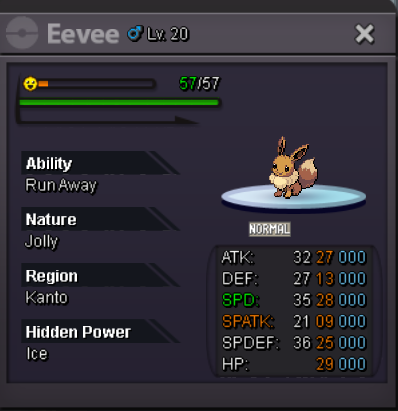
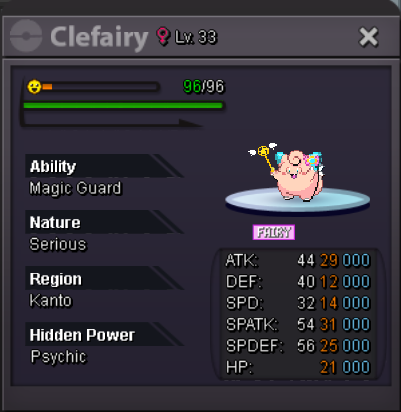
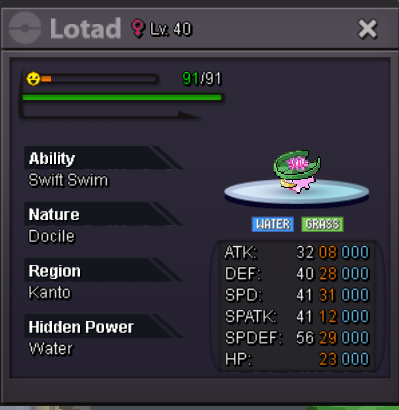 upSure. Just pm me here or in game. IGN Jadeash



Account
Navigation
Search
Configure browser push notifications
Chrome (Android)
- Tap the lock icon next to the address bar.
- Tap Permissions → Notifications.
- Adjust your preference.
Chrome (Desktop)
- Click the padlock icon in the address bar.
- Select Site settings.
- Find Notifications and adjust your preference.
Safari (iOS 16.4+)
- Ensure the site is installed via Add to Home Screen.
- Open Settings App → Notifications.
- Find your app name and adjust your preference.
Safari (macOS)
- Go to Safari → Preferences.
- Click the Websites tab.
- Select Notifications in the sidebar.
- Find this website and adjust your preference.
Edge (Android)
- Tap the lock icon next to the address bar.
- Tap Permissions.
- Find Notifications and adjust your preference.
Edge (Desktop)
- Click the padlock icon in the address bar.
- Click Permissions for this site.
- Find Notifications and adjust your preference.
Firefox (Android)
- Go to Settings → Site permissions.
- Tap Notifications.
- Find this site in the list and adjust your preference.
Firefox (Desktop)
- Open Firefox Settings.
- Search for Notifications.
- Find this site in the list and adjust your preference.