New Trade Zone
Trade Zone is now live
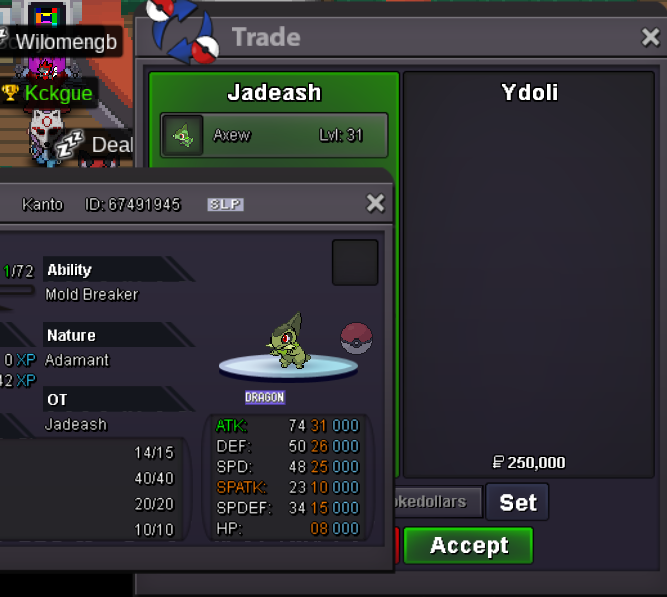
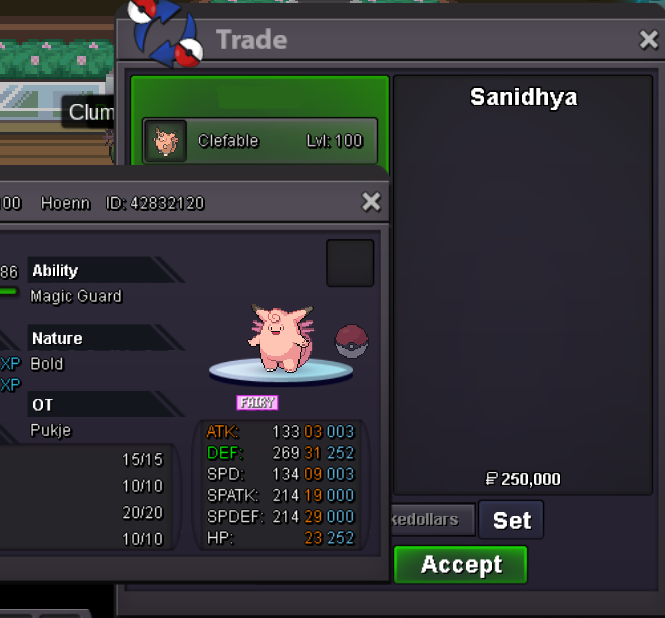
Use the new Trade Zone for auctions and instant-price trades so Pokemon and item offers are easy to find.


Jadeash
Contributor
-
Joined
-
Last visited
Everything posted by Jadeash
-
1.1m
-
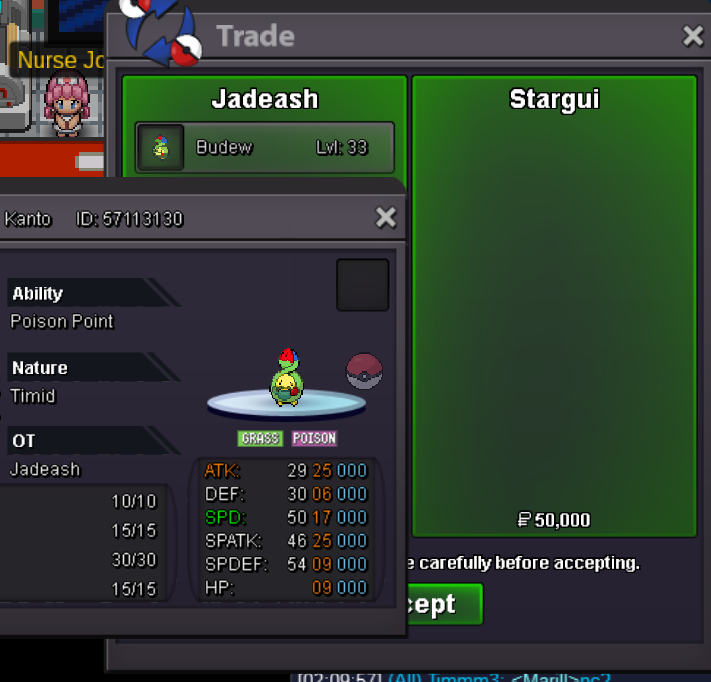
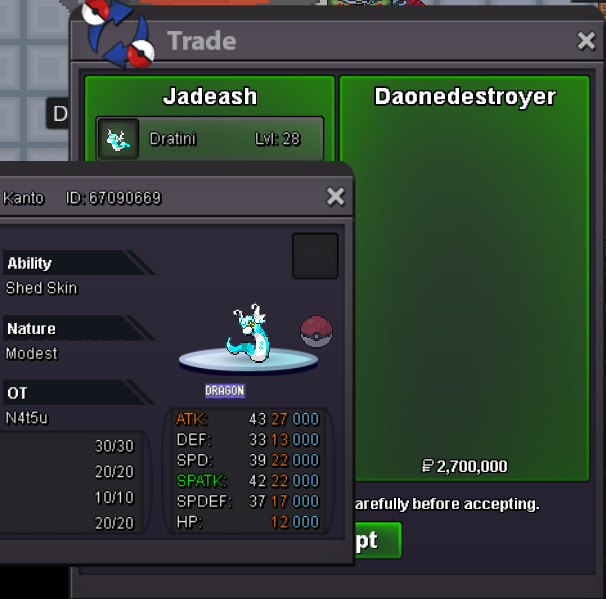
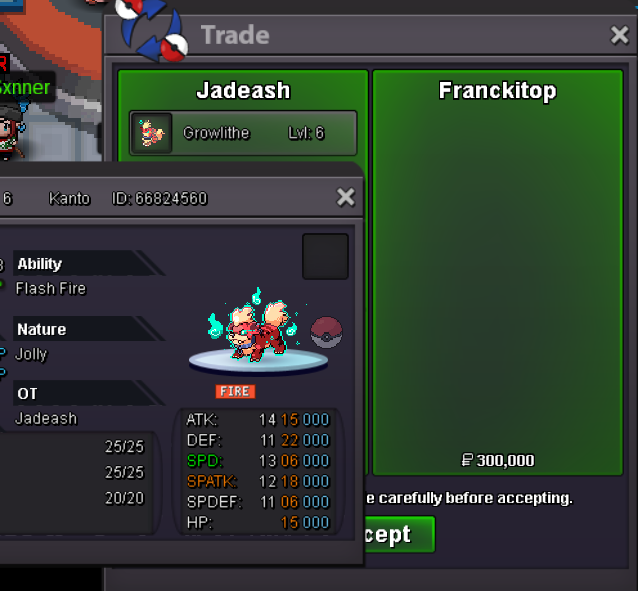
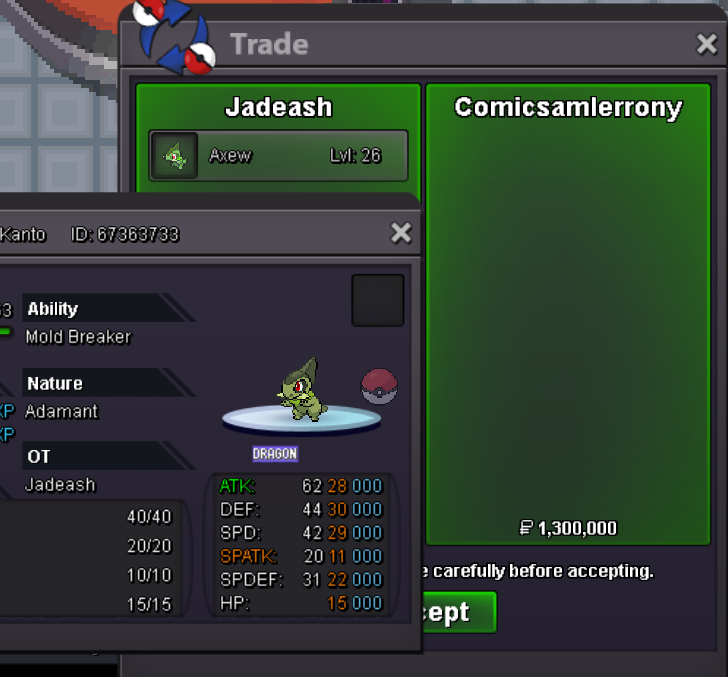
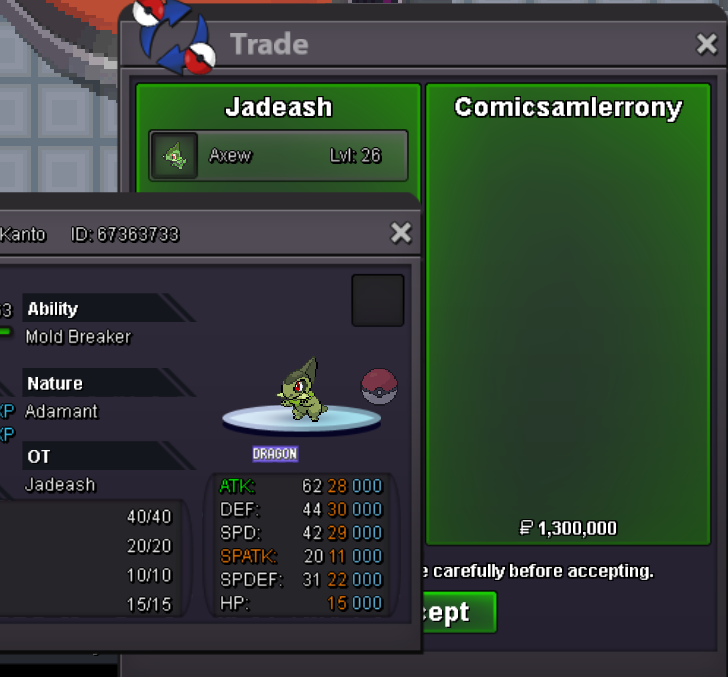
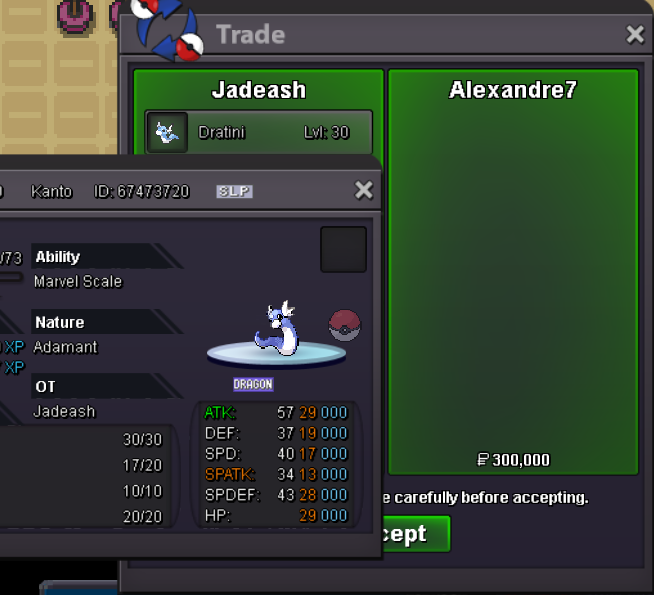
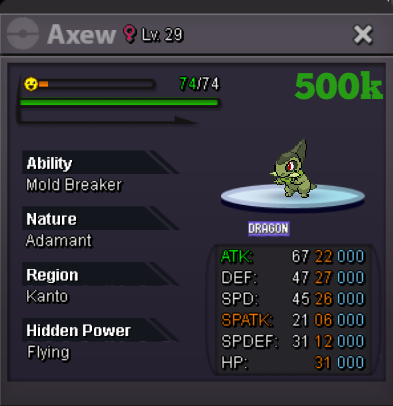
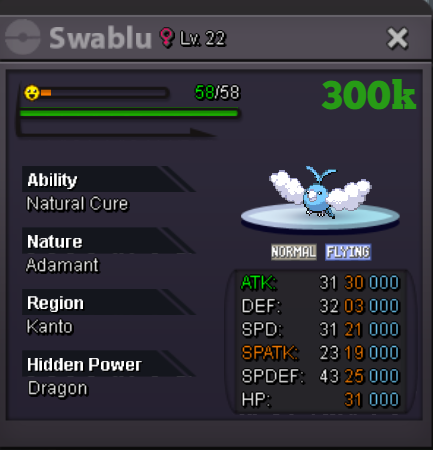
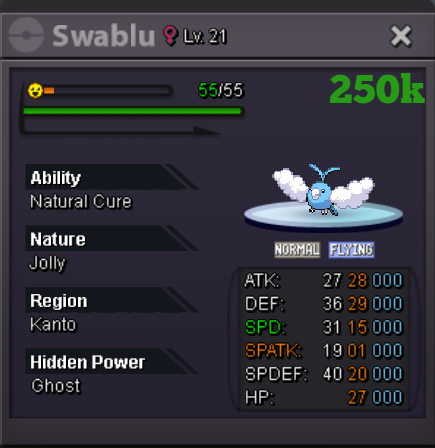
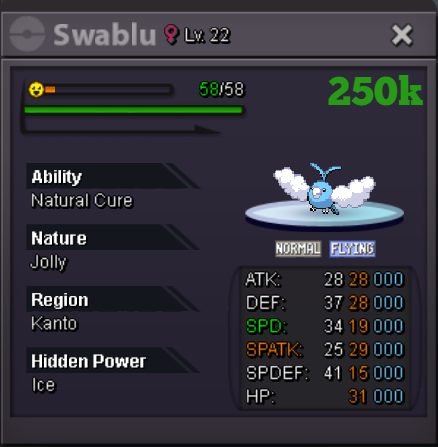
upbump1.7mTook me a while to notice this because they're so freaking hard to find. The new Xmas forms do not have the snow animation that the old ones have. Rare Form Animations make the forms feel more precious and cooler. So if possible hopefully they implement them soon.upupBeen thinking about this for some time but wasn't sure how to present it. Since some people spend immeasurable hours of hunting in some areas, why not provide a way to make it as enjoyable as possible? Some areas have better music than others. Some areas have music suited for long hour hunting and others don't. But why do we, as the players, the ones who hunt, have no choice in the music or control over it? Then there are areas that don't even have music. Such as Flake wood. What if each area had a choice between 2 songs or if players could play any songs in the game's inventory while hunting? If such a thing is indeed possible I would like to see it implemented. Thank you1 axew 1 tini soldupSelling a few Dragon Pokemon. Will update according to what's sold and what's new. Prices are negotiable and accept trades. You can pm me in game if interested. IGN Jadeash Swablu HP ghost and Ice 200k instead of 250k
Account
Navigation
Search
Configure browser push notifications
Chrome (Android)
- Tap the lock icon next to the address bar.
- Tap Permissions → Notifications.
- Adjust your preference.
Chrome (Desktop)
- Click the padlock icon in the address bar.
- Select Site settings.
- Find Notifications and adjust your preference.
Safari (iOS 16.4+)
- Ensure the site is installed via Add to Home Screen.
- Open Settings App → Notifications.
- Find your app name and adjust your preference.
Safari (macOS)
- Go to Safari → Preferences.
- Click the Websites tab.
- Select Notifications in the sidebar.
- Find this website and adjust your preference.
Edge (Android)
- Tap the lock icon next to the address bar.
- Tap Permissions.
- Find Notifications and adjust your preference.
Edge (Desktop)
- Click the padlock icon in the address bar.
- Click Permissions for this site.
- Find Notifications and adjust your preference.
Firefox (Android)
- Go to Settings → Site permissions.
- Tap Notifications.
- Find this site in the list and adjust your preference.
Firefox (Desktop)
- Open Firefox Settings.
- Search for Notifications.
- Find this site in the list and adjust your preference.